Free Email vs Business Email: What is the Real Difference?
 BounceCheck Team
Before your next send Find the addresses that will bounce.
Verify an email freeA free email account costs nothing and gets you sending in two minutes. A business email lives on a domain you control and signals that you actually run the company on the other side of the message. The two look similar in the To: line, but they behave very differently the moment you start using email for work, sales, or any kind of outreach.
This guide breaks down what each one really is, where they differ on storage, security, ads, and trust, and when paying for a custom domain stops being optional.
Free email vs business email at a glance
| What you get | Free email (Gmail, Outlook.com, Yahoo) | Business email (your own domain) |
|---|---|---|
| Address format | [email protected] | [email protected] |
| Typical storage | 5 to 15 GB total | 10 to 100 GB per user |
| Ads in the inbox | Yes, in inbox, sidebar, and inside emails | None |
| Two-factor auth, encryption, anti-spam | Basic | Built in by default |
| Custom support | Self-serve forums | Ticket, chat, or phone |
| Service agreement (SLA) | None | Yes, usually 99.9% uptime or better |
| Cost | $0 | A few dollars per user per month |
| Best for | Personal mail, side projects, hobbyists | Anyone sending as a business |
What counts as a free email account
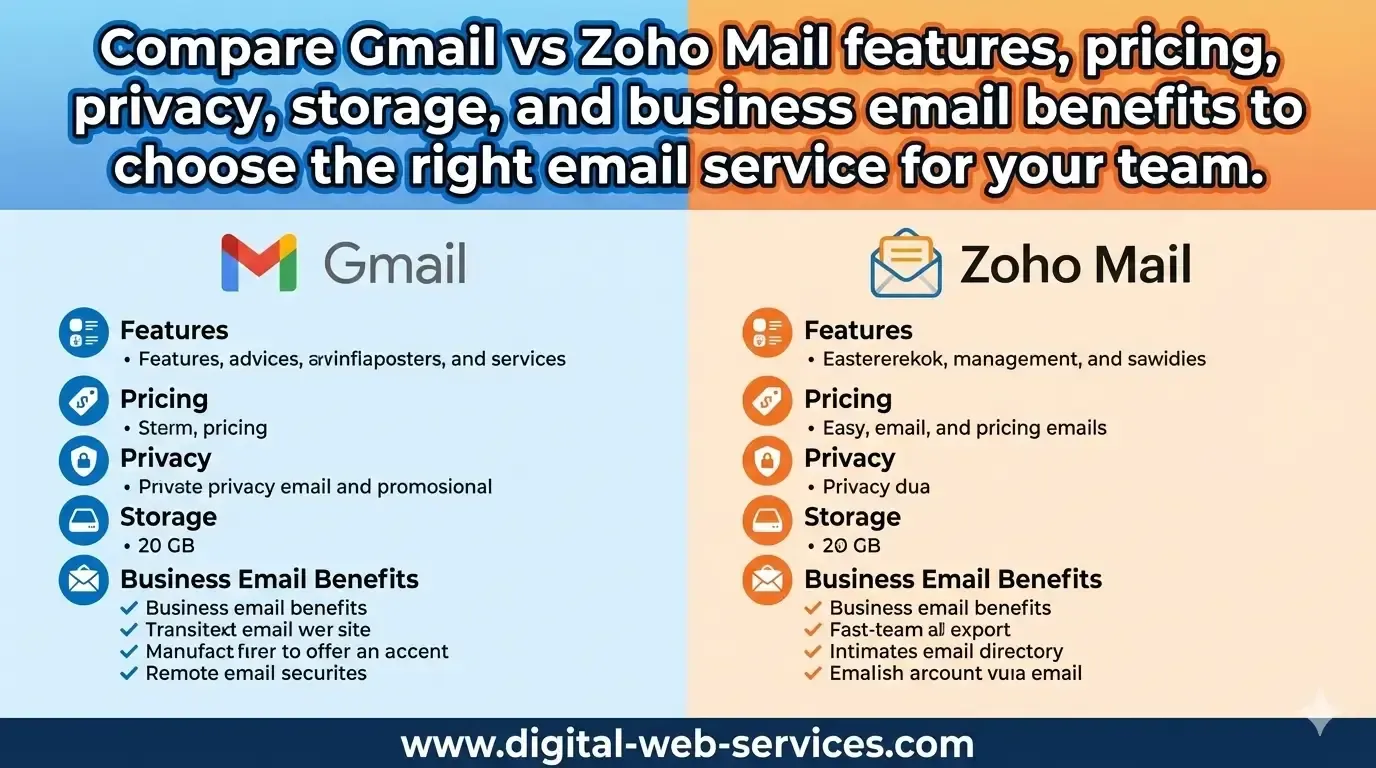
A free email account is any mailbox you sign up for on a provider's shared domain at no cost. Gmail, Outlook.com, Yahoo Mail, iCloud Mail, Proton free, and Zoho free all sit in this category. The provider owns the domain, you own the local part before the @ sign, and signup is a 60-second form.
Free tiers usually cap storage somewhere between 5 GB and 15 GB across mail, files, and photos combined. Gmail's free tier gives 15 GB shared across Gmail, Drive, and Photos. They include solid spam filtering and 2FA, and most run on the same infrastructure as the paid version, so the inbox itself works fine.
What you trade is control. You can not change the domain, you can not add aliases at your own brand, and the provider's terms can change at any time. Free services have no contractual obligation to keep your account exactly as it was last year.
What counts as a business email account
A business email account is a mailbox on a domain you (or your company) own. The address looks like [email protected], and the mailbox is hosted by a provider such as Google Workspace, Microsoft 365, Zoho Mail, Titan, Neo, or a hosting bundle like DreamHost.
The technical setup is small: you point a few DNS records (MX, SPF, DKIM, DMARC) at the provider, and any message sent to your domain lands in your mailbox. The address is portable, you can move providers later without changing it, and you can create as many addresses on the domain as you want (sales@, support@, billing@) without paying for new accounts of the personal kind.
Most providers price this at a few dollars per user per month. Titan and Neo both offer mailboxes with up to 100 GB of storage and a 99.9% uptime SLA. Google Workspace and Microsoft 365 bundle the mailbox with a full productivity suite (Docs or Office, Drive or OneDrive, Meet or Teams).
How to tell if an email domain is free or corporate
To classify an email domain, look at the part after the @ sign. If it is a public provider's own domain (gmail.com, outlook.com, yahoo.com, icloud.com), the address is free. If it is a custom domain ([email protected]), it is a business address, which you can confirm by checking the domain's MX records and WHOIS registration.
- Match the domain against known free providers: The quickest check is a lookup against the common public mailbox domains: gmail.com, outlook.com, hotmail.com, yahoo.com, icloud.com, aol.com, proton.me, and zoho.com. If the text after the @ is one of these, the address is free by definition, because no business owns those domains.
- Look up the MX records: Check the domain's MX records. A corporate domain often routes mail to Google Workspace or Microsoft 365 while keeping its own name, so the MX host tells you who runs the mailbox, not whether it is free. A domain whose MX points to Google but whose name is not gmail.com is a business mailbox on Workspace, not a free account.
- Check the WHOIS registration: A corporate domain is registered to a company or person and shows up in WHOIS. Nobody can register gmail.com or outlook.com, so any domain that resolves to a registrant other than the provider itself is a custom, business-controlled domain.
- Automate it for a whole list: Checking one address by hand is simple; checking thousands is not. Email verification flags whether each address sits on a free, public, disposable, or role-based domain, so BounceCheck can label an entire list as free versus business in one pass instead of one WHOIS lookup at a time.
Seven differences that matter when you send
The small-print differences are where free and business email really part ways. Here are the seven that affect every message you send.
- Domain and brand control: Free email forces you onto the provider's domain. A business email puts your own brand in every address, signature, and reply.
- Storage: Free accounts cap out at 5 to 15 GB total. Business plans start around 10 GB and scale to 50 GB or 100 GB per user.
- Ads: Free providers show ads in the inbox, sidebar, and sometimes inside the email body. Paid mailboxes remove them entirely.
- Security and privacy: Business plans bundle 2FA, encryption at rest and in transit, automatic backups, and stronger anti-virus and anti-phishing rules without scanning your messages to target ads.
- Features: Templates, scheduled send, follow-up reminders, priority inbox, catch-all addresses, aliases, and shared mailboxes are standard on business plans and absent or limited on free ones.
- Support: Free email pushes you to community help pages. Business plans give you ticket, chat, or phone support with a real human.
- Reliability: Paid plans publish an SLA (commonly 99.9% uptime). Free services publish nothing and can change terms or shut down a tier without notice.
None of these are dealbreakers on their own, but they compound. A small business running on a shared @gmail.com address pays the price across all seven at once.
The real disadvantages of free email for business
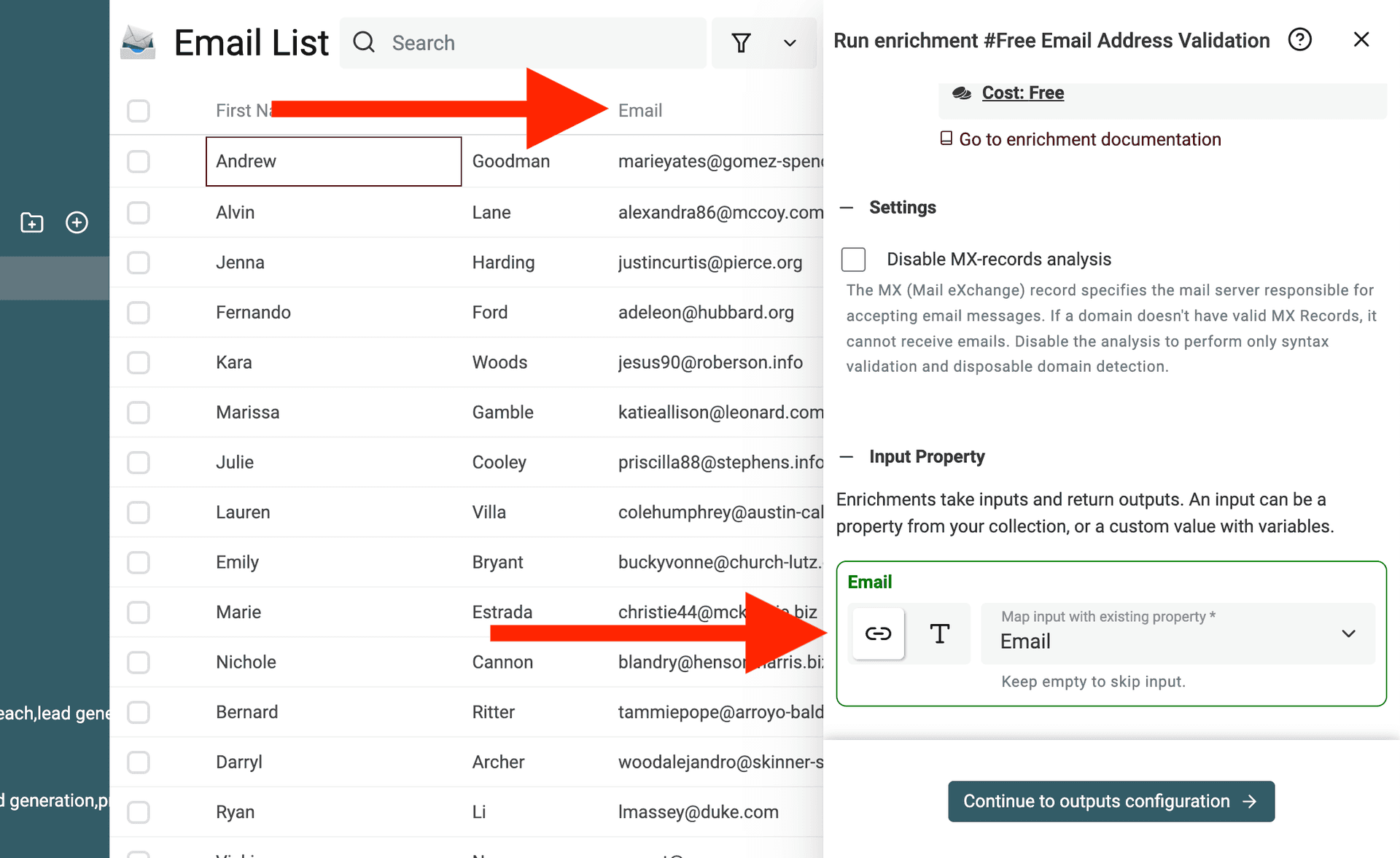
Most lists of "why free email is bad" focus on looks. The bigger issues are operational.
- You can not create role addresses like sales@ or support@ without paying for separate accounts.
- Personal data on free tiers can be used to target ads or train models, depending on the provider's terms.
- Storage caps fill up fast once attachments, calendar invites, and meeting recordings start landing.
- If you leave the company or the account is closed, every email and contact tied to it goes with it.
- Cold outreach from a free address has a noticeably lower reply rate, partly because spam filters weight free-domain senders more aggressively for unsolicited mail.
- You cannot configure SPF, DKIM, or DMARC on the gmail.com or outlook.com domain, which means you have no real path to authenticate marketing or transactional mail under your own name.
That last point is the one most senders learn the hard way: a Gmail address is fine for receiving, but it is the wrong tool the moment you start sending bulk or transactional mail as a business.
When free email is enough (and when it isn't)
Free email is not always wrong. The question is who you are sending as.
- Stick with free if: you are a freelancer testing an idea, a student, sending purely personal mail, or running a hobby project with no customers yet.
- Move to business email if: you are invoicing clients, hiring, sending marketing or transactional mail, building a team larger than one, or registering a real legal entity.
- Borderline cases: a one-person consultancy on a personal Gmail can usually get away with it for clients they already know, but loses meaningful trust the moment they pitch a stranger.
The practical rule is simple. If a stranger receiving your email needs to take you seriously inside the first five seconds, you need the address on your own domain.
How to switch from a free address to your own domain
Moving from a free mailbox to a business email is mostly DNS work, not migration pain. The path is the same across most providers.
- Register the domain you want (or use one you already own).
- Pick a provider: Google Workspace, Microsoft 365, Zoho Mail, Titan, or Neo are the common starting points.
- Verify the domain by adding the TXT record the provider gives you.
- Point the MX records at the provider so mail starts flowing to the new mailbox.
- Add SPF, DKIM, and DMARC records so the messages you send are authenticated.
- Use the provider's import tool to pull old mail and contacts from Gmail or Outlook.com.
- Set up a forward on the old free address for a few months so nothing gets missed.
Most providers walk you through the DNS steps inside their setup wizard. The actual work is usually one evening, and the bulk of it is waiting for DNS to propagate.
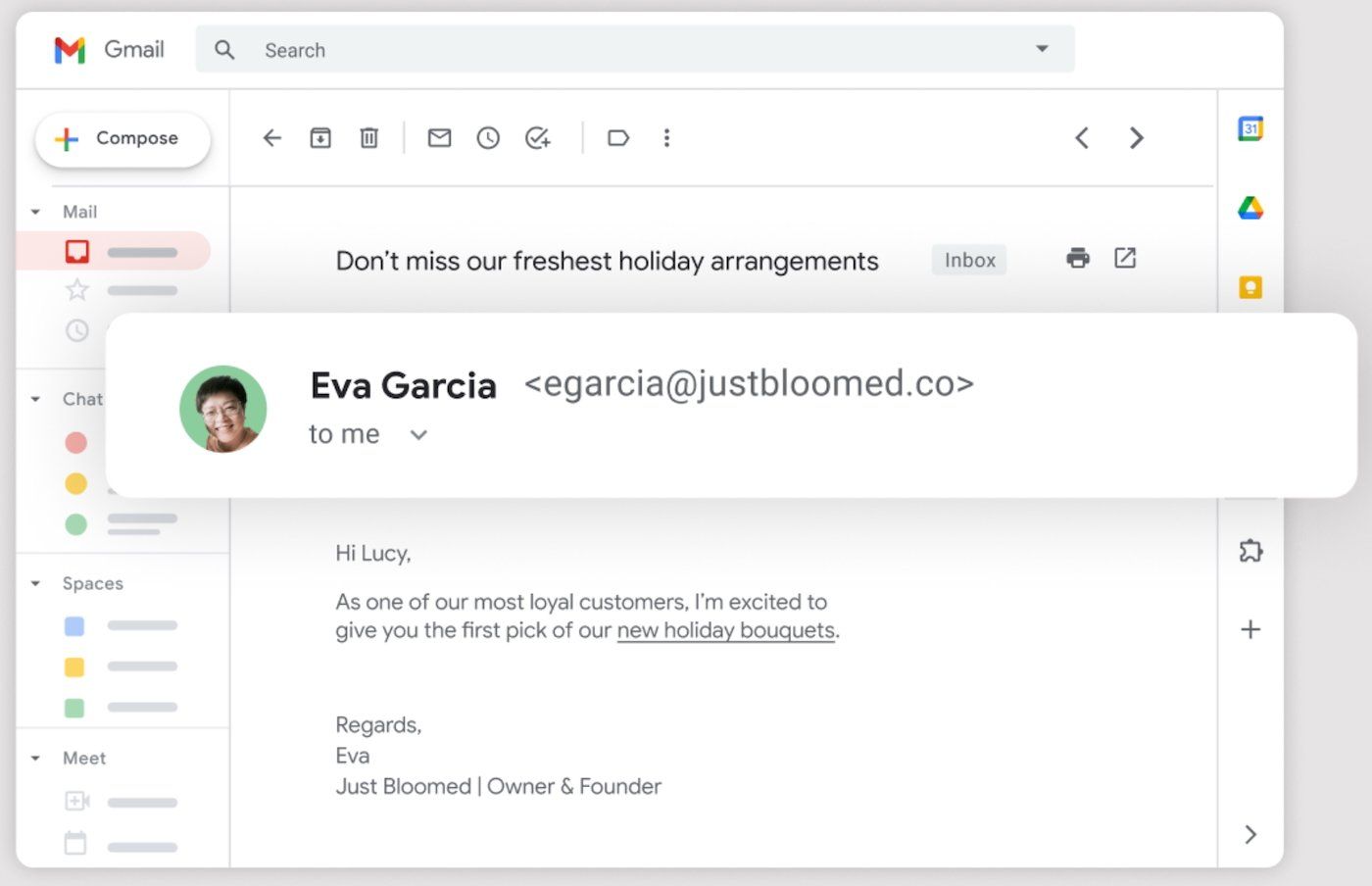
A quick note on Gmail specifically: a regular @gmail.com address is not a business email, even if you use it for work. But a Google Workspace mailbox on your own domain ([email protected], hosted by Google) is a business email. The Gmail interface is the same. What is different is the domain underneath.
Where deliverability fits in
Moving to a business email solves the trust and branding side of the problem. It does not automatically solve deliverability. Once you are on your own domain, every list you send to, every bounce you ignore, and every cold contact you mail will land on your domain's sender reputation, not Gmail's.
That is why most senders on a fresh business domain pair the switch with two habits: warming the domain slowly with a measured daily volume ramp, and verifying every address on the list before clicking send. A list full of dead addresses on a brand new domain is the fastest way to land in spam from day one.
A business email on your own domain is the foundation. Deliverability is the work that keeps that foundation worth something.
§ Before your next send
Find the addresses that will bounce
Verify a single address free, or upload a CSV — the free plan includes 50 checks a month, no card needed.

BounceCheck Team
The team behind BounceCheck - helping businesses verify emails and improve deliverability.

