What Is an ISP? Internet Service Provider Meaning Explained
 BounceCheck Team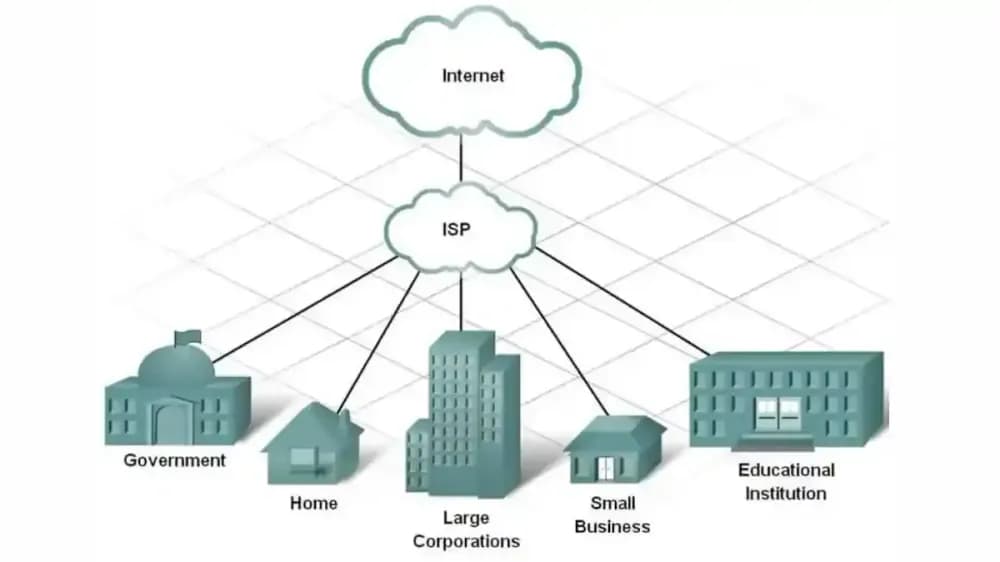
Before your next send Find the addresses that will bounce.
Verify an email freeISP stands for Internet Service Provider, a company that gives you access to the internet. When you open a browser, stream a show, or send an email, your request travels through your ISP's network before it reaches the wider internet. Without an ISP acting as that gateway, your device could not get online at all. Examples include cable, fiber, satellite, and mobile carriers such as Comcast, AT&T, and T-Mobile.
This guide explains what an ISP is, how one works, the common connection types, and how the term is used (and often confused) in email, where an ISP is not the same thing as a mailbox provider.
What does ISP mean?
An ISP (Internet Service Provider) is a company that connects your home, business, or mobile device to the internet. It uses technologies like cable lines, phone lines, fiber optics, satellites, or cellular networks to carry your traffic to and from the destination servers you are trying to reach.
Beyond raw access, ISPs manage the speed, stability, and routing of your connection. Many also assign your IP address, run DNS services, and offer extras such as email accounts, web hosting, and domain registration. Some focus on residential customers, others on businesses, mobile users, or rural areas without wired infrastructure.
What an ISP does
An ISP connects your devices to the internet and keeps that connection running. It carries your traffic across its network, assigns the IP address that identifies your connection, and maintains the routers and routes that keep you online. Many ISPs also bundle extras such as email accounts, web hosting, and security tools.
- Providing internet access through cable, DSL, fiber, satellite, or cellular networks.
- Assigning IP addresses so your devices can communicate with websites and apps.
- Managing network infrastructure such as routers, servers, and data routes to keep the connection stable.
- Offering additional services like email accounts, web hosting, domain registration, and security tools such as DNS filtering or parental controls.
Types of ISP connections
ISPs deliver internet service over five main connection types: cable, DSL, fiber, satellite, and cellular or fixed wireless. Which ones you can get depends on the infrastructure installed in your area, and each differs in speed, reliability, and where it is practical to use.
| Connection type | How it works | Typical use |
|---|---|---|
| Cable | Coaxial cable lines | Homes and small businesses |
| DSL | Existing telephone lines | Many residential areas |
| Fiber | Glass strands carrying light signals | Consistent high performance where available |
| Satellite | A dish linked to orbiting satellites | Areas without wired infrastructure |
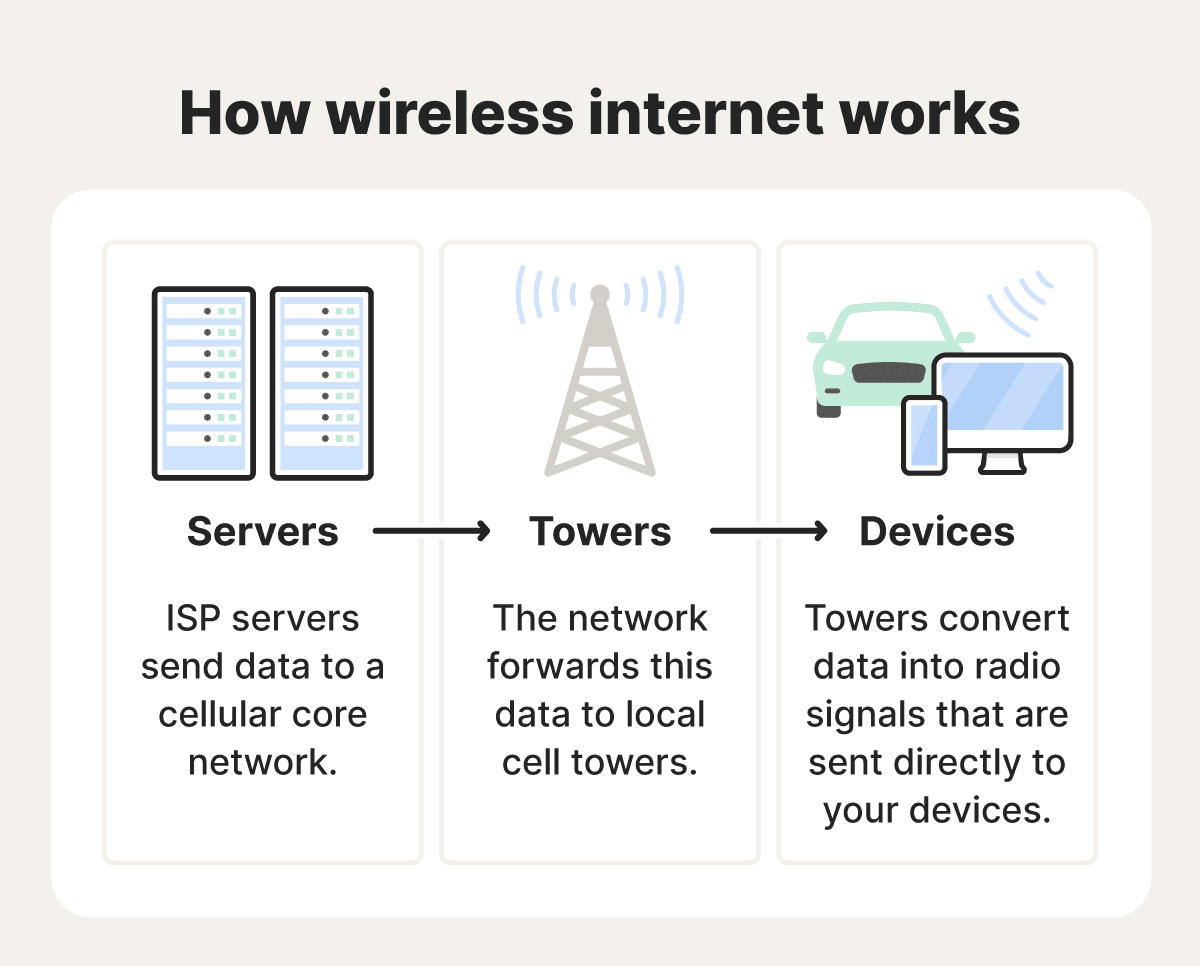
| Cellular / wireless (WISP) | Nearby cellular towers, often 4G LTE or 5G | Homes and locations without wired access |
A Wireless Internet Service Provider (WISP) relies only on wireless signals, often cellular, rather than wired lines. WISPs are also called Fixed Wireless Access (FWA), a term commonly tied to 5G home internet.
ISP tiers: how providers connect to each other
ISPs are grouped into three tiers based on how they reach the rest of the internet. Tier 1 providers own the backbone and exchange traffic for free, Tier 2 providers mix paid transit with peering, and Tier 3 providers buy transit and sell connections directly to end users. The ISP you pay each month is almost always Tier 3.
- Tier 1: backbone providers that exchange traffic with other Tier 1 networks for free, through settlement-free peering. They build the core infrastructure, including undersea cables, and serve other providers rather than end users.
- Tier 2: regional or national providers that use a mix of paid transit and peering to reach the rest of the internet.
- Tier 3: providers that purchase transit and focus on delivering connections directly to end customers, which is the ISP most people actually pay each month.
ISP vs mailbox provider
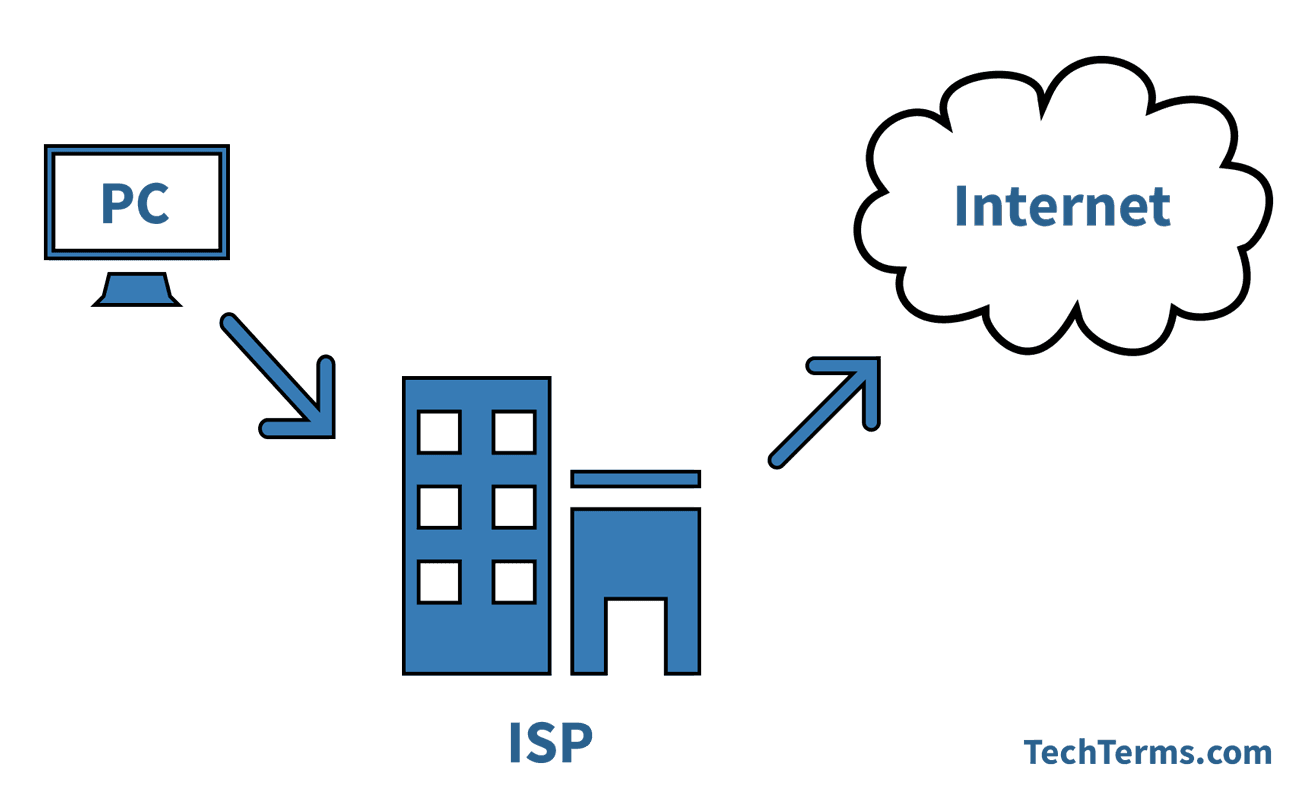
An ISP provides internet access, while a mailbox provider hosts and filters email inboxes and decides whether your message reaches the inbox or the spam folder. Gmail, Yahoo, and Outlook are mailbox providers, not ISPs. In email and deliverability discussions, people often say "ISP" when they actually mean the mailbox provider. Not sure which one handles a given domain? BounceCheck's provider lookup tool identifies it from a single MX lookup.
The habit of calling them ISPs is a holdover from the era when access providers like AOL and Comcast also ran the dominant email services, so the two roles overlapped.
The distinction matters when you send email. Terms like "ISP feedback loop" or "sending reputation with the ISPs" almost always refer to how mailbox providers judge your mail, not to Comcast or AT&T. Your access provider does not filter the messages you send to a Gmail address; Gmail does.
Why ISPs matter for email
ISPs and mailbox providers both touch how email reaches its destination. Your outgoing mail travels across ISP networks to reach the receiving server, and the receiving mailbox provider then decides what to do with it based on authentication, sender reputation, and list quality.
That decision is where deliverability is won or lost. A message can leave your server correctly over SMTP and still be filtered or rejected if your domain is not authenticated or your reputation is poor. Sending to invalid addresses drives hard bounces, which damage that reputation and push more of your mail into the spam folder. Verifying your list before you send removes the dead addresses that would otherwise bounce, so the mailbox providers keep trusting you. Our guide on why emails go to spam covers the filtering side in more detail.
Common questions about ISPs
What does ISP stand for?
ISP stands for Internet Service Provider. It is a company that gives your home, business, or mobile device access to the internet, using technologies such as cable, DSL, fiber, satellite, or cellular networks to carry your traffic.
Is Wi-Fi the same as an ISP?
No. Wi-Fi is the wireless signal inside your home that connects your devices to your router. Your ISP is the company that provides the internet connection your router relies on. You can have Wi-Fi working locally and still lose internet if your ISP goes down.
Is Gmail an ISP?
No. Gmail is a mailbox provider, a service that hosts and filters email inboxes. An ISP provides internet access. People sometimes call mailbox providers ISPs in email discussions, but technically they are different: your ISP connects you to the internet, while Gmail decides where your incoming mail lands.
What is an example of an ISP?
Examples include cable companies, fiber providers, satellite companies, and mobile carriers. In the United States, well-known ISPs include Comcast, AT&T, Verizon, and T-Mobile. Availability depends on the networks installed in your area.
§ Before your next send
Find the addresses that will bounce
Verify a single address free, or upload a CSV — the free plan includes 50 checks a month, no card needed.

BounceCheck Team
The team behind BounceCheck - helping businesses verify emails and improve deliverability.

