Why Are My Emails Going to Spam? Causes and Fixes
 BounceCheck Team
Before your next send Find the addresses that will bounce.
Verify an email freeYour emails go to spam when receiving providers decide they look untrustworthy. It is almost never random. A spam-folder placement signals a fixable problem, usually one of five: missing authentication, a poor sender reputation, low recipient engagement, spam-triggering content, or an unclean list. Fix the underlying signal and your mail returns to the inbox.
This guide covers how spam filters decide, the main reasons legitimate emails get flagged, and the specific fix for each.
Why do emails go to spam?
Mailbox providers like Gmail, Outlook, and Yahoo run every message through filtering algorithms that score how trustworthy and wanted it looks. If the score crosses a threshold, the email is diverted to spam. Even legitimate senders trip these filters when a signal looks off, so "my content is not salesy" is not enough on its own. What matters is how providers and recipients perceive your mail, not what you intend.
The encouraging part is that these signals are known and fixable. Once you know which one is dragging you down, the fix is usually specific.
How spam filters decide
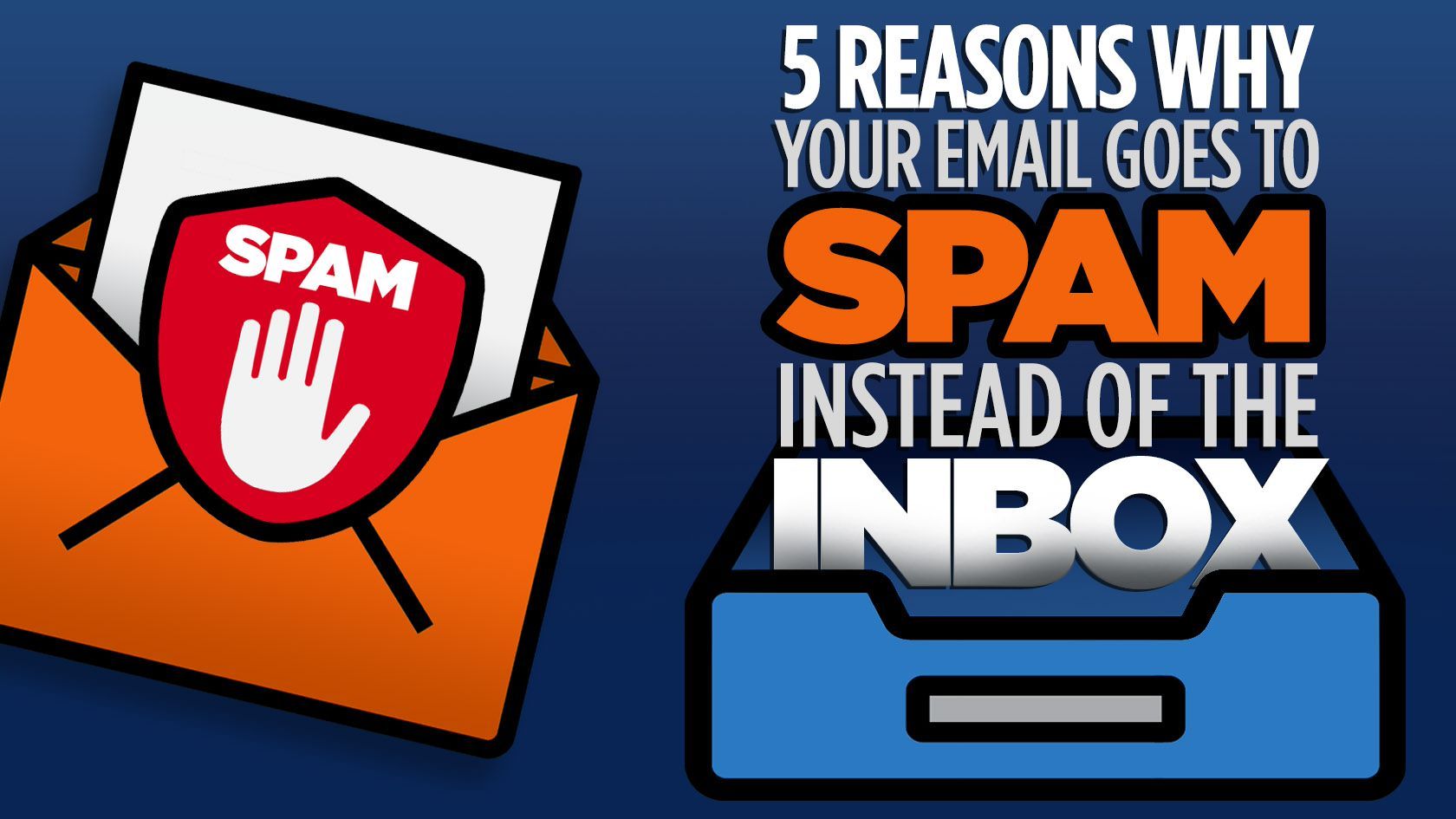
Spam filters assign each message a spam score built from several weighted inputs, then divert it if the score crosses a threshold. No single input decides placement; providers combine sender reputation, authentication, content, recipient interaction, and sending patterns. The main inputs are:
- Sender reputation: your domain and IP history, based on past complaints, bounces, and engagement.
- Authentication: whether SPF, DKIM, and DMARC prove you are a legitimate sender.
- Content: spammy phrasing, heavy images, excessive links, or messy HTML.
- Recipient interaction: opens, replies, and how often people mark you as spam.
- Sending patterns: sudden volume spikes or erratic behavior.
No single factor decides placement on its own. Providers weigh them together, which is why fixing one weak signal often lifts your whole deliverability.
The main reasons your emails go to spam (and how to fix each)
Most spam-folder problems trace to one of these, and each has a direct fix:
| Reason | Why it flags you | The fix |
|---|---|---|
| Missing authentication | Providers cannot verify you sent the mail | Set up SPF, DKIM, and DMARC |
| Poor sender reputation | A history of complaints or bounces lowers trust | Clean your list, send consistently, lift engagement |
| Low engagement | Ignored mail signals it is unwanted | Remove inactive contacts, segment, send relevant content |
| High complaint rates | Recipients marking you as spam tanks trust | Use consent-based opt-in and a clear unsubscribe |
| Spam-triggering content | Language and formatting resemble known spam | Balance text and images, cut hype words |
| Blocklisting | Your IP or domain is on a denylist | Check blocklists and request delisting |
| Inconsistent volume | Sudden spikes look like a compromised account | Keep a steady schedule, ramp volume gradually |
| Unclean list | Invalid addresses and spam traps hurt reputation | Verify the list before you send |
Authentication and list quality are the two that senders most often overlook, so start there. Our guide to SPF, DKIM, and DMARC walks through the records, and the broader deliverability playbook covers the habits that rebuild sender reputation over time.
Content that triggers spam filters
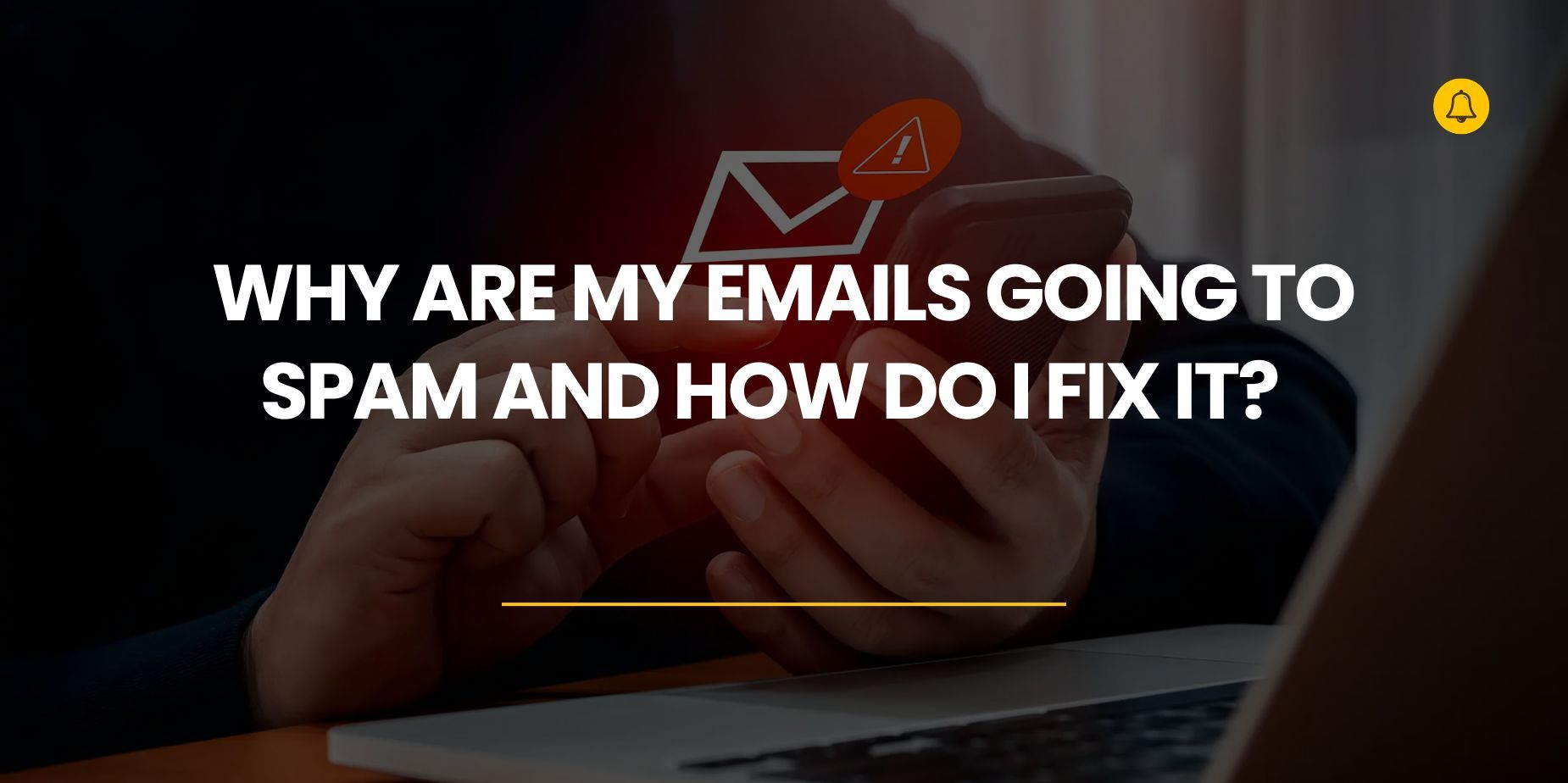
Even a well-authenticated email from a good domain can land in spam if the content looks wrong. The usual culprits are spammy subject lines, excessive sales language, too many links, and an image-heavy layout with little text. A common guideline is to keep the balance around 60% text to 40% images and always include alt text.
Watch the language too. Words like "free," "guaranteed," and "act now," plus rows of exclamation points or all-caps, raise your score, so checking your copy against a spam trigger words list can catch many of these issues before you send. Modern filters read these in context rather than banning single words, but stacking several is what tips you over. Sending from a free domain like @gmail.com instead of a custom business domain is another strong red flag for bulk mail.
Clean your list to stay out of spam
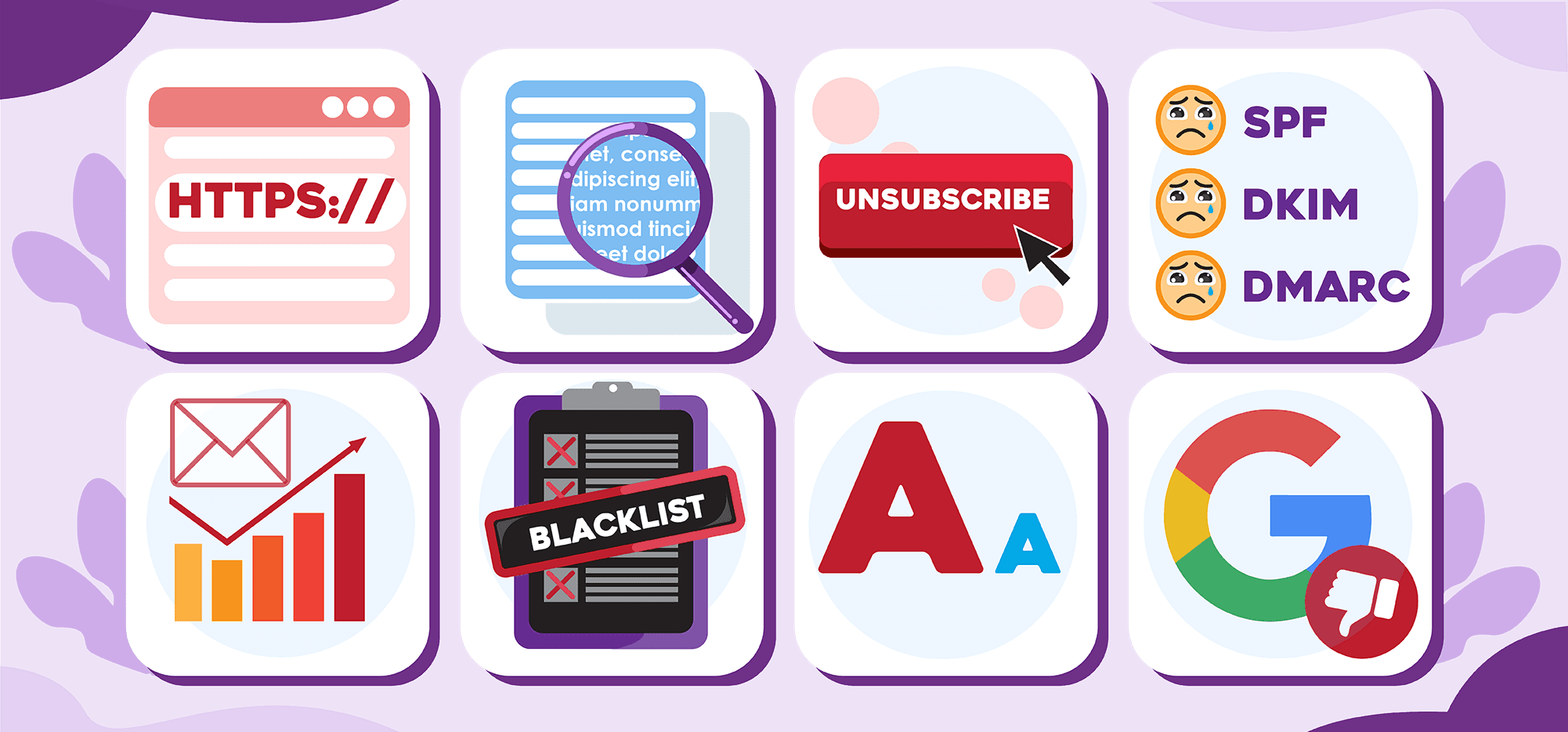
List quality quietly drives most reputation problems. Sending to invalid addresses generates hard bounces, and hitting a spam trap (an address set up specifically to catch senders with poor hygiene) can get you blocklisted outright. Both tell providers you are not maintaining your list, and both push more of your mail to spam, including messages to engaged subscribers.
The fix is to verify your list before each send. Verification removes invalid and risky addresses, so your bounce rate stays low and you avoid the spam traps that damage sender reputation. Pair that with removing unengaged contacts on a regular schedule, and you keep both the quality and the engagement signals that mailbox providers reward.
How to check where your emails actually land
You do not have to guess. A mail tester sends a message to a seed address and reports your spam score along with which authentication or content signals are failing, so you can fix them before a real campaign. Run one after any change to your setup, and monitor your open, bounce, and complaint rates after every send so a new problem surfaces before it compounds.
Common questions about emails going to spam
How do I stop my emails from going to spam?
Set up SPF, DKIM, and DMARC, verify and clean your list to cut bounces, remove unengaged contacts, keep your content balanced and free of spammy language, and send on a consistent schedule. Then run a mail tester to confirm the fixes before your next campaign.
Why do my emails go to spam in Gmail specifically?
Gmail has strict filtering that weighs authentication, sender reputation, and engagement heavily. Under the bulk-sender rules Google and Yahoo enforce as of 2024, senders must authenticate, keep spam complaints under 0.30%, and offer one-click unsubscribe. Missing any of those, or low engagement from Gmail users, sends your mail to spam.
Will using a free email domain send my emails to spam?
For bulk sending, often yes. Free domains like @gmail.com lack the authentication control of a custom domain and look less trustworthy to filters. Use a business domain with full SPF, DKIM, and DMARC for anything beyond personal one-to-one email.
How do I get my email address out of the spam folder?
Ask recipients to mark your message "not spam" and add you to their contacts, then fix the underlying cause: authenticate your domain, clean your list, and improve engagement. Individual "not spam" actions help, but placement only recovers once the signals behind it improve.
§ Before your next send
Find the addresses that will bounce
Verify a single address free, or upload a CSV — the free plan includes 50 checks a month, no card needed.

BounceCheck Team
The team behind BounceCheck - helping businesses verify emails and improve deliverability.

