Mail Tester: How to Check Your Email's Spam Score
 BounceCheck Team
Before your next send Find the addresses that will bounce.
Verify an email freeA mail tester is a free tool that scores how likely your email is to reach the inbox. You send a real message from your own server to a unique test address, and the tool analyzes it, checking your authentication, DNS setup, sending IP, and content, then returns a score with a list of what to fix. Unlike a DNS checker that only reads your records, a mail tester inspects the complete journey of an actual message, which is why it catches problems a records-only lookup misses.
A mail tester is also called an email spam score checker, and this guide explains how one works, how to read the score, what it checks, why yours might be low, and where it stops (and what to use instead).
What is a mail tester?
A mail tester analyzes a live email rather than your configuration in the abstract. When you send a message to its test address, it reads the headers, verifies SPF, DKIM, and DMARC, checks your reverse DNS and MX records, scans the content against spam filters, and looks up your IP on blacklists. The output is a single deliverability score plus a breakdown of each signal.
The most popular tool, mail-tester.com, gives a score out of 10; others score out of 100. Either way, the number estimates your chance of landing in the inbox and points you at the specific records or content dragging it down.
How to use a mail tester
To check your email spam score, send a real email to the test address the tool generates, then return to the tool to read the score. The process is the same across every mail tester and takes under a minute from send to report.
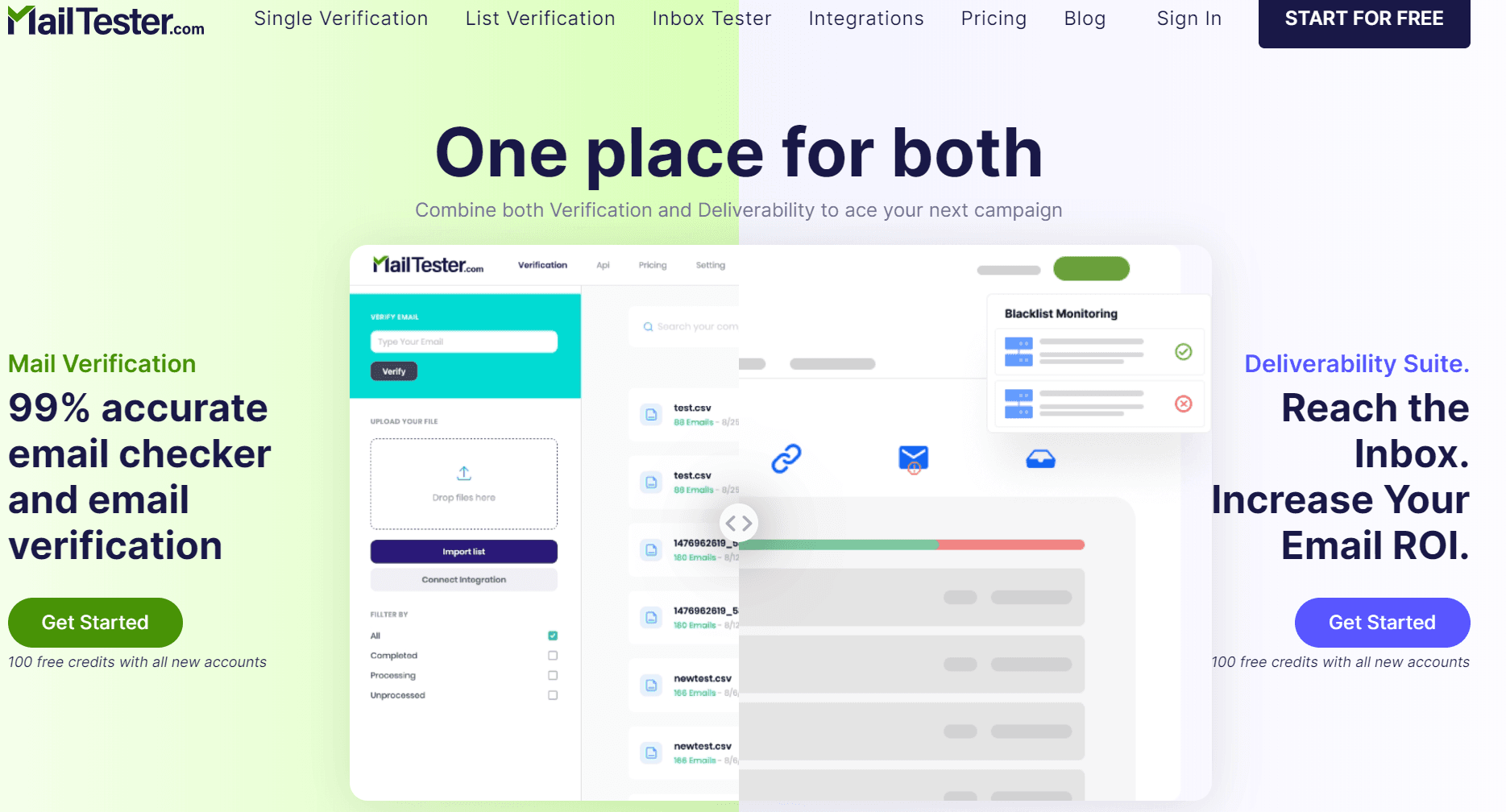
Every mail tester follows the same three steps, and the whole thing takes under a minute:
- Open the tool and copy the unique test address it generates (it is valid for a short window, usually about 10 minutes).
- Send a real email to that address from the server or platform you actually send with, such as your Google Workspace, SendGrid, or Mailchimp setup. The subject and body can be whatever you normally send.
- Go back to the tool, click to check your score, and wait 10 to 30 seconds for the report.
One rule matters most: send from the domain and system you want to test, not a personal Gmail. Testing the wrong sender gives you a score that does not reflect your real campaigns.
What your spam score means
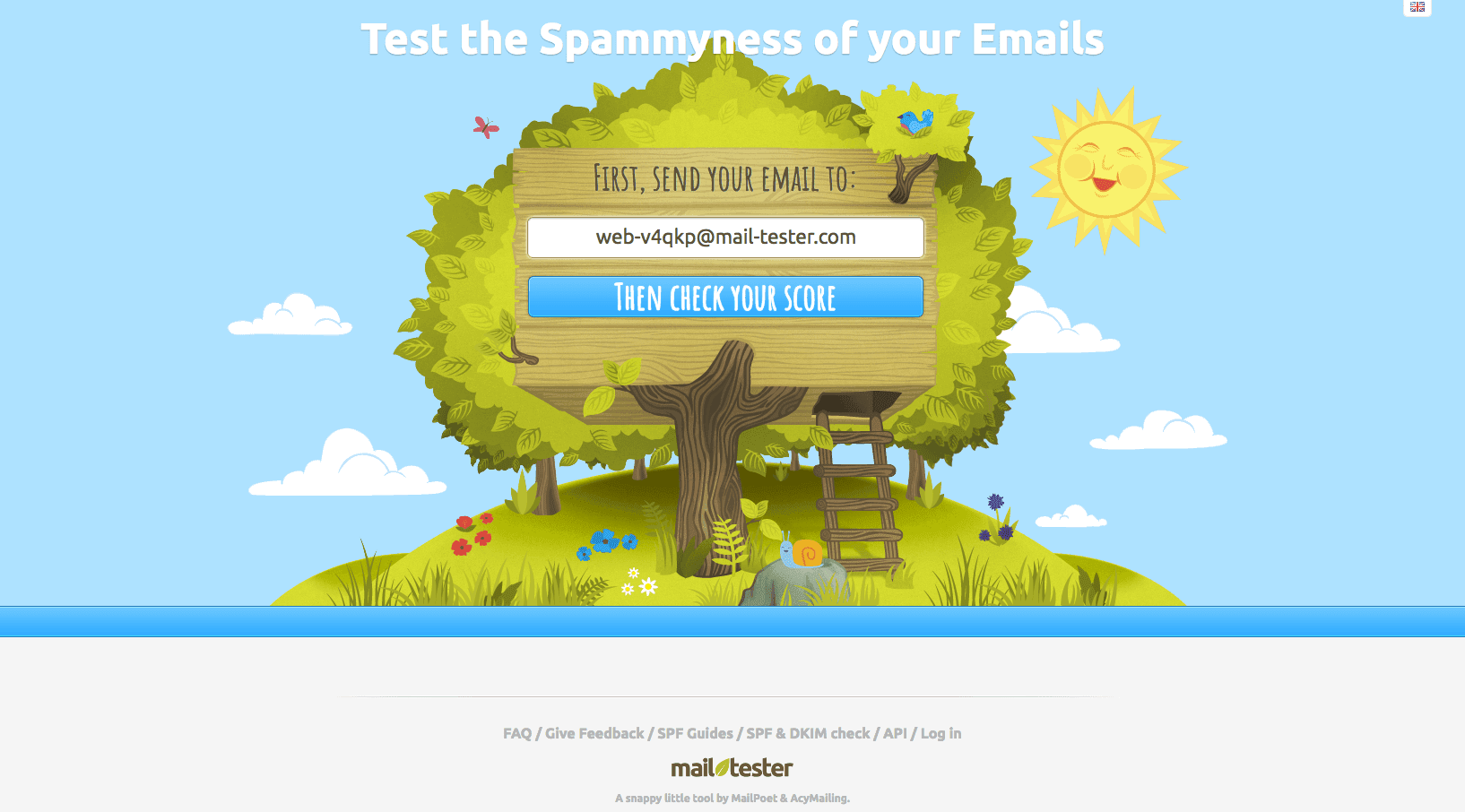
The score combines authentication, DNS setup, and content quality into one number. On the common 10-point scale, 10/10 is a clean pass and anything below roughly 7 needs attention. Tools that score out of 100 use similar bands:
| Score (out of 100) | Meaning | What to do |
|---|---|---|
| 90 to 100 | Optimal | Configuration is correct; keep monitoring monthly. |
| 70 to 89 | Good | Minor warnings worth fixing. |
| 50 to 69 | Average | Authentication issues to fix soon. |
| 0 to 49 | Critical | Likely blocked or in spam; fix before sending. |
Underneath, many testers show a SpamAssassin content score where negative numbers are good and positive numbers flag spammy characteristics. The headline number is an estimate of your inbox placement rate, not a guarantee, which is an important limit covered below.
What a mail tester checks
A mail tester runs the same signals mailbox providers weigh when they decide inbox or spam:
- SPF: confirms your sending server is authorized for your domain.
- DKIM: verifies the cryptographic signature proving the message was not altered.
- DMARC: checks you have a policy telling receivers how to handle failures, and that SPF or DKIM aligns with your From domain.
- Reverse DNS (PTR): confirms your sending IP maps back to a hostname, which filters expect.
- MX records: confirms your domain's mail routing is configured.
- Blacklists: looks up your IP and domain on reputation lists like Spamhaus.
- Content: scans the subject, HTML, and links for patterns that trip spam filters.
Together these cover the SPF, DKIM, and DMARC authentication stack plus the reputation and content signals that decide placement.
Why your score is low and how to fix it
Most low scores trace to a short list of fixable causes:
- Failing authentication: add or correct your SPF record, enable DKIM at your provider, and publish a DMARC record.
- Broken setup after a change: a DNS edit often breaks SPF or DKIM, which is why scores drop suddenly.
- Blacklisted IP or domain: run an email blacklist check and request delisting.
- Missing reverse DNS: ask your host or provider to set a PTR record for your sending IP.
- Spammy content: rework misleading subject lines, fix broken HTML, and avoid link-only bodies.
As of 2026, Gmail, Outlook, and Yahoo all enforce authentication for bulk senders. Per Google's sender guidelines, high-volume senders need valid SPF and DKIM, DMARC alignment, a one-click unsubscribe header, and a spam-complaint rate under 0.30%. Fix each flagged item and re-test until the score is clean.
Mail tester vs email verification: two different checks
Here is the limit most people miss: a perfect mail-tester score does not mean your campaign will land, because a mail tester only checks the one message you sent from your side. It says nothing about the addresses you are sending to.
A mail tester grades your sending setup: authentication, reputation, and content. Email verification grades your recipient list: whether each address is real, deliverable, and safe to contact. You can score 10/10 on a mail tester and still bounce badly if half your list is invalid, because hard bounces to dead addresses damage the reputation that keeps you in the inbox. BounceCheck handles that second half, verifying each address for syntax, domain, and mailbox validity before you send. Run a mail tester to fix your configuration, verify your list to protect it, and you have covered both sides of deliverability.
Common questions about mail testers
Is a mail tester free?
Most are. Mail-tester.com is free for a limited number of tests per day, and tools like CaptainDNS and CyberPanel offer free spam tests with no signup. Paid plans usually add automated or scheduled testing rather than a fundamentally different check.
What is a good mail-tester score?
On the 10-point scale, aim for 10/10, and treat anything below 8 as worth fixing. On a 100-point scale, 90 or above is optimal and below 70 signals authentication problems. The score reflects configuration and content, so a high score means your setup is sound.
What is the best email spam score checker?
Mail-tester.com is the most widely used spam score checker, scoring a real message out of 10 against authentication, DNS, and content. Alternatives like GlockApps, CaptainDNS, and CyberPanel run similar checks. The best choice is the one that tests the exact sending platform you use, since the score only reflects the system you send from.
Why do my emails still go to spam with a perfect score?
Because the score measures your message and setup, not real inbox placement or list quality. A clean configuration can still land in spam if your domain reputation is weak, your recipient list is full of invalid addresses, or the specific provider distrusts your sending pattern. Verify your list and monitor engagement alongside the score.
How often should I run a mail tester?
Test before any major campaign, after any DNS or provider change, and on a monthly schedule for active sending. A score that was clean last month can drop after a configuration change you did not realize affected email.
Is a mail tester the same as a blacklist check?
No. A blacklist check only looks up whether your IP or domain is listed. A mail tester includes a blacklist lookup but also checks authentication, DNS, and content, so it gives a fuller picture of why mail is or is not reaching the inbox.
§ Before your next send
Find the addresses that will bounce
Verify a single address free, or upload a CSV — the free plan includes 50 checks a month, no card needed.

BounceCheck Team
The team behind BounceCheck - helping businesses verify emails and improve deliverability.

