Email Blacklist Check: How to See if You Are Listed
 BounceCheck Team
Before your next send Find the addresses that will bounce.
Verify an email freeAn email blacklist check tells you whether your sending IP address or domain appears on a DNS blacklist (a DNSBL or RBL), the kind of list that receiving mail servers query before they accept a message. To run one, enter your IP or domain into a blacklist checker and it queries dozens of lists at once, returning a clear listed-or-clean verdict in seconds. Receiving servers like Gmail and Outlook do the same lookup automatically, which is why a listing can send your mail to spam or bounce it outright.
Here is the part most guides skip: being on a blacklist does not always hurt your deliverability. Some lists are consulted by every major provider, others by almost no one. This guide shows how to check, which lists actually matter, why addresses get listed, and how to get removed.
What an email blacklist check is
An email blacklist (also called a DNSBL or RBL) is a published list of IP addresses or domains with a poor sending reputation. Receiving mail servers query these lists in real time over DNS before accepting a connection, so a listing can mean your message is rejected with a 550 error or filtered to spam even when your SPF, DKIM, and DMARC are set up correctly. A blacklist check is simply running that same lookup yourself, against many lists at once, to see what the receiving world sees.
The check looks at your mail server's public IP and, separately, your sending domain. It is one signal in the larger picture of your sender reputation, not the whole story, but it is the fastest signal to read.
How to check if you are blacklisted
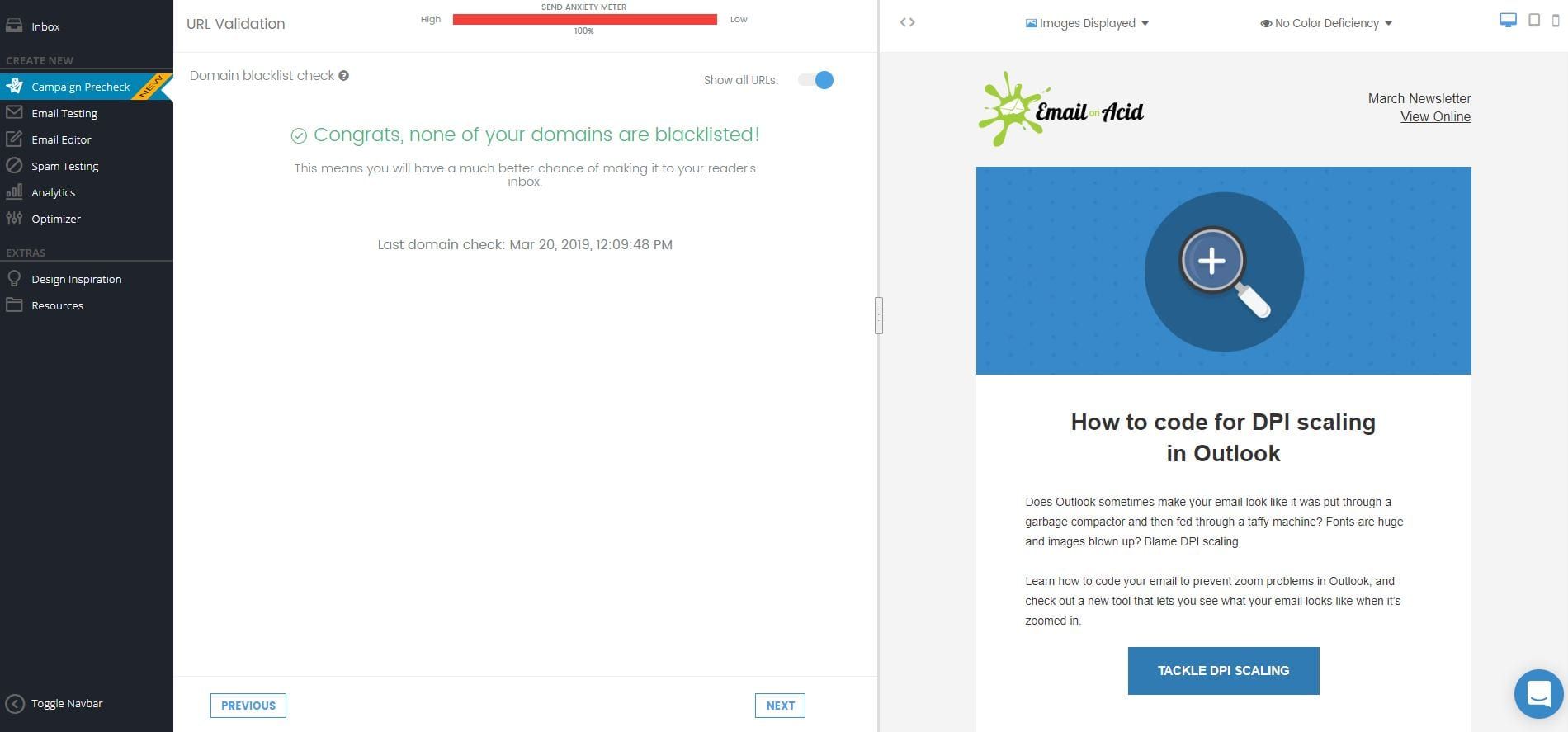
The quickest method is to paste your sending IP address or domain into a blacklist checker and let it query the major lists for you. A good tool checks against more than 100 lists in real time and returns a single verdict, often with a reputation score, instead of a raw pile of results. BounceCheck and similar email tools include this kind of lookup alongside list verification.
There are three moments when a check is worth running:
- After any server or IP change, to vet a new sending address before you use it in production.
- On a schedule (weekly or monthly) for production servers, as routine hygiene.
- Immediately, the moment your emails start bouncing or landing in spam.
For the fullest picture, pair a one-off check with the reputation dashboards the mailbox providers give you: Google Postmaster Tools shows how Gmail sees your IP and domain, and Microsoft SNDS shows what Outlook records once you authenticate as the IP owner. A blacklist checker also pairs naturally with one of the bounce checker tools, since rising bounces and a fresh listing often show up together.
The blacklists that actually matter
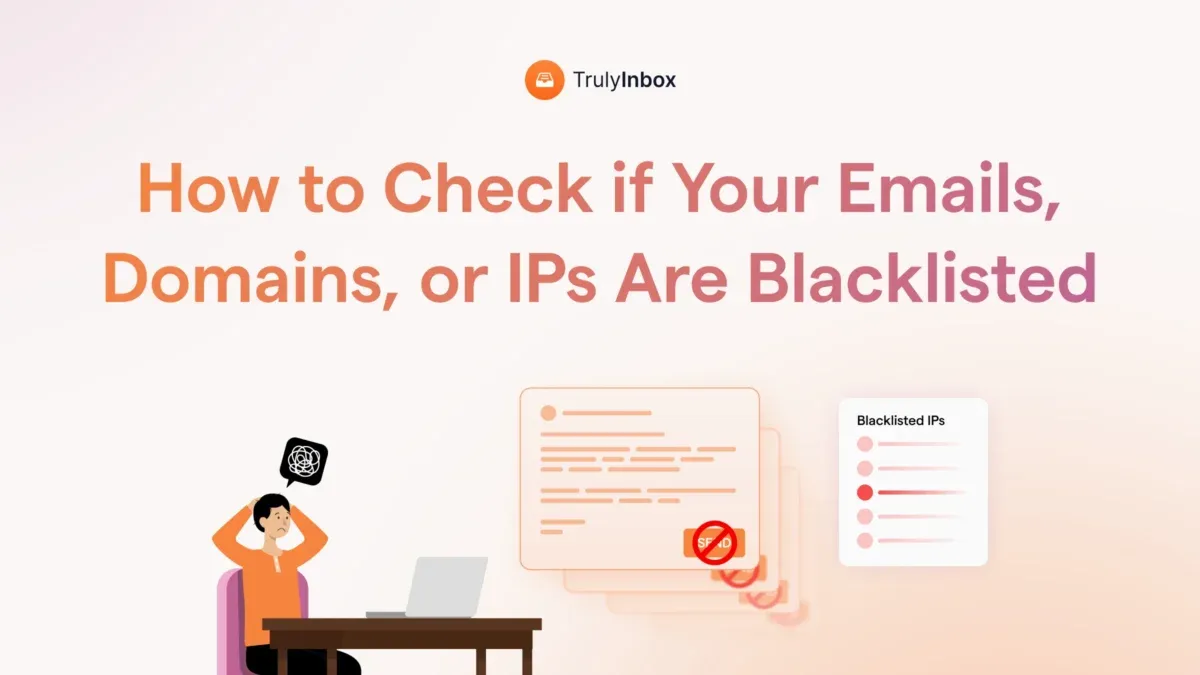
There are hundreds of blacklists, but they fall into two groups, and the distinction decides whether a listing is an emergency or just noise. Authoritative lists are the ones Gmail, Outlook, and Yahoo actually consult, so a listing there hurts deliverability now. Informational lists are shown for context but the major providers do not use them to reject mail.
| List | Type | Affects major-provider inbox? |
|---|---|---|
| Spamhaus ZEN (SBL + XBL) | Authoritative | Yes, critical |
| Barracuda BRBL | Authoritative | Yes, critical |
| SpamCop SCBL | Authoritative | Yes (auto-delists in 24 to 48h) |
| Invaluement / PSBL | Authoritative | Yes |
| Spamhaus PBL | Informational | No (policy listing for dynamic IPs) |
| UCEProtect L2 / L3 | Informational | No (lists whole IP ranges) |
Spamhaus ZEN is the single most consulted lookup, combining the SBL (confirmed spam sources), the XBL (compromised hosts and botnets), and the PBL (a policy listing for dynamic ranges). When a checker flags you on Spamhaus ZEN or Barracuda, act. When it flags UCEProtect L3, which lists entire host ranges, it usually means nothing for Gmail or Outlook delivery.
Why a listing does not always hurt you
Google and Microsoft run the inboxes that matter most, and they score your reputation mainly by how recipients react to your mail: opens, replies, messages marked important, and messages rescued from spam. Most external blacklists sit outside that system, so Gmail and Outlook largely ignore them. You can be listed on several external blacklists and still land in the inbox every time.
The practical rule is to judge a listing by its effect, not its existence. If your mail still reaches the inbox of the providers your recipients actually use, an informational listing is noise you can leave alone. Smaller and regional mail servers do consult external lists more heavily, so if you send to those, a listing carries more weight.
Why an IP or domain gets blacklisted
Most listings trace back to a handful of causes, and knowing which one applies tells you what to fix.
- Spam, real or unwitting: mail flagged as spam, sometimes from a server that was compromised and is sending without your knowledge.
- Open relay or misconfiguration: a mail server anyone can send through, which spammers find and exploit.
- Dynamic IP sending direct to MX: a residential or dynamic IP sending straight to mailboxes instead of relaying through its provider.
- Inherited reputation: a recycled IP whose previous owner spammed, so the listing predates you.
- Spam traps: mailing a spam trap address, which signals scraped or purchased lists.
- Volume and complaints: a sudden sending surge, or a high spam-complaint rate from recipients who did not want your mail.
How to get off a blacklist
Fix the root cause first. Delisting before you have stopped the spam, closed the open relay, or rotated the compromised credentials only earns you a fast relisting. Once the source is clean, the removal process depends on the list:
- Spamhaus: SBL listings are handled through the IP owner or your ISP, while CSS and XBL listings are self-service and auto-expire once the issue stops. Start at the official Spamhaus lookup and removal page.
- Barracuda BRBL: no auto-expiry, so submit the removal request form. Removals are usually processed within about 12 hours once the cause is fixed.
- SpamCop: fully automatic. The listing expires on its own, usually within 24 to 48 hours after the spam reports stop. There is no form to file.
If a listing is on your host's whole IP range rather than your address specifically, you may not be able to remove it at all. For a full walkthrough of each provider's steps, see how to get off an email blacklist.
How to avoid getting blacklisted
Staying off blacklists is ongoing hygiene rather than a one-time fix. The habits that keep you clean are the same ones that protect deliverability in general:
- Use double opt-in so every address on your list genuinely asked to hear from you, and never buy lists.
- Clean your list regularly to remove dead addresses and spam traps before you mail them.
- Warm up new IPs and domains, and avoid sudden volume spikes that look like spam.
- Authenticate your mail with SPF, DKIM, and DMARC.
- Watch your open, bounce, and complaint rates, and pull back when any of them drifts the wrong way.
For the full prevention playbook, see how to avoid an email blacklist.
How often to run a blacklist check
For production sending, a weekly or monthly check is good hygiene, plus an immediate check after any IP or server change and the moment deliverability dips. The goal is not to chase a clean record on every list in existence, which is nearly impossible, but to catch a listing on an authoritative list early, before it quietly drags your campaigns into the spam folder. Build the check into your routine the same way you monitor bounce and complaint rates, and a blacklisting becomes a problem you spot and fix rather than one your customers report back to you.
Frequently asked questions
How do I check if my email is on a blacklist?
Enter your sending IP address or domain into a blacklist checker, which queries the major lists in real time and returns a listed-or-clean verdict, often with a reputation score. Run the check after any server change, on a regular schedule, and immediately if your emails start bouncing or landing in spam.
What happens if your email is blacklisted?
A listing on an authoritative blacklist means receiving servers can reject your mail with a 550 error or route it to spam, even when your authentication is correct. A listing on an informational list usually has no effect at Gmail or Outlook, so the impact depends entirely on which list flagged you.
How do I unblacklist my email?
First fix the root cause, such as stopping the spam, closing an open relay, or securing a compromised account. Then follow the specific list's removal process: Spamhaus CSS and XBL auto-expire, SpamCop clears in 24 to 48 hours after reports stop, and Barracuda needs a removal form processed in about 12 hours.
Which email blacklists matter most?
Spamhaus ZEN, Barracuda BRBL, and SpamCop, because Gmail, Outlook, and Yahoo consult them. A listing on these hurts deliverability immediately. UCEProtect L2 and L3 list entire IP ranges and are not used by the major providers, so they should not be treated as an alarm.
§ Before your next send
Find the addresses that will bounce
Verify a single address free, or upload a CSV — the free plan includes 50 checks a month, no card needed.

BounceCheck Team
The team behind BounceCheck - helping businesses verify emails and improve deliverability.

