LinkedIn Sales Navigator Cost in 2026: What You Pay and What You Actually Get
 BounceCheck Team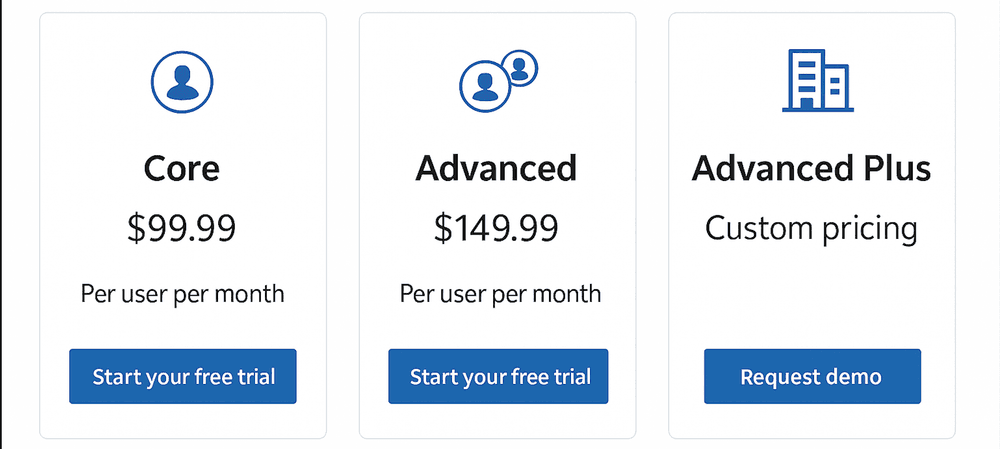
LinkedIn Sales Navigator pricing looks simple on the comparison page. Three plans, three numbers, one "Start free trial" button. The real bill is wider than that. Sales Navigator does not include email addresses, does not include native CSV export, and does not include the supporting tools you need to turn saved profiles into booked calls. The sticker price is the floor, not the ceiling.
This guide breaks down what LinkedIn Sales Navigator actually costs in 2026, what each tier includes, the hidden tool stack most write-ups skip, the break-even math that decides whether the subscription pays for itself, and how to keep the outreach you send afterwards from landing in spam.
What LinkedIn Sales Navigator Is
LinkedIn Sales Navigator is a premium subscription built for B2B sales professionals who use LinkedIn as a prospecting channel. It sits on top of the standard LinkedIn account and unlocks advanced lead search, real-time alerts on key prospects, InMail messaging, and (on higher tiers) CRM integration and team-level reporting.
More than 700,000 sales professionals use it. It is designed for individual sellers and sales teams who need to find decision-makers inside specific accounts, track when those people change jobs or post on LinkedIn, and reach out without first connecting. The free LinkedIn experience gives you a network. Sales Navigator gives you a structured way to work it.
LinkedIn Sales Navigator Cost in 2026
Pricing is billed per seat. All plans are available on a monthly or annual cycle, and the annual cycle is noticeably cheaper.
| Plan | Monthly | Annual | Annual savings |
|---|---|---|---|
| Sales Navigator Core | $119.99/month | $1,079.88/year ($89.99/month effective) | 25% |
| Sales Navigator Advanced | $159.99/month | $1,799.88/year ($149.99/month effective) | 6% |
| Sales Navigator Advanced Plus | Custom | Custom (typically $1,300 to $1,600/seat/year) | Negotiated |
International pricing is available in GBP, EUR, AUD, and CAD. The Core plan, for example, lists at £94.99/month in the UK and A$154.99/month in Australia. Prices exclude VAT and GST. LinkedIn updates pricing periodically without notice, so check the official LinkedIn comparison page before you commit.
A few cost-side notes worth flagging:
- The 25% annual discount on Core is the largest concession LinkedIn currently offers on the public pricing page.
- Advanced Plus pricing depends on team size, CRM integration depth, and onboarding scope. Expect a real conversation with a LinkedIn sales rep.
- Volume discounts typically kick in at 5+ seats. Bundling with Recruiter Lite or LinkedIn Learning can pull another 10% to 20% off at renewal.
- Microsoft for Startups grants eligible founders a 75% discount for the first four months.
- Core pricing has risen ~38% since 2022; Advanced ~45%. The trend is up, so locking in annual now usually beats waiting.
What Each Plan Includes
The three tiers are stacked: Advanced contains everything in Core, and Advanced Plus contains everything in Advanced.
Sales Navigator Core
Core is the starting point for individual sellers and small teams focused on prospecting. At $119.99/month it covers the features most reps actually use day to day: advanced lead and account search, 50 InMail credits per month, real-time alerts on job changes and content posted by key prospects, account-saving and prioritization features, and the Relationship Explorer that surfaces warm paths into target accounts.
If you are a solo rep building a pipeline, Core is the logical entry point. The features above Core are mostly about team coordination and CRM workflow, not about finding more or better leads.
Sales Navigator Advanced
Advanced adds AI-assisted account research and team features for $159.99/month. The headline additions are Account IQ (AI-generated account summaries), Buyer Intent Signals identifying prospects currently active around your topic, CRM Embedded Profiles that show LinkedIn data inside your CRM views, Smart Links that track engagement on shared content packages, TeamLink for surfacing colleagues' connections, and admin tooling for managing seats and reporting.
This tier earns its $40/month premium if you run coordinated outreach across multiple reps. If you do not need shared visibility or AI summaries, Advanced is mostly overhead.
Sales Navigator Advanced Plus
Advanced Plus is the only tier with native, automated CRM sync. It is priced custom (usually $1,300 to $1,600 per seat per year) and is aimed at teams running Salesforce or Microsoft Dynamics who need Sales Navigator activity to write back into the CRM automatically. It also adds admin governance, priority support, and a dedicated customer success manager.
Most teams do not need this tier. The ones who do almost always know they need it.
The Hidden Costs Nobody Lists on the Pricing Page
LinkedIn's pricing page lists a number. The actual cost of running Sales Navigator as a prospecting channel is wider, because the platform deliberately leaves out the things you need to act on the leads it surfaces.
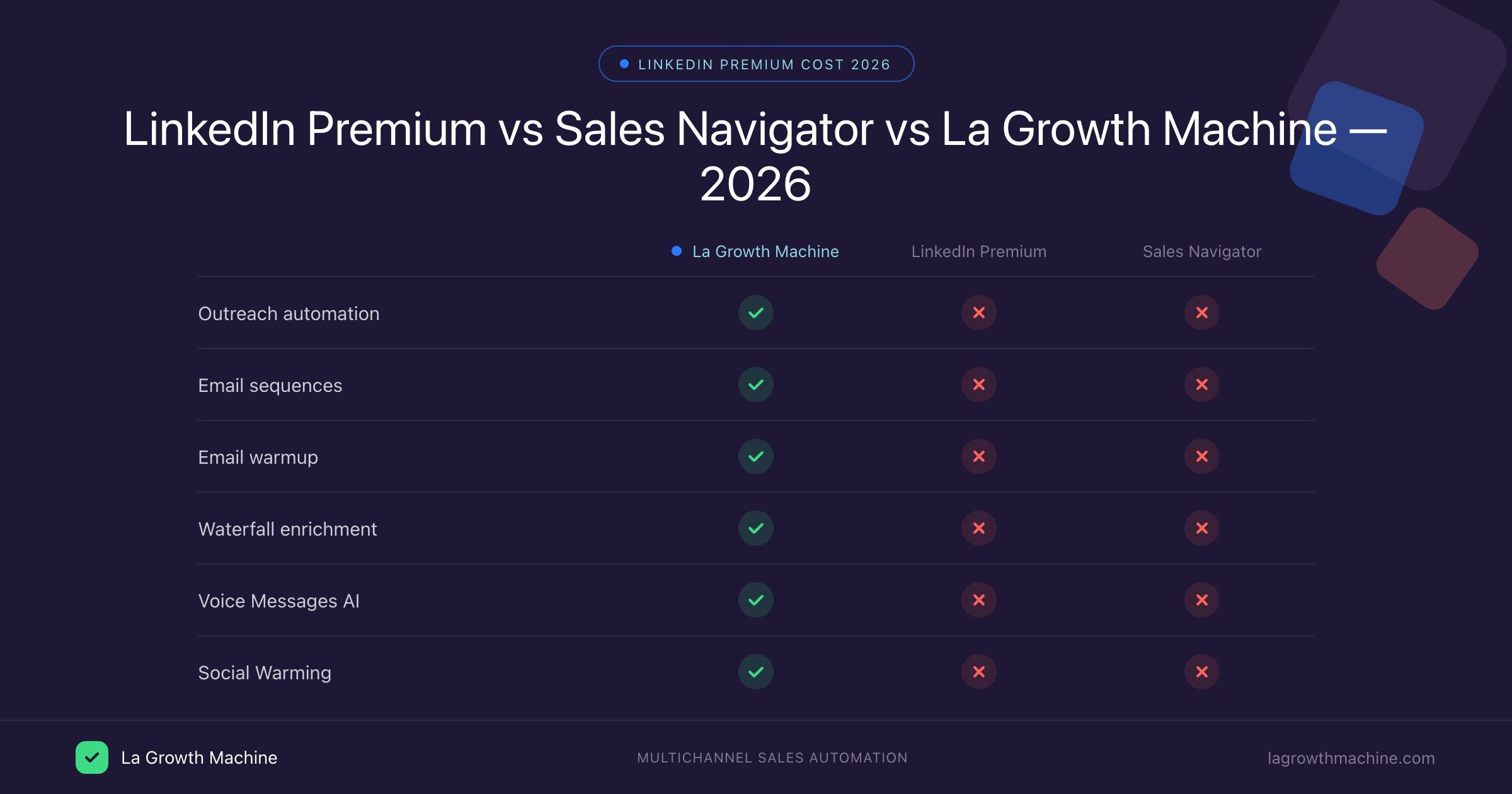
- No native lead export: Sales Navigator does not give you a CSV button on any plan. You either copy data manually or pay for a third-party scraper.
- No email addresses: LinkedIn does not show prospect emails. Reaching anyone outside the platform requires an email-finder tool (Skrapp, Hunter, Apollo, and similar) plus a verification step.
- No automated outreach sequences: InMail is manual and capped at 50 per month. Drip sequences live in a separate tool.
- No CRM auto-sync on Core or Advanced: Activity logs against accounts and leads have to be entered manually or routed through a third-party connector. Native writeback is Advanced Plus only.
- Saved data evaporates on cancellation: When the subscription ends, you lose access to saved lead lists, custom notes, and tags. Export to your own systems before you cancel.
A realistic annual stack for a solo Core subscriber looks closer to $2,800 than the $1,080 sticker: Core itself ($1,080), a scraper or export tool ($600/year), an email finder plus verification stack ($800/year), and a basic CRM seat (~$400/year). Add labor on top: 10 hours per week building lists and chasing replies is another ~$25,000/year in opportunity cost at a $50/hour rate.
For most small teams, the hidden costs change the question from "can I afford Sales Navigator?" to "will my deal size justify the full stack?"
What Sales Navigator Can Actually Do
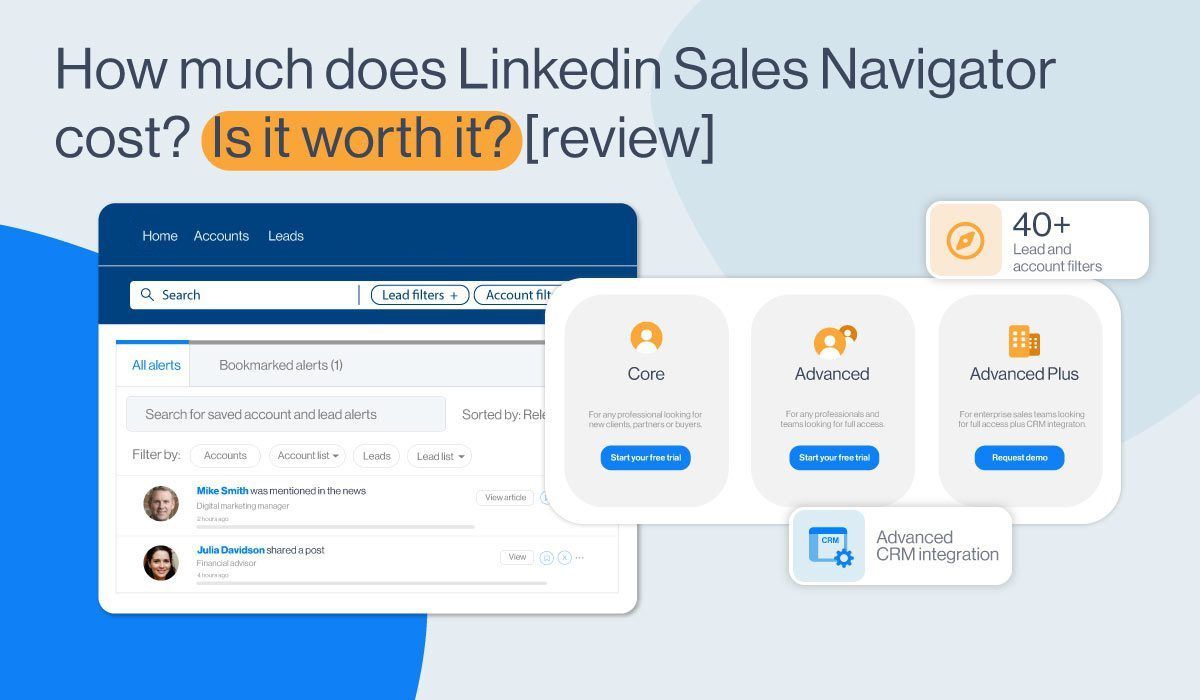
The reason people pay for Sales Navigator is the depth of its targeting. Free LinkedIn gives you seven search filters. Sales Navigator gives you over 40, plus structured workflows for staying on top of accounts you care about.
Spotlight Search Filters
Spotlight filters surface prospects matching very specific signals: Job Changes (changed roles in the last three months), Shared Experiences (same school, company, or LinkedIn Group as you), LinkedIn Activity (posted or shared content in the last 30 days), Mentioned in the News, Leads That Follow Your Company, and TeamLink (already connected to a colleague). These exist precisely because cold outreach to a complete stranger underperforms outreach that opens with a real connection or recent context.
Recommended Leads
Sales Navigator auto-generates a list of up to 100 recommended leads based on your past searches and saved profiles. The recommendation engine improves the more you feed it, so the list is most useful after you have saved a few hundred relevant profiles and dismissed a few obvious mismatches.
Real-Time Buyer Intent Alerts
When a saved prospect interacts with your company on LinkedIn (visits your page, engages with your ads, accepts a connection request from a colleague), Sales Navigator pushes a real-time alert. The catch worth understanding: the intent signal is LinkedIn-only. It does not see what prospects do on your website, on G2, or anywhere else.
Smart Links
Smart Links wrap a slide deck, PDF, or sales asset in a shareable, trackable URL. You see when the prospect opens it, which page they spent time on, and who else they forwarded it to. Useful for replacing email attachments and for measuring real engagement on outreach assets.
Performance Analytics
Advanced and Advanced Plus expose usage and engagement reports at the user and team level. Managers can spot patterns like low InMail acceptance and adjust training or messaging before a quarter slips.
What Sales Navigator Does Not Include
The gap between what the marketing page implies and what Sales Navigator actually delivers is wide enough to plan around.
- Direct email addresses for any prospect.
- A native Export to CSV button on Core, Advanced, or Advanced Plus.
- Automated outreach drip sequences (only manual InMails, capped at 50 per month).
- Automatic CRM activity writeback outside Advanced Plus.
- Off-platform buyer intent (no visibility into website, G2, or ad-platform activity).
- Guaranteed data accuracy. Profiles are user-edited; titles and contact info drift.
- Access to saved data after cancellation. Export first or lose it.
None of this makes Sales Navigator a bad tool. It makes it a research tool that has to be paired with at least one outreach tool and one verification step to be useful.
Free Trial, Upgrades, and Cancellation
LinkedIn keeps the trial and billing rules consistent across tiers:
- Free trial: 30 days on Core or Advanced. Available to anyone who is not on a paid LinkedIn plan and has not used a LinkedIn free trial in the last 365 days. Credit card required up front to activate the subscription if you continue; LinkedIn emails a reminder seven days before the trial ends.
- Upgrades and downgrades: Go to Sales Navigator settings and pick a new plan. Sales support can also handle plan changes on request.
- Cancellation: Available any time from Settings under Account Type. Access continues to the end of your current billing cycle. Annual plans run to the end of the paid year; monthly plans run to the end of the month. No mid-cycle refunds.
- What disappears on cancel: Saved lead lists, custom notes, tags, and InMail history. Export anything you need before pulling the trigger.
When Does Sales Navigator Pay for Itself
At $1,080 per year on annual Core billing, Sales Navigator pays for itself when it helps you close one extra deal worth around $5,000. Two extra closes and you are net positive. A LinkedIn-commissioned Forrester study published in 2023 reported 312% ROI over three years and a 17% improvement in win rates, but the underlying data came from enterprise teams on Advanced Plus with dedicated SDRs. Small teams running Core without a full-time prospector will not see those numbers.
The math works when average deal size sits above $5,000, your ICP lives on LinkedIn, decision-makers in your target accounts post or comment regularly, and you can commit at least two prospecting hours per day to actually using the filters and InMails. The math breaks when deal size is small (under $3,000), your buyers are SMBs or blue-collar industries that barely use LinkedIn, or you are only going to log in a few times a month.
Is LinkedIn Sales Navigator worth it for sales? For mid-market B2B sellers and teams running coordinated outreach to 50 to 500 employee companies, yes. For solo founders selling sub-$1,000 services to local businesses, almost never.
A cheaper alternative for short campaigns: run Core for three months (about $360), build a thorough lead list inside that window, export it via a one-month scraper subscription, then cancel and work the list through email for the rest of the year.
Make Sure Your Outreach Gets Past the Inbox
The biggest gap in any Sales Navigator workflow is what happens after you save a list. You still need to reach those people somewhere they actually read messages, which usually means email. That is where the campaign quietly succeeds or fails. An email finder gives you the address. Without a verification step, half of those addresses bounce, the sending domain gets flagged, and the next 200 messages from you land in spam (whether they are pitches, follow-ups, or unrelated transactional emails). For practical benchmarks, our guide on the acceptable hard bounce rate for cold email explains where the danger threshold sits and our sender reputation explainer shows how reputation recovers (or does not) after a bad campaign.
If you are pairing Sales Navigator with off-platform outreach, the workflow that holds up over time is: filter inside Sales Navigator, pull verified emails with a finder, run the list through a verifier before the first send, monitor bounce rate per campaign, and pause if it climbs above 2%. The cost of skipping the verification step is rarely visible in the same quarter; it shows up as a quietly declining reply rate on the next three campaigns. For the messaging itself, the LinkedIn outreach opening lines guide covers the patterns that consistently earn replies, and the broader best cold email tools roundup walks through which platforms handle the sequence and tracking side cleanly.
Paying $1,080 a year for Sales Navigator and then losing replies to a 9% bounce rate is the most expensive avoidable mistake in B2B prospecting.
Quick Answers Before You Subscribe
Is LinkedIn Sales Navigator free?
No. The lowest tier (Core) is $119.99 per month or $89.99 per month billed annually. LinkedIn does offer a 30-day free trial to users who are not on any paid LinkedIn plan and have not used a free trial in the last 365 days. A credit card is required to start the trial, but you can cancel before it converts.
Can I export leads from Sales Navigator to a CSV?
Not natively. None of the three plans includes a CSV export button. To get your filtered leads into a spreadsheet or CRM, you need a third-party tool like Evaboot, Scalelist, or Skrapp. Plan and pay for one of these alongside your Sales Navigator subscription if export matters to your workflow.
Does Sales Navigator give me my prospects' email addresses?
No. LinkedIn keeps email addresses private. Sales Navigator surfaces the right people, but you need a separate email-finder tool to get an address you can actually message off-platform, followed by an email verification step before the first send so bounce rate stays under control.
Can I get a discount on LinkedIn Sales Navigator?
The standard annual billing saves 25% on Core and 6% on Advanced. Beyond that, LinkedIn occasionally negotiates bundle pricing (Sales Navigator with Recruiter Lite or Learning) at renewal, and volume discounts typically kick in at five or more seats. Microsoft for Startups participants can receive a 75% discount for the first four months of an eligible plan.

BounceCheck Team
The team behind BounceCheck - helping businesses verify emails and improve deliverability.