DKIM temperror: What It Means and How to Fix It (2026)
 BounceCheck Team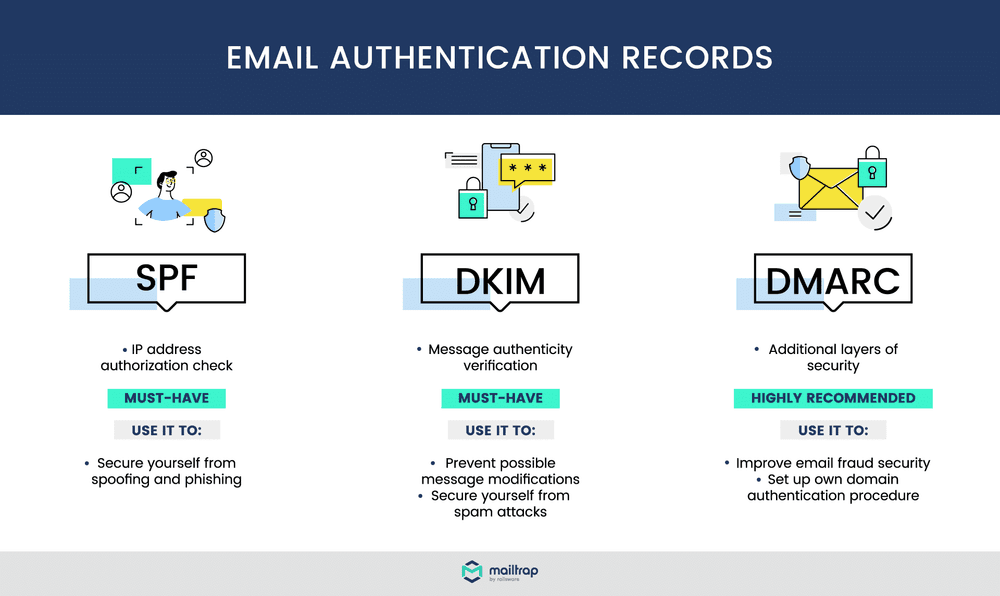
Before your next send Find the addresses that will bounce.
Verify an email freeA DKIM temperror means a receiving mail server tried to verify your DKIM signature but hit a temporary problem, almost always a DNS lookup failure, before it could finish. It is not a permanent failure, and it usually is not caused by a mistake in your own setup. The fix is to confirm your DKIM record actually resolves, rule out a transient DNS issue, and check whether the receiver (often Microsoft) is the real source. This guide explains what the error means, what causes it, and how to work through it.
What does DKIM temperror mean?
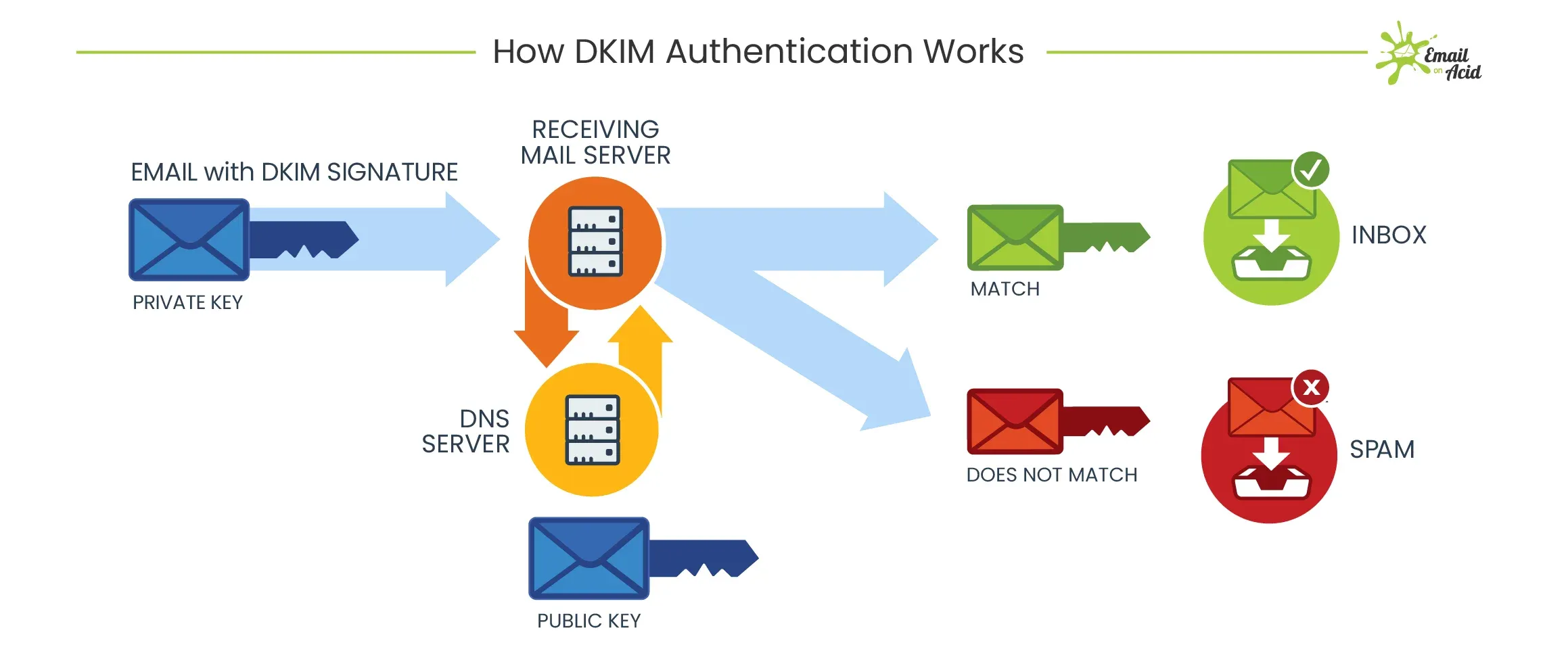
DKIM temperror is a temporary error status that appears when a receiving server cannot complete a DKIM check because a DNS lookup for your signing key did not return in time. DKIM (DomainKeys Identified Mail) uses a cryptographic signature to prove an email was not altered in transit. To validate that signature, the receiver looks up your public key in DNS at selector._domainkey.yourdomain.com. When that lookup times out or the DNS server is briefly unreachable, the check ends in temperror rather than a clean pass or fail.
The word temporary is the important part. temperror is one of the authentication result codes defined in RFC 8601, and it sits apart from the others:
- pass: the signature was found and verified.
- fail: a signature was present but did not validate, so the message may have been altered or signed with the wrong key.
- permerror: a permanent error, such as a malformed or missing DKIM record, that will keep failing until you fix it.
- temperror: a transient error, usually DNS, where the same message might verify fine on a retry.
A temperror on its own does not mean your mail was rejected. It means the receiver could not reach a verdict this time.
Common causes of a DKIM temperror
Most DKIM temperrors trace back to DNS rather than a broken signature. A few situations produce them repeatedly.
A DNS lookup failure or timeout
This is the usual cause. If your DNS server is overloaded, briefly unreachable, or slow to answer, the receiver gives up waiting and records a temperror. The record itself may be perfectly valid, so a second attempt often succeeds.
A misconfigured or unstable DKIM record
A public key that is corrupted, published with the wrong length, or served by a flaky DNS host can stall verification. DKIM keys should be at least 1024-bit, and an expired or half-published key is a common reason a selector fails to resolve cleanly.
Infrastructure changes
Moving to a new mail platform, migrating DNS, or shifting to a cloud provider can disrupt record resolution while changes propagate. This is common during a Microsoft 365 migration, where records may lag behind the cutover for a short window.
The receiving side, not you
Some temperrors originate entirely at the receiver. When a mailbox provider's own DNS infrastructure struggles, it reports temperror against senders whose records are completely correct.
How to fix a DKIM temperror
To fix a DKIM temperror, confirm your DKIM record resolves in DNS, verify the signing key is valid and current, then retest to see whether the error clears on its own. Because the error is transient, the goal is to prove your side is solid and then decide whether anything is actually broken.
- Read the message headers and check the
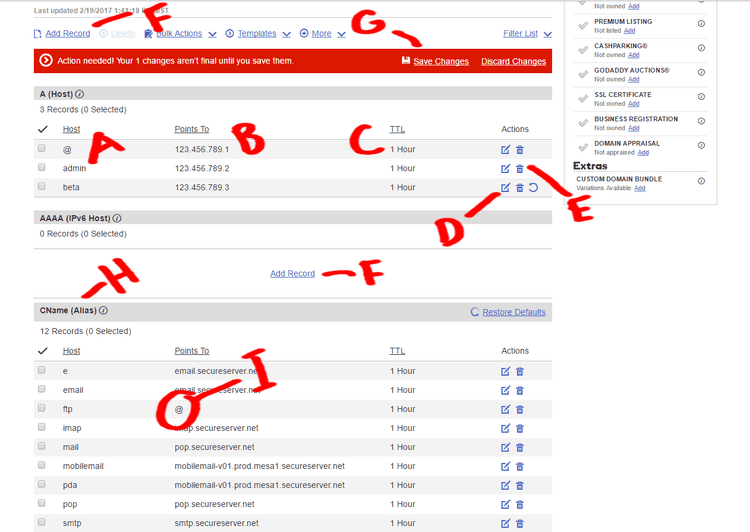
Authentication-Resultsheader on a failing message for the exact DKIM result and the selector it tried to look up. This tells you which key and domain the receiver could not resolve. - Confirm the DKIM record resolves by running a DNS lookup on
selector._domainkey.yourdomain.comwith a tool such as MXToolbox, checking that the public key is returned quickly and in full. If it resolves fine for you, a one-off temperror was almost certainly a transient DNS blip. - Review the DKIM key itself, making sure it has not expired, is at least 1024-bit, and matches what your sending platform signs with. A rotated key that was never published, or an old selector left in place, will produce intermittent errors.
- Retest and watch for a pattern by sending another message and checking the result again. A single temperror that clears on retry needs no action, but a steady stream of them, especially from one provider, points at either your DNS host or the receiver.
If your record resolves correctly and passes a checker, the problem is not your configuration. It also helps to understand how SPF, DKIM, and DMARC work together so you can read the full authentication picture rather than one result in isolation.
Why Microsoft Outlook.com produces most DKIM temperrors

If your DKIM temperrors are coming from Outlook.com, you are seeing a known, provider-side issue rather than a fault in your domain. According to URIports' analysis of DMARC aggregate reports from more than 20,000 domains, Microsoft's platform accounts for nearly all DKIM temperror events.
| Provider | Temperror rate |
|---|---|
| Outlook.com | 1.03% |
| Enterprise Outlook | 0.08% |
| Yahoo | 0.03% |
| Gmail | ~0% |
In that dataset, Outlook.com generated over 4.5 million temperror events across more than 440 million messages, while Gmail, GMX, Mimecast, and Comcast recorded rates so low they are statistically insignificant. Microsoft has acknowledged the problem and is working to resolve it, and the pattern points to its own DNS handling rather than sender misconfiguration. The catch is that Microsoft has also introduced stricter bulk sender requirements for Outlook that expect messages to pass SPF, DKIM, and DMARC, so its own temperrors can distort the reports you rely on to prove compliance.
When to worry about a DKIM temperror
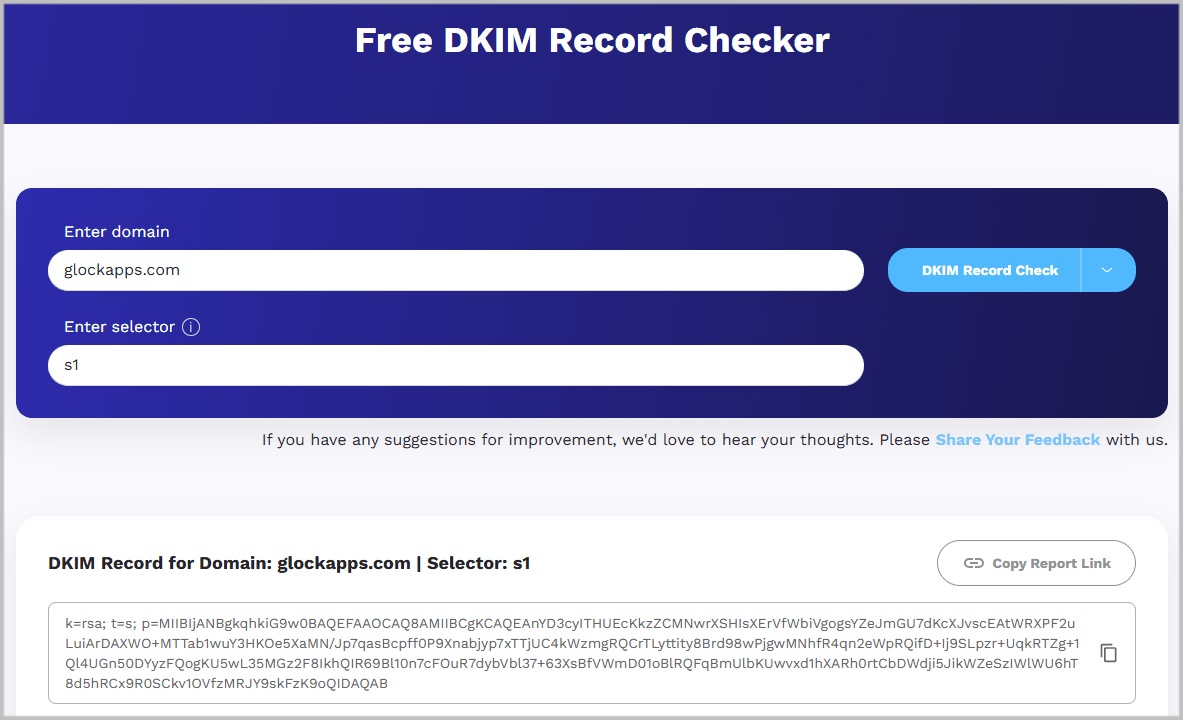
Worry about a DKIM temperror only when it is high, steady, and paired with a record that fails a checker. An occasional temperror that clears on retry is normal DNS noise. Use the pattern, not a single event, to decide.
- Ignore it when it is occasional, clears on retry, and your DKIM record passes a checker. This is normal DNS noise, and Outlook.com temperrors in particular are usually the receiver's issue.
- Investigate it when the rate is high and steady, when it started right after a DNS or platform change, or when a checker cannot resolve your selector. Those signs point at a real configuration or DNS-host problem.
The risk is indirect. A temperror does not reject your mail by itself, but a flood of them can hide genuine authentication failures in your DMARC reports and, under a strict DMARC policy, contribute to legitimate mail being treated as unauthenticated. Clean authentication is one input to inbox placement, and pairing it with list hygiene is how you improve email deliverability over time.
FAQs
Is a DKIM temperror a hard failure?
No. A temperror is a temporary result, not a rejection. The receiver could not finish the DKIM check, usually because of a DNS timeout, and the same message may verify normally on a retry.
What is the difference between temperror and permerror?
A temperror is transient and often resolves on its own, typically a DNS lookup that timed out. A permerror is a permanent problem, such as a malformed or missing DKIM record, that will keep failing until you correct the record.
How do I check my DKIM record?
Run a DNS lookup on selector._domainkey.yourdomain.com using a DKIM checker and confirm your public key is returned in full. Find the selector name in the Authentication-Results header of a message you sent.
Why do I only see DKIM temperror from Outlook.com?
Microsoft's Outlook.com infrastructure produces the large majority of DKIM temperror events across the industry. If your record passes a checker, these are a provider-side issue and not a fault in your setup.
Can a DKIM temperror hurt deliverability?
Indirectly. It does not block a message on its own, but a high volume of temperrors can mask real failures in DMARC reporting and, under a strict policy, contribute to legitimate mail being marked unauthenticated.
Before your next campaign, run your list through BounceCheck to clear the invalid addresses that hard-bounce, so the only authentication signals you are chasing are the ones that actually matter.
§ Before your next send
Find the addresses that will bounce
Verify a single address free, or upload a CSV — the free plan includes 50 checks a month, no card needed.

BounceCheck Team
The team behind BounceCheck - helping businesses verify emails and improve deliverability.