SMTP Warmup: How to Build Sender Reputation on a New SMTP Server
 BounceCheck Team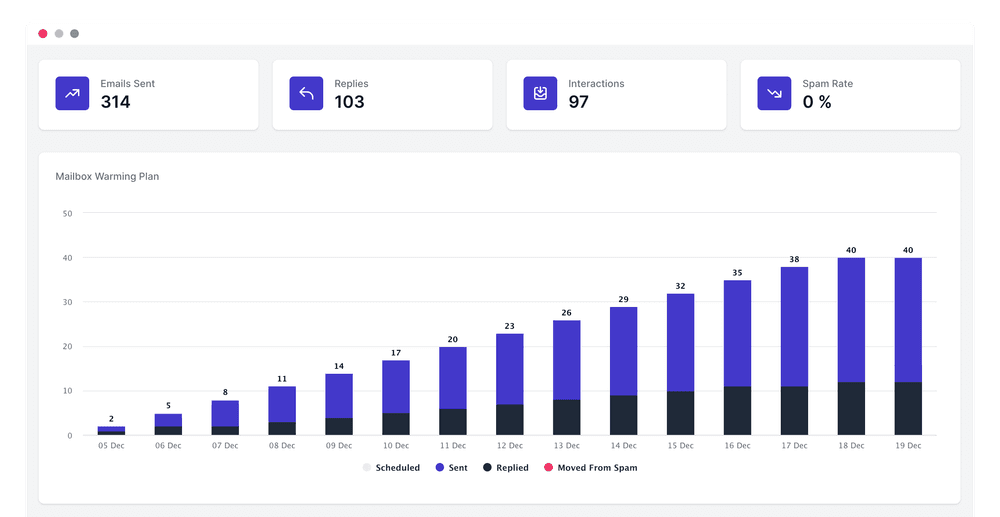
Before your next send Find the addresses that will bounce.
Verify an email freeSMTP warmup is the process of gradually increasing the email volume you send through a new or inactive SMTP server so mailbox providers learn to trust it. Send a few emails at first, ramp up slowly over several weeks, and providers like Gmail, Outlook, and Yahoo build a positive picture of your sender reputation instead of flagging a sudden spike as spam. Skip this step and a brand new server that suddenly pushes thousands of messages triggers rate limits, deferrals, and the junk folder almost immediately.
This guide covers what SMTP warmup is, why it matters, how to prepare your setup, a 30-day ramp schedule, the difference between manual and automated warmup, and the metrics that tell you it is working.
What is SMTP warmup?
SMTP stands for Simple Mail Transfer Protocol, the technology that carries email between servers. Warming up an SMTP server means progressively increasing the number of messages you send through it over a set period, which introduces the server to internet service providers (ISPs) gradually rather than all at once.
Mailbox providers watch for suspicious activity, and a new or previously idle SMTP server that starts dispatching large volumes looks exactly like a spam source. A slow, organic ramp signals the opposite: a legitimate sender building real engagement. The same logic applies whether you run a custom SMTP relay or send through an ESP with SMTP access such as SendGrid, Amazon SES, Mailgun, or Brevo.
Why SMTP warmup matters

Spam filters in 2026 do not only judge what you send. They analyze how recipients interact with your messages and weigh that against your sender reputation. A server with no history has nothing to vouch for it, so early emails are easy to flag. Warmbox estimates that 51% of emails sent land in spam, and an unwarmed server sits at the wrong end of that split.
Warming up protects you from the failure modes that quietly kill deliverability:
- Sudden sending patterns trigger rate limits and deferrals from the receiving server.
- A large first batch can get your domain or IP flagged, or even blacklisted.
- Emails that land in spam get no opens or replies, which further depresses your reputation.
Warm the server first and you flip each of those: messages get delivered, engagement accumulates, and providers keep routing you to the primary inbox.
Set up authentication before you warm up
Warmup builds reputation, but it cannot fix a broken technical setup. Before you send a single warm-up email, make sure the receiving world can verify you. Publish SPF, DKIM, and DMARC records so mailbox providers can confirm your mail is authorized and protect your domain from spoofing. A DMARC policy also tells receiving servers how to handle messages that fail those checks.
Just as important is who you send to. Warmup emails that bounce do real damage, so the list you eventually mail needs to be clean. Verifying your recipients with a service like BounceCheck removes invalid and risky addresses before they can spike your bounce rate and undo weeks of careful warming.
A 30-day SMTP warmup schedule
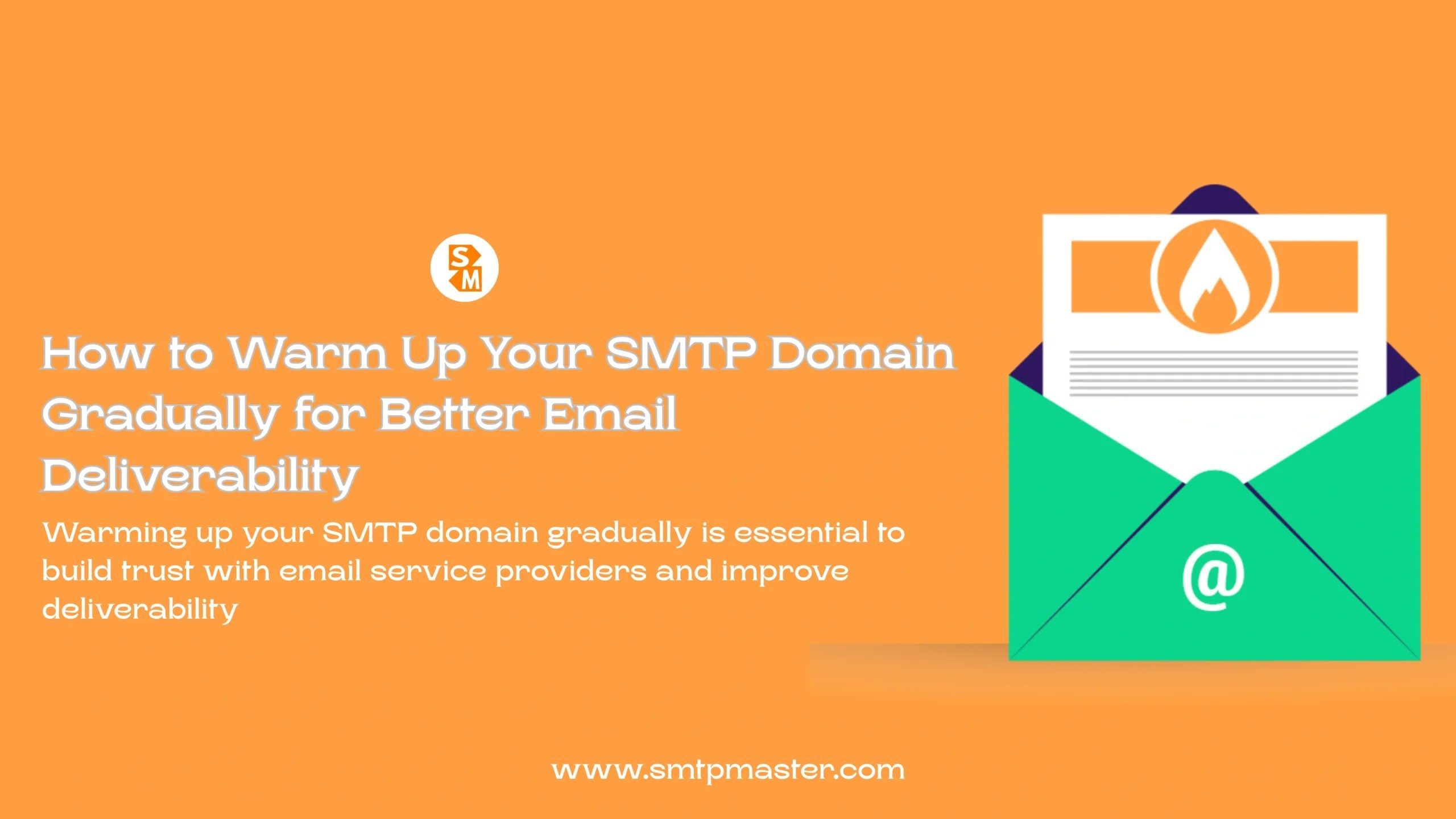
A typical SMTP warmup runs about 30 days: start at 5 to 15 emails a day and roughly double the daily volume each week until you reach 50 to 100 or more. You can run it manually or let a tool handle the pacing, but the shape is the same: start small, add volume in stages, and watch how each increase lands. A full 30-day ramp for a new server looks like this.
| Week | Daily volume | What to do |
|---|---|---|
| Week 1 | 5 to 15 emails/day | Send to highly engaged internal contacts and active test accounts. |
| Week 2 | 15 to 30 emails/day | Introduce a larger batch; ask recipients to reply and mark as not spam. |
| Week 3 | 30 to 50 emails/day | Monitor bounce rates closely and keep interactions natural. |
| Week 4 | 50 to 100+ emails/day | Scale toward your target volume while maintaining consistent engagement. |
The exact numbers matter less than the principle: never more than roughly double the previous stage, and never push forward if your metrics are sliding.
Manual warmup vs automated tools
You can warm up an SMTP server by hand, methodically increasing volume and asking real contacts to engage. It works, but it is tedious and easy to get wrong, and it is hard to generate enough positive interaction at scale. Automated warmup services solve that by connecting to your SMTP and running the schedule for you against a private network of real inboxes. Warmbox operates a network of around 35,000 inboxes, and MailReach uses more than 30,000, sending, opening, replying, and rescuing messages from spam on your behalf.
| Manual warmup | Automated warmup | |
|---|---|---|
| Setup | Configure and track by hand | Connect SMTP in a couple of minutes |
| Volume of engagement | Limited to your own contacts | Thousands of networked inboxes |
| Consistency | Prone to human error | Runs on a fixed schedule |
| Best for | Very small or one-off sends | Ongoing cold outreach and scaling |
Whichever route you choose, the goal is identical: steady, believable engagement that teaches providers your server is trustworthy.
Metrics to watch while warming up
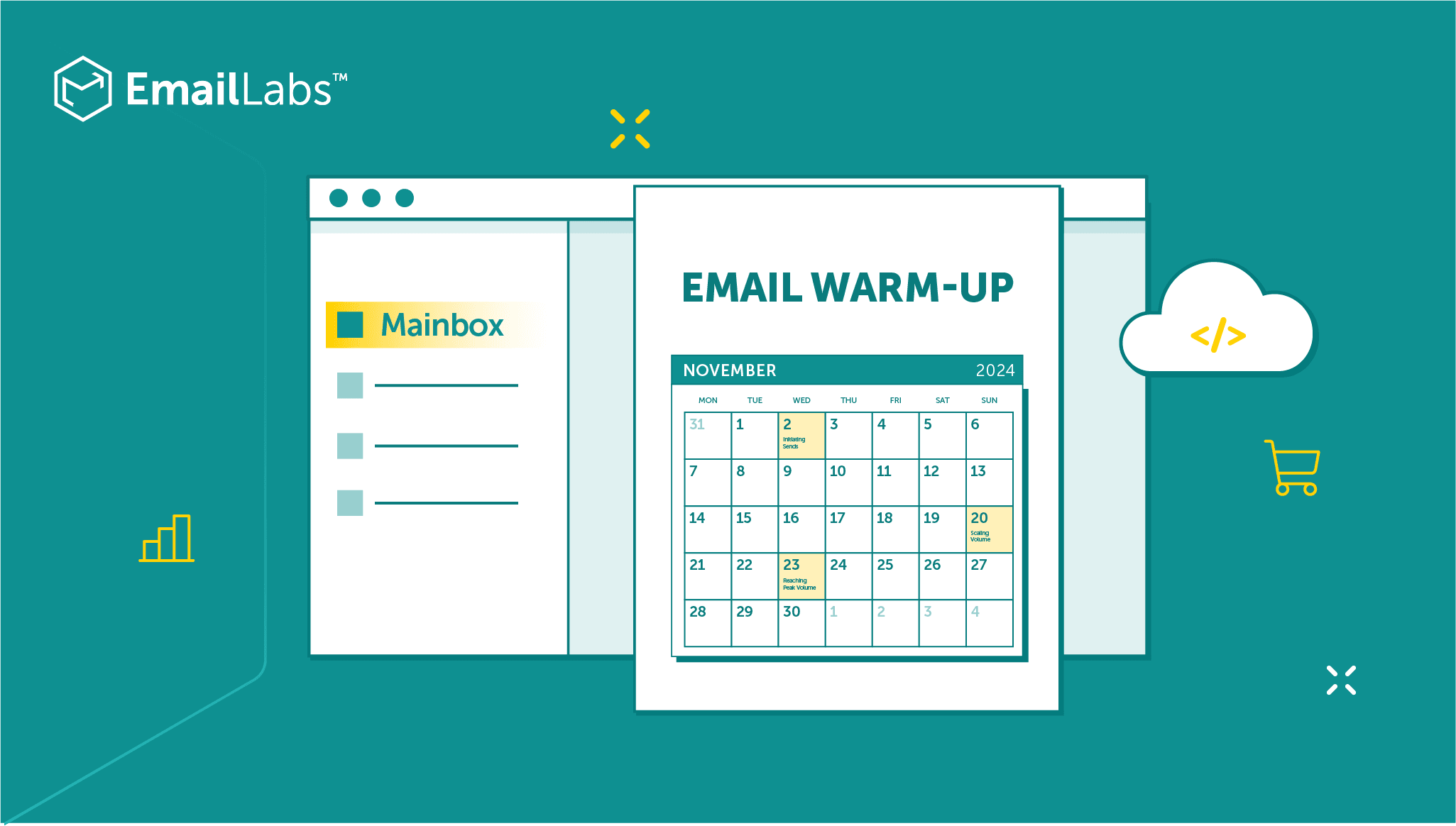
Warmup is not fire-and-forget. Track these signals throughout so you can slow down or pause the moment something looks off:
- Bounce rate: keep it below 2%. High bounces destroy sender reputation faster than almost anything else.
- Open and reply rates: strong engagement is a positive signal that your mail is wanted.
- Spam placement: use inbox placement tests to confirm messages land in the primary inbox, not the junk folder.
- Reputation by provider: Gmail and Microsoft can treat the same server very differently, so watch each separately.
Good warmup tools surface all of this on a dashboard and can even move your warm-up emails out of spam automatically, turning a spam landing into a positive signal.
How long it takes, and staying warm
Warmup duration depends on your target volume and how aggressively you ramp, so it can run anywhere from a couple of days to several weeks. As a safe baseline, MailReach recommends an initial warmup phase of at least 14 days with no live campaigns sent during it.
Warming is also not a one-time chore. Reputation decays if you go quiet or send erratically, so the strongest senders keep a warmup running before, during, and between campaigns to hold engagement steady. If a server's reputation is already damaged, a higher warmup volume can help repair it; MailReach reports that restoration is possible in roughly 90% of cases. Keep the list clean, keep the engagement genuine, and a warmed SMTP server stays in the inbox.
Common questions about SMTP warmup
What is SMTP warmup in simple terms?
It is the practice of slowly increasing how many emails you send from a new or inactive SMTP server so mailbox providers learn to trust it and route your mail to the inbox instead of spam.
How long does it take to warm up an SMTP server?
Anywhere from a few days to several weeks depending on your target volume. A common minimum is a 14-day initial phase with no campaigns sent during it, then continued warming alongside your sending.
Can I warm up an SMTP server manually?
Yes. You can raise volume by hand and ask real contacts to engage, but it is slow and error-prone. Automated services run the schedule against a large network of inboxes and generate far more consistent engagement.
Do I still need to warm up if I use SendGrid or Amazon SES?
Yes. Any SMTP-based sender, including ESP relays like SendGrid, Amazon SES, and Mailgun, benefits from warmup because the reputation of your sending address, domain, and IP still has to be built.
What happens if I skip SMTP warmup?
A new server sending large volumes looks like spam. Providers throttle or defer your mail, more of it lands in the junk folder, and your domain or IP can get blacklisted, which is far harder to recover from than it is to warm up properly in the first place.
§ Before your next send
Find the addresses that will bounce
Verify a single address free, or upload a CSV — the free plan includes 50 checks a month, no card needed.

BounceCheck Team
The team behind BounceCheck - helping businesses verify emails and improve deliverability.

