SPF ~all vs -all: Softfail vs Hardfail Explained (2026)
 BounceCheck Team
Before your next send Find the addresses that will bounce.
Verify an email freeIn an SPF record, ~all (softfail) and -all (hardfail) are the closing mechanism that tells a receiving server what to do with mail from a server that is not on your authorized list. ~all says the message is probably not authorized, so accept it but treat it as suspicious. -all says it is definitely not authorized, so reject it. Use -all for the strongest protection once your SPF record is complete and correct, and ~all while you are still testing and do not want to risk dropping legitimate mail.
What do ~all and -all mean in an SPF record?
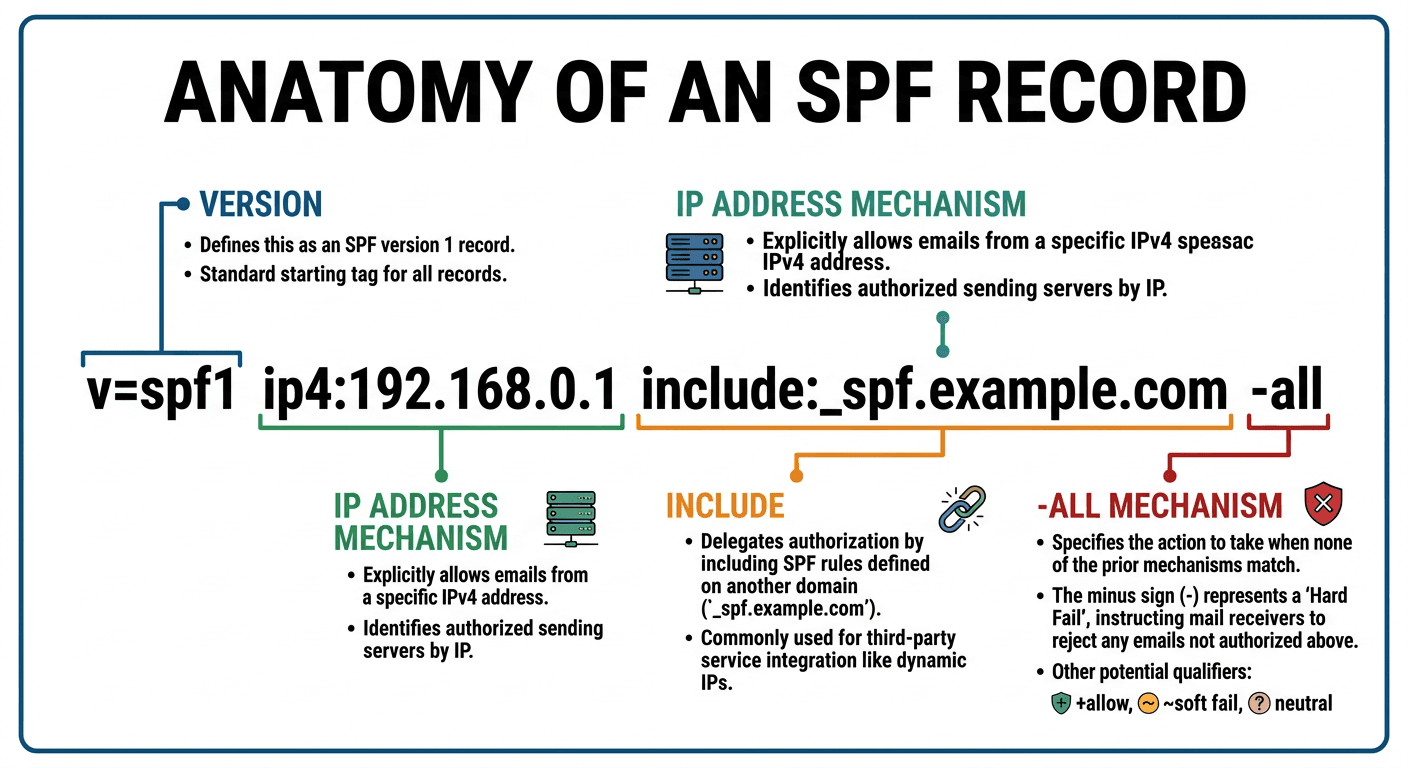
An SPF record ends with the all mechanism, which always matches any sending IP that none of the earlier mechanisms already covered. The qualifier in front of all decides the result for those unlisted senders. SPF defines four qualifiers in RFC 7208: + (pass), - (fail), ~ (softfail), and ? (neutral).
~all is a softfail. It is a weak statement that the host is probably not authorized, because the domain has not published a stronger, more definitive policy. The intended action is to accept the message but mark it, which usually means routing it to spam or flagging it as suspicious rather than rejecting it.
-all is a hardfail, written as fail in SPF results. It is an explicit statement that the sender is not authorized to use the domain. Receiving servers that honor a hardfail reject the message outright, though the actual behavior varies from one server to another.
For context, +all authorizes every server on the internet to send as your domain, which is highly discouraged, and ?all (neutral) asserts nothing at all about unlisted senders. Almost every real record uses ~all or -all.
SPF ~all vs -all: the key differences
The two qualifiers differ in the verdict they publish, how a receiver acts on it, and how consistently that verdict travels through DMARC.
| Attribute | ~all (softfail) |
-all (hardfail) |
|---|---|---|
| SPF result | Softfail | Fail |
| Statement | Probably not authorized | Definitely not authorized |
| Intended action | Accept but mark (spam or suspicious) | Reject |
| DMARC interpretation | Pass or fail, depends on the receiver's config | Fail, consistently across packages |
| Best for | Setup and testing phases | A finished, verified record |
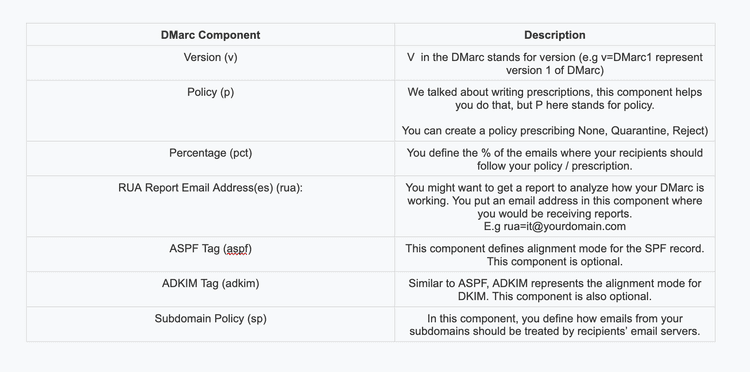
The DMARC row is the one that trips people up. A -all result is interpreted as fail in every DMARC implementation, so the outcome is predictable everywhere. A ~all result can be treated as either pass or fail depending on how the receiving server configures DMARC. In OpenDMARC, for example, both softfail and neutral are treated as fail by default, but that behavior can be changed.
Which should you use, ~all or -all?
Use -all once you are confident your SPF record lists every service that sends mail for your domain. It is the strongest signal, it protects your domain from spoofing most effectively, and it produces the same fail verdict on every receiver. This is the goal state for a production domain.
Use ~all as a safer interim setting while you build and verify the record. If you switch to -all before you have accounted for every sender, such as a help desk, a CRM, or a marketing platform, receivers that honor the hardfail will reject that legitimate mail. A softfail sends the same "unauthorized" signal without the hard rejection, which buys you time to catch a missing sender in your DMARC reports before it costs you delivered mail.
The trade-off is real. ~all is more forgiving but weaker against spoofing, while -all is stronger but unforgiving of an incomplete record. The usual path is to publish ~all first, monitor, then tighten to -all. Getting there is part of a wider SPF, DKIM, and DMARC setup, not a single switch.
How mailbox providers treat ~all and -all
Mailbox providers decide for themselves whether to reject on -all or only penalize on ~all, so the same qualifier can be handled differently from one provider to the next. Large providers generally weigh the SPF result alongside DKIM and DMARC rather than acting on the SPF qualifier alone.
Sending platforms reflect this in the records they recommend. Google and Mailgun suggest ~all, SendGrid publishes with ~all, and some platforms such as MailChimp and Mandrill historically used ?all. If you send through a provider, follow the record it gives you, and if you add the SendGrid SPF record or any other service, fold its include into your single record rather than publishing a second one.
Why SPF can cause your mail to be rejected
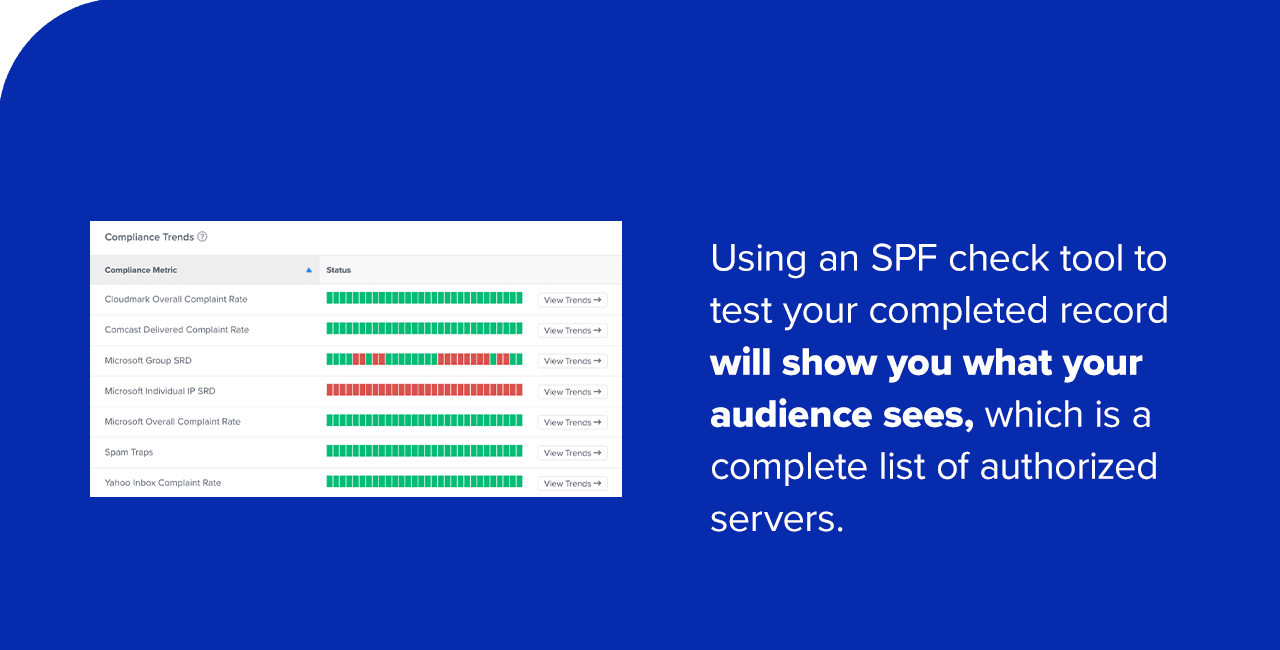
If your own mail is being rejected on SPF, a -all record combined with a sender you forgot to authorize is the most common cause. The receiver looks up your record, finds the sending IP is not listed, hits the -all, and rejects the message. A few other issues produce the same failure:
- The sending IP or service is genuinely missing from the record, so a legitimate stream fails.
- The record has more than 10 DNS lookups, which returns a permerror that many receivers treat as a failure.
- There are two SPF records on the domain, which is invalid and also returns a permerror.
- The record has a syntax error, so it cannot be evaluated.
Fixing SPF is one part of landing in the inbox rather than the spam folder. Clean authentication paired with a clean list is how you improve email deliverability, and the Gmail sender guidelines spell out what large receivers now expect.
FAQs
What is the difference between softfail and hardfail in SPF?
Softfail (~all) tells receivers a message from an unlisted server is probably unauthorized, so accept it but mark it as suspicious or route it to spam. Hardfail (-all) declares it definitely unauthorized, so reject it. Hardfail is stronger; softfail is more forgiving of an incomplete record.
Is ~all or -all better for security?
-all is better for security because it produces a consistent fail verdict that instructs receivers to reject unauthorized mail, which limits spoofing. ~all is weaker but safer while you are still confirming every legitimate sender is listed, since it will not reject mail you forgot to include.
Does ~all send mail to spam?
Often, yes. A softfail result is not a rejection, but many receivers treat it as a strong spam signal and file the message in the spam folder or flag it. The exact handling depends on the receiving server and its DMARC configuration.
Should I use ~all or -all with DMARC?
-all pairs most cleanly with DMARC because it is interpreted as fail on every implementation, giving you predictable results. ~all can be read as pass or fail depending on the receiver, so once your record is verified and DMARC is monitored, tightening to -all removes that ambiguity.
What does +all do in an SPF record?
+all authorizes any server on the internet to send email as your domain, which effectively disables SPF protection. It is highly discouraged and should never appear on a domain you care about.
Before your next send, run your list through BounceCheck to remove the invalid addresses that hard-bounce, so a clean SPF record is not the only thing standing between you and the inbox.
§ Before your next send
Find the addresses that will bounce
Verify a single address free, or upload a CSV — the free plan includes 50 checks a month, no card needed.

BounceCheck Team
The team behind BounceCheck - helping businesses verify emails and improve deliverability.