Duplicate Email Remover: How to Clean Your List
 BounceCheck Team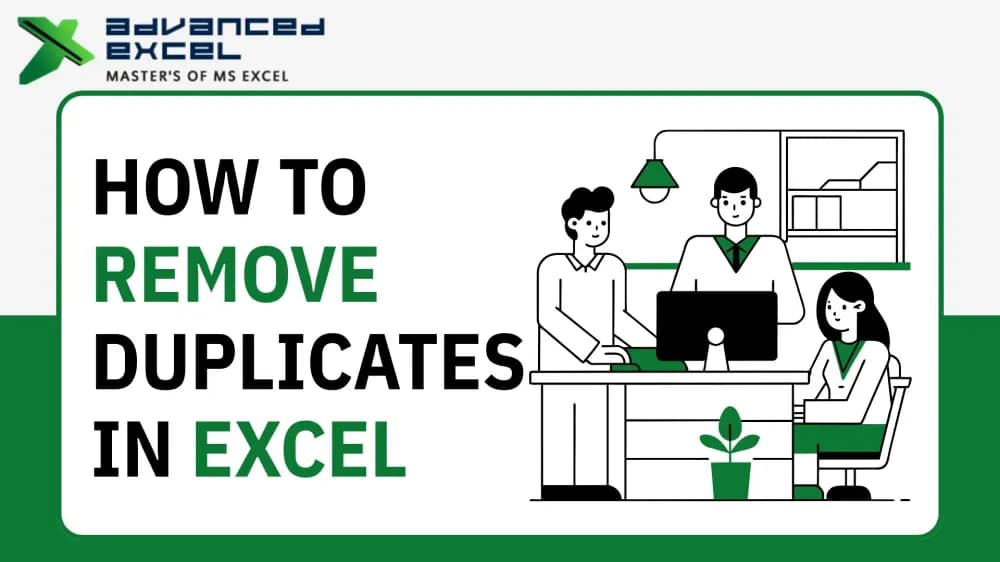
A duplicate email remover is a tool that scans a list of email addresses and strips out the repeats, leaving one copy of each. Paste or upload your list, run it, and you get back a clean set of unique addresses. It is one of the simplest pieces of list hygiene, and it takes seconds, but skipping it means sending the same message to the same person twice and quietly dragging down your campaign metrics.
This guide covers how to remove duplicate emails, why it matters, how it differs from verifying a list, and the manual options in Excel, Google Sheets, and Outlook.
What is a duplicate email remover?
A duplicate email remover (also called a duplicate email finder or checker) compares every address on your list and removes any that appear more than once. The output is a deduplicated list where each address shows up a single time.
Good tools also handle case: most treat [email protected] and [email protected] as the same address, so turning on an "ignore capitalization" option catches duplicates that differ only by letter case. This is a distinct job from removing duplicate messages inside an inbox, which is what Outlook-specific tools do, covered near the end.
How to remove duplicate emails from a list
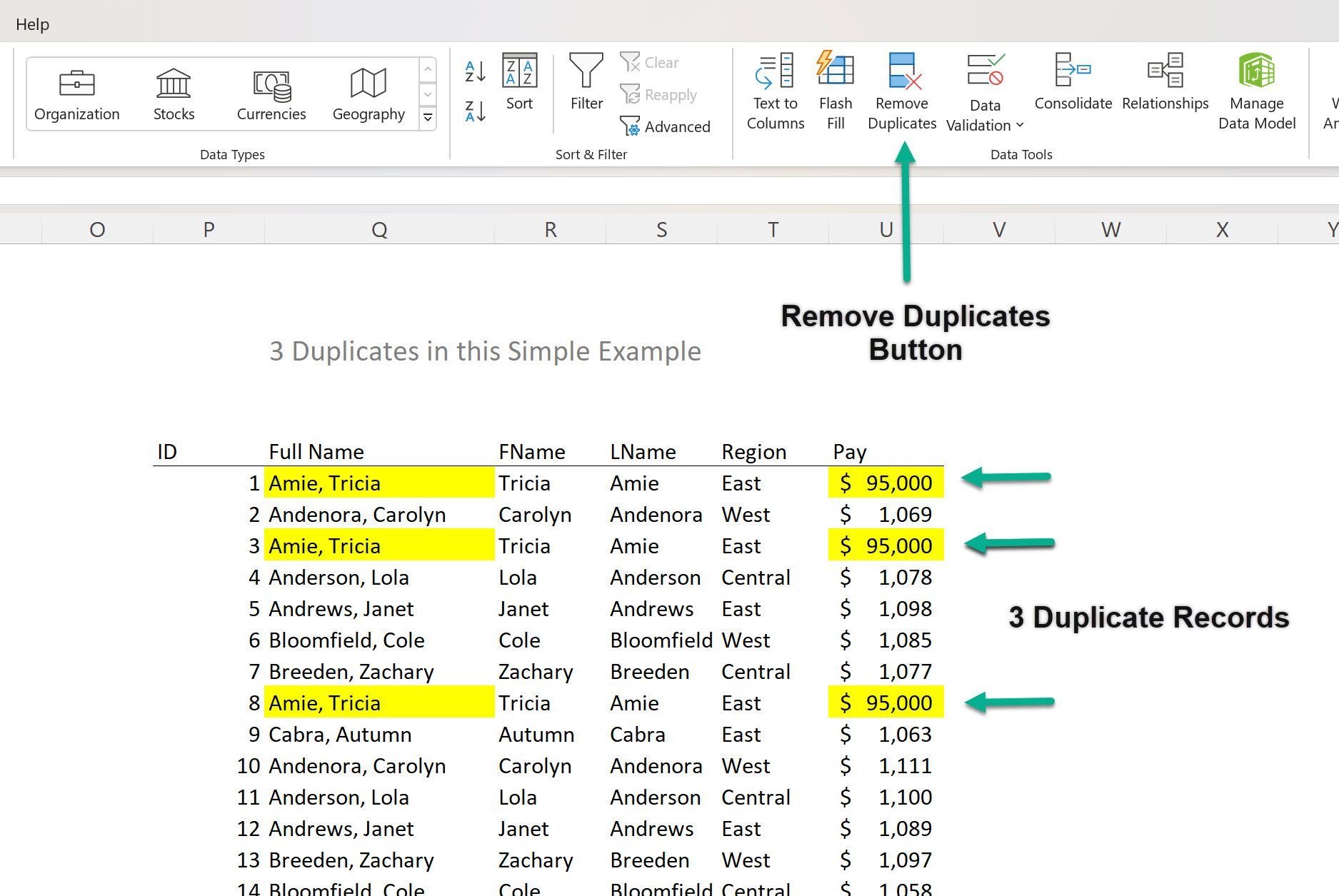
Any online duplicate remover works the same way, and the whole thing takes under a minute:
- Paste your list into the tool, one address per line, or upload a CSV or TXT file.
- Choose whether to ignore capitalization so case-only duplicates are caught.
- Run it, and the tool detects and removes every repeated address.
- Copy or download the cleaned list of unique addresses.
Reputable tools process the list in your browser or in real time without storing it, and they return a new cleaned file rather than altering your original. Check the tool's privacy note if you are working with a sensitive list.
Why remove duplicates from a mailing list
Duplicates look harmless, but they cost you in several ways:
- Double sends: the same subscriber receives your email twice, which reads as careless and invites unsubscribes or spam complaints.
- Skewed metrics: repeated addresses inflate your list size and distort open and click rates, so you cannot trust your numbers.
- Wasted budget: most email platforms charge by contact or send volume, so you pay to store and mail the same person more than once.
- Reputation risk: duplicates often ride along with other list-quality problems, and messy lists correlate with higher bounce and spam-folder rates.
Deduplicating before every import or send keeps your list lean and your metrics honest.
Duplicate remover vs email verifier: not the same tool
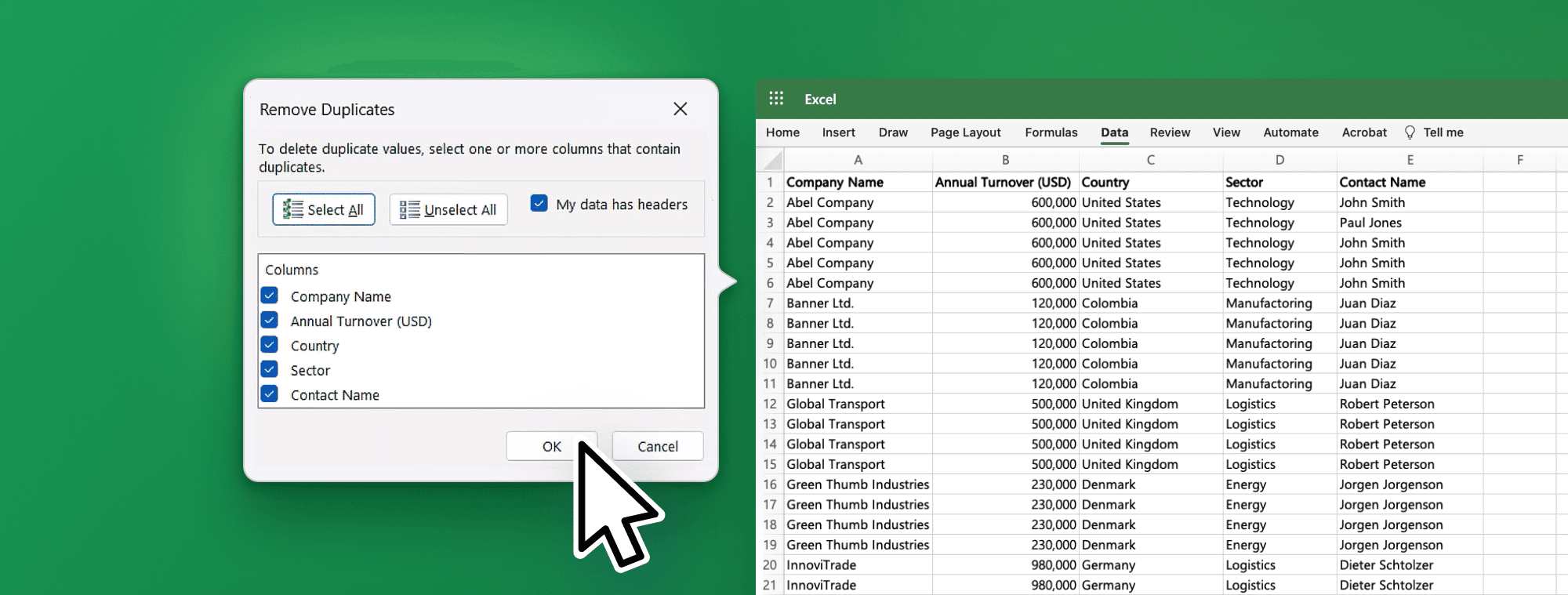
A duplicate remover and an email verifier are often confused, but they clean different problems. A duplicate remover finds addresses that repeat. An email verifier checks whether each address is real and deliverable. A list can be perfectly deduplicated and still be full of invalid, mistyped, or dead addresses that bounce.
| Duplicate remover | Email verifier | |
|---|---|---|
| What it finds | Addresses that repeat on the list | Addresses that are invalid or undeliverable |
| Method | Compares entries and keeps one copy of each | Checks syntax, domain, and mailbox validity |
| Fixes | Double sends and inflated list size | Hard bounces and dead addresses |
| Example tool | Mailmeteor, MyEmailVerifier | BounceCheck |
Full list hygiene needs both steps: dedupe to remove repeats, then verify the addresses to remove the ones that will bounce. BounceCheck handles the verification side, checking syntax, domain, and mailbox validity so what is left is not just unique but actually reachable. Run them together and your list is clean on both counts.
Removing duplicates in Excel, Google Sheets, and Outlook
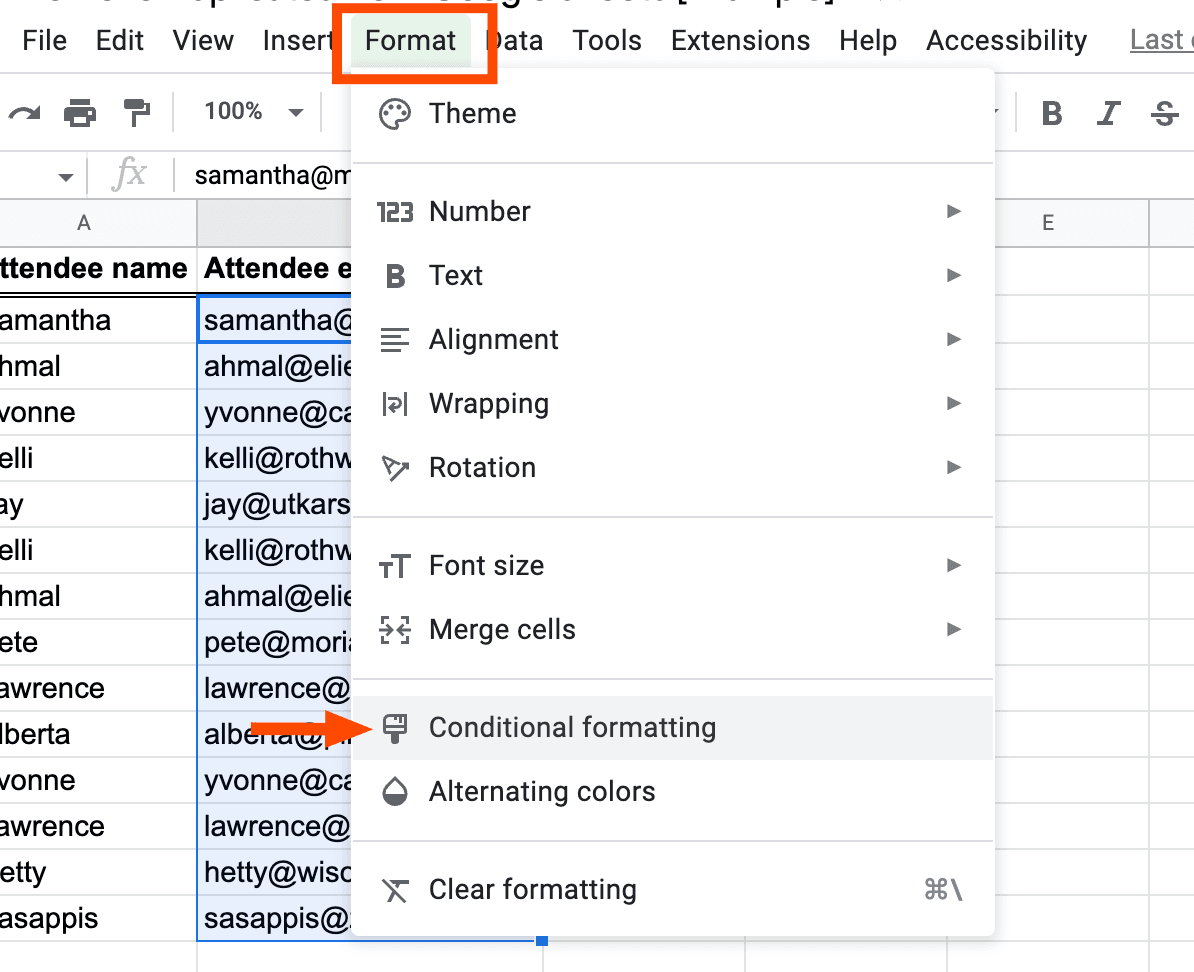
Excel, Google Sheets, and Outlook can each dedupe without a dedicated tool, though Outlook does a different job than the other two:
- Excel: select your email column, open the Data tab, and click "Remove Duplicates." Excel deletes the repeats in place.
- Google Sheets: select the range, then use Data, then "Data cleanup," then "Remove duplicates." Our guide to email work in Google Sheets covers verifying those same addresses afterward.
- Outlook: this is the other meaning of "duplicate email remover." Tools like plugins for Outlook remove duplicate messages from a mailbox or PST file, not addresses from a mailing list. If you are cleaning an inbox rather than a send list, that is the category you want.
For a one-off cleanup, a spreadsheet is fine. For lists you send from regularly, a dedicated remover plus a verifier is faster and safer.
Common questions about removing duplicate emails
Is a duplicate email remover free?
Most online duplicate removers are free, including tools from Mailmeteor, MyEmailVerifier, and others. You paste or upload your list and get a cleaned version at no cost. Paid options usually bundle deduplication into a larger list-management or verification platform.
Does removing duplicates change my original file?
No. Reputable tools return a new cleaned list and leave your original untouched, so you can always go back. Many also process the list without storing it, which matters for sensitive data.
Are email addresses case-sensitive when finding duplicates?
The domain part is not case-sensitive, and in practice mailbox providers treat the local part the same way, so [email protected] and [email protected] go to the same inbox. Enable the "ignore capitalization" option so those count as duplicates.
What is the difference between removing duplicates and cleaning a list?
Removing duplicates only strips repeated addresses. Cleaning a list is broader: it also removes invalid, role-based, and dead addresses through verification. Deduplication is one step of list hygiene, not the whole job.

BounceCheck Team
The team behind BounceCheck - helping businesses verify emails and improve deliverability.