What Is an Email Suppression List? Categories, Compliance, and Best Practices
 BounceCheck Team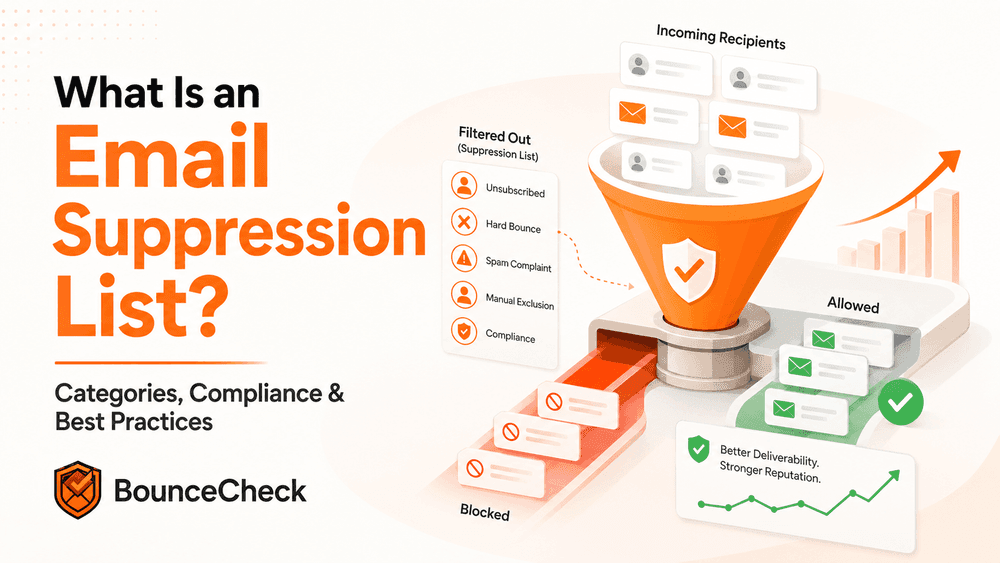
Before your next send Find the addresses that will bounce.
Verify an email freeMost email teams obsess over their active list: who is engaged, who has clicked, who is about to churn. The list that decides whether the active list ever sees the inbox is the opposite of it. An email suppression list is the master "do not contact" record, the addresses you have quietly committed never to email again, and how you maintain it is what protects everything else.
This guide covers what an email suppression list is, what goes on it, why it matters, how an ESP enforces it under the hood, the protocol senders use to share lists safely, and the practices that keep one healthy.
What an email suppression list actually is
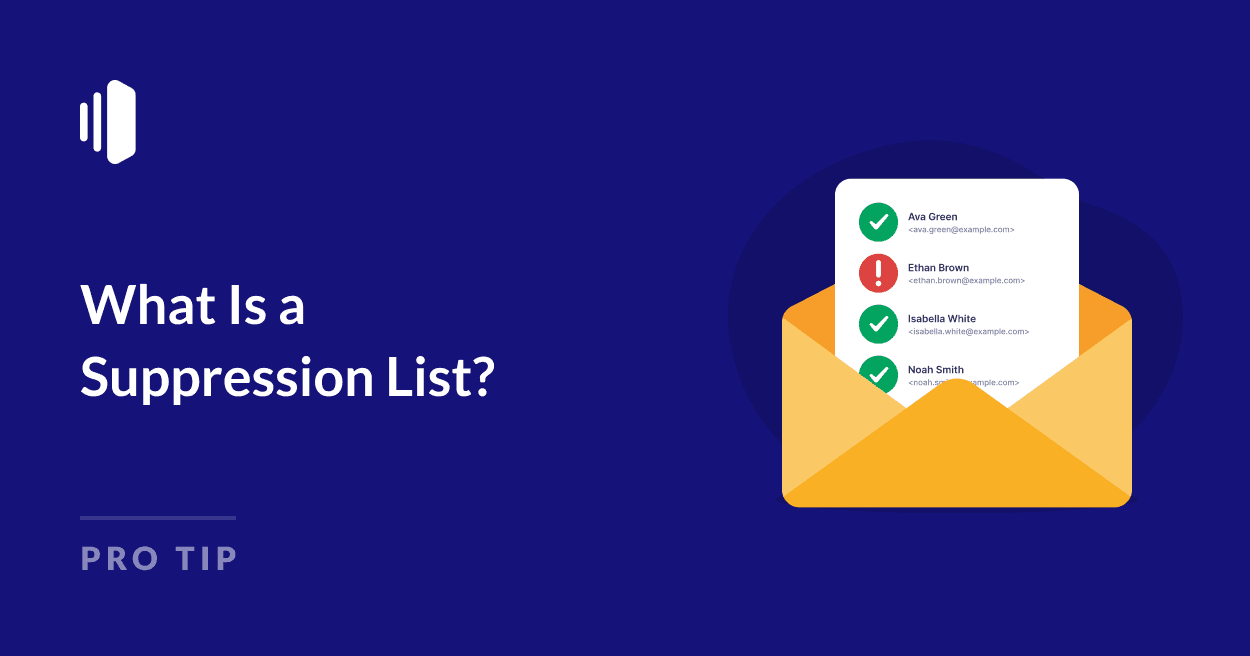
An email suppression list is a "do not send" list of addresses excluded from your campaigns. It is broader than your unsubscribe list. Unsubscribes are one source feeding it; bounces, complaints, manual exclusions, and legal-deletion requests all flow into the same record. When properly configured, your email platform automatically filters those addresses out of every sending list before the campaign goes out.
The concept exists because of the CAN-SPAM Act of 2003 in the United States, which requires senders of commercial email to provide a functional opt-out mechanism. Unsubscribed addresses must be placed on a suppression list and suppressed from future commercial emails. Modern ESPs extended the concept well beyond opt-outs.
The key contrast: an unsubscribe list represents users who explicitly opted out. A suppression list contains those plus anyone whose continued contact would damage your reputation or breach compliance. The two work together. Unsubscribes respect customer preference; suppression protects the deliverability of everyone still on your active list.
What goes on a suppression list
Most ESPs sort suppression entries into a handful of consistent categories.
- Unsubscribed users: People who explicitly opted out via the unsubscribe link or a manual request. Respecting these requests is legally required, and an opt-out address must stay on the suppression list indefinitely (or until the user opts back in themselves).
- Hard bounces: Addresses that consistently return permanent delivery failure messages. The recipient mailbox does not exist, the account was deleted, or the domain is gone. Continuing to email a hard bounce damages your sender reputation, so ESPs auto-suppress after one or more incidents. Soft bounces typically are not immediately suppressed because the underlying condition is temporary.
- Spam complaints: Recipients who marked your message as spam or junk. When the recipient's ISP supports feedback loops (FBL), the complaint flows back to the sender and the address is auto-suppressed. Continued sending to complainers ratchets your complaint rate up and can land you on a blocklist or in spam traps.
- Manually added contacts: Addresses your team excludes by choice, perhaps at a customer's verbal request, due to internal policy, or to prevent messaging to test accounts, competitors, or specific individuals.
- Legal and regulatory exclusions: Contacts who submitted data-deletion requests under GDPR, CCPA, or similar laws. GDPR in particular requires removal of all data, not just suppression of future emails.
Why suppression lists matter
Protecting sender reputation
Internet service providers judge whether your messages deserve the inbox based on your sender reputation. Emailing addresses that have unsubscribed, complained, or hard-bounced tells ISPs you are not maintaining list hygiene, and the score drops accordingly. A bad enough score sends your campaigns to the spam folder for the people who actually want them, which is the worst possible outcome.
Maintaining deliverability
Sender reputation drives deliverability. Cleaner lists mean lower bounce rates, fewer complaints, and better engagement metrics. Those metrics are what ISPs read when they decide whether to deliver, defer, or filter. Suppression lists are the lever that keeps those metrics healthy without manual list cleanup before every send.
Staying compliant
CAN-SPAM, GDPR, CASL, and CCPA all require senders to honor opt-outs and, in GDPR's case, deletion requests. Failing to do so can mean material fines. A well-maintained suppression list is the operational proof that opt-outs are being honored across every campaign and audience segment, even when the team launches a new audience or imports a fresh contact list.
How suppression works inside an ESP
The mechanic is simpler than it sounds. When an address triggers a suppression-worthy event (unsubscribe click, hard bounce, FBL complaint, manual addition), the ESP writes it into the suppression record. On the next campaign, before sending, the platform checks the recipient list against the suppression record and silently drops every match.
The check happens at the gateway, before the SMTP session opens. The recipient server never sees the attempt, the address never appears in delivery logs as a fresh failure, and the sender's quota is not consumed. This matters operationally: it means a suppression entry is invisible to recipients and almost invisible to senders, but it stops noise from creeping back into the bounce rate and the engagement metrics.
Some ESPs allow time-based suppression: an address can be suppressed for a fixed period rather than permanently, useful for re-engagement pauses. Others let teams configure regex-based blocklists to suppress entire domains (e.g. disposable-mail providers) or role-based patterns (e.g. anything starting with "noreply@" or "support@").
Once an address is removed from the suppression list, repeated re-removal within a short window (some ESPs block repeat-removal of the same address within 6 months) is typically rejected, because it indicates the underlying issue has not been resolved. For any list you're about to upload, it's cheaper to verify before import instead of feeding the suppression cycle over and over.
Sharing suppression lists between senders safely
This is where suppression lists get technical. A suppression list contains valid email addresses, by definition. If a third party gets hold of it and emails the list, the original sender (the one who provided the opt-out mechanism in the first place) may be liable for what is known as suppression list abuse.
The industry-standard mitigation is hashing. Instead of distributing a plaintext list of opted-out addresses, the sender distributes a list of one-way cryptographic hashes (historically MD5), one hash per line, each generated from an address. The receiving sender hashes their own internal list with the same function and removes any address whose hash matches an entry on the suppression hash list.
Because the hash is one-way, no one with only the hash can reconstruct the original address. That property is critical: it means the suppression list cannot be used as a list of valid addresses to email. SendGrid's overview of the same concept is a good cross-reference if you want to see how a major ESP frames the operational side of suppression lists. A second technique, seeded email lists, embeds known monitoring addresses in the distributed list so any abuse can be tracked back to the leaker.
Best practices for managing your suppression list
Keep the list current and automated
Set up your ESP to auto-add unsubscribes, hard bounces, and FBL spam complaints without manual intervention. Manual intervention is for edge cases (customer-requested removals, legal deletions, internal exclusions), not the bulk of the work.
Never re-add a suppressed contact yourself
Do not import a suppressed address back into a fresh audience or new-campaign segment. Suppression is supposed to be sticky. If a former subscriber wants back in, the re-opt-in must come from them via a public sign-up form or a preference center, not from your team flipping a flag.
Use topic-level suppression where possible
An unsubscribe from one newsletter is not always an unsubscribe from everything. If your ESP supports topic-specific suppression, or if you have set up granular email list segmentation, surface those choices in a preference center. Many full unsubscribes are people who only wanted to opt out of one stream.
Document the policy
Write down which events trigger suppression, how long entries stay, who is authorized to remove an entry, and what the protocol is for sharing the list with partners (hashed, never plaintext). Suppression policy looks like overhead until the day a compliance audit asks for it.
Sync across platforms
If marketing and transactional run on different platforms, a suppression added on one must propagate to the other. An unsubscribe ignored by the transactional system because it lives in the marketing system is still a regulatory violation. Most ESPs offer either a built-in sync or a webhook surface that lets a central record stay in step.
Frequently asked questions
How do I remove an email from my suppression list?
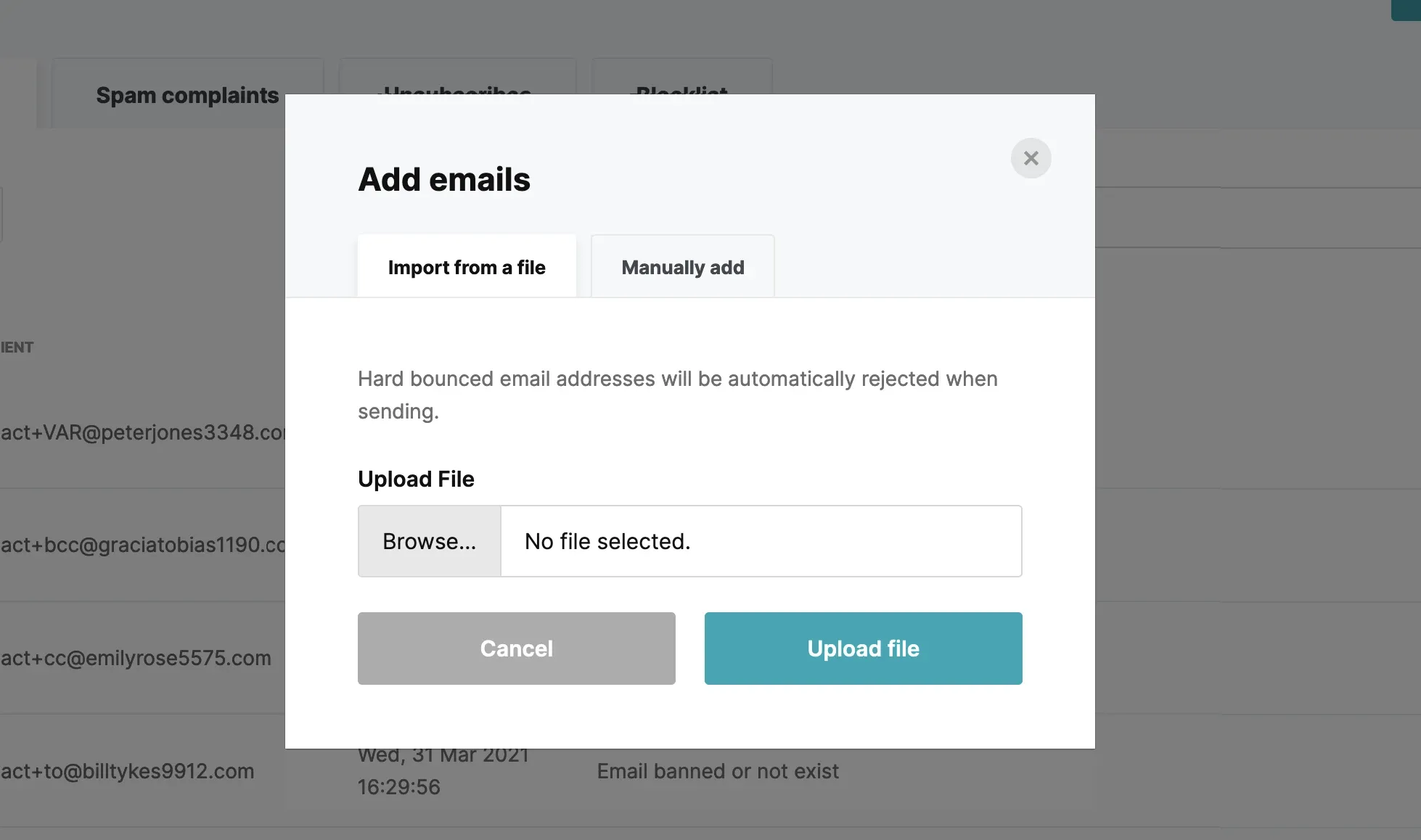
In most ESPs, open the suppression list view (commonly under Settings, Audit, or Actions), search for the address, and click Delete or Remove on that row. The original error message returns to the activity log so you can resend the message. If the same address bounces again within a short window (around 6 months on some gateways), the system will block repeat-removal, because that pattern indicates the underlying issue with the recipient has not been resolved.
What does "email blocked due to suppression list" mean?
It means the message you tried to send was stopped at the gateway by your ESP's suppression record, before any attempt to reach the recipient's mail server. The address is on the suppression list because of a prior unsubscribe, hard bounce, spam complaint, or manual addition. The recipient never received the message, and the bounce never reached their server. To send again, you have to remove the address from the suppression list first, ideally only after confirming the original block reason has been resolved.
How long do addresses stay on a suppression list?
It depends on the reason for the entry. Opt-outs and GDPR/CCPA deletion requests stay indefinitely (or until the user opts back in themselves). Hard-bounce and complaint entries are typically long-term but can vary. Some transient-style suppressions may last only minutes to hours before the gateway lets a retry through.
The suppression list is the quietest part of an email program and the most consequential. Get the categories right, automate the entries, share it safely when partners need it, and the rest of your deliverability work earns the room it needs to perform.
§ Before your next send
Find the addresses that will bounce
Verify a single address free, or upload a CSV — the free plan includes 50 checks a month, no card needed.

BounceCheck Team
The team behind BounceCheck - helping businesses verify emails and improve deliverability.