Email Verification with Make: Native Modules, HTTP Fallback, and When to Skip It
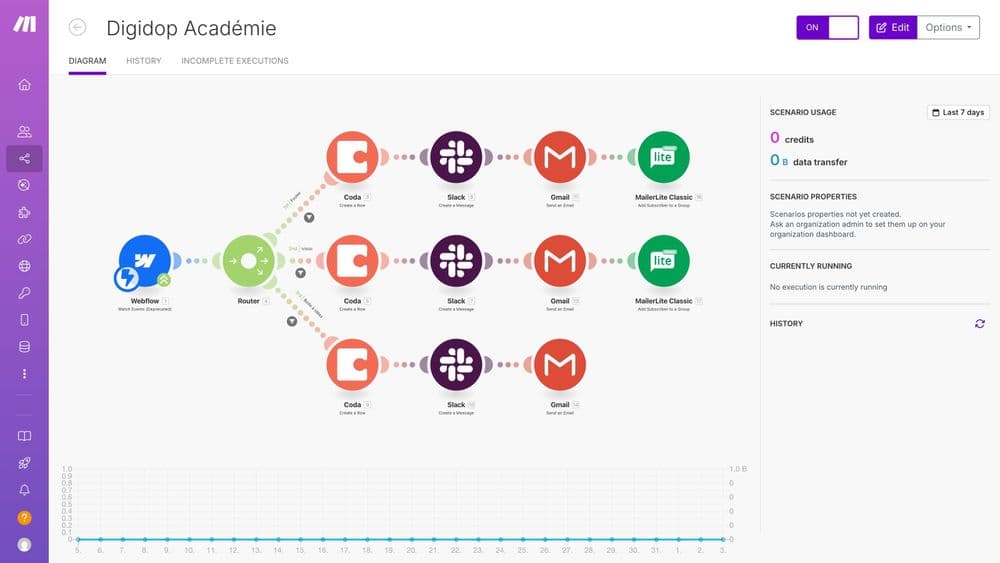
Make.com (formerly Integromat) is a visual automation platform where you build workflows (called scenarios) by chaining modules on a drag-and-drop canvas. Adding email verification to one of those scenarios takes one of two paths: a native verifier module if your verifier has built one, or the generic HTTP module if it has not. Both run inside the same scenario logic, both work without writing code, and both have a real cost in Make operations that you should plan for.
This guide walks through both paths step by step, lists the workflow templates that consistently pay back the setup time, and explains when the right answer is actually to skip Make entirely and use the verifier's own bulk upload. If you are still deciding how recipient verification fits into your stack at all, the broader how email verification works guide is the prerequisite read.
What Make is and how email verification plugs in
A Make scenario is a chain of modules: a trigger module fires (a new Google Sheets row, a Typeform response, a webhook hit), and downstream modules act on the data. Scenarios can run instantly, on a schedule, or be watched in real time as they execute. The free Make account is available forever; monthly and yearly paid plans add advanced features and higher operation limits, as detailed on the Make pricing page.
Email verification fits naturally between the trigger module and any module that does something with the address: add a subscriber, create a customer, send a follow-up. The verifier module checks whether the address is valid, deliverable, disposable, or role-based, and the result becomes a field your scenario can branch on with a Filter or Router.
Path A: Connect a native verifier app (the 7-step setup)
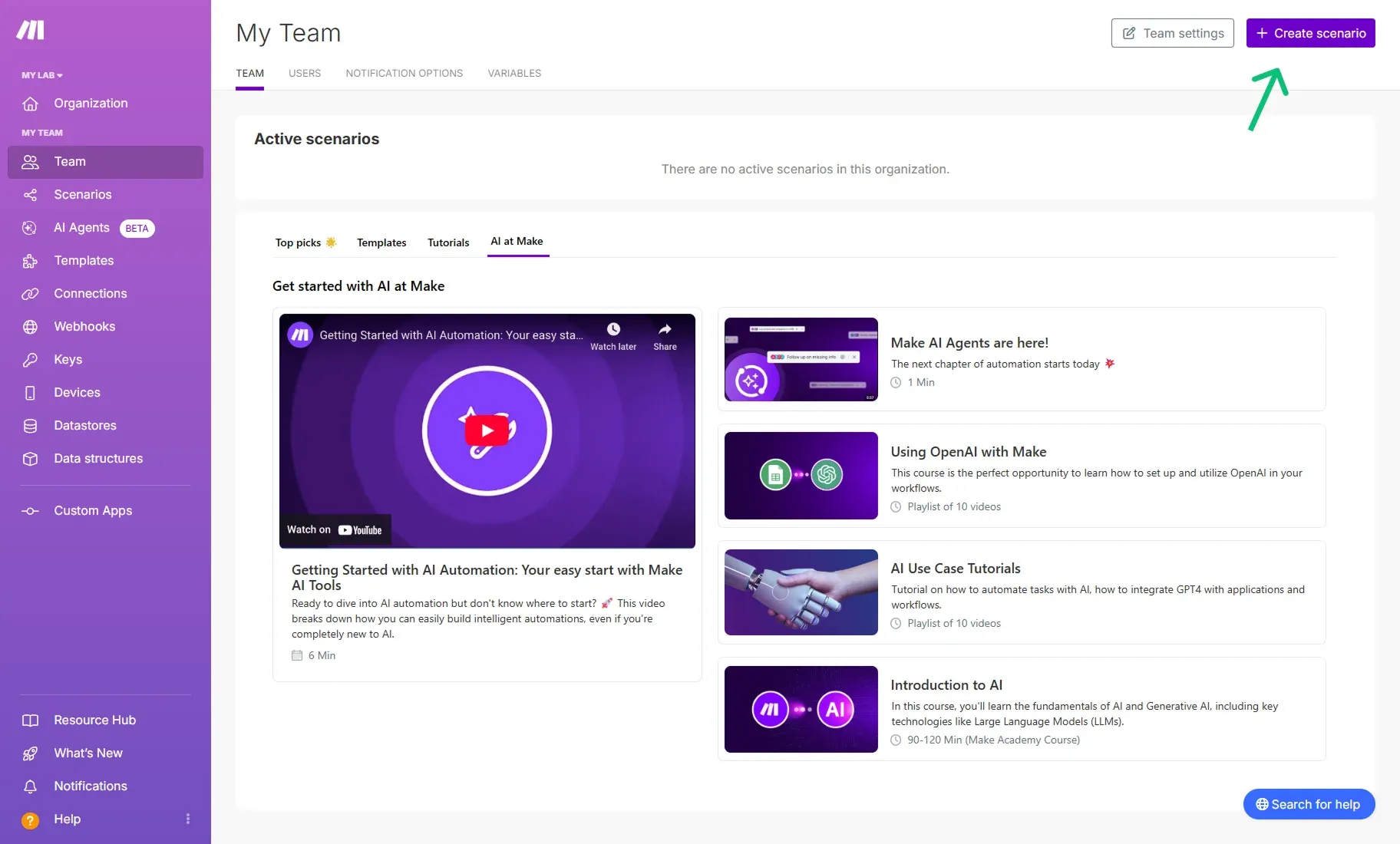
When the verifier has built a native Make module (MailerCheck, MailerSend, and several others have), the setup follows the same 7 steps regardless of which verifier you pick:
- Sign up or log in to Make.
- From the Make dashboard, click Create a new scenario and search for your verifier's app.
- Add the verifier module to the canvas and start the connection wizard.
- Open your verifier's own dashboard in a separate tab, navigate to API tokens.
- Generate a new token, give it a recognisable name, and copy or download it to a safe place.
- Return to Make, name the connection, paste the token, and click Save.
- Test the module with a single email address before turning the scenario on.
The key thing the tutorial pages from verifiers like MailerCheck make clear is that the API token is generated inside the verifier dashboard, not inside Make. Make only stores the token as a saved connection. That separation is what lets you revoke access from the verifier side without breaking the rest of the scenario.
Once the connection is saved, the verifier module exposes its full feature set as fields you can map. The most useful field is usually the verification status, which becomes the input for a Filter that decides whether the rest of the scenario runs.
Path B: The HTTP module fallback
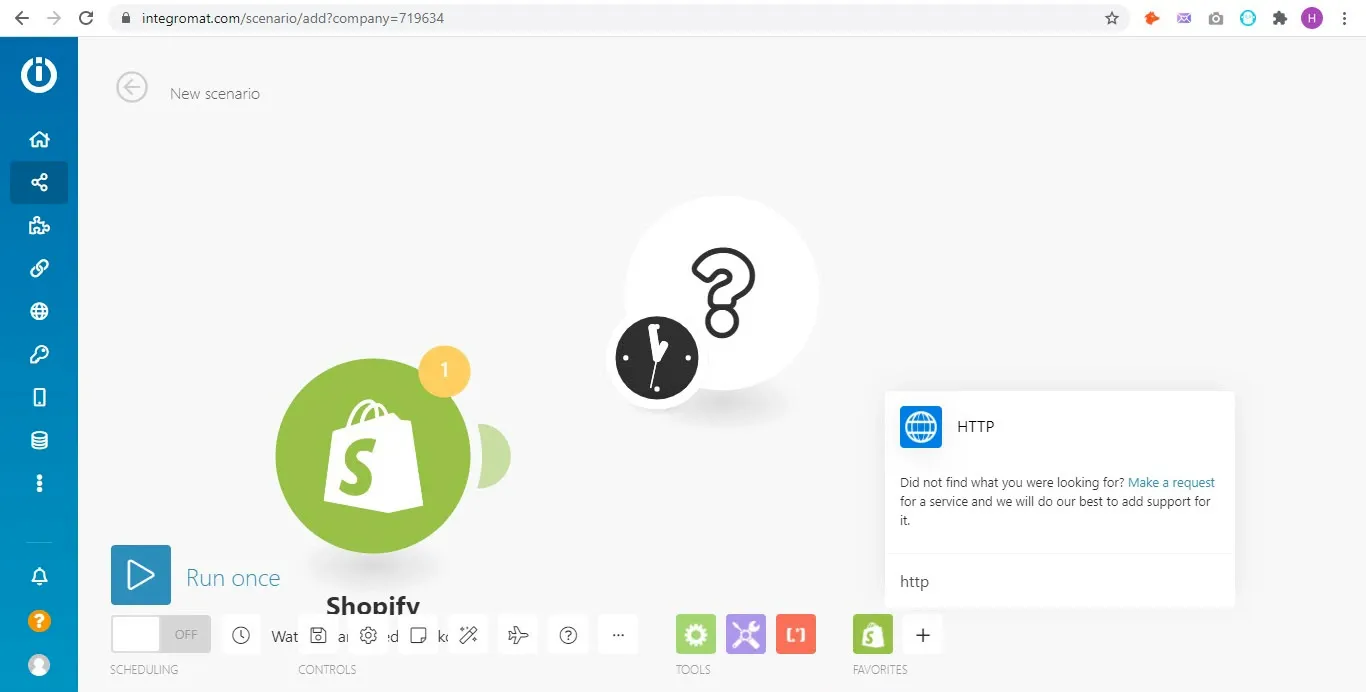
If your verifier has no native Make app, the universal fallback is the generic HTTP module. Make ships with this module specifically so any API can be wired into a scenario without code. The pattern is consistent across verifiers:
- Add an HTTP module to the scenario, set the method to POST.
- Set the URL to the verifier's verify endpoint (check the verifier's API docs for the exact path).
- Authenticate using the verifier's API key, usually as a header or query parameter.
- Map the email field from the upstream trigger into the request body.
- Parse the JSON response in the next module, branch on the status field.
This is the path described in tutorials from Truelist and several other verifiers without native apps. The trade-off is that you have more wiring to do per email field (request, parse, error handler), but you are not waiting for a vendor to build a Make integration. For deeper Make-side documentation on HTTP modules and connection patterns, the Make help center covers the canvas mechanics in detail.
Workflow templates that actually move the needle
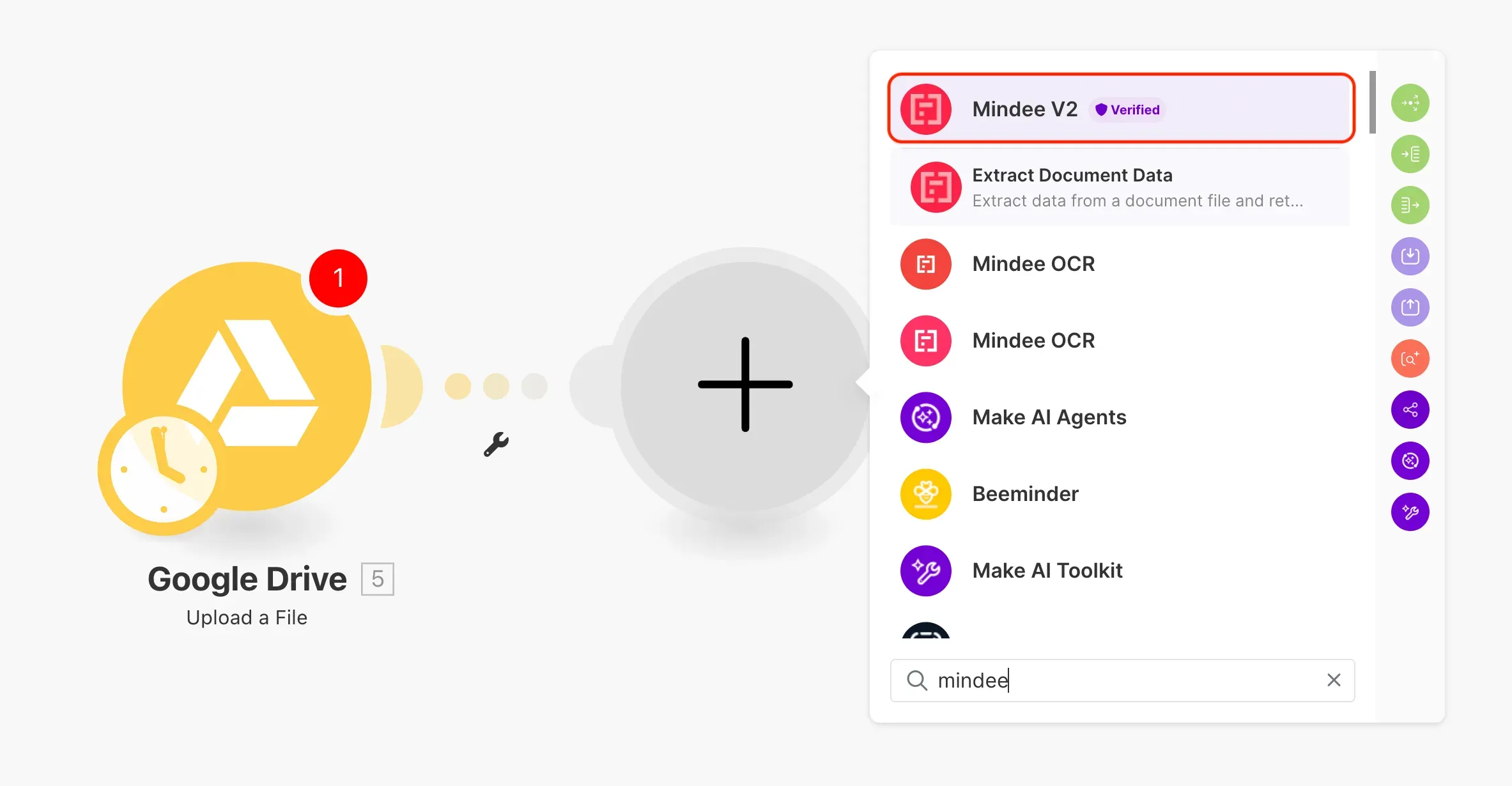
The MailerCheck integration page lists four workflow templates that map cleanly to common B2B use cases, and they are a useful starting point regardless of which verifier you use:
- Google Sheets to WooCommerce: validate emails for new Google Sheets rows, then create new customers in WooCommerce only for the valid responses.
- Typeform follow-up: verify the email from each new Typeform response before sending a follow-up email.
- Airtable column cleanup: verify every row of an Airtable email column on a schedule.
- Mailchimp subscriber gate: gate new Mailchimp subscriber adds on a passed verification check.
The common thread is that each scenario uses verification as a gate, not as a separate workflow. The verifier sits between the source of the address and the system that pays for the address being wrong (a misrouted order, a hard bounce, a wasted Mailchimp slot). That gate placement is what drives the ROI, not the verification step itself.
Cost, operations, and when Make is the wrong tool
Make's pricing is operation-based: each module run in a scenario counts as one operation. The Truelist integration documentation calls this out specifically, because it is easy to forget that every verification API call inside a scenario is also one Make operation. You are paying twice on every check: once in verifier credits, once in Make operations. A 10,000-address list run record-by-record can quietly chew through an entire monthly operations allowance.
That math is what defines the boundary of when Make is the right tool. Real-time, per-record verification (a new signup, a new form submission, a fresh CRM lead) fits Make cleanly. Bulk verification of a 50,000-row list does not. The Truelist Q&A puts it bluntly: for large bulk verification, use the verifier's direct upload feature instead of Make per-record.
The practical rule of thumb is the same boundary covered in the real-time vs bulk email verification decision framework: if you are deciding on each row as it arrives, Make is right; if you are processing thousands of rows at once, drop the CSV into the verifier dashboard directly. Make becomes the wrong tool somewhere between a few hundred and a few thousand rows, depending on your operations cap.
Picking between Make and the bulk alternative
There is no platform-level answer to whether email verification belongs in Make. The honest version is: Make is the right home for verification when the workflow already lives there. If your signups already write to a Google Sheet via a Make scenario, adding a verifier module to that scenario is a 7-step change. If your bulk hygiene is a one-off, your verifier's direct upload (the route covered in the best bulk email verifier round-up) is cheaper, faster, and does not eat Make operations.
For most senders, the answer is both: Make for real-time gating on inbound signups, direct bulk upload for periodic list cleanup. Treat Make as the place where verification protects the next downstream action, and treat the verifier's own dashboard as the place where verification cleans the backlog.
BounceCheck Team
The team behind BounceCheck - helping businesses verify emails and improve deliverability.