Transactional Email vs Marketing Email: Differences, Examples, and How to Use Both
 BounceCheck Team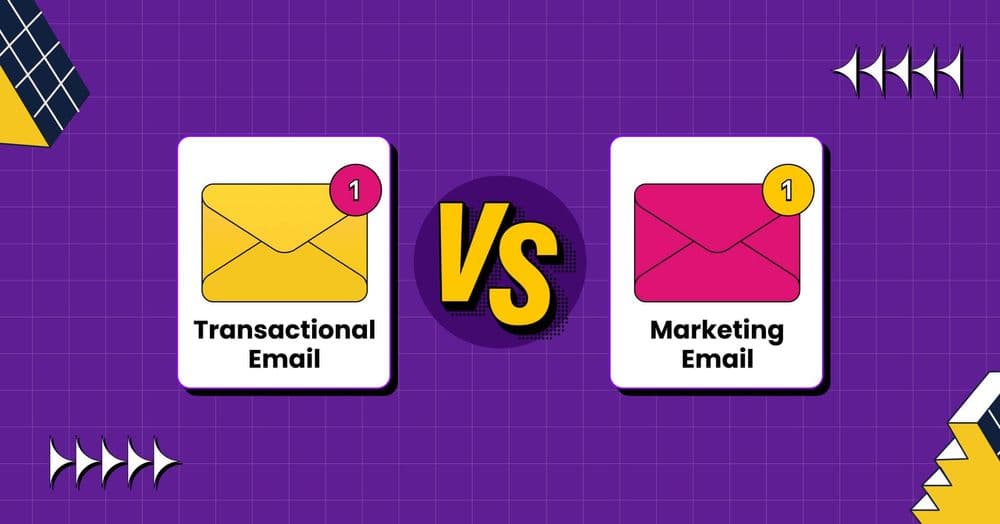
Transactional and marketing emails sit on the same email infrastructure but serve completely different jobs. A transactional email is triggered by something a recipient already did, contains personal account information, and typically lands in seconds. A marketing email is a scheduled, bulk message sent to a list of opt-in subscribers, with the same content for everyone, intended to drive an action they have not yet taken.
Knowing which is which matters for three reasons: deliverability (mixing them tanks the speed and reputation of both), legal compliance (marketing requires consent and an unsubscribe link, transactional does not), and customer experience (a password reset that lands ten minutes late is a broken product). This guide covers what each type is, the key differences, common examples, and why most senders separate the two infrastructures.
What Is a Transactional Email?
A transactional email is an automated message triggered by a specific action a user took on your site or app. The trigger could be a purchase, a signup, a password reset request, or any other interaction the email is a direct response to. Each message is personalized to the recipient and contains information that is relevant only to them.
The defining characteristics:
- Triggered by user actions, with the email firing in response to a purchase, signup, password reset, or other behavior tied to a single account.
- Personal and immediate, since the content references the action just taken and timing matters for the customer experience.
- Critical information, including order confirmations, shipping notifications, account changes, and security alerts the recipient needs or expects.
- Sent 1-to-1, with content unique to one user rather than reused across a list.
What Is a Marketing Email?
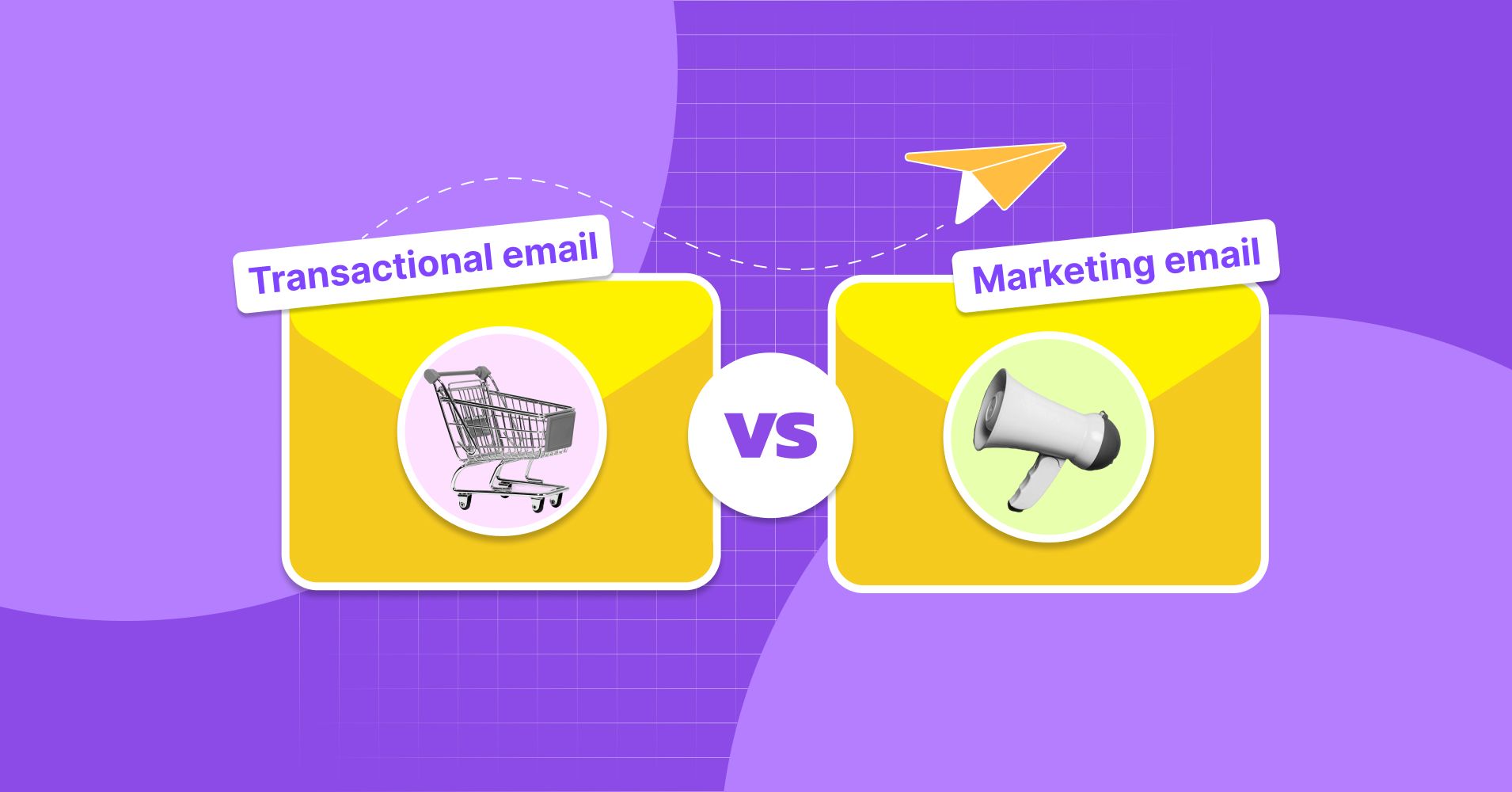
A marketing email is a scheduled, promotional message sent to a list of recipients with the same content. The intent is commercial: encourage opens, clicks, purchases, or other actions the subscriber has not yet taken. It is also called a broadcast, promotional, commercial, or bulk email.
The defining characteristics:
- Same content to many recipients, usually a full list or a segmented portion of it.
- Scheduled or campaign-triggered, sent at a planned time or in response to a marketing behavior like cart abandonment rather than a direct account action.
- Requires opt-in, with the recipient having explicitly subscribed and able to opt out at any time.
- Lower engagement, with promotional campaign open rates typically in the 10 to 20% range versus close to 70% for password reset emails.
Key Differences Between Transactional and Marketing Email
References and inbox providers converge on five axes:
- Trigger: transactional is fired by a specific user action, marketing is scheduled or campaign-driven.
- Audience size: transactional goes to one person, marketing goes to a list.
- Speed: transactional delivery is measured in seconds, marketing has more flexibility.
- Consent and unsubscribe: marketing requires opt-in and an unsubscribe link under CAN-SPAM and similar regulations, transactional emails containing only relational content are exempt.
- Content: transactional is specific to one user’s account or order, marketing is broad promotional content aimed at segments or the entire list.
Transactional Email Examples
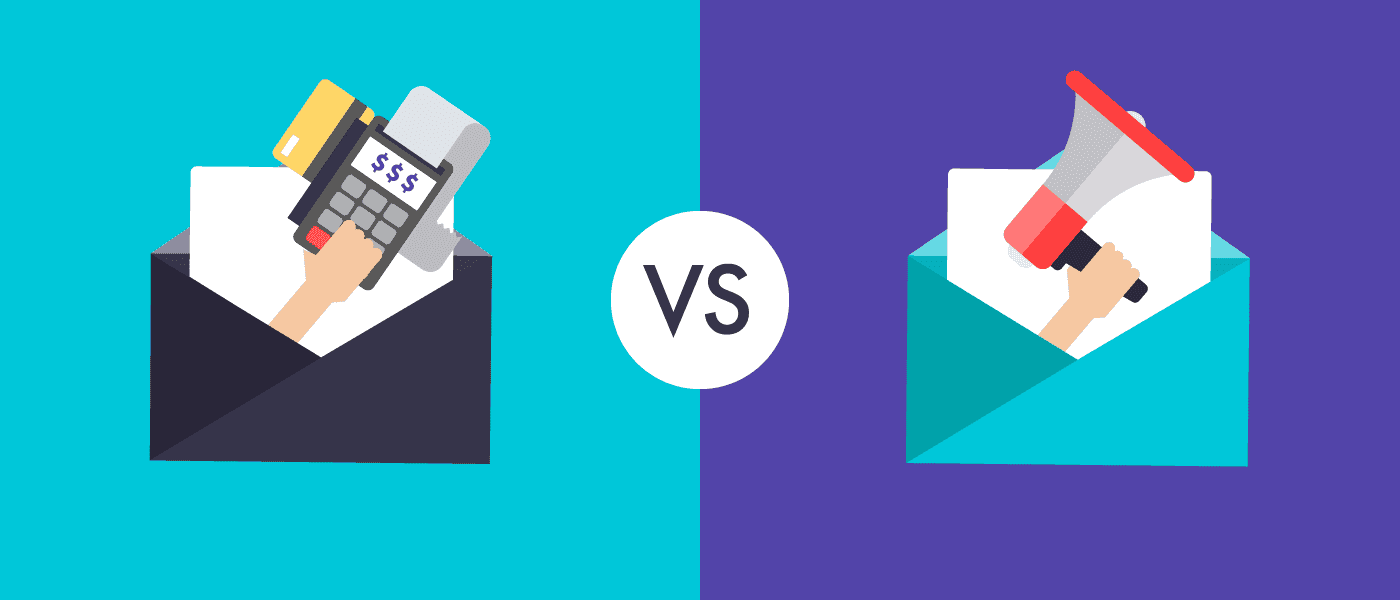
Anything triggered by an action and personal to the recipient counts:
- Order confirmations and receipts
- Shipping and delivery notifications
- Password reset and security alert emails
- Account creation and welcome messages
- Double opt-in confirmations and identity verification
- Invoice and billing reminders, including dunning sequences for failed payments
- Customer feedback requests tied to a recent purchase
Marketing Email Examples
Anything scheduled or campaign-driven, sent to a list:
- Newsletters
- Promotions, sales, and discount announcements
- Seasonal and holiday campaigns
- New product or feature launches
- Webinar and event invitations
- Cross-sell and upsell campaigns
- Re-engagement campaigns and abandoned-cart reminders
Why You Should Separate Transactional and Marketing Email
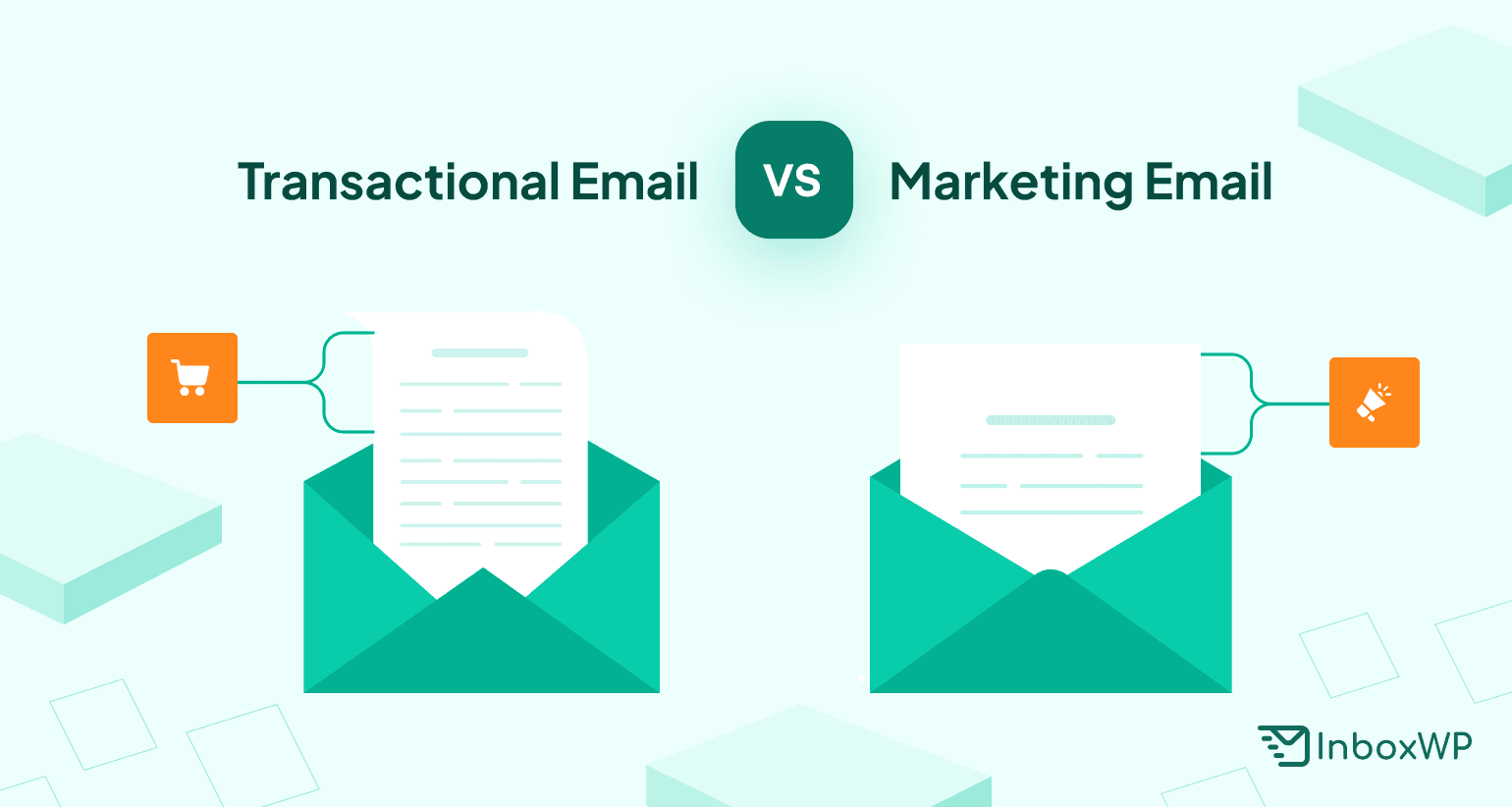
Gmail officially recommends separating the two mail streams by purpose. The reason is simple: marketing email tends to have lower engagement, more spam complaints, and the occasional list quality problem from a high bounce rate or accumulated email list decay. If you mix them on the same sending infrastructure, problems on the marketing side drag the transactional side down. The concrete consequences:
- Deliverability suffers, since inbox filters classify mixed streams as bulk and may slow or sandbox time-sensitive transactional messages.
- Sender reputation becomes fragile, with a sudden drop from a promotional misfire (wrong list, low engagement) putting password resets at risk too.
- Support volume rises, since lost transactional emails create “I never got the password reset” tickets that cost team time and brand trust.
- Troubleshooting gets harder, because the two types have different failure modes and need separate monitoring.
How to Separate Transactional from Marketing Email
Three levels of separation, from minimum effort to best practice:
- Good: send each type from a different email address on the same domain, for example [email protected] vs [email protected]. This is the floor, not the goal.
- Better: send from different IP addresses, with marketing on a shared promo IP and transactional on a dedicated or curated reputation pool.
- Best: send from different From addresses, IP addresses, and subdomains, for example promo.yourdomain.com vs notify.yourdomain.com. Domain reputation now matters more than IP reputation, so subdomain separation is the durable win.
Whichever level you pick, the underlying list still has to be clean. Stale addresses, role-based addresses, and hard bounces all degrade sender reputation regardless of which stream you put them on.
Send Clean Lists for Both Email Types with BounceCheck
Separation of streams handles the infrastructure side. Clean lists handle the engagement side. The two pair together: a clean marketing list keeps engagement high enough that the shared domain reputation does not drag down transactional delivery.
BounceCheck runs every address through a 30-step pipeline that returns a 0-100 score and explicit flags for invalid, role-based, and disposable addresses. Suppress the bad ones before sending and protect your sender reputation on both streams. Stealth SMTP verification runs silently without alerting recipients or risking your domain.
$9.99 for 10K verifications. Credits never expire.

BounceCheck Team
The team behind BounceCheck - helping businesses verify emails and improve deliverability.