Email Deliverability Monitoring: What to Track and When to Act
 BounceCheck Team
Before your next send Find the addresses that will bounce.
Verify an email freeEmail deliverability monitoring is the ongoing practice of watching the signals that predict whether your mail reaches the inbox, and alerting on them before a small problem compounds into a reputation crisis. It is not a one-time audit. A single report tells you where you stand today; continuous monitoring tells you the moment something moves, which is when you still have time to act. Reading a point-in-time deliverability snapshot answers "how am I doing right now," while monitoring answers "what just changed, and do I need to respond today."
The distinction matters because mailbox providers score you continuously. Gmail, Yahoo, and Microsoft update their view of your sending reputation with every batch you send, so a spike in complaints or bounces that you catch on Monday is far cheaper to fix than the same spike you discover three weeks later, after inbox placement has already collapsed. This guide covers the seven signals worth tracking (bounce rate, spam complaints, sender reputation, blacklist status, DMARC, inbox placement, and authentication pass rate), the thresholds worth alerting on (an overall bounce rate under 2% and a spam-complaint rate under 0.3%), how often to look, and how monitoring feeds directly into the fix loop.
What email deliverability monitoring actually means
Monitoring is a running feedback loop, not a dashboard you open once a quarter. You collect a fixed set of metrics on a schedule, compare each one against a threshold, and trigger an alert when a metric crosses the line. The goal is early warning: catching a reputation decline while it is still a warning sign rather than a delivery failure.
Two layers work together. Post-send monitoring watches what happens after mail leaves your system: bounce rates, complaint rates, reputation scores, and how much of your mail actually reaches the inbox. Pre-send monitoring, sometimes called seed-list or inbox-placement testing, sends a test message to a panel of seed addresses before a real campaign so you can see likely placement in advance. Post-send tells you what is happening to real subscribers; pre-send lets you catch a problem before your list ever sees it.
The signals to monitor continuously

Seven signals give you a near-complete picture of sending health: bounce rate, spam-complaint rate, sender reputation, blacklist or RBL status, DMARC aggregate reports, inbox placement, and authentication pass rate. Each one has a natural source, a rough threshold, and a sensible cadence, summarized in the table below.
| Signal | What it tells you | Alert threshold | Cadence |
|---|---|---|---|
| Bounce rate | List quality and mailbox validity | Above 2% overall; hard bounces near 0 | Every send |
| Spam-complaint rate | How recipients feel about your mail | Approaching 0.3% | Daily |
| Sender reputation | How providers score your IP and domain | Drop from High to Medium or worse | Daily |
| Blacklist / RBL status | Whether a block list has flagged you | Any new listing | Daily |
| DMARC aggregate reports | Who is authenticating as your domain | Rising unauthenticated volume | Weekly |
| Inbox placement | Share of mail landing in inbox vs spam | Placement falling below your baseline | Per campaign |
| Authentication pass rate | SPF, DKIM, and DMARC alignment | Pass rate below ~98% | Weekly |
Google's Postmaster Tools is the single most useful free source for several of these at once: it reports your Gmail spam rate, IP and domain reputation, authentication results, and delivery errors, all updated as you send. If you send meaningful volume to Gmail, it belongs in your daily monitoring routine.
Bounce rate: your earliest warning
Bounces are the first metric to move when list quality slips, so they belong on every send, not a weekly review. Hard bounces (permanent failures from invalid or nonexistent addresses) should sit near zero on a clean list; a sudden rise usually means a stale segment or an unverified import made it into the send. Soft bounces (temporary failures like a full mailbox or a throttling provider) matter when they trend upward, because repeated soft bounces to the same domain often signal that the provider is deferring your mail on reputation grounds.
A practical rule: alert on an overall bounce rate above 2%, and treat any single send over 5% as a stop-and-investigate event. A rising hard-bounce rate is the clearest sign that list hygiene has lapsed, and it is the metric mailbox providers weigh most heavily when deciding whether to keep accepting your mail. If your bounce rate is already elevated, the fix loop starts with cleaning the list before the next send rather than sending again and compounding the damage.
Spam-complaint rate: the fastest path to throttling
The spam-complaint rate is the percentage of delivered messages that recipients mark as spam, and it is the metric that will get you throttled or blocked fastest. Google's bulk sender requirements ask senders to keep the reported spam rate below 0.3% and ideally under 0.1%; crossing 0.3% is where delivery problems reliably begin. Because complaints can spike inside a single campaign, this is a daily watch, and Postmaster Tools reports it directly for Gmail traffic.
When complaints climb, the cause is usually list source or frequency rather than content. Purchased lists, unclear opt-in, and over-mailing all drive complaints. Monitoring gives you the trigger; the fix is tightening acquisition, honoring unsubscribes instantly, and pulling back frequency on unengaged segments before the rate crosses the line.
Sender reputation and blacklist status
Sender reputation is the composite score mailbox providers assign to your sending IP and your domain, and it is the lever that most directly decides inbox versus spam. You cannot see a single universal number, but you can monitor proxies: Postmaster Tools shows Gmail's High, Medium, Low, or Bad reputation buckets, and Microsoft's SNDS reports a similar picture for Outlook and Hotmail. A drop from High to Medium is an early-warning signal worth alerting on, because it typically precedes a measurable placement decline.
Blacklist monitoring runs in parallel. Real-time block lists (RBLs) like Spamhaus flag IPs and domains associated with spam, and a fresh listing can throttle delivery within hours. A daily automated check of your sending IP and domain against the major lists catches a listing while delisting is still fast, and knowing how to see if you are listed turns a vague "delivery seems off" into a specific, fixable cause. Pair reputation and blacklist checks so a reputation drop and a new listing are never discovered independently.
DMARC aggregate reports and authentication pass rates
Authentication is what lets providers trust that a message really came from you, and monitoring it continuously catches both misconfiguration and abuse. SPF, DKIM, and DMARC should pass and align on essentially all of your legitimate mail; an authentication pass rate that slips below roughly 98% points to a broken DKIM key, a forgotten sending source, or a new tool sending on your behalf without alignment.
DMARC aggregate reports (the RUA feeds providers send back) are the mechanism for seeing this at domain scale. As dmarc.org describes, aggregate reports let a domain owner monitor who is sending mail as their domain and whether that mail authenticates, which is exactly the visibility you need to move a policy from monitoring toward enforcement. The raw XML is hard to read by eye, so understanding how to read RUA reports is what turns the feed into an actual monitoring signal. Watch for two things: a falling pass rate on your own streams, and unauthenticated volume claiming to be you, which is often spoofing.
Inbox placement and seed-list monitoring
Delivery is not the same as placement. A message can be accepted by a provider and still land in spam, and none of the metrics above tells you the folder directly. Seed-list testing fills that gap: you send to a panel of monitored addresses across Gmail, Yahoo, Outlook, and others, then measure what share reached the inbox versus spam or the promotions tab. Running a seed test before each major campaign is pre-send monitoring; tracking placement over time is how you catch slow drift that per-send metrics miss.
Set your own baseline first, then alert on deviation from it rather than chasing a universal number, because placement varies by provider and audience. A seed panel is a sample, not the whole list, so treat a placement drop as a prompt to check the post-send signals rather than a verdict on its own.
Setting up an early-warning workflow
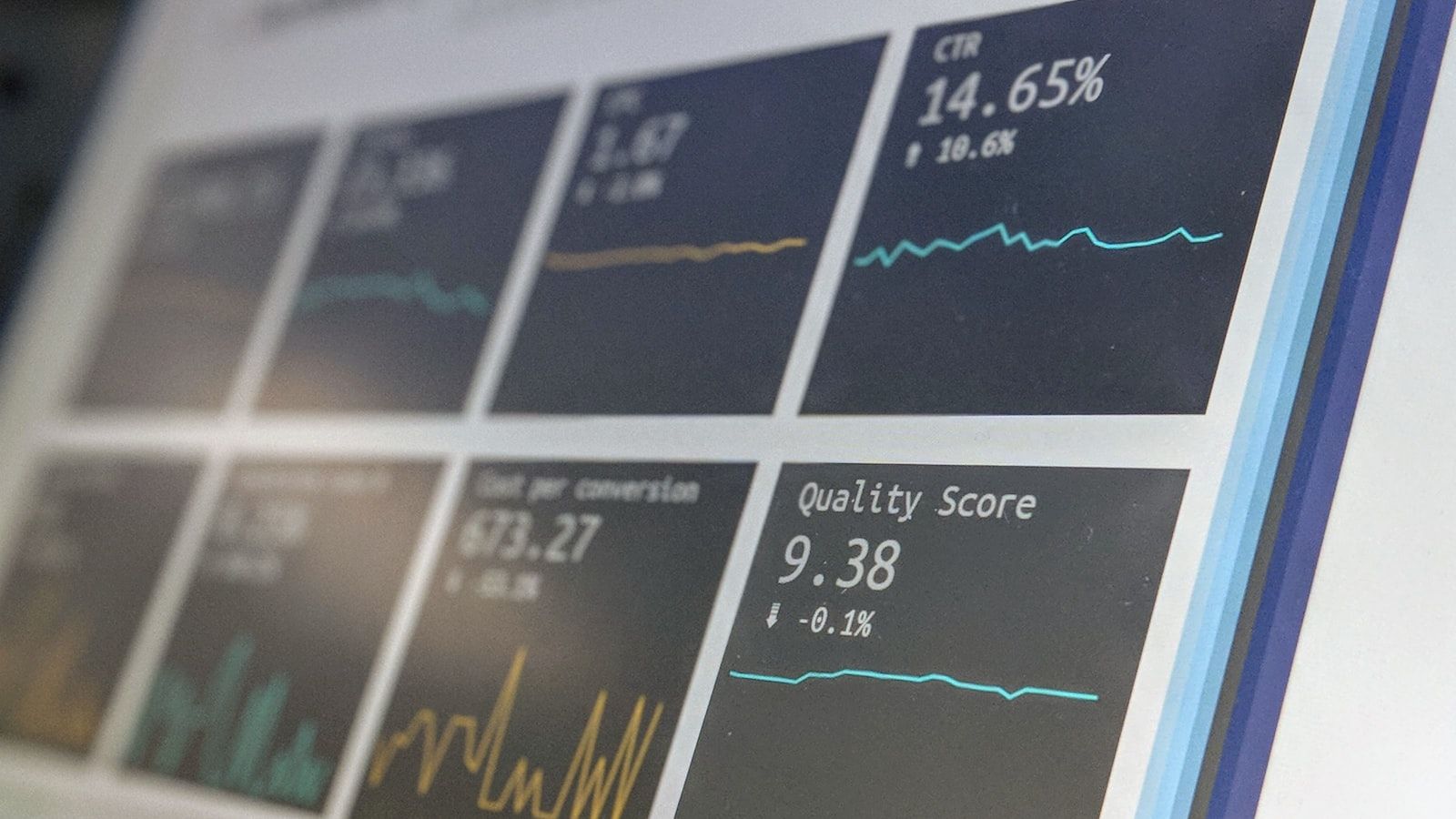
Monitoring only pays off when a threshold breach reaches a human quickly and connects to a response. Build the workflow in four parts:
- Collect on a schedule, pulling bounce and complaint rates every send, reputation and blacklist status daily, and authentication and DMARC data weekly, so no signal goes unwatched.
- Set thresholds per metric using the table above as a starting point, then tune them to your own baseline once you have a few weeks of history.
- Route alerts to a person, sending a real notification (email, Slack, or a dashboard alert) the moment a metric crosses its line, not a report nobody opens.
- Connect each alert to a fix, so a bounce spike triggers list cleaning, a complaint spike triggers a frequency and acquisition review, and a blacklist listing triggers delisting.
This is the loop that protects reputation: monitoring catches the signal early, the alert reaches someone, and the fix runs before the damage compounds. A reputation decline caught at the first Medium-bucket reading is a quick correction; the same decline caught after weeks of elevated complaints can take a full warmup cycle to recover. Choosing which tools cover each signal depends on your volume and stack, but the workflow logic is the same whether you assemble free sources or buy a platform.
FAQs
What metrics should I monitor for email deliverability?
Track bounce rate, spam-complaint rate, sender reputation, blacklist or RBL status, DMARC aggregate reports, inbox placement, and SPF, DKIM, and DMARC authentication pass rates. Together these cover list quality, recipient sentiment, provider trust, and whether your mail is authenticating correctly.
How often should I monitor email deliverability metrics?
Check bounce and complaint rates every send, sender reputation and blacklist status daily, and DMARC and authentication data weekly. Run inbox-placement seed tests before each major campaign. The faster-moving a signal is, the more frequently it needs watching.
What are the recommended thresholds for bounce rate and spam complaints?
Keep your overall bounce rate under about 2%, with hard bounces near zero, and treat any send above 5% as a stop-and-investigate event. Keep the spam-complaint rate below 0.3%, and ideally under 0.1%, in line with Google's bulk sender requirements.
What is the difference between pre-send and post-send deliverability monitoring?
Pre-send monitoring, such as seed-list testing, predicts inbox placement before a campaign reaches real subscribers. Post-send monitoring measures what actually happened after delivery: bounces, complaints, reputation, and placement. You need both, because pre-send catches problems early and post-send confirms real-world results.
How do I set up alerts for email deliverability issues?
Assign a threshold to each metric, collect the data on a schedule, and route any breach to a real notification channel like email or Slack. Then tie each alert to a defined response so a bounce spike, complaint spike, or new blacklist listing each triggers a specific fix rather than sitting in a dashboard.
Invalid addresses are where most bounce and complaint problems begin, so clean list hygiene is the foundation the rest of your monitoring sits on. Run your list through BounceCheck before your next send to remove the invalid addresses that would otherwise show up as bounces and drag down every signal above.
§ Before your next send
Find the addresses that will bounce
Verify a single address free, or upload a CSV — the free plan includes 50 checks a month, no card needed.

BounceCheck Team
The team behind BounceCheck - helping businesses verify emails and improve deliverability.