Email Disclaimer Examples and Templates You Can Copy
 BounceCheck Team
An email disclaimer is a short footer statement that limits your legal liability and sets rules around confidentiality, data protection, and the contents of a message. The copy-ready templates below are grouped by what each one protects: confidentiality and privilege, liability and opinion, regulatory compliance (HIPAA, GDPR, and anti-spam), and goodwill notes such as environmental and AI-use lines.
Most of the disclaimers sitting at the bottom of business emails get skimmed past, right up until the moment one of them matters. A single 62-word disclaimer once helped Zions First National Bank win a fraud lawsuit, which is a useful reminder that the fine print earns its keep. Below are ready-to-use email disclaimer examples and templates you can copy, adapt, and drop into your signature, grouped by what each one actually protects.
What an email disclaimer is and why it matters
An email disclaimer is a short statement, usually in the footer, that sets out legal guidelines around confidentiality, data protection, and liability. It tells the recipient what they can and cannot do with the message and what to do if it reached them by mistake.
A disclaimer does not fully exempt you or your company from liability. It helps fulfill some legal requirements and offers protection alongside other measures, and in some cases it protects the recipient too, for example when an email with confidential data lands at the wrong address. Used well, disclaimers can save a company from fines and legal fees and signal to customers that you take their data seriously.
When you actually need a disclaimer
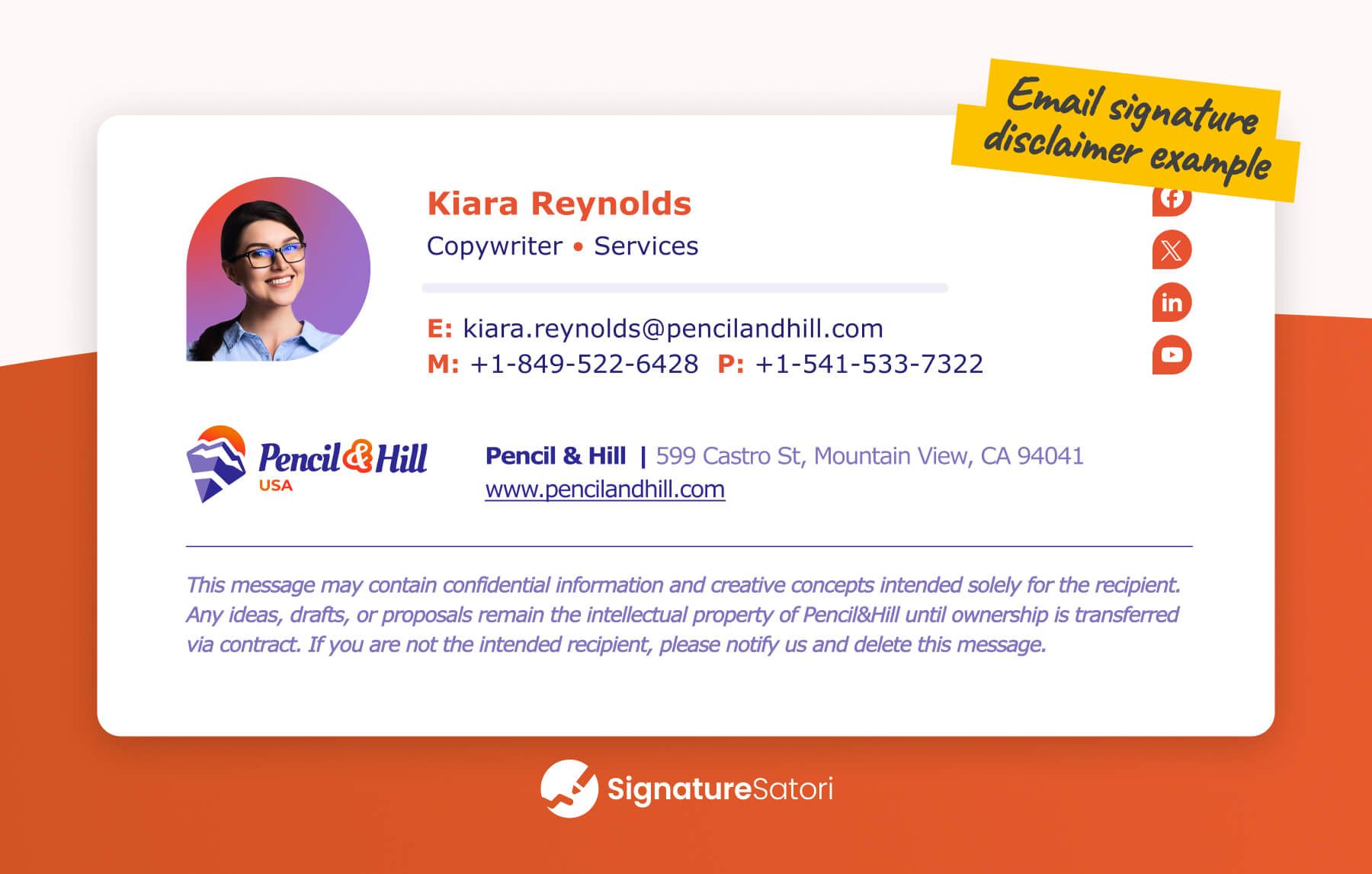
You do not need a disclaimer on every email, but some situations make one important:
- You send confidential information such as bank details, a date of birth, a home address, a Social Security or tax ID number, or medical history.
- You target consumers in Europe, where GDPR expects a privacy notice and a link to your privacy policy.
- You email people in US states with consumer data-protection laws and need to point to your privacy policy.
- You work in healthcare or health insurance and handle patient data, where HIPAA applies and willful violations can mean fines up to $1.5 million.
- You send newsletters or automated emails into Canada, Australia, the US, or the EU, where anti-spam laws require an unsubscribe option (Canadian fines reach CAD 10 million, Australian fines AUD 1.7 million).
Confidentiality and privileged disclaimers
These are the disclaimers most people picture. They warn that a message is meant only for the named recipient and that anyone else should delete it and notify the sender.
Confidentiality disclaimer
Use this when an email carries sensitive or personally identifiable information. A confidentiality notice is best placed at the top of the email so it is read before the content.
The content of this email is intended for the person or entity to which it is addressed only. This email may contain confidential information. If you are not the person to whom this message is addressed, be aware that any use, reproduction, or distribution of this message is strictly prohibited. If you received this in error, please contact the sender and immediately delete this email and any attachments.
Privileged and confidential disclaimer
Professions where clients expect privacy, such as law, therapy, coaching, and spiritual or religious counsel, call for a stronger, more explicit notice. This one also belongs at the top of the email.
IMPORTANT: This email may discuss privileged and confidential information. Viewing, forwarding, or printing this email is strictly restricted to the person named. If you are not the intended recipient, you are required to inform the sender of their error and delete the email and any attachments without delay.
External email disclaimer
This one appears on incoming mail as a security cue, flagging that a message came from outside the organization so staff treat links and attachments with care.
Caution: External Email. This email originated from outside of the (Your Company) system. Do not open attachments or click on links from unknown sources.
Liability, virus, and opinion disclaimers
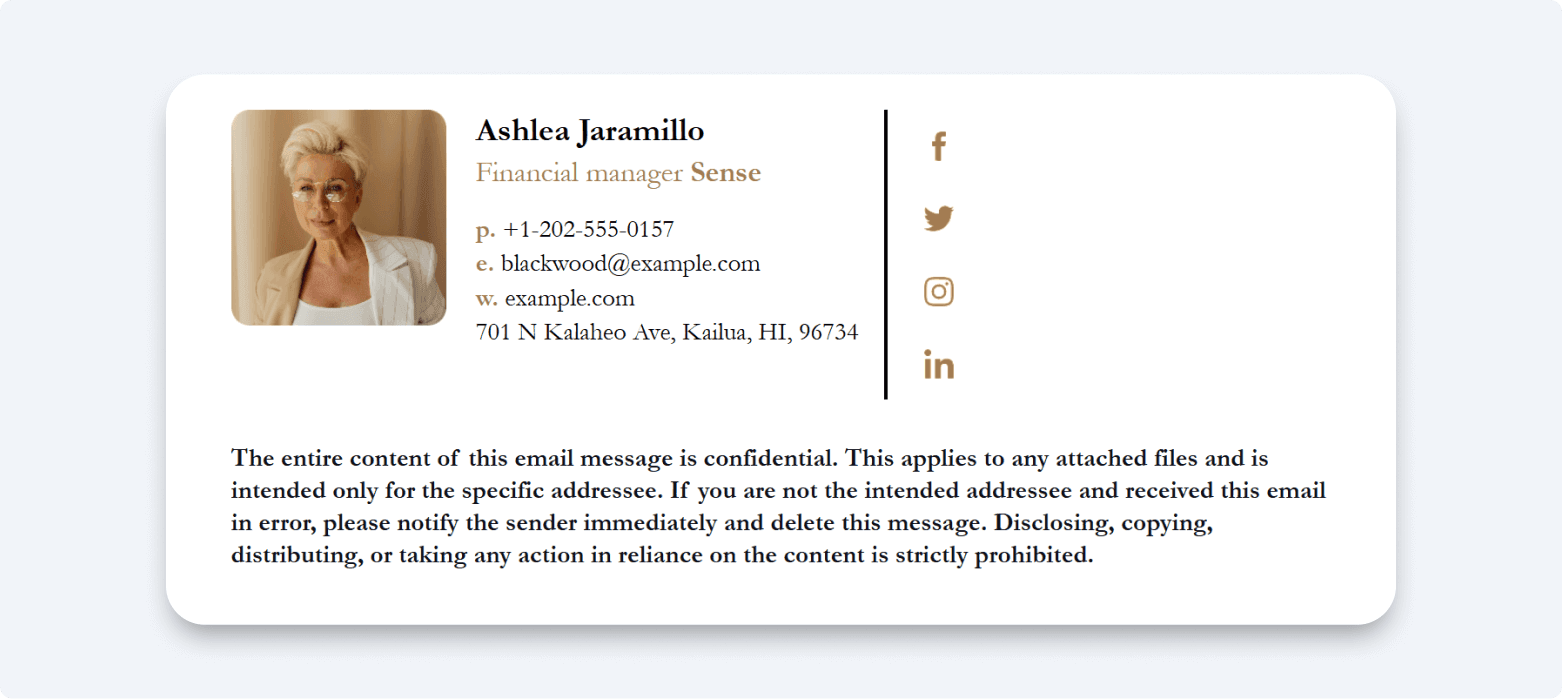
This group limits what your company can be blamed for: bad attachments, an employee's offhand opinion, or an email mistaken for a binding deal.
Limited liability and virus disclaimer
The most common and versatile type. It marks the contents as confidential and limits liability, and it can also cover the accidental transmission of a virus.
Despite (Your Company's) dedication to online security, we cannot guarantee the safety of external links. Please exercise caution when clicking links to avoid transmitting viruses and other malware.
Employer's liability (opinion) disclaimer
Useful for newsletters or any email where an individual is voicing a personal view, this protects the company from being tied to opinions it never endorsed.
The opinions expressed in this email are the viewpoint of the author only and do not represent (Your Company's) stance on any issue, whether social or political in nature.
Non-binding disclaimer
When emails discuss quotes or terms of employment, a non-binding line makes clear that nothing here is a contract. This is the kind of disclaimer that won the Zions case.
This email is for informational purposes only and does not constitute an employment offer.
Compliance disclaimers: HIPAA, GDPR, and marketing
Some disclaimers exist because a regulator expects them. These are worth getting right, though they are one part of compliance rather than the whole of it.
HIPAA disclaimer
For US healthcare communications, a HIPAA notice should state that no email is fully secure, that the message is intended only for the named recipient, and that misusing protected health information carries legal consequences.
This email may contain health information that is protected by law. Although (Your Company) is fully compliant with all regulations for the protection of our patients' health information, no email is completely secure. We urge you not to include personal data in emails. If this email has reached you by mistake, please delete the email and any attachments at once to avoid legal consequences.
If you handle patient data, the official HIPAA text from HHS spells out the wider security measures a disclaimer alone cannot replace.
GDPR disclaimer
For anyone emailing EU or EEA residents, a GDPR-aligned notice should confirm your data commitments and link to your privacy policy.
(Your Company) is proud to be fully compliant with GDPR requirements for protecting our customers' personal data. View our privacy policy here for more information about how we ensure the security of your information. If this email has reached you in error, be advised that sharing this information with any third party is strictly forbidden.
Unsubscribe disclaimer
Anti-spam laws require mass and automated emails to carry a clear opt-out. An unsubscribe line keeps marketing email compliant and, as a bonus, helps protect deliverability.
If you no longer wish to receive emails from (Your Company), click here to Unsubscribe from our mailing list.
Goodwill and newer disclaimers
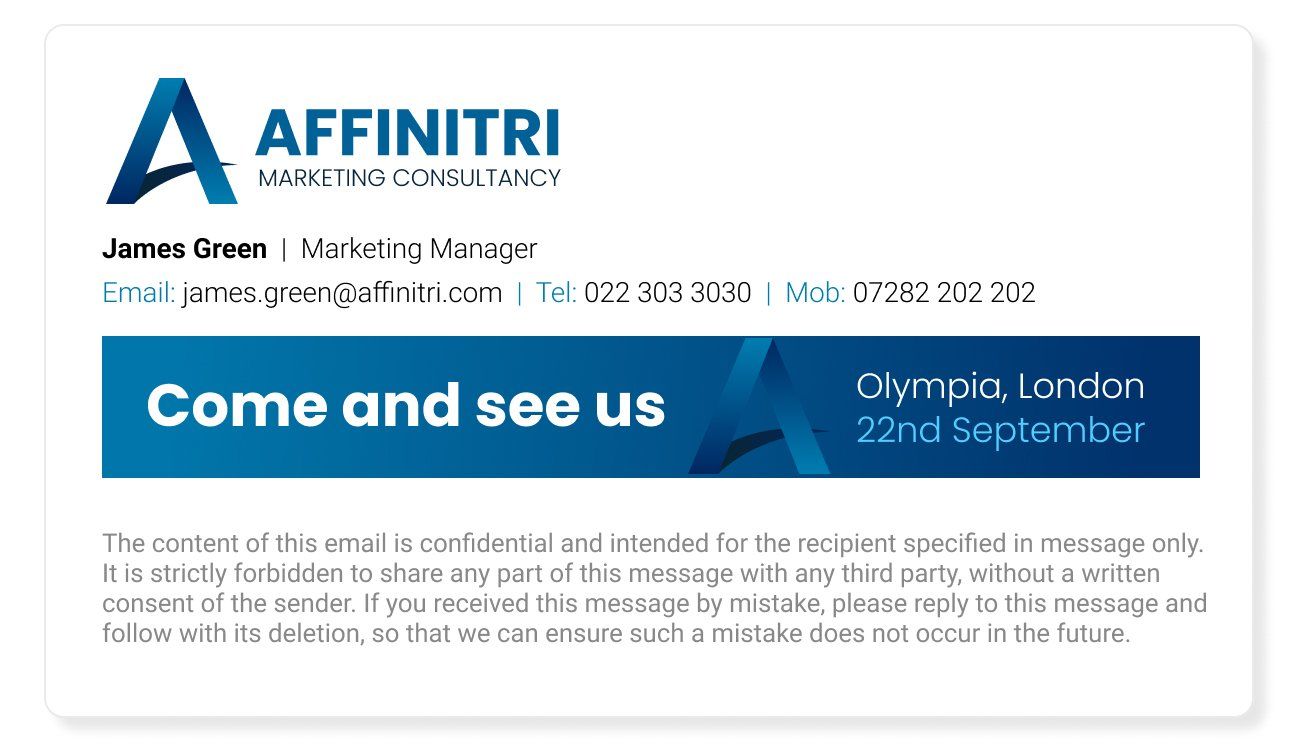
Not every disclaimer is about liability. Some signal your values, and a newer one addresses how email gets written in the first place.
Environmental disclaimer
A short green note works well when no other disclaimer is needed, ending the email on a responsible tone.
Save a tree! Please don't print this email unless absolutely necessary.
AI disclaimer
As more messages are drafted with AI assistance, a transparency note keeps recipients informed and nudges them to double-check anything important.
This message may contain content created or reviewed using artificial intelligence tools. While every effort has been made to ensure accuracy, (Your Company) advises verifying important details before relying on the information provided.
How to write one, and where to put it
A good disclaimer is clear before it is comprehensive. Keep these principles in mind:
- Keep it concise, ideally under 150 words, in plain language a teenager could follow.
- Include only the protections you actually need rather than trying to cover everything at once.
- Match the tone to your brand and avoid aggressive phrasing like "we accept no responsibility for anything whatsoever."
- Tailor it to your industry, region, and the laws that apply to you, and add a translation if you operate internationally.
- Use disclaimers sparingly; putting one on every message dilutes the impact of the ones that count.
- Place most disclaimers in the footer below your email sign-off, but move confidentiality and privileged notices to the top so they are read first.
- Review and update the wording at least once a year, and run anything with legal weight past your legal team.
Before you add a disclaimer to every email
A disclaimer is a low-cost layer of protection, not a force field. It informs recipients of their rights and limits your liability, but it works only as part of a wider compliance setup that includes an accurate privacy policy and the right security measures. Pick the example that fits the message, adjust the bracketed details to your company, and place it where it will actually be read. Done that way, the fine print quietly does its job long before anyone needs it to.
What people ask about email disclaimers
What is a good email disclaimer?
A good email disclaimer is short, written in plain language, and matched to the specific risk you are addressing, whether that is confidentiality, liability, or compliance. The confidentiality and limited-liability templates above are solid starting points for most business email.
Are email disclaimers legally binding?
Not automatically. A disclaimer can help align your emails with applicable laws and demonstrate due diligence, but for it to be considered legally binding most courts expect the recipient to have given explicit consent to the terms.
How long should an email disclaimer be?
Aim for under 150 words. Anything longer tends to go unread, which defeats the purpose. If you genuinely need a long notice, publish the full text on a web page and link to it from a short line in the email.
Where should the disclaimer go in an email?
Most disclaimers sit in the footer, below your signature. The exception is confidentiality and privileged notices, which are better placed at the top so the recipient sees them before reading the message.

BounceCheck Team
The team behind BounceCheck - helping businesses verify emails and improve deliverability.