What Is Spear Phishing? Examples, Red Flags, and How to Prevent It
 BounceCheck Team
Spear phishing is a targeted form of phishing that aims at a specific individual, group, or organization rather than blasting a generic message to millions of inboxes. The attacker researches the target first, then sends a personalized message that looks like it comes from a trusted source, tricking the victim into handing over sensitive data, transferring money, or downloading malware. In simple terms, it is a phishing attack with your name on it.
That precision is what makes it dangerous. In a Barracuda analysis of 50 billion emails, spear phishing made up less than 0.1% of all messages but was behind 66% of successful breaches. The average phishing breach costs around USD 4.76 million, and a single spear phishing attack can climb as high as USD 100 million.
Spear phishing vs phishing vs whaling
The difference comes down to targeting. Regular phishing is a numbers game: hackers send the same generic message to thousands of people and hope a small percentage take the bait. Spear phishing trades volume for precision, focusing on one carefully chosen person and using real personal details to earn their trust. Whaling is spear phishing aimed at the biggest fish, the executives and board members whose access and authority make them worth the extra effort.
| Attack type | Target | Personalization | Common goal |
|---|---|---|---|
| Phishing | Large groups, general public | Low or none | Credential theft, fraud, malware |
| Spear phishing | A specific person or organization | High, using names, roles, and interests | Credential theft, data breaches, fraud |
| Whaling | High-profile executives | Extremely high, mimicking trusted leaders | Large transfers, intellectual property, sensitive data |
Business email compromise (BEC) is a closely related label for spear phishing that specifically targets organizations, often by impersonating a CEO or a vendor to redirect a payment.
How a spear phishing attack works
A spear phishing attack follows five stages: set an objective, choose a target, research them, craft and send a personalized message, then exploit the access it produces. The whole sequence can take a couple of hours or several weeks to build, depending on how much the attacker invests.

- Set an objective. The attacker decides what they want, usually a wire transfer, login credentials, or sensitive files like customer data or trade secrets.
- Choose a target. They pick someone who can deliver it. This is often a midlevel finance, IT, or HR employee with useful access, not always a senior executive.
- Research the target. Using LinkedIn, social media, and company pages, they learn the person's job title, manager, colleagues, and current projects. Some attackers go further and break into an account to observe real conversations.
- Craft and send the message. They write an email that references details only a trusted source would seem to know, often spoofing a coworker's display name or even sending from a hijacked account.
- Exploit the access. Once the victim clicks, pays, or replies, the attacker steals the data, moves money, or uses the foothold to spread deeper into the network.
Attacks increasingly blend channels. A hybrid campaign might pair an email with a follow-up text (smishing) or phone call (vishing) to add a second layer of false credibility.
Real-world spear phishing examples
Spear phishing rarely looks like an obvious scam. It usually arrives as a routine-seeming request that matches the target's job, and the most common shapes are CEO fraud, clone phishing, and brand impersonation.
CEO fraud and fake invoices. An accounts-payable manager receives an email that appears to be from their boss: a vendor has "updated its payment process," and the attached invoice lists a new bank account. The account belongs to the fraudster, and the payment goes straight to them.
Clone phishing. The attacker copies a legitimate email the target has seen before, then quietly swaps the original link or attachment for a malicious one and resends it as an "updated" version.
Brand impersonation. A message mimics the look of a trusted service like a bank, delivery company, or video-conferencing tool, leading to a spoofed login page built to capture credentials.
Why spear phishing is so effective
Spear phishing succeeds because it stacks five pressures at once: personalization, workplace authority, urgency, weak email security, and generative AI. Together they make a fraudulent message feel routine enough that a busy employee acts before questioning it.

- Personalization: real names, job titles, and references to recent projects make the message feel legitimate.
- Workplace trust and authority: people are conditioned to act on requests that seem to come from a manager or executive.
- Urgency: phrases like "payment overdue" or "immediate action required" push targets to act before they think.
- Weak email security: without specialized filters and properly configured email authentication, advanced spear phishing slips past basic spam controls.
- Generative AI: as of 2026, tools that once took a fraudster 16 hours to write a convincing email now produce one in about five minutes, and can even clone a writing style or a voice.
How to spot a spear phishing email
No single clue is proof, but these red flags should slow you down:
- A sender address that is almost right, using lookalike characters such as "goog1e" or "paypa1" or a domain like "micosoft.com."
- Subject lines built on urgency or false familiarity, like "Re: pending request" or "payment overdue."
- Requests for login credentials, payments, or sensitive data, which a real colleague would not ask for over email.
- Unexpected attachments, especially .zip, .exe, PDF, Excel, or Word files, or links whose real destination does not match the text.
- Personal details that feel oddly specific. Information that seems private is often easy to find on social media.
When a request involves money or sensitive data, verify it through a separate channel. Call the person on a known number rather than replying to the email.
How to protect against spear phishing
Because spear phishing targets people rather than software flaws, defense has to combine training with technical controls. The five measures below work as layers: each one catches what the others miss.
- Security awareness training: teach staff to recognize spoofed addresses, odd requests, and pressure tactics, and run phishing simulations so the lessons stick.
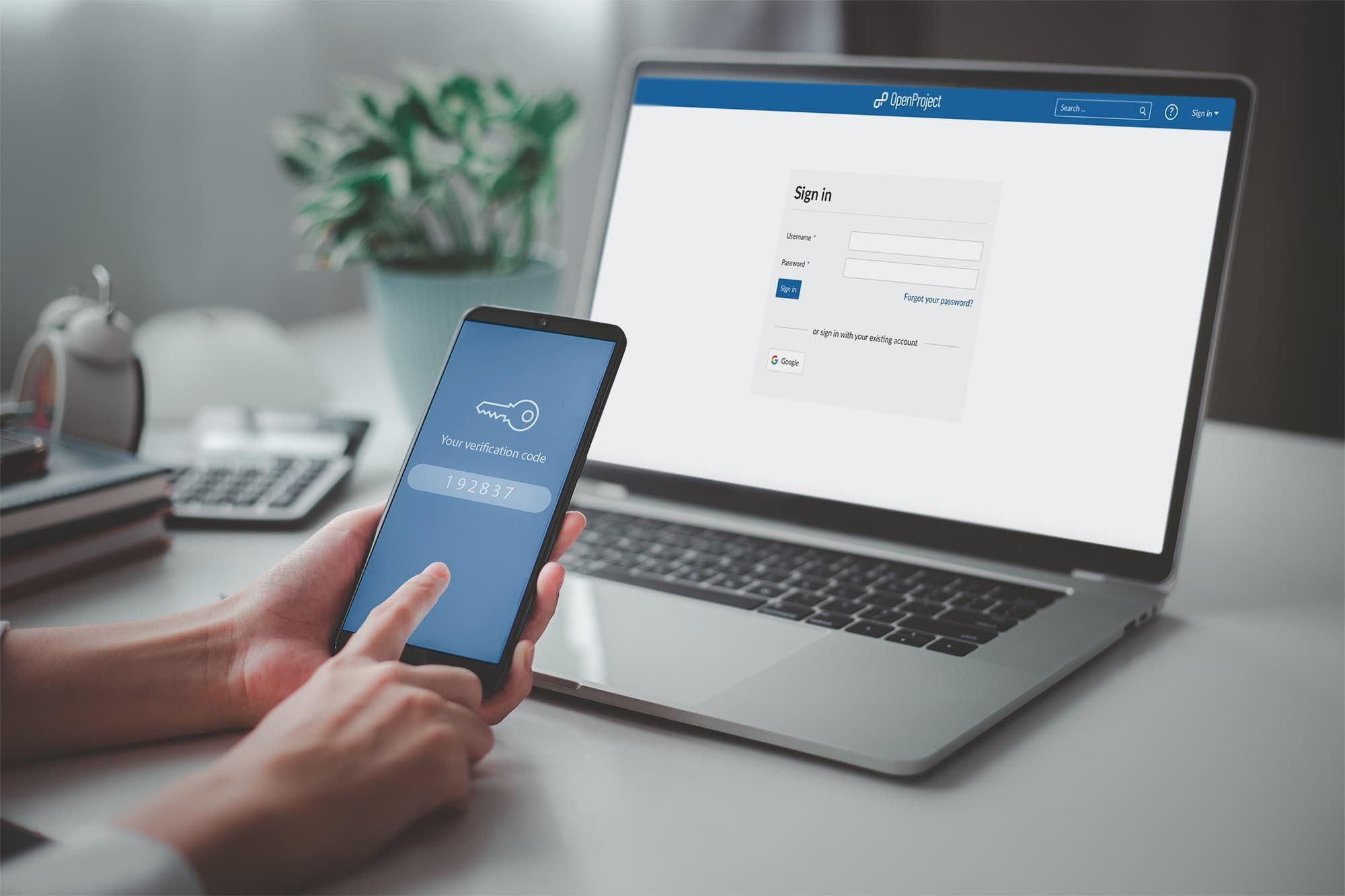
- Multi-factor authentication: even if a password is stolen, MFA blocks the login. It is one of the most effective phishing prevention controls available.
- Email authentication: publish and enforce SPF, DKIM, and DMARC so spoofed senders are rejected before they reach the inbox.
- Email hygiene and verification: keeping clean, validated contact lists with a verification service like BounceCheck reduces the noise attackers hide in and helps surface suspicious addresses.
- Layered tooling: secure email gateways, antivirus, endpoint protection, and prompt software patches contain the damage when a message gets through.
Staying a step ahead of targeted attacks
Spear phishing works because it exploits human trust, not just technical gaps, so no single tool will stop it. The organizations that hold up best treat people as the first line of defense, back them with MFA and strong email authentication, and keep their sending and contact data clean. Tightening those habits not only reduces phishing risk, it improves overall email deliverability at the same time. The goal is not perfection but friction: enough verification steps that one convincing email cannot quietly become a six-figure loss.
Spear phishing FAQ
What is spear phishing in simple terms?
It is a phishing email tailored to one specific person. Instead of a generic scam sent to everyone, the attacker researches the target and writes a message that looks like it came from someone they trust, making it far more convincing.
What is the difference between deceptive phishing and spear phishing?
Deceptive phishing is the broad, generic type sent to large groups while impersonating a well-known brand, hoping a few recipients click. Spear phishing is personalized to a single researched target, which is why it succeeds far more often than mass phishing.
What is the difference between spear phishing and whaling?
Whaling is a subset of spear phishing that targets high-profile individuals such as CEOs and board members. It uses the same personalized approach, but the stakes are higher because of the target's authority and access to money and confidential data.
How can you prevent spear phishing attacks?
No single control is enough, so combine staff training, multi-factor authentication, and email authentication (SPF, DKIM, and DMARC) with clean, verified contact data and layered email security tooling. Training helps people spot the social engineering, while MFA and authentication block the technical paths an attacker relies on even when one message gets through.

BounceCheck Team
The team behind BounceCheck - helping businesses verify emails and improve deliverability.