Email Signature Examples: Templates for Every Profession
 BounceCheck Team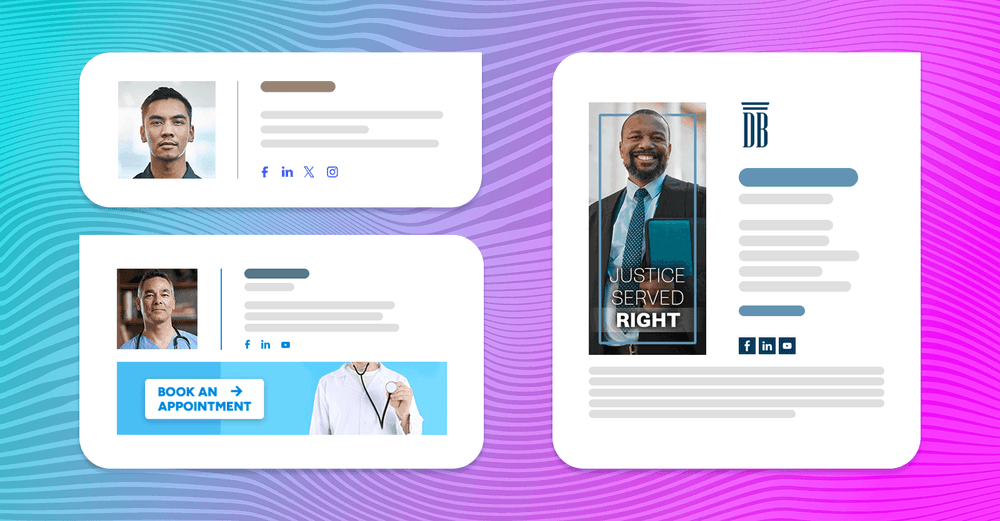
Before your next send Find the addresses that will bounce.
Verify an email freeA good email signature lists your name, job title, company, and one or two ways to reach you, then stops before it adds clutter. It is the closest thing most professionals have to a digital business card, running at the bottom of every message to tell people who you are, how to reach you, and what to do next. In one survey, 70 percent of professionals said a well-designed signature increases their credibility.
Below are email signature examples for different roles and goals, copy-ready text templates you can adapt, and the rules for what to include, what to leave out, and how to set yours up so it renders the same in Gmail, Outlook, and Apple Mail.
What every email signature should include
A good email signature gives the reader the essentials and nothing that competes with them. At a minimum, include:
- Full name and job title, so the reader knows who they are dealing with.
- Company name (and logo, if your brand uses one).
- One or two contact methods: a direct phone number and your email or website.
- A website URL and, where relevant, a LinkedIn profile link.
- One call to action at most, such as a booking link or a single banner.
- A legal disclaimer, but only if your industry requires one (finance, healthcare, and legal).
At a true minimum, a signature needs your name, job title, department, and phone number. Everything else is optional and earns its place only if it helps the reader act.
Email signature examples by role
The right signature depends on the job. Here are six text templates you can copy and adapt. Build them as HTML in your email client or a generator, not as an image.
Basic signature
Clean and practical, ideal for startups and small teams without full branding.
Jordan Lee
Account Manager, Northwind Software
P: (555) 240-1180
[email protected] | northwind.com
Corporate and branded signature
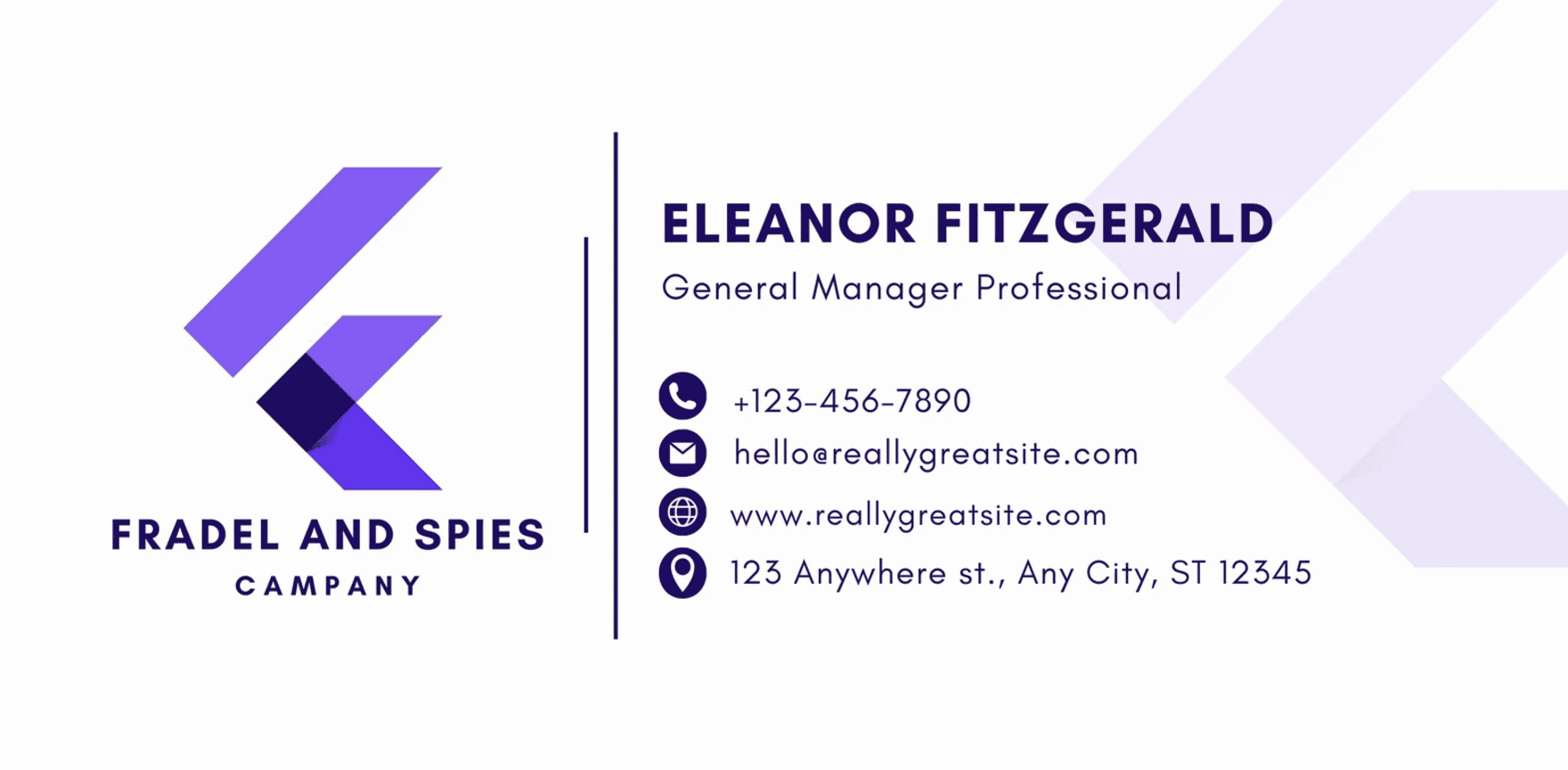
Locks in a logo, standard fonts, and an official address across every mailbox, which keeps a large company consistent.
[Company logo]
Maria Alvarez
Regional Operations Manager | Northwind Software
D: (555) 240-1180   M: (555) 902-3315
[email protected] | northwind.com
350 Park Avenue, New York, NY 10022
Sales signature with a CTA
A calendar link cuts the scheduling back-and-forth, and a territory line tells prospects they reached the right rep.
Marcus Chen
Account Executive | Orion Software
Territory: Northeast US & Canada
D: (555) 702-5511
[email protected]
Book a 15-minute call ->
Small business and local signature
For shop owners and local services where a real name, address, and social proof matter more than a polished brand.
Jeff Johnson
Owner | The Bake House
77 Weekley St, San Antonio, TX 78202
(555) 497-2828 | thebakehouse.com
Facebook · Instagram · Yelp
Student and job-seeker signature
Degree program, university, and expected graduation year give recruiters instant context when there is no work history yet.
Ethan Rodriguez
B.S. Computer Science (Expected May 2027)
University of Michigan, Ann Arbor
[email protected]
LinkedIn · GitHub
Creative and portfolio signature
Portfolio links let recipients judge the work before the conversation, which is what creative clients do anyway.
Dani Cruz
UI/UX Designer & Brand Illustrator
[email protected] | danicruz.design
Behance · Dribbble · Instagram
See my portfolio ->
Signature styles worth adding

Beyond the basics, a few elements can match your signature to a specific goal. Add them deliberately, one at a time:
- A call-to-action link such as "Schedule a consultation" or "Download our guide" drives action straight from the email.
- A promotional banner turns every message into a free impression, which makes it a low-cost extension of your marketing emails.
- A short quote that reflects your values can differentiate a personal brand, though it suits community contexts more than corporate ones.
- A handwritten sign-off or headshot adds warmth and works well in relationship-driven fields like real estate.
- Inclusive details like pronouns, name pronunciation, or a disability statement signal awareness and help recipients address you correctly.
- A compliance disclaimer is necessary in regulated industries; see these disclaimer examples for copy you can adapt.
- A seasonal or event element, such as a webinar link or holiday note, acts as a temporary, no-cost marketing channel.
What to leave out of your signature
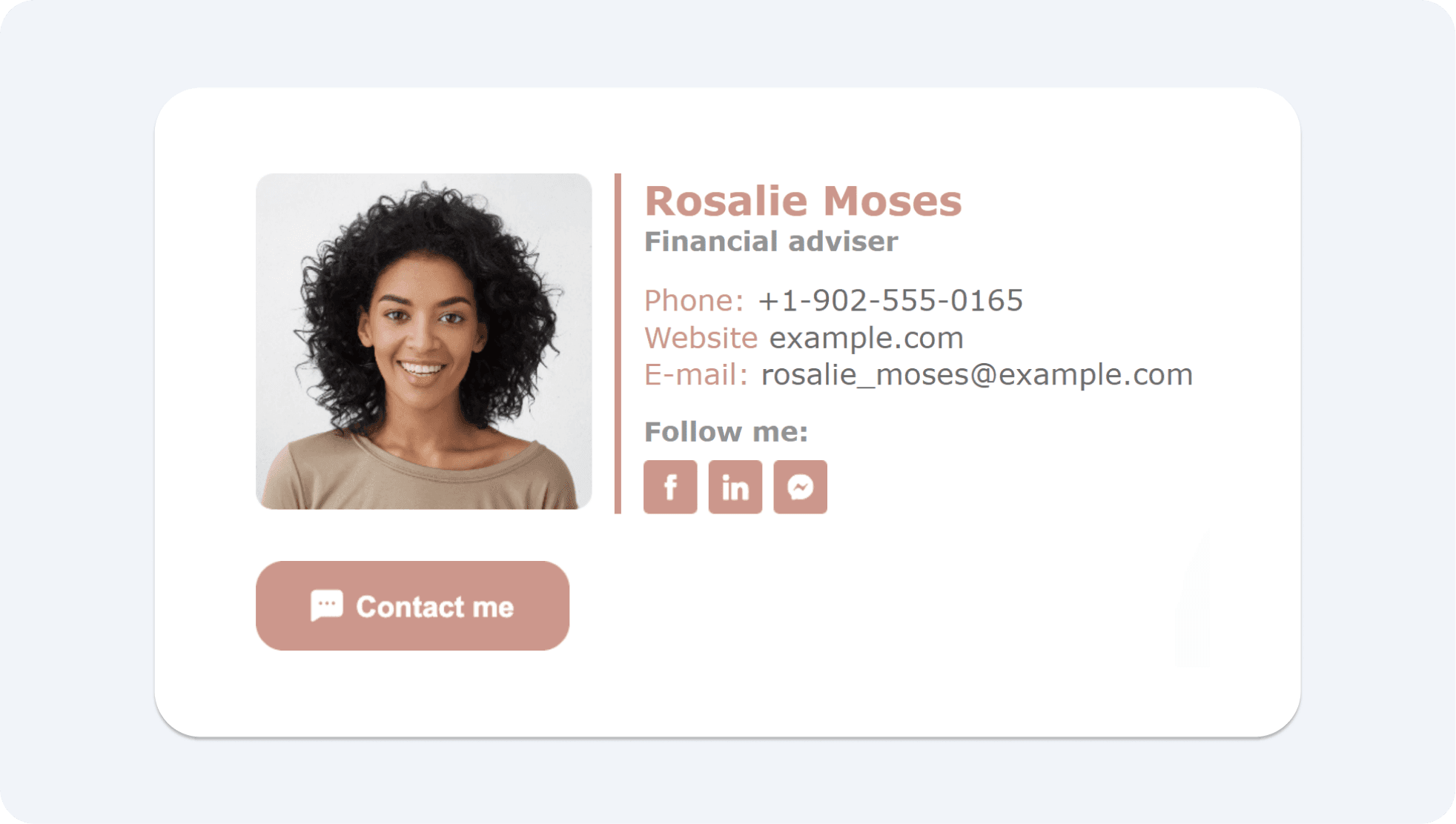
Most weak signatures fail by including too much. Leave out:
- More than three social media icons, which create clutter and dilute click-through.
- Multiple competing CTAs, because they cancel each other out.
- Inspirational quotes in corporate contexts, plus political or religious statements unless that is your field.
- Vague job titles that leave the reader guessing about your role.
- vCards and bulky attachments that add friction without adding value.
- Heavy logos and images, which cause more problems than most people expect.
That last point matters more than it looks. Image logos are not readable by screen readers, which is an accessibility problem under Section 508. An image in a signature also raises the chance the email is flagged as junk, can make recipients think every message has an attachment, and travels along every time someone forwards your email. Many readers will not even see it unless they have images turned on.
How to create and add your signature
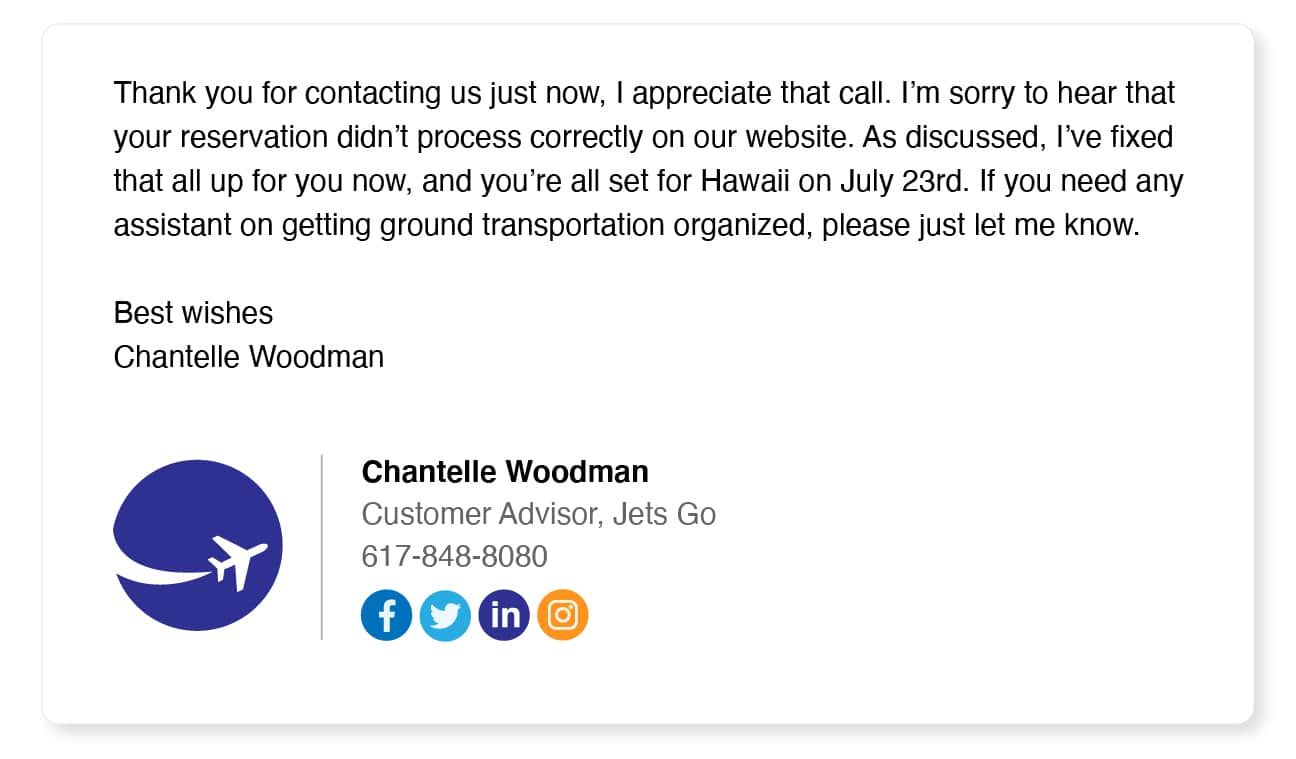
You can build a signature by hand in Gmail, Outlook, or Apple Mail, but getting font consistency, logo sizing, and link formatting right is fiddly. A signature generator handles that and outputs clean HTML you can paste in. A few rules keep the result reliable:
- Generate HTML, not an image. A full-image signature distorts or fails to load in some clients, taking your contact details with it.
- Use a standard, readable font such as Aptos, Arial, or Calibri at roughly 10 to 12 point. Aptos at size 11 is the Office default.
- Keep image sizes small, under about 200 pixels wide, so the layout does not break on mobile.
- Hyperlink your text rather than pasting long raw URLs.
One thing the signature block does not replace is your closing line. The "Best regards" or "Thanks" that sits above it sets the tone of the message, and the right sign-off depends on who you are writing to.
Keep your signature deliverable
A signature is only useful if the email reaches the inbox. Heavy images, oversized logos, and bloated HTML are the same things spam filters dislike, so the leaner your signature, the safer your delivery. Plain text and a single small logo travel further than a full-image block. The other half of deliverability is the list itself: even a perfect signature cannot help a message sent to an address that no longer exists. Cleaning bad addresses before you send is why teams verify their list, and it pairs naturally with keeping your signature clean. Do both, and more of your email lands where it should.
Email signature FAQ
What is the most sincere email sign-off?
For formal messages, "Sincerely" or "Yours sincerely" reads as the most earnest. "Best regards" and "Kind regards" are safe, professional defaults, while "Best wishes" is warmer without being casual. Match the sign-off to the relationship and the context of the email.
Should an email signature include a logo or image?
Keep images minimal. A logo can reinforce your brand, but image-heavy signatures hurt accessibility, can trigger spam filters, and may not load in every client. If you use a logo, keep it small and always back it with plain text so your details survive even when images are off.
How do I make my email signature unique?
Uniqueness comes from one deliberate touch, not many. A handwritten sign-off, a single portfolio link, a relevant quote, or pronouns can give a signature personality. Add just one of these and keep the rest of the block clean so the personal element stands out instead of competing for attention.
§ Before your next send
Find the addresses that will bounce
Verify a single address free, or upload a CSV — the free plan includes 50 checks a month, no card needed.

BounceCheck Team
The team behind BounceCheck - helping businesses verify emails and improve deliverability.