How to Find a Domain's Email Provider
 BounceCheck Team
A domain's email provider is the company listed in the domain's MX record, the part of DNS that tells the world where to deliver mail for that domain. To find it, you look up the domain's MX record and read the hostname it points to. In most cases that single lookup answers the question in seconds, and this guide walks through three ways to do it, from the fastest to the most thorough.
What is a domain's email provider?
The email provider is the service that actually receives and stores mail for a domain, such as Google Workspace, Microsoft 365, or a host's own mail servers. It is identified by the domain's MX record, which routes incoming email to the right place.
The provider is not always the company you bought the domain from or the one hosting the website. A domain can be registered with one company, hosted by a second, and have its email handled by a third. That is why "who runs this domain's email" is a separate question from "who registered it," and why the MX record is the reliable answer.
Method 1: Run an MX record lookup
The fastest way to find a provider is a free MX lookup. Any MX lookup tool works, including BounceCheck's email provider lookup, MxToolbox, and DNSChecker.
- Open an MX lookup tool.
- Enter the root domain your email is based on. For an address like [email protected], look up example.com, not www.example.com.
- Run the lookup and read the MX record's hostname (for example, something ending in google.com, outlook.com, or your host's domain).
That hostname usually names the provider directly. A record pointing to aspmx.l.google.com means Google Workspace; one pointing to a Microsoft outlook.com host means Microsoft 365. Only the root email domain returns the right records, so double-check you did not include a subdomain. If you would rather skip reading raw records, you can look up the provider by domain and get the provider name resolved for you.
Method 2: Check the domain or DNS dashboard
If you manage the domain yourself, you can read the same information at the source. Sign in to wherever the domain's DNS is managed, open the DNS or Custom Records section, and look for the lines marked MX. The value in those records points to the email provider, and this view is authoritative because it is the exact configuration mail servers read.
This method is handy when you own the domain and want to confirm or change the provider, rather than just identify someone else's.
Method 3: Use an IP WHOIS for custom MX records
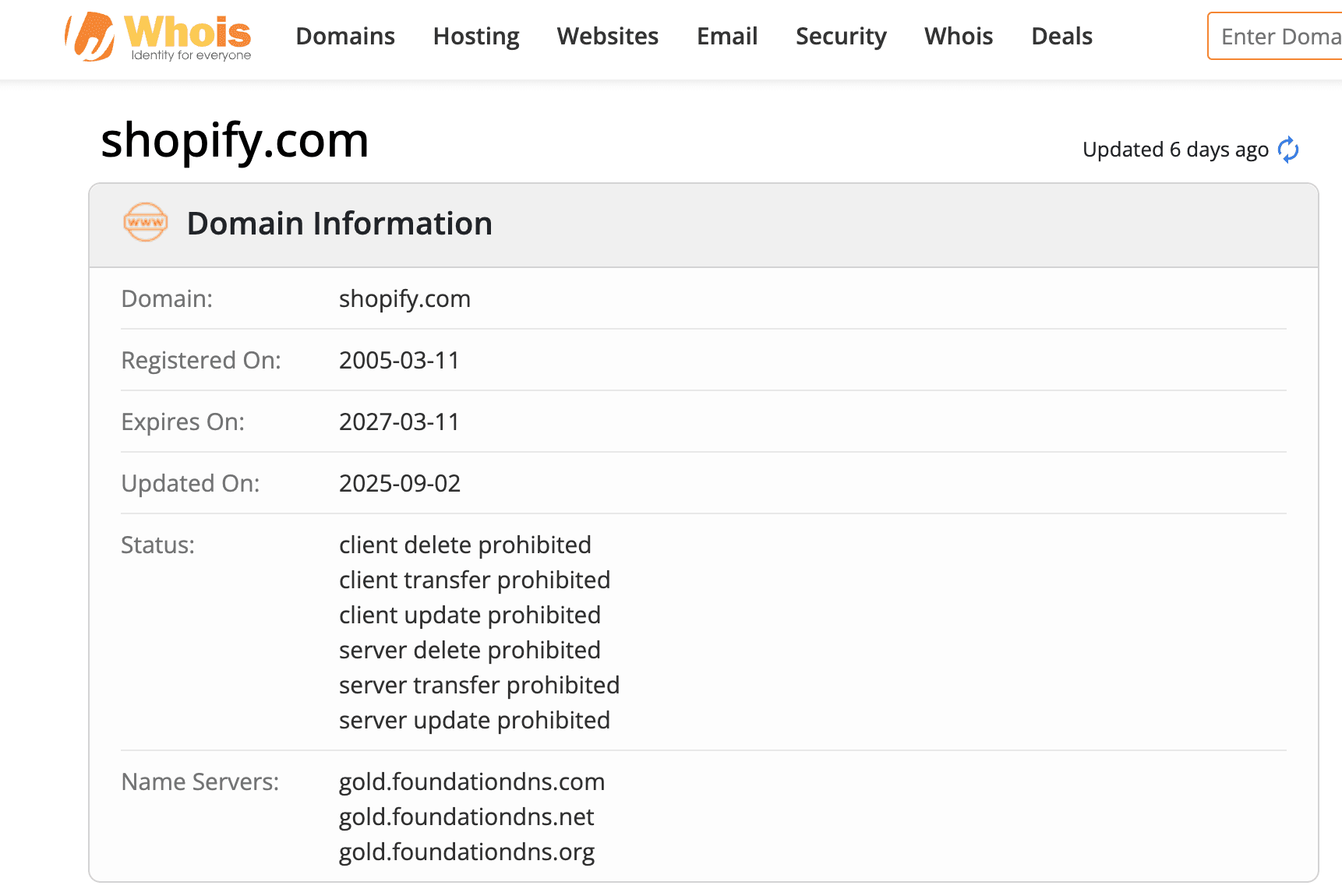
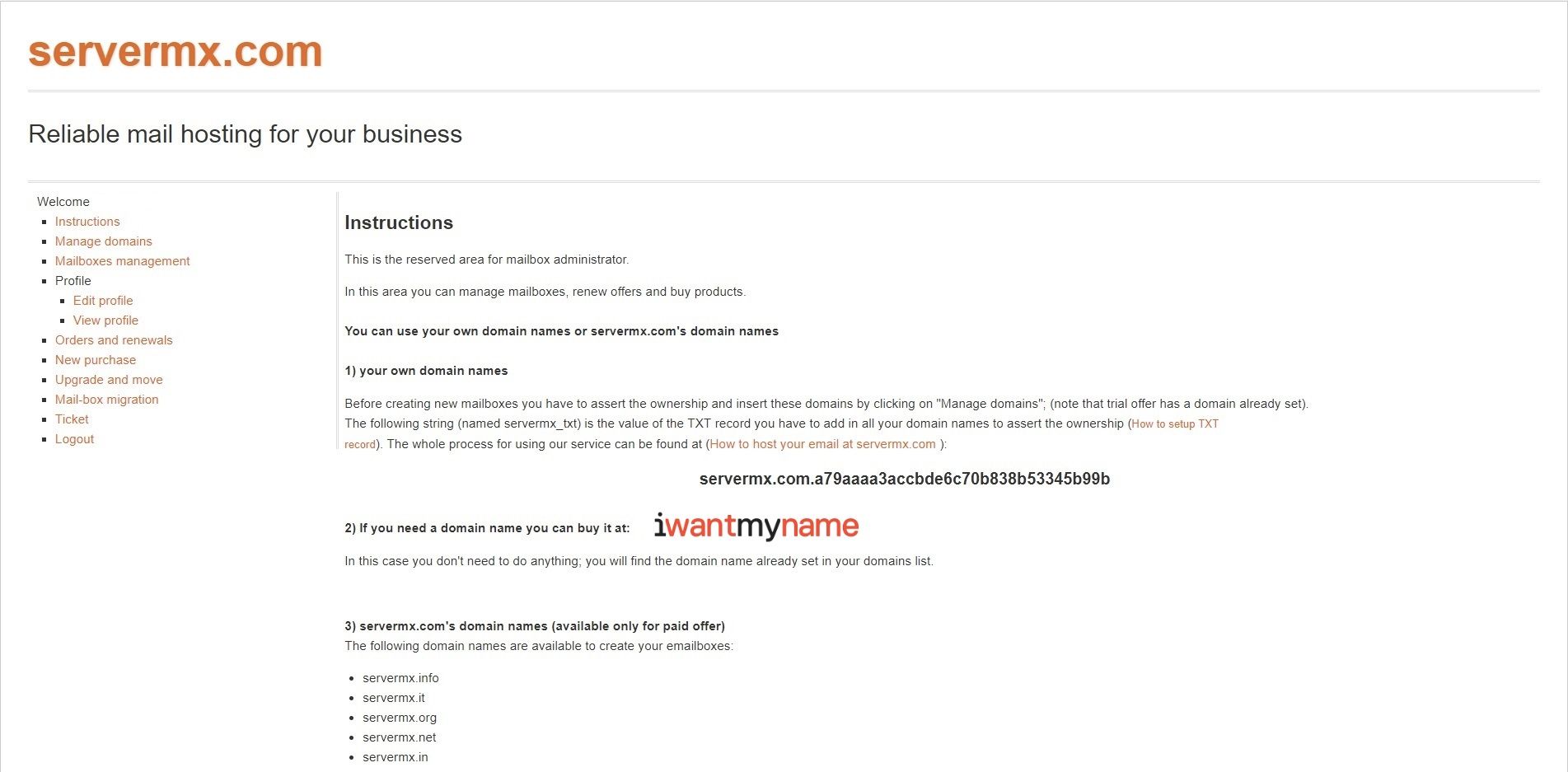
Sometimes the MX record points to a hostname based on the domain itself, like mail.example.com, which hides the real provider. In that case, one more step reveals it:
- Run a DNS lookup on the MX hostname (for example, mail.example.com) and copy the IP address in its A record.
- Run an IP WHOIS search on that IP address.
- Read the organization in the WHOIS result. That company is the one actually providing the email service.
A reverse DNS lookup on the same IP can add confirmation, since it often maps back to the provider's own hostname.
Email provider vs registrar vs DNS host
These three roles get confused constantly, so it helps to separate them:
- Email provider: the company whose servers receive and store the domain's mail, named in the MX record. Examples include Google Workspace, Microsoft 365, and Yahoo.
- Domain registrar: the company that manages the domain name itself, usually who you bought it from. Examples include GoDaddy, Squarespace, and IONOS. If you are not sure who yours is, run the domain through the ICANN Lookup and read the Registrar Information.
- DNS provider: the service that hosts the domain's DNS records, such as Cloudflare, Google Cloud DNS, or Amazon Route 53.
One company can play all three roles, or three different companies can each play one. Whether a domain uses free or business email also shows up here, since a business domain on Google Workspace looks very different in the MX record from a personal Gmail address.
Two edge cases trip people up. If the ICANN Lookup shows a blank registrar field or you cannot sign in, the domain may be handled by a reseller, listed under the Raw Registry RDAP Response. And if the domain uses a third-party DNS service like Cloudflare, the registrar shown by ICANN is not where the DNS records actually live, so you would sign in to that DNS service to change the MX record. To find the DNS provider itself, run a plain DNS lookup on the domain in the same tool and read which service answers.
Why finding the email provider matters
Knowing the provider is the first step in diagnosing deliverability. If mail to a domain keeps bouncing, the MX record tells you which system is rejecting it, so you know whether to check Google's rules, Microsoft's, or a smaller host's. It also tells outreach and sales teams which platform a prospect uses before they send.
One caveat: identifying the provider only proves mail is routed somewhere, not that a specific address exists. The provider can be Google while the exact mailbox is long deleted. To know an address will actually receive your message, you still need to verify the mailbox, which checks the address itself rather than just the domain's routing. BounceCheck is an email verification service that tests an individual address for syntax, domain, and mailbox validity, going a step past the MX lookup that only identifies the provider.
Common questions about finding an email provider
How do I figure out who my domain provider is?
Run your domain through the ICANN Lookup to see the registrar (who manages the domain name), and run an MX lookup to see the email provider (who handles the mail). They are often two different companies.
How do I know who my mail provider is?
Do an MX record lookup on your email's root domain. The hostname in the MX record names the provider, for example a google.com host for Google Workspace or an outlook.com host for Microsoft 365.
Is there a totally free email provider lookup?
Yes. MX lookup tools like MxToolbox and DNSChecker are free and require nothing but the domain name. You can also read the MX record directly in your own DNS dashboard at no cost.
How do I check a mail service provider for any domain?
Enter the domain into an MX lookup tool and read the MX hostname. If it points back to the domain itself, follow the record's IP address into an IP WHOIS to find the company behind it.

BounceCheck Team
The team behind BounceCheck - helping businesses verify emails and improve deliverability.