How to Find a Company Owner or Founder's Email Address
 BounceCheck Team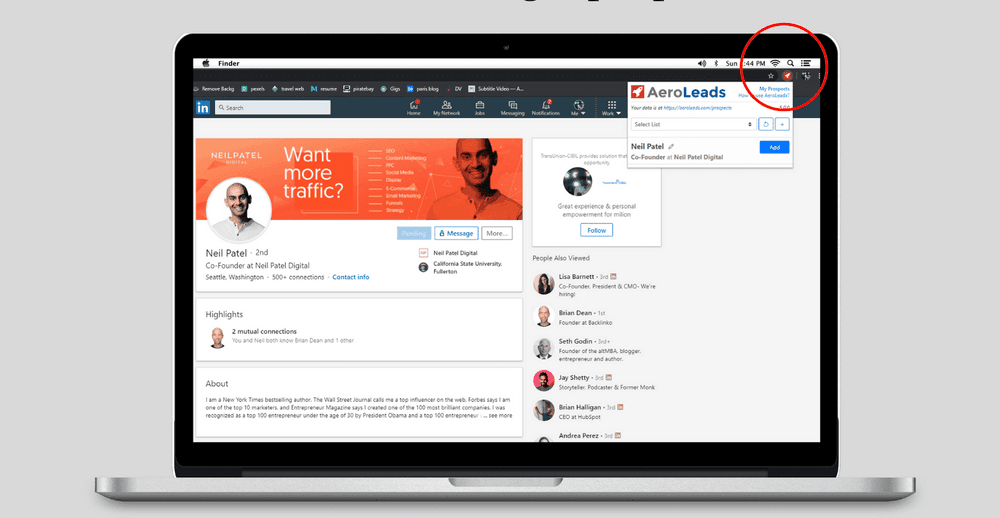
To find a company owner or founder's email, work from the most reliable source to the least: check the company website and LinkedIn first, then use Google search operators and directories like Crunchbase, and only guess the address pattern as a last resort. Whichever method you use, verify the address before you send, because a guessed email that bounces hurts your sender reputation more than a missed contact does.
This guide walks through each method in order, from the quickest free options to paid tools, and shows how to confirm an address so your outreach actually lands. The same steps work whether you are after a founder, an owner, or a CEO, since executive contact data is found the same way.
Start with the company website and public pages
Company-owned pages are the first place to look, because anything a business publishes about its own leadership is already public and free to read. About, Team, Contact, and Press pages, the site footer, and press coverage between them resolve either the founder's name or a monitored inbox that reaches them.
Work through these sources in order:
- About, Team, and Leadership pages, which sometimes list executives or their assistants directly.
- Contact and Press pages, where a media or partnerships email is often published for exactly this kind of outreach.
- The site footer and any generic inbox, where smaller companies print the owner's name beside an info@ or hello@ address that will forward a short, specific request.
- WHOIS records and domain registration details, which list the registrant's name and sometimes email or mailing address (older domains before 2018 may expose this data; newer registrations often use ICANN privacy redaction under GDPR and ICANN rules, but the name is still public). Use ICANN lookup to check who registered the domain.
- Press releases and news quotes, where founders occasionally leave contact details in the footnotes.
- The founder's personal blog or site, often linked from their social bios, which may carry a contact form or a direct address.
Leadership pages reliably give you names and departments even when they stop short of a direct inbox, and a name plus the company domain is all you need for the later steps. Public pages cost nothing, which makes them the cheapest place to find email addresses before any paid tool enters the picture. One limit applies here: small business sites are often out of date or offer nothing but a contact form, in which case the name you find still feeds the pattern step further down. Stale business registration sites and WHOIS privacy redaction under GDPR and ICANN rules mean older filings may not yield an email, but they still confirm a founder's legal name or mailing address for cross-reference with other sources.
Search LinkedIn and enrich the profile
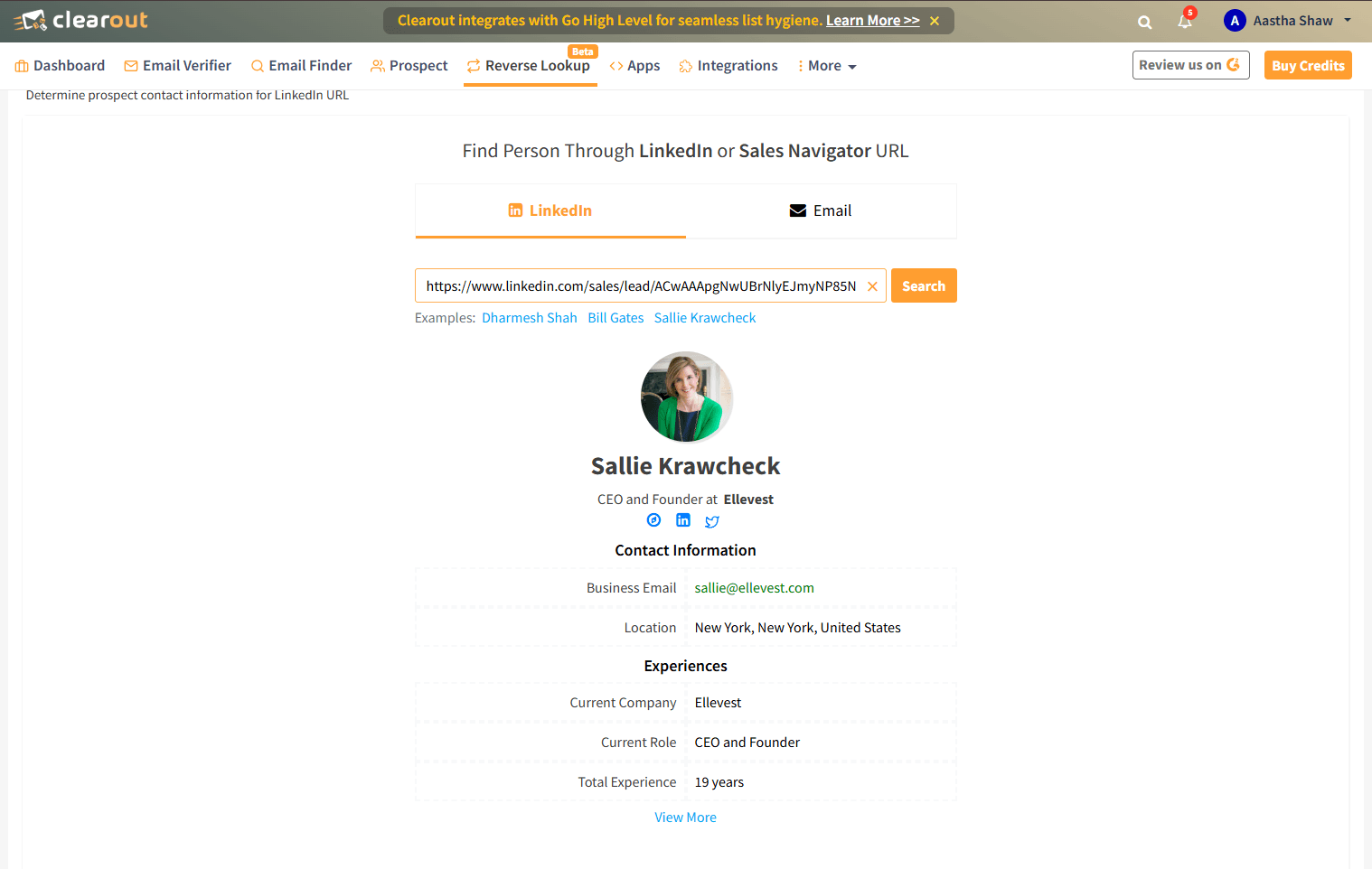
LinkedIn is the fastest way to confirm who currently founded or runs a company, which matters because executive roles change often. Small business owners frequently list an email under the Contact Info section of their profile, and the company page's People tab identifies the right person when the founder's own profile gives nothing away.
Enterprise founders tend to hide their details and rely on gatekeepers, so for them a browser enrichment extension that reveals an email on the profile is faster than manual digging. If you are not connected, a short, non-pitch connection request sometimes surfaces the address, or you can ask a mutual contact for an introduction.
Use Google search operators
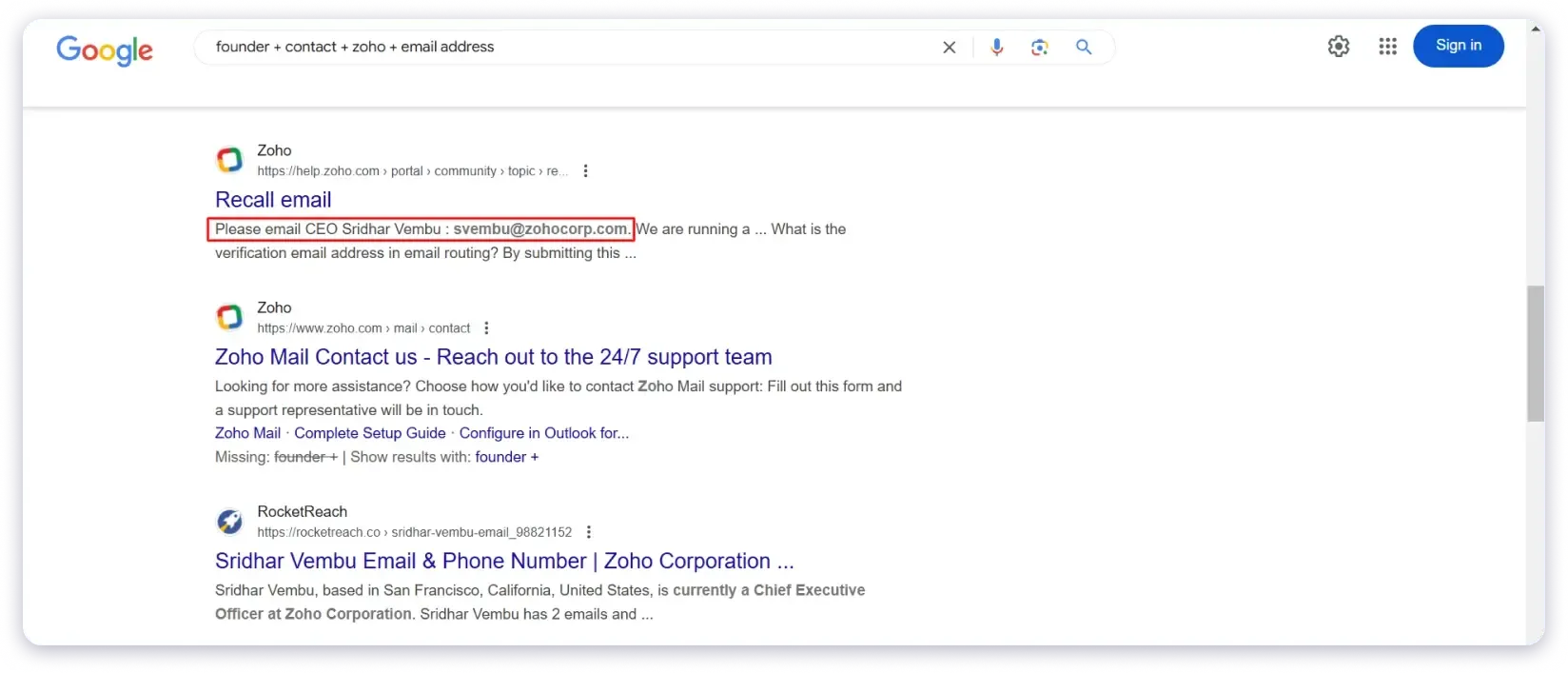
Google search operators surface addresses published where no directory indexes them: PDFs, press kits, and personal sites. Precision is what makes them work, so pair the founder's exact name with an operator that narrows the result set instead of searching the name on its own. Every operator below is free and works in a normal search box.
Combine the founder's name with these operators:
- Quotation marks:
"Jane Doe" emailor"Jane Doe" contactforces an exact-name match. - site: limits the search to one place, for example
"Jane Doe" email site:crunchbase.com. - filetype: surfaces documents, such as
filetype:pdf "founder" contact, which often expose addresses in investor decks or press kits. - Minus: excludes noise, like
"Jane Doe" email -linkedin.comwhen a common name floods the results.
Keep a spreadsheet of the names, companies, and addresses you find so you can verify them in a batch later.
Check Crunchbase, directories, and founder communities
Directories and founder communities cover the companies that publish nothing useful themselves. Crunchbase helps confirm who founded a startup, while newsletters, demo-day pages, and podcast appearances are where founders tend to publish a contact link themselves. None of them reliably hands over an email address.
Match the source to the type of company you are researching:
- Crunchbase is a database of startups and tech companies; use it to confirm who founded a company and sometimes to find a listed contact.
- Business registries and WHOIS records—Secretary of State filings for incorporation papers, officer and organizer names, plus OpenCorporates as a cross-state aggregator—give you the legal owner or registered agent's name and mailing address. Filings rarely expose an email, and the agent may be a law firm rather than the founder, but the name confirms identity and the address ties it to legal records.
- Google Business Profile listings (for local and service businesses) often show the owner's name, listed phone number, or a number they manage themselves; owners frequently sign review replies and link contact details there.
- Better Business Bureau profiles (BBB) publish the principal's name, phone, and address under Business Details; coverage is patchy and stale, but a listed principal with a phone is a verified public contact point.
- Startup newsletters and accelerator demo-day pages, where founders publish or link their business email.
- Podcasts and guest blog posts, which usually credit a founder with a bio and a contact link in the show notes.
These sources skew toward founders who are already public and open to conversation, which makes them good for a warm, personalized approach rather than volume outreach.
Use an email finder or sales intelligence tool
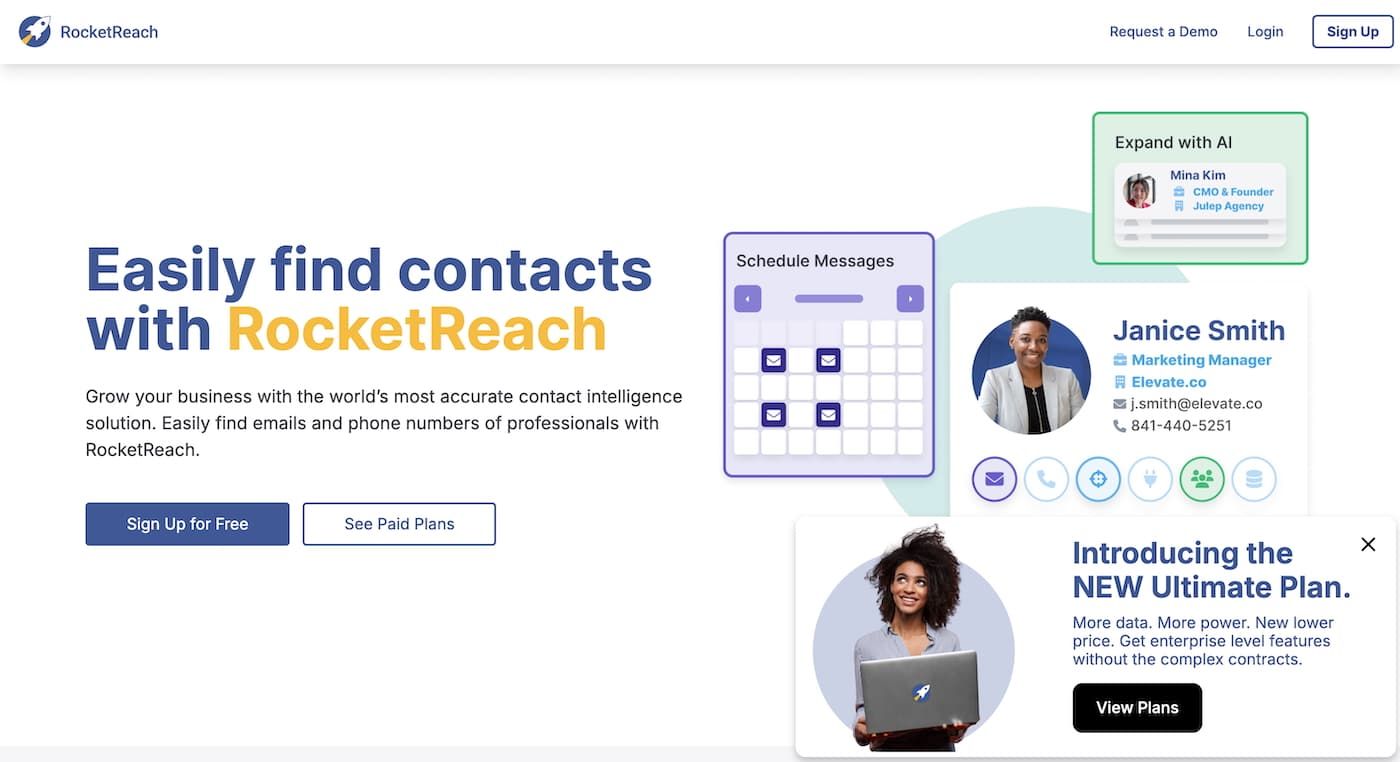
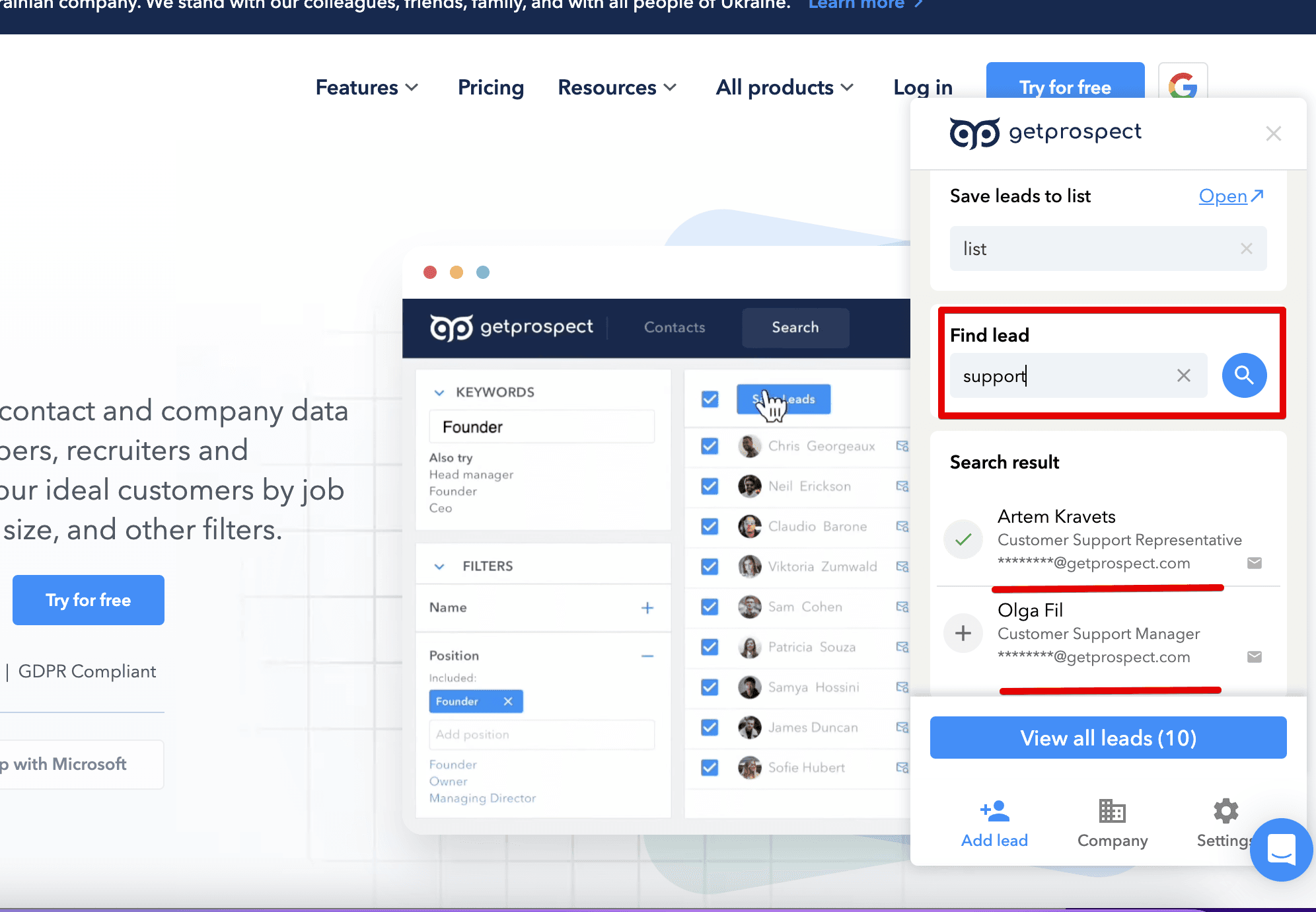
A dedicated email finder or sales intelligence platform is the quickest route once you need more than a handful of contacts, because it searches across companies and job titles instead of one profile at a time. Most of these tools run as a browser extension that overlays LinkedIn and corporate sites, then pushes the contact into your CRM. Treat whatever they return as a candidate rather than a confirmed address: contact databases age between refreshes, so verify the address you found before it enters a campaign.
Not every method is equally dependable.
| Method | Reliability | Best for |
|---|---|---|
| Email finder / sales intelligence | High | Scale and verified data |
| LinkedIn plus enrichment | High | Confirming identity |
| Google operators | Medium | Free, one-off lookups |
| Guessing the pattern, then verifying | Medium | Small or new companies |
| Company website / directories | Low to medium | Names, rarely a direct email |
| Business registries and WHOIS | Medium | Confirming legal ownership |
| Google Business Profile / BBB | Low to medium | Local and small businesses |
Guess the email pattern, then verify it
When no tool returns an address, you can reconstruct it. Most companies use one consistent format, so find any single employee's address, identify the pattern, and apply it to the founder's name. The most common formats are [email protected] and [email protected], and the same logic of turning a name into an address works for owners and founders too.
Guessing is only useful if you confirm the result. An unverified guess that bounces signals to mailbox providers that you are not a careful sender: Google's sender guidelines tell senders to cut volume when messages start bouncing and to drop recipients whose messages bounce repeatedly. Check each candidate address with a verification tool, or verify an email without sending a test message that could tip off your prospect. Verification is what separates a usable address from a liability.
How to email a founder once you have the address
Founders scan their inboxes in seconds, so a cold email to one has to earn the reply in its first line. Keep the message under 120 words, open with the specific reason you chose them, name one problem and one outcome, and close with a single small ask. Feature tours, attachments, and long links all reduce replies.
- Keep it short, ideally under 120 words and one mobile scroll.
- Lead with a reason you chose them, tied to their company stage, product, or a recent announcement.
- Focus on one problem and one outcome, not a feature tour.
- Use a tight subject line, under five words and tied to a business priority.
- End with a single clear CTA, such as a short call request.
- Skip attachments and long links, which look risky and lower replies.
Verify before you hit send
Every method above ends at the same checkpoint: confirm the address is real before you use it. Verified, current data keeps cold-email bounce rates low, and a low bounce rate protects the sender reputation that decides whether your future emails reach the inbox at all.
BounceCheck is an email verification service that runs syntax, MX, and mailbox checks on an address before you add it to a campaign, so a guessed founder email is confirmed rather than assumed. Run new addresses through a checker, re-verify older lists periodically, and avoid buying contact lists, which tend to be inaccurate and can flag you as a spammer. Once you know how email verification confirms that a mailbox exists, a founder address stops being a guess and becomes a contact you can send to safely. Run your founder list through BounceCheck before the first send.
FAQs
How do I find my boss's or a coworker's email?
Check your company's internal directory or address book first, since most organizations list staff there. If not, derive the format from any colleague's address, such as [email protected], and apply it to their name. A quick message to a teammate or HR is often faster than guessing.
What is the most reliable way to find a founder's email?
No single source is reliable on its own, because executive contact details change often and stale addresses bounce. The reliable part is the last step: whichever method produces the address, confirm the mailbox with a verifier before you send, and re-verify anything that has been sitting in a list for months.
How do I find a CEO's email for free?
Combine free methods: check the company website and leadership pages, look at the CEO's LinkedIn Contact Info, run Google operators like "CEO name" email site:company.com, then guess the company pattern and verify the result. Free methods take more time and need verification to be reliable.
Are founder email addresses publicly available?
Some are. An address a company publishes on its own site, a press page, or a directory is public, and a founder who links a contact address from a podcast bio or a newsletter has published it too. Business addresses a company publishes are public; filings, GBP, and older WHOIS records add names and phone numbers to the public record. None of those sources hands over a private executive inbox, so anything you assemble from a name plus a domain pattern stays a candidate until a verifier confirms the mailbox exists.
Is it legal to find and email a company founder?
Finding a publicly available business email is generally legal, but sending to it is regulated. Align your outreach with rules like GDPR and CAN-SPAM, keep messages relevant and business-focused, and honor opt-out requests. Compliance protects both the recipient and your sender reputation.

BounceCheck Team
The team behind BounceCheck - helping businesses verify emails and improve deliverability.