Gmail 'Message May Be Sensitive' Warning: Causes and Fixes
 BounceCheck Team
A "message may be sensitive" warning in Gmail is not a spam or phishing verdict. It almost always comes from your organization's Google Workspace settings: either a reminder that you are emailing someone outside your company, or a data-loss-prevention (DLP) rule that detected sensitive content like credit card numbers. Depending on which warning you are seeing, you either ignore it, edit the message, or ask your admin. Here is how to tell them apart and what to do about each.
What a "sensitive" warning in Gmail actually means
Gmail shows a sensitivity warning in three situations, and all of them are tied to Google Workspace policy rather than a recipient's spam filter. Knowing which one you have tells you whether to act.
| Warning | What triggers it | Who can change it |
|---|---|---|
| External-recipient reminder | Emailing an address outside your organization | Workspace admin |
| DLP content banner | Content matches a sensitivity label (Confidential, Restricted) | Workspace admin |
| DLP send block | Restricted data like card numbers or SSNs in the body | You (edit the message) or admin (adjust the rule) |
None of these mean your email was marked as spam. They are guardrails your company (or Google Workspace) added, not a reputation problem with your sending.
The external-recipient warning
The most common version is the external-recipient warning. When it is on, Gmail shows a banner and puts a colored border or image next to any address outside your organization, so people avoid accidental replies and treat outside mail with more care.
This warning appears when a thread includes an external recipient, when you reply to someone external, or when you compose a new message to an external address. Gmail does not show it if the recipient is already in your organization's Directory, your personal Contacts, or your other Contacts, and it skips secondary-domain and domain-alias addresses. The setting is on by default and exists only for accounts that have upgraded to Google Workspace.
DLP sensitive-content banners and send blocks
The second source is data loss prevention. A Workspace admin can write DLP rules that watch outbound mail for sensitive content, then either add a banner or stop the send entirely.
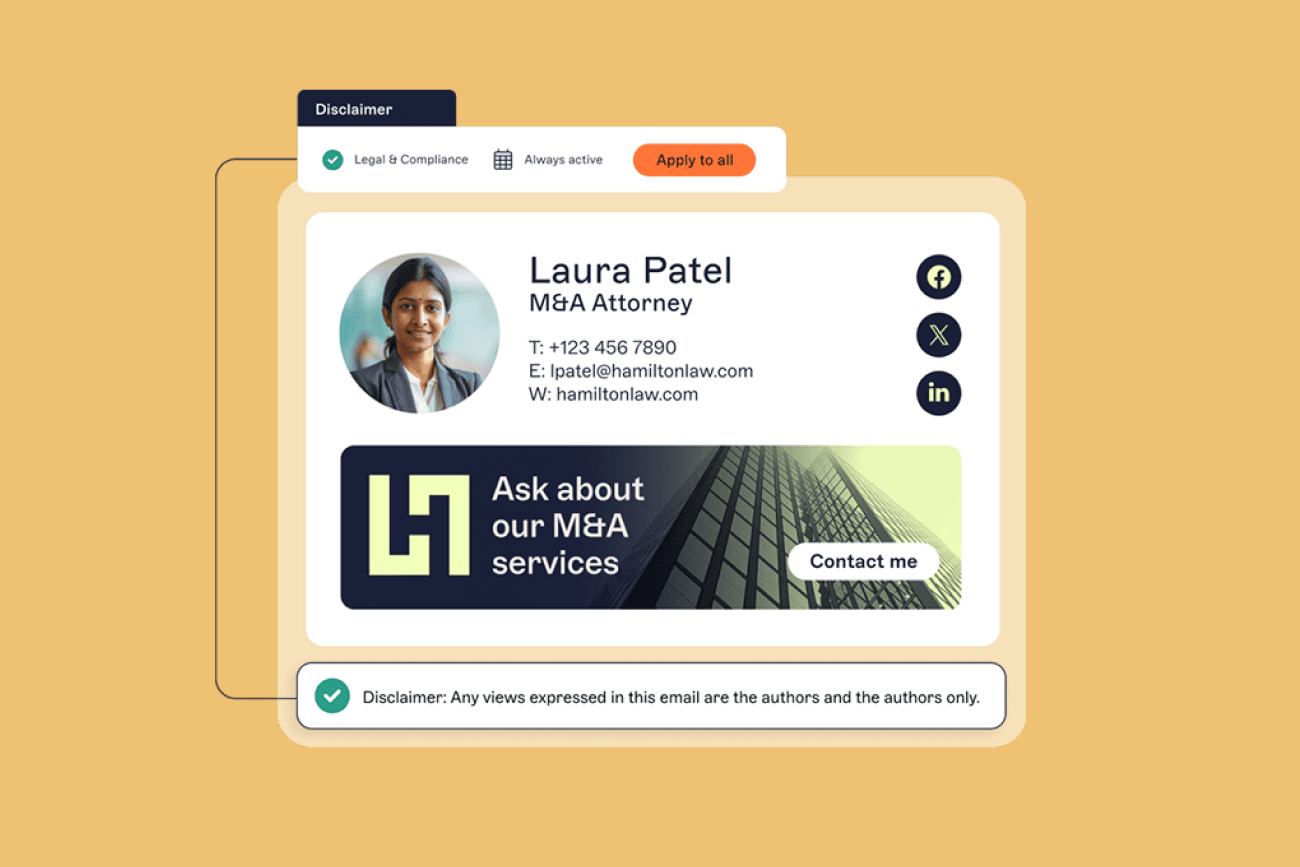
- Banner: the rule attaches a custom header or footer to messages that match a sensitivity label such as "Confidential" or "Restricted." The internal classification label stays inside your domain, and external recipients see only the banner text, which can include handling instructions or a link to policy. This banner feature is available on Enterprise, Education, Frontline, and Cloud Identity Premium editions.
- Send block: a stricter rule refuses the message outright, with wording like "your message can't be sent because it may contain sensitive content (like credit card numbers)." This triggers when the body matches restricted data patterns, typically card numbers, Social Security numbers, or passwords.
How to turn off or reduce the warning
Whether you can remove a sensitivity warning depends on who set it. If it is an organization policy, only a Google Workspace admin can change it, and an end user cannot dismiss an admin-applied banner. Work from that reality.
- For the external-recipient warning, an admin can toggle it in the Google Admin console under Apps, then Google Workspace, then Gmail, then End User Access, at the "Warn for external recipients" setting. Uncheck the box and save; changes can take up to 24 hours. You can also see Google's own steps to control external-recipient warnings.
- For a DLP send block, remove the sensitive data (a card number or SSN) from the message, or move it to a more secure channel, and the send will go through.
- For a false positive, ask your admin to review or narrow the DLP rule that is matching your content, rather than trying to work around it.
If you are an ordinary user rather than an admin, the practical answer for an admin-set banner is usually to leave it in place: it is your company's compliance choice, not an error.
For senders: keep your own email from looking suspicious
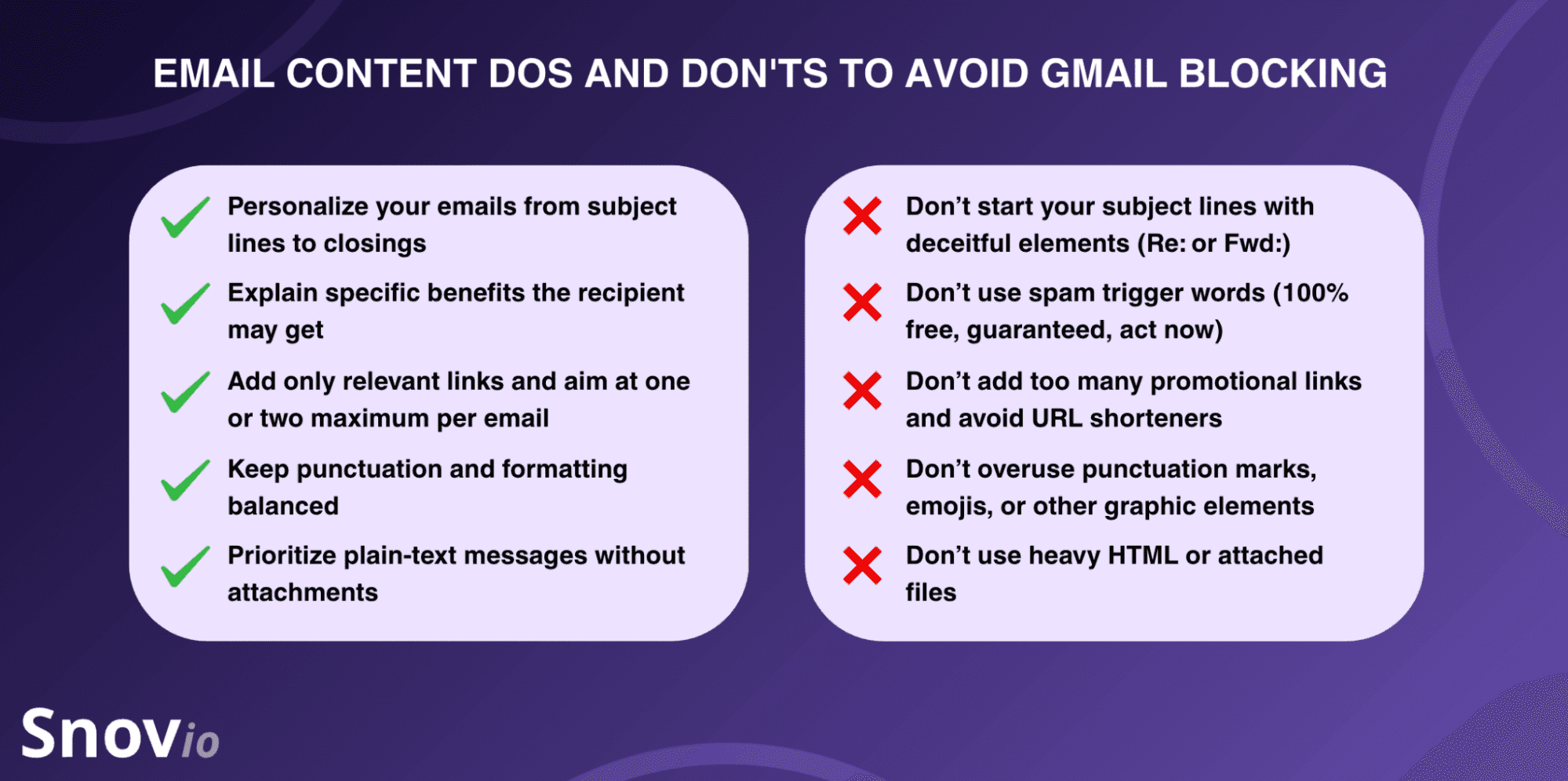
A sensitivity warning is about content policy, but it is easy to confuse with Gmail's separate "be careful with this message" warning, which is about trust and authentication. If your campaigns trigger that one, the fix is on your side. Focus on the basics that tell Gmail you are a legitimate sender:
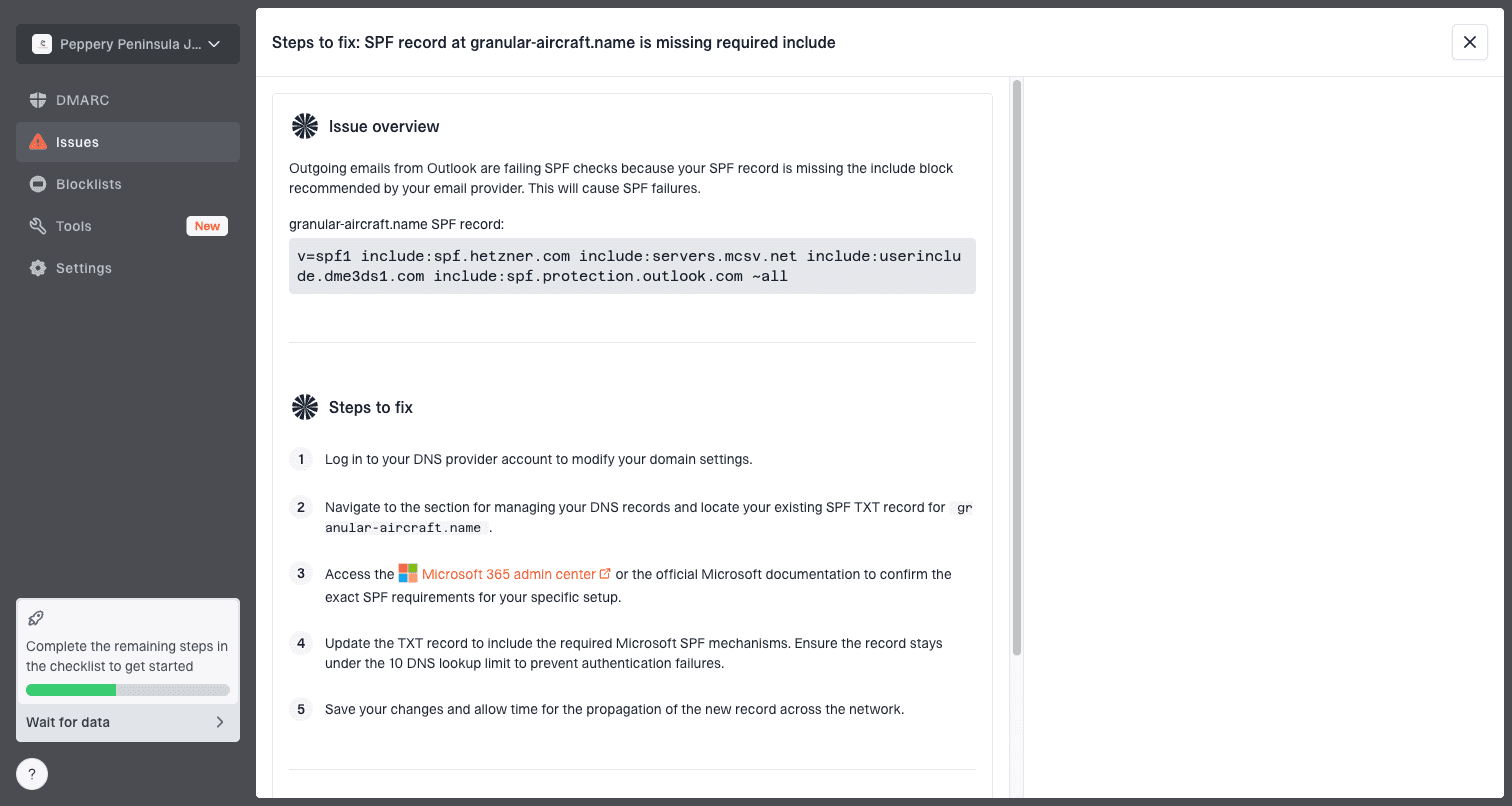
- Authenticate with SPF, DKIM, and DMARC so Gmail can verify the message is really from you, following Google's email authentication guide.
- Align your visible "From" domain with your return-path so the message does not look forged.
- Warm up new domains and keep sending volume steady instead of spiking.
- Avoid urgent, clickbait subject lines and links to domains that sit on blocklists.
These habits reduce the odds Gmail flags your mail at all, which matters more for email deliverability than any single banner. If your messages are landing behind warnings or in spam, our guide to why email gets blocked covers the wider set of causes.
FAQs
Does "message may be sensitive" mean my email is spam?
No. A sensitivity warning is a Google Workspace policy or reminder, not a spam verdict. It signals an external recipient or content your organization's data-loss-prevention rules flagged, and it does not mean the recipient's server treated your message as spam.
Why does Gmail warn me about external recipients?
Because your organization turned on the external-recipient setting, which is on by default in Google Workspace. It reminds you that a recipient is outside your company so you avoid accidentally sharing sensitive information or replying to the wrong person.
Can I remove the sensitive warning banner myself?
Usually not. If the banner comes from an admin policy or a data-loss-prevention rule, only a Google Workspace admin can change or remove it. An individual user can edit message content to clear a send block, but cannot dismiss an admin-applied banner.
What triggers "your message can't be sent because it may contain sensitive content"?
A data-loss-prevention rule that matches restricted data in your message, most often credit card numbers, Social Security numbers, or passwords. Removing that data, or having your admin adjust the rule, lets the message send.
Is the "be careful with this message" warning the same thing?
No. That warning is about authentication and trust, not sensitivity. It appears when a message fails or lacks SPF, DKIM, or DMARC, or otherwise looks suspicious, and the fix is to authenticate your domain rather than change the content's sensitivity.
Warnings aside, reaching the inbox starts with a clean list. Run your contacts through BounceCheck before your next send so invalid addresses are not quietly hurting the sender reputation that keeps your mail out of the warning zone.

BounceCheck Team
The team behind BounceCheck - helping businesses verify emails and improve deliverability.