HTML vs Plain Text Email: Which Is Better for Deliverability?
 BounceCheck Team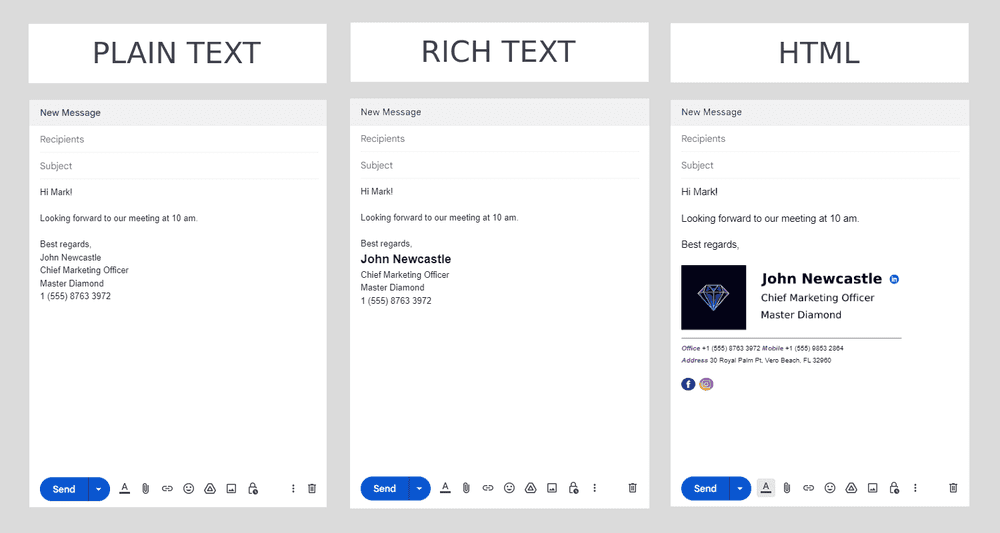
Before your next send Find the addresses that will bounce.
Verify an email freeNeither HTML nor plain text email is universally better. Plain text usually lands in the inbox more reliably and reads like a personal message, which makes it strong for transactional and one-to-one mail. HTML wins on visual design, click tracking, and engagement, which makes it the default for newsletters and promotions. For most senders the practical answer is to send both in one message, so this guide covers what each format is, how they compare, and when to reach for which.
What is an HTML email?
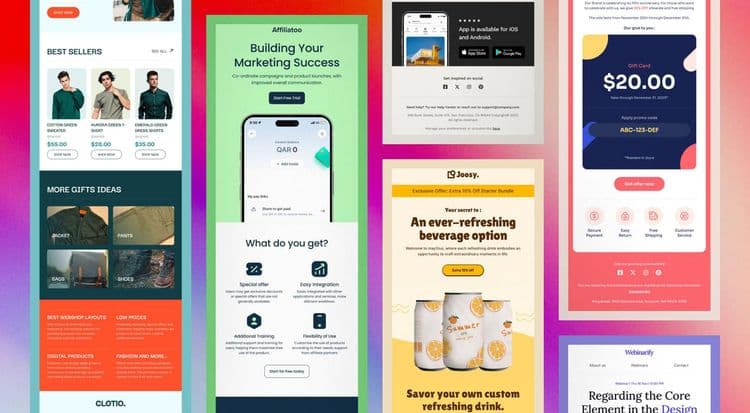
An HTML (Hypertext Markup Language) email uses code to add design elements: fonts, colors, images, buttons, and sometimes animation. It behaves like a small web page delivered to the inbox, which is why the mail you get from brands promoting products or sharing newsletters is almost always HTML.
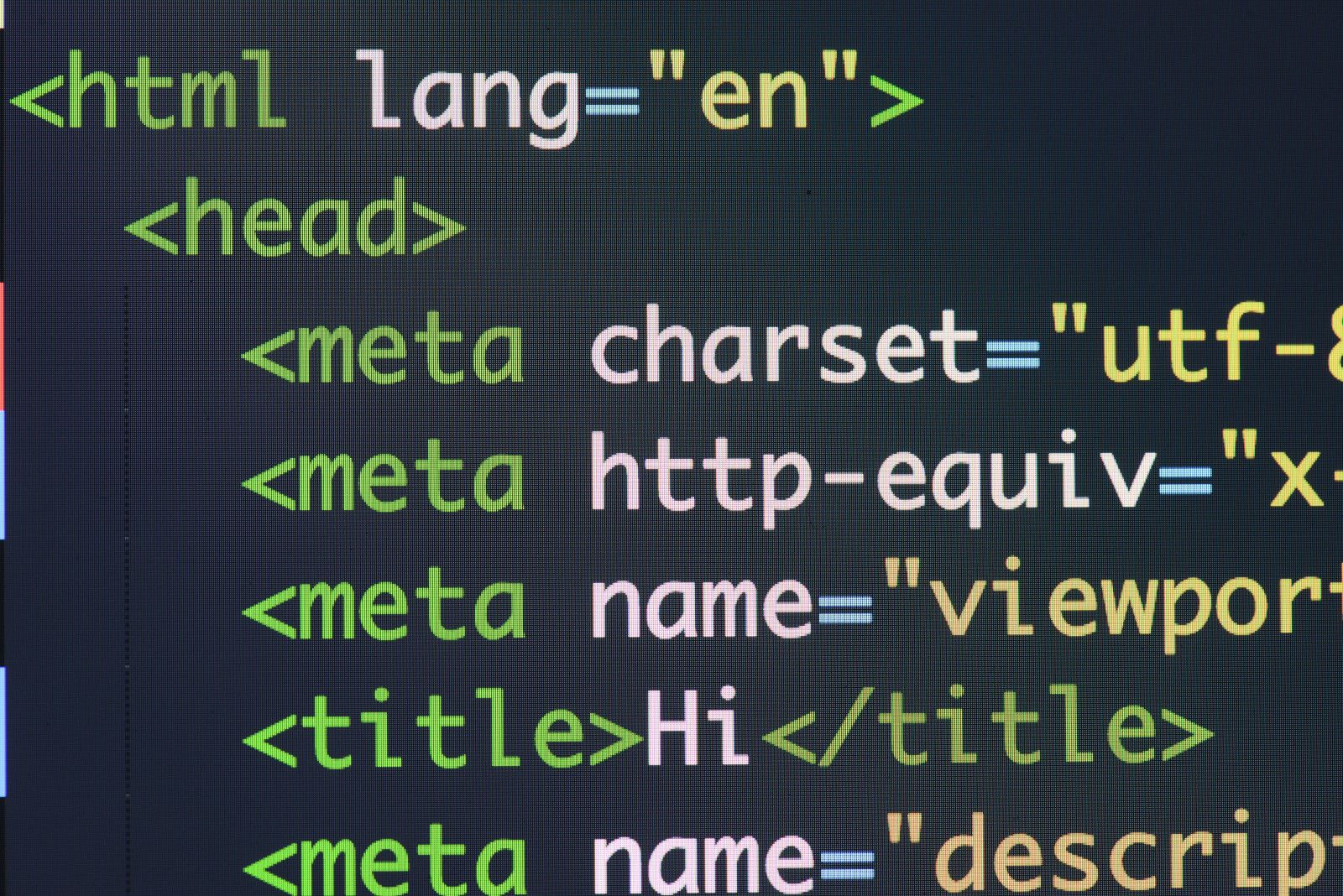
HTML emails typically carry a branded header, a clear call-to-action button, product visuals, and custom fonts and colors. That makes them a good fit for marketing campaigns, newsletters, promotional announcements, and onboarding sequences. The trade-off is complexity: image-heavy or poorly coded HTML can trip spam filters, loads more slowly, and may render differently across email clients, so it needs testing before you send.
What is a plain text email?
A plain text email contains only text: no images, no styled fonts, no tracked links, no layout. It reads like a message one person wrote to another, and that simplicity is its advantage. Plain text tends to perform well on deliverability and trust because there is little for a spam filter to object to.
Plain text suits transactional mail (one-time passcodes, order confirmations, password resets), trigger-based messages, follow-ups, and personal outreach. Its limits are the flip side of its strengths: no visual branding, and no reliable way to measure opens, because open tracking needs an embedded HTML pixel. Historically plain text was sent as ASCII, a character set that carries no font, size, or color information, which is why the sending program decides exactly how the text appears.
HTML vs plain text email: key differences
The two formats diverge across appearance, tracking, deliverability, and effort. This comparison summarizes where each one leads.
| Aspect | HTML email | Plain text email |
|---|---|---|
| Appearance | Rich layout with fonts, colors, images, and buttons | Text only, no styling |
| Calls-to-action | Clickable, tracked buttons and links | Bare links, no buttons |
| Images and media | Supports images and GIFs | Cannot show images |
| Deliverability | Complex design can trigger filters if poorly coded | Often passes filters and reaches the inbox |
| Tracking | Opens (via pixel) and link clicks | Link clicks only, no open tracking |
| Accessibility | Needs alt text and semantic markup | Read cleanly by screen readers by default |
| Client compatibility | Can render differently, needs testing | Consistent across every client |
| Creation effort | Design, code, and cross-client testing | Write and send |
Which format is better for deliverability?
For raw deliverability, plain text has the edge. It is lightweight, carries no risky markup, and is more likely to pass spam filters, which matters most for transactional mail like passcodes and password resets where a broken HTML render looks suspicious. HTML is not doomed to the spam folder, but the risk rises with heavy images, sloppy code, or a poor 60:40 text-to-image balance.
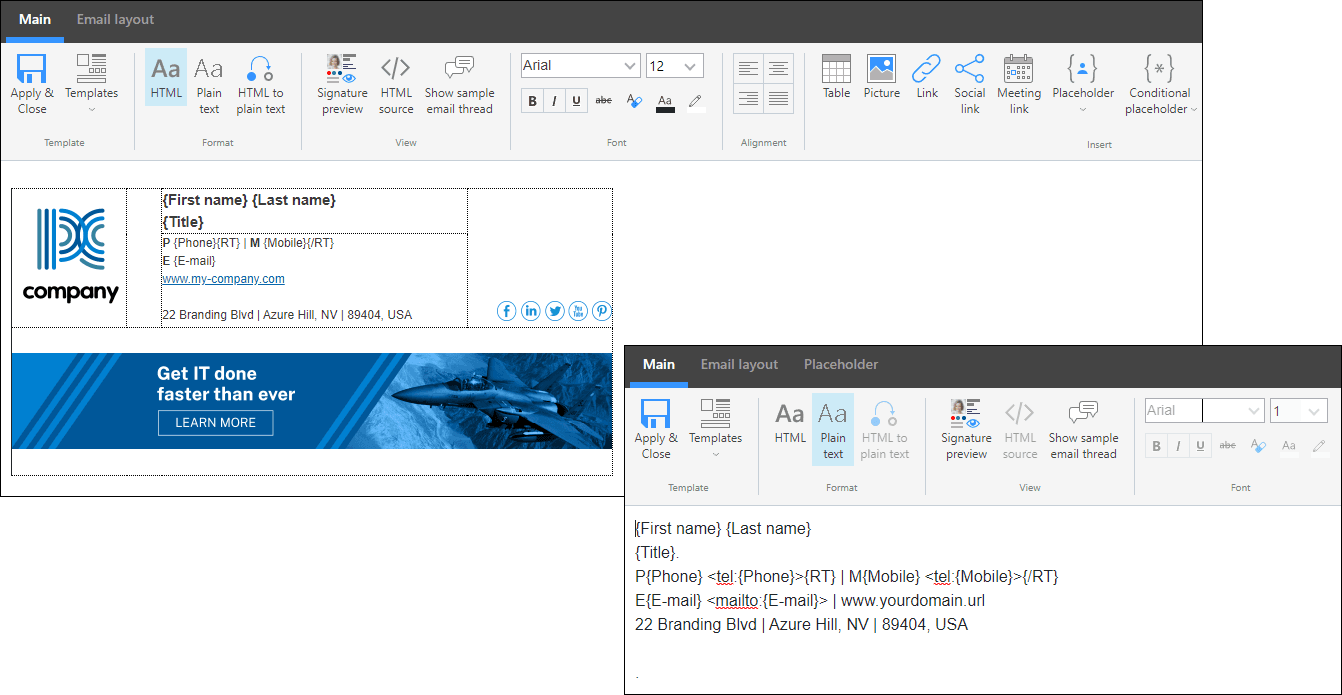
Format is only one input, though. Spam placement leans far more on sender reputation, authentication, and engagement than on whether an email is HTML or plain text. A reputable sending setup lowers the odds either format gets filtered. If your HTML mail keeps landing in spam, look first at your email deliverability fundamentals: authenticate with SPF, DKIM, and DMARC, keep your lists clean, and watch your bounce rate rather than blaming the format alone.
When to use each format
Use plain text for personal, urgent, and system messages, and HTML for visual, promotional, and brand-driven ones. Transactional mail like confirmations and password resets favors plain text or light HTML, while newsletters and marketing campaigns favor full HTML. The table below maps common email types to the format that fits.
| Email type | Recommended format |
|---|---|
| Transactional (confirmations, password resets, OTPs) | Plain text or light HTML |
| Marketing campaigns and promotions | HTML |
| Newsletters | HTML |
| System alerts and notifications | Plain text |
| Onboarding emails | HTML with a plain text fallback |
| Follow-up or re-engagement | Plain-text-style HTML |
| Internal updates | Plain text |
Why sending both is the best practice
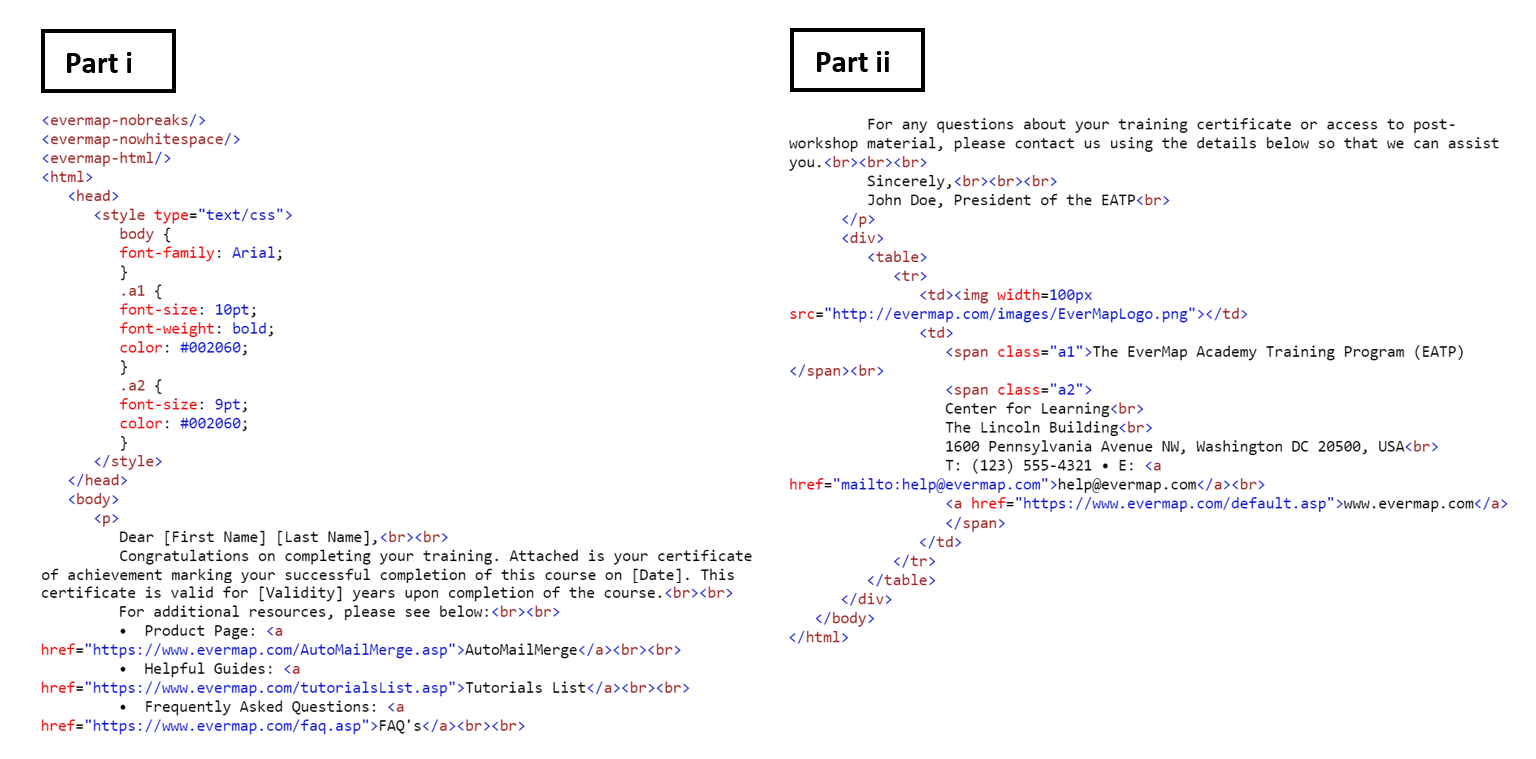
You do not have to choose one format per send. A multipart email carries both an HTML version and a plain text version in the same message, defined by the MIME multipart/alternative standard. The recipient's client shows the HTML when it can render it and falls back to the plain text version when it cannot, or when a reader prefers plain text for accessibility. Most email service providers build this fallback for you automatically.
A few habits keep both versions healthy:
- Keep HTML clean and lightweight, and hold roughly a 60:40 text-to-image ratio so the message is not all images.
- Always include a real plain text version rather than an empty or auto-mangled one; it aids accessibility and inbox placement.
- Personalize either format with the recipient's name and relevant details to lift opens and clicks.
- Test across Gmail, Outlook, and Apple Mail on desktop and mobile before a large send.
- A/B test HTML against plain text on a segment to see what your own audience responds to.
FAQs
Is HTML or plain text better for email deliverability?
Plain text is generally better for deliverability because it is lightweight and gives spam filters little to flag, which matters most for transactional mail. HTML can still reach the inbox when it is well coded, authenticated, and sent from a good reputation.
Can you track opens in a plain text email?
No. Open tracking relies on a small embedded HTML image (a tracking pixel), and plain text emails cannot carry one. You can still measure link clicks if the message contains links.
Should I send HTML or plain text for a newsletter?
HTML is the usual choice for newsletters because it supports layout, images, and tracked calls-to-action. Include a plain text version as a fallback for clients that cannot render HTML and for accessibility.
Is Gmail plain text or HTML?
Gmail composes in formatted (HTML) text by default, but you can switch an individual message to plain text mode from the compose window at any time.
What is a multipart email?
A multipart email contains both an HTML and a plain text version in one message. The recipient's email client picks whichever it can display, giving you HTML's design with plain text's reliability as a fallback.
Whichever format you send, deliverability still starts with a clean list. Run your contacts through BounceCheck before your next campaign so invalid addresses do not bounce and drag down your sender reputation.
§ Before your next send
Find the addresses that will bounce
Verify a single address free, or upload a CSV — the free plan includes 50 checks a month, no card needed.

BounceCheck Team
The team behind BounceCheck - helping businesses verify emails and improve deliverability.