Are Email Addresses Case Sensitive?
 BounceCheck Team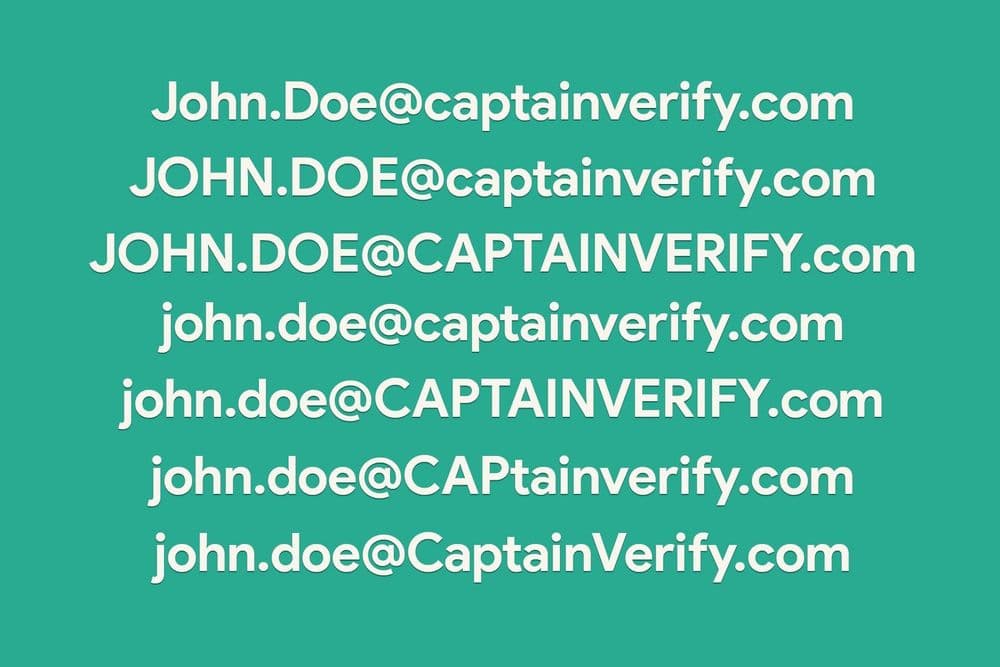
Before your next send Find the addresses that will bounce.
Verify an email freeIf you capitalize a letter or two in an email address by accident, will the message still arrive? For almost everyone the answer is yes, and that is why most people treat email addresses as not case sensitive. The technically correct answer has a little more to it, and the difference comes down to which half of the address you are looking at.
The short answer
In practice, email addresses are not case sensitive. Type [email protected], [email protected], or [email protected] and every email server you are likely to use treats them as the same address, so the message lands in the same inbox. Case does not matter for delivery, and your own address is not something you need to capitalize a particular way for it to work.
The technically correct answer is that one part of the address is case sensitive by standard, even though providers choose to ignore it. To see why, it helps to look at what case sensitivity means and how an address is built.
What "case sensitive" actually means
Case sensitivity is a technical term for whether a system treats capital letters and lowercase letters as different characters. Passwords are the classic example: on most sites the password PassWord is not the same as pAsSwoRD, and mixing case is what makes a password stronger. Email addresses do not work that way. Capitalization has no impact on whether an address is valid or where a message ends up, so [email protected] reaches the same place as [email protected].

The local part vs the domain part
Every email address has two pieces split by the @ symbol, and the case rules are different for each. The local part is everything before the @, the piece you choose. The domain part is everything after the @, such as gmail.com or your own business domain. That split is the whole reason the answer is "yes and no" at the same time.
The domain part is never case sensitive. Following the DNS standard, [email protected] and [email protected] resolve to exactly the same place, because that is simply how domain names work. The local part is the part the standard treats as case sensitive, which is where the "technically yes" comes from.
| Part of the address | Position | Case sensitive? |
|---|---|---|
| Local part | Before the @ | Technically yes (per standard) |
| Domain part | After the @ | No, never |
Our full email address anatomy guide breaks down how these pieces fit together.
Why providers ignore capitalization anyway
If the local part is technically case sensitive, why does [email protected] still reach [email protected]? Because the standard says servers must preserve the case of the local part, but it also warns that actually treating smith and Smith as different users "impedes interoperability and is discouraged." Email service providers took the hint. Gmail, Outlook, Yahoo, and essentially every modern provider deliberately ignore capitalization to spare users the confusion of two near-identical addresses behaving differently.
There is a practical reason too. If addresses were treated as case sensitive in the real world, deduplication would fall apart: someone who types [email protected] one day and [email protected] the next would look like two different people, and an all-caps import could spawn thousands of duplicate records. So providers and marketers alike settle on a single case, usually lowercase, and move on.
Is Gmail case sensitive?
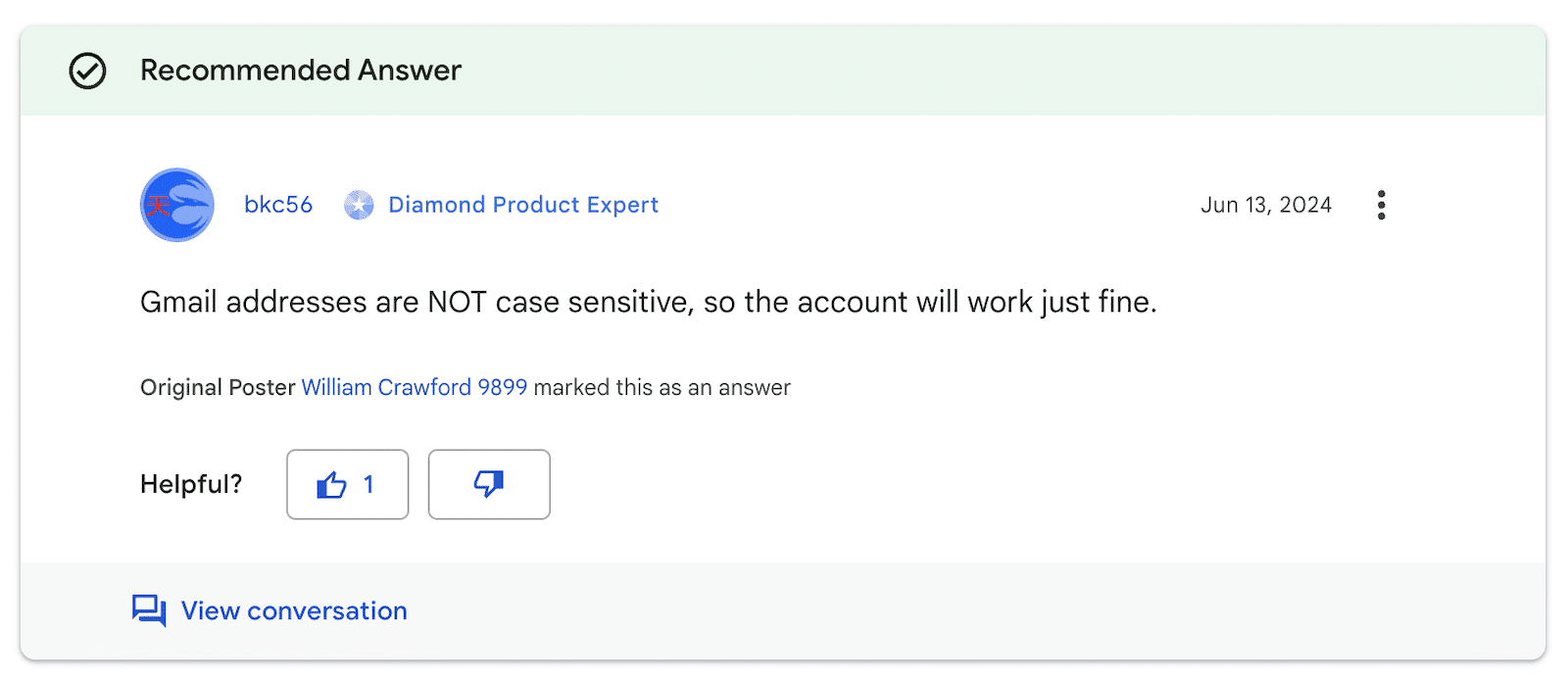
No. Gmail follows the same convention as every other major provider: it treats the address as one mailbox regardless of capitalization, so [email protected] and [email protected] both reach the same inbox. Type it however you like; Gmail will not create a second account or misroute the message over case alone.
Are Outlook, Yahoo, iCloud, or AOL addresses case sensitive?
No. Outlook (including Hotmail and Live addresses), Yahoo Mail, iCloud Mail, and AOL Mail all ignore capitalization the same way Gmail does. Every mainstream provider follows the same discouragement in the mail standard against treating smith@ and Smith@ as different mailboxes, so a stray capital letter will not stop delivery on any of them.
What this means for your list
For day-to-day sending, the takeaway is reassuring: a stray capital letter will not stop your mail from arriving, and you do not need to chase down inconsistent capitalization in your contacts. The address still has to be spelled correctly, point at a real domain, and resolve to working mail servers, but the case of the letters is not what makes or breaks delivery.
Where capitalization does matter is consistency inside your own systems. Storing [email protected] and [email protected] as separate rows inflates your list and skews your metrics, which is why most tools normalize addresses to lowercase before they store or compare them. Running addresses through email verification catches the issues that actually cause bounces, like dead mailboxes and bad domains, rather than the harmless cosmetic difference of an uppercase letter.
The bottom line on capitalization
So, are email addresses case sensitive? By the letter of the standard the local part is, but in the world you actually send email in, the answer is no. Capitalize your address however you like and it will still reach you. The smart move is to keep your stored addresses consistent and clean rather than worrying about case, because the things that genuinely block delivery have nothing to do with whether a letter is big or small.
§ Before your next send
Find the addresses that will bounce
Verify a single address free, or upload a CSV — the free plan includes 50 checks a month, no card needed.

BounceCheck Team
The team behind BounceCheck - helping businesses verify emails and improve deliverability.

