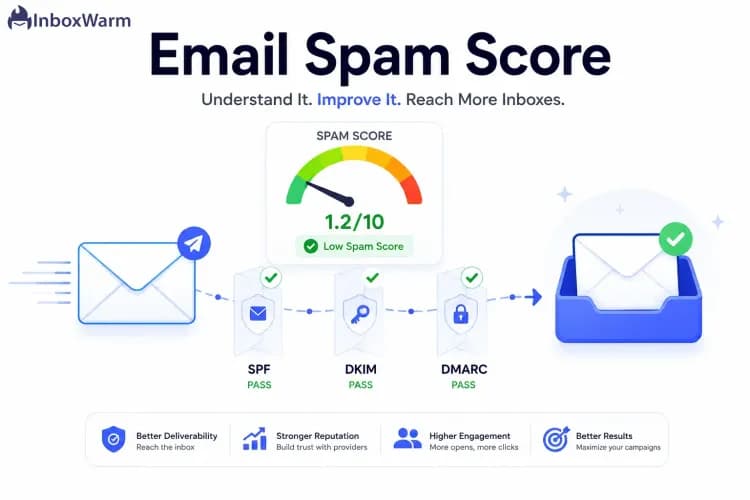
Domain Reputation Checker: How to Check and Improve Your Score
 BounceCheck Team
Before your next send Find the addresses that will bounce.
Verify an email freeA domain reputation checker tells you how mailbox providers like Gmail, Outlook, and Yahoo score the trustworthiness of your sending domain. That score decides whether your mail lands in the inbox, drops into spam, or gets blocked before it is ever seen. You cannot see the exact number a provider assigns, but you can read the same signals they use through free dashboards like Google Postmaster Tools and Microsoft SNDS. This guide covers what domain reputation is, the signals that move it, how to check it across the real tools, and how to repair a poor score.
What is domain reputation?
Domain reputation is a trust score that each mailbox provider calculates for the domain in your From address and the domains in your authentication records. Providers watch how recipients react to your mail over time and use that history to predict whether the next message is wanted. A domain with a strong history clears the inbox; a domain with a poor history gets filtered to spam or refused at the gateway.
Reputation sits on a sliding scale, not a pass or fail switch. Google Postmaster Tools, for example, buckets a domain into Bad, Low, Medium, or High. A High-reputation domain can absorb the occasional bad send; a Low or Bad domain sees even clean campaigns filtered. Because the score is tied to your domain rather than a single message, one damaging campaign can suppress delivery for weeks afterward.
What affects your domain reputation
Domain reputation is driven by a mix of behavioral and technical signals: spam complaint rate, spam-trap hits, authentication (SPF, DKIM, DMARC) pass rates, hard-bounce rate, sending volume and consistency, and blocklist status. Complaint rate and authentication carry the most weight, and every domain reputation checker surfaces these signals in some form.
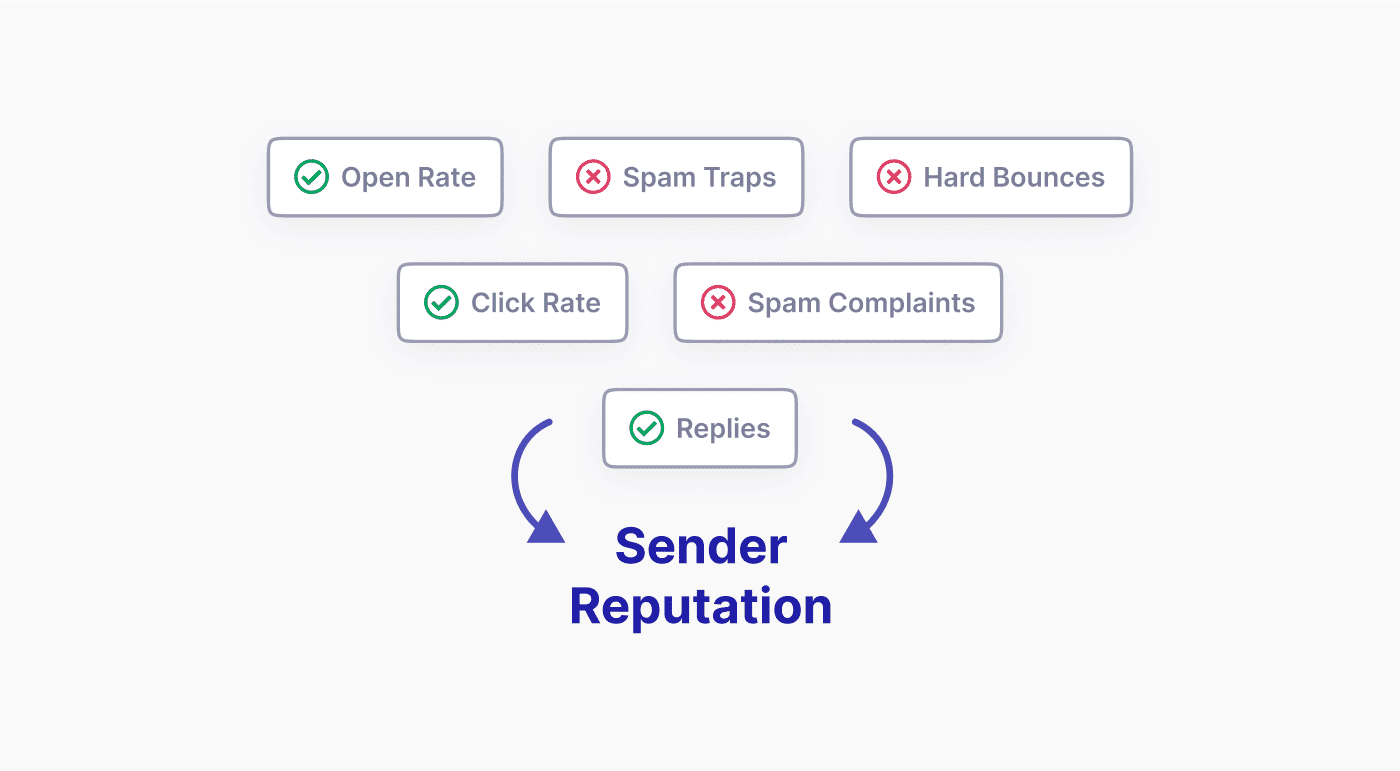
- Spam complaint rate, the share of recipients who hit the report-spam button. Google's bulk sender guidance asks senders to keep this below 0.3% and ideally under 0.1%, and crossing it is the fastest way to sink a domain.
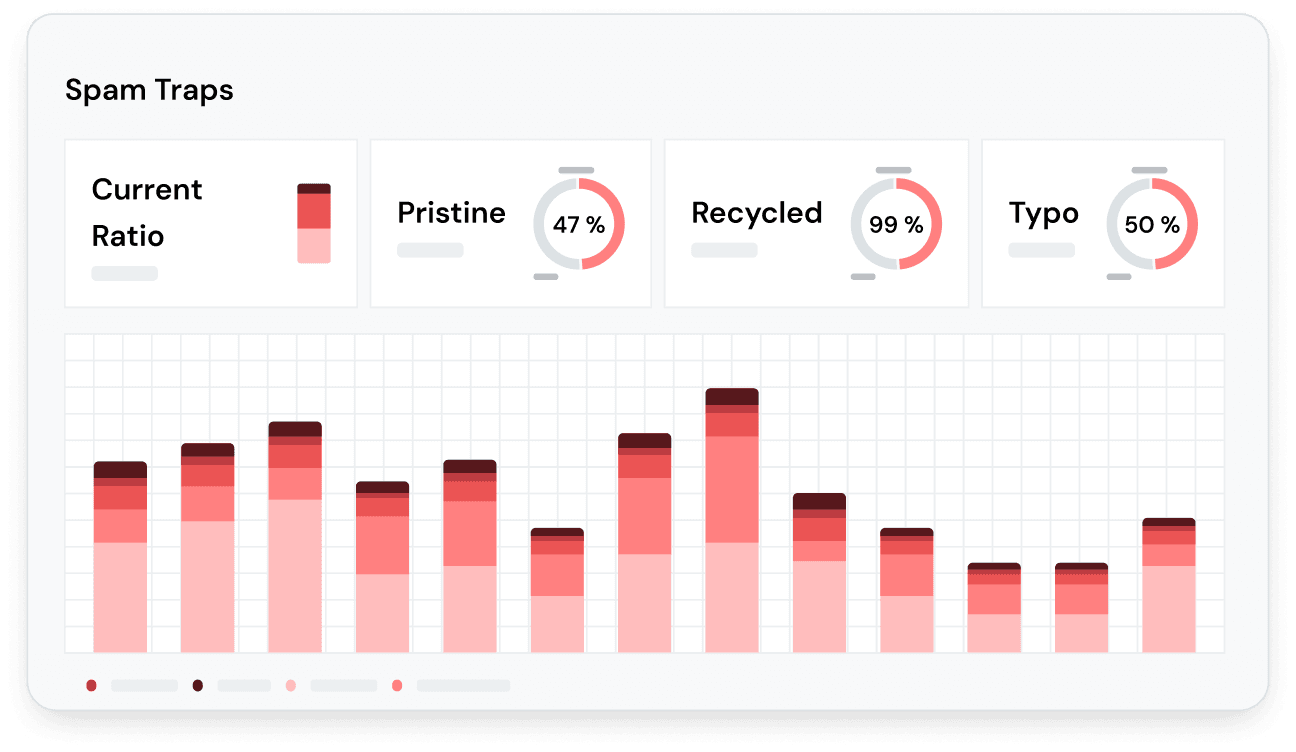
- Spam-trap hits, messages sent to addresses that exist only to catch senders with poor list hygiene. Hitting recycled or pristine traps signals that you are mailing addresses you did not earn.
- Authentication pass rates, whether your mail consistently passes SPF, DKIM, and DMARC. Failed or missing authentication makes a domain look spoofable and untrusted, which is why aligning SPF, DKIM, and DMARC is the first technical fix for most low-reputation domains.
- Bounce rate, the percentage of messages rejected because the address is invalid. A high hard-bounce rate tells providers your list is stale or purchased.
- Sending volume and consistency, sudden spikes from a cold domain read as a spam attack, while steady, predictable volume builds trust.
- Blacklist status, whether your domain appears on public blocklists such as Spamhaus, which many providers consult during filtering.
Engagement underpins all of it. When recipients open, reply, and move your mail out of spam, providers treat future sends more favorably; when mail is ignored or deleted unread, reputation drifts down.
How to check your domain reputation
No single tool shows the score every provider assigns, so checking reputation means reading a few complementary dashboards. Start with the two operated by the providers themselves, then layer in third-party checkers and blocklist lookups. Before any of that, check the domain DNS setup, because SPF, DKIM, and DMARC records feed directly into the rating every provider gives you.
Google Postmaster Tools
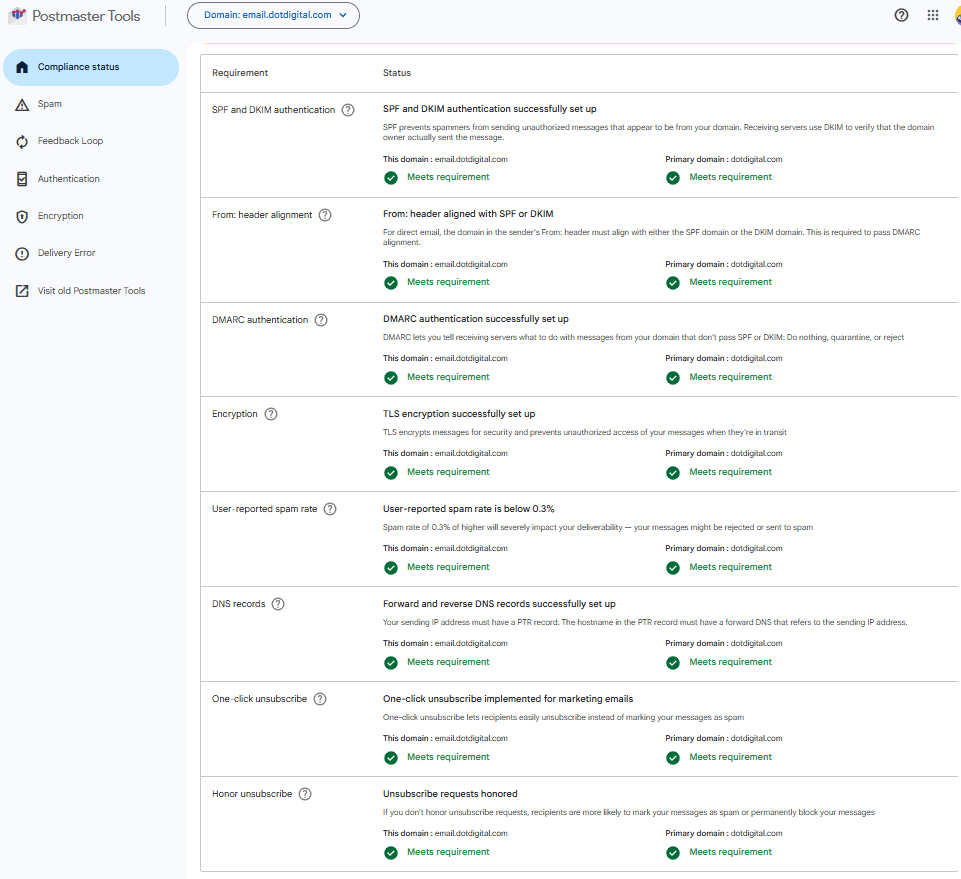
If you send meaningful volume to Gmail, Google Postmaster Tools is the closest thing to an authoritative reading. Verify your domain with a DNS TXT record, then open the domain reputation dashboard to see your Bad, Low, Medium, or High rating over time. The v2 dashboard leans heavily on spam-rate monitoring, so watch that chart against the 0.3% threshold. Postmaster also reports authentication results, delivery errors, and blocklist encounters, which together explain why a rating moved.
Microsoft SNDS for Outlook and Hotmail
Microsoft exposes its data through Smart Network Data Services, which reports the filter status, complaint rate, and trap hits for the IPs you send from into Outlook and Hotmail. Because Microsoft weighs the sending IP heavily, pair SNDS with its complaint feedback so you can trace a filtering change to a specific range. SNDS reports a color-coded status for each sending IP, and monitoring your Outlook IP reputation comes down to enrolling every range and watching that status for red or yellow flags.
Sender Score and third-party checkers
Provider dashboards only cover their own mail, so third-party checkers fill the gaps. Validity's Sender Score rates a sending IP from 0 to 100 using aggregated network data, giving a quick relative read. Free tools such as MXToolbox, IPVoid, EasyDMARC's reputation checker, and Cisco Talos Intelligence let you look up a domain or IP and see blocklist listings, authentication configuration, and a rough reputation grade. Treat these as directional rather than definitive, since none of them see inside Gmail or Outlook.
Blacklist and RBL lookups
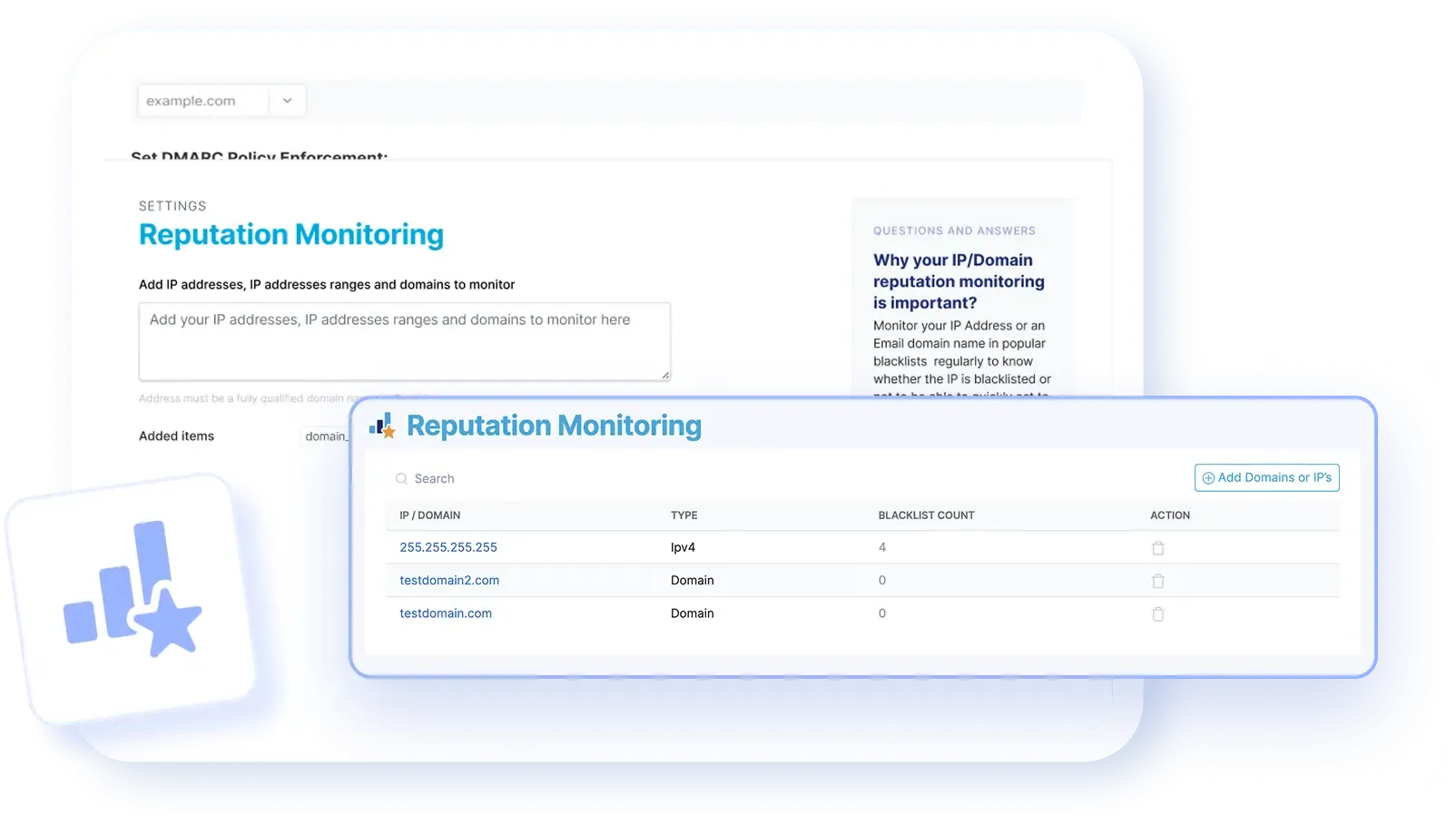
A domain or IP on a widely used blocklist can be filtered everywhere at once, so a blocklist scan belongs in every reputation check. Run your domain and sending IP against the major real-time blocklists to confirm you are not listed, and if you are, request delisting after fixing the cause. The major real-time blocklists each publish their own lookup, and checking your domain against the common email blacklists in one pass shows where a listing is dragging delivery down.
What is a good domain reputation score?
A good domain reputation reads as High in Google Postmaster Tools, 90 or above on Validity's Sender Score, a Green filter status in Microsoft SNDS, and no listings on any major blocklist. Because each tool uses a different scale, the table below maps them to what a healthy reading looks like.
| Tool | Scale | Healthy reading |
|---|---|---|
| Google Postmaster Tools | Bad / Low / Medium / High | High, or Medium and rising |
| Sender Score | 0 to 100 | 90 and above |
| Microsoft SNDS | Green / Yellow / Red filter status | Green with complaint rate under 0.3% |
| Blocklist lookup | Listed / Not listed | Not listed on any major blocklist |
Across every scale the common threshold is the same complaint ceiling: keep spam complaints under 0.3% and your ratings tend to hold. Reputation is also relative to your own baseline, so a domain sliding from High to Medium needs attention even while the label still looks acceptable.
Domain reputation vs IP reputation
Domain reputation is tied to the domain in your From and authentication records and follows you across providers even when you switch IPs; IP reputation is tied to the specific address your mail leaves from. IP reputation matters most on dedicated sending infrastructure, where your traffic is the only signal on that address. On shared IP pools your domain reputation carries more of the weight, since the IP is influenced by every other sender on it. Together they make up your overall sender reputation, so check both: a clean domain on a poisoned IP still lands in spam.
How to improve or repair a poor domain reputation
Recovering a domain reputation is slower than damaging it, but the levers are well understood: fix authentication, clean your list, cut complaints, rebuild volume gradually, and clear any blocklist listings. Work through them in order and give each change time to register.
- Fix authentication first, publish and align SPF, DKIM, and DMARC so every message passes cleanly and cannot be spoofed.
- Clean the list, remove invalid addresses, spam traps, and long-inactive contacts before your next send so bounces and complaints drop.
- Reduce complaints, make unsubscribing one click, honor it fast, and stop mailing people who never engage.
- Rebuild volume gradually, warm the domain by sending to your most engaged recipients first, then widen out as metrics stay healthy.
- Delist and monitor, request removal from any blocklist once the root cause is fixed, then watch Postmaster and SNDS to confirm the trend reverses.
Because reputation is history, recovery takes weeks of consistent, low-complaint sending rather than a single fix, and it works best alongside the broader habits that go into improving email deliverability.
FAQs
How do I check my domain reputation?
Verify your domain in Google Postmaster Tools for Gmail data and enroll in Microsoft SNDS for Outlook data, then confirm the reading with a third-party checker like Sender Score or EasyDMARC and a blocklist lookup. Using several tools together gives you the fullest picture, since no single one sees every provider.
What is a good domain reputation score?
On Google Postmaster Tools a High rating is the target, and a Sender Score of 90 or above is considered strong. Across every tool the practical benchmark is keeping your spam complaint rate under 0.3% and staying off the major blocklists.
How long does it take to improve a poor domain reputation?
Expect weeks, not days. Because providers score your sending history, reputation only recovers after a sustained run of clean sends with low complaints and bounces, so consistent behavior over several weeks matters more than any one change.
What is the difference between domain and IP reputation?
Domain reputation is tied to the domain in your From and authentication records and follows you even if you change IPs, while IP reputation is tied to the address your mail sends from. Providers weigh both, so a strong domain on a listed IP can still be filtered.
Do SPF, DKIM, and DMARC affect domain reputation?
Yes. Consistently passing SPF, DKIM, and DMARC proves your mail is genuinely from your domain and cannot be spoofed, which providers treat as a positive trust signal. Failing or missing authentication drags reputation down and can send otherwise legitimate mail to spam.
A poor domain reputation almost always starts with a dirty list, so the cheapest protection is verifying addresses before you hit send. Run your list through BounceCheck to remove invalid and risky addresses before your next campaign and keep bounces and complaints from eroding the reputation you have built.
§ Before your next send
Find the addresses that will bounce
Verify a single address free, or upload a CSV — the free plan includes 50 checks a month, no card needed.

BounceCheck Team
The team behind BounceCheck - helping businesses verify emails and improve deliverability.