Email Spam Level: What Your Spam Score Means and How to Lower It
 BounceCheck Team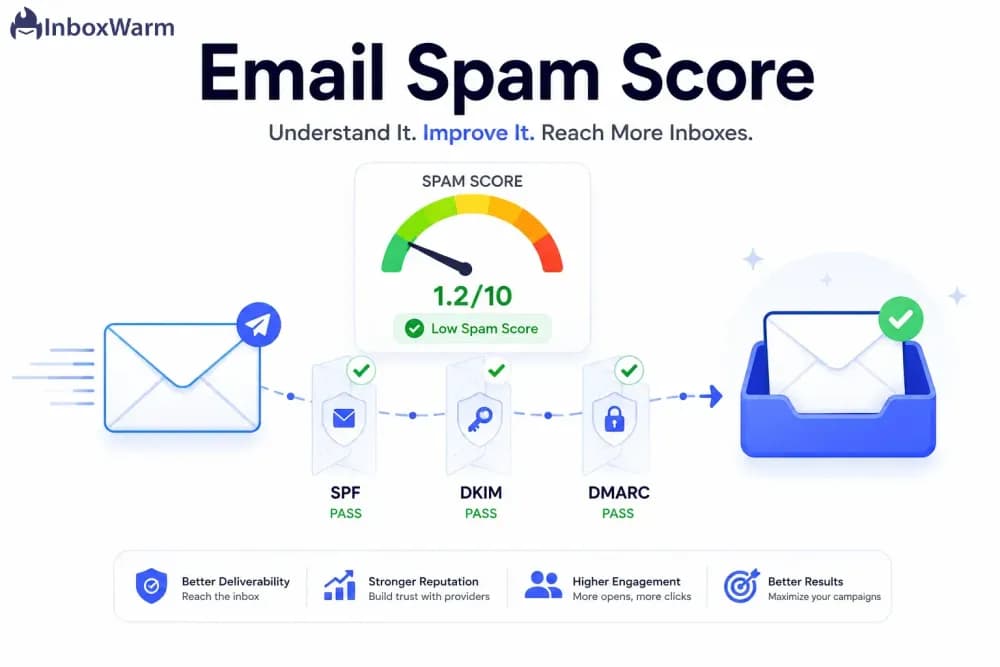
Before your next send Find the addresses that will bounce.
Verify an email freeYour email spam level is the numeric grade a filter gives a message to decide whether it reaches the inbox or the spam folder. SpamAssassin-style scores typically run from 0 to 10 or higher, and most filters and testing tools treat anything under 5.0 as safe to send, so lower is better. SpamAssassin writes the number into the message as one asterisk per point in an X-Spam-Level header; Microsoft 365 expresses the same judgment as a spam confidence level (SCL) from -1 to 9, where 0 or 1 is clean and 7 to 9 is high-confidence spam. Authentication failures, excessive images, risky code, and salesy keywords each add points to the total.
"Spam level" and "spam score" also name an unrelated SEO metric (a backlink-quality figure popularized by Moz). This guide covers the email version, the one that decides inbox versus junk, and separates the two at the end.
What an email spam score is
An email spam score, also called a spam level, is a numeric value a receiving system assigns to a message before delivery to judge whether it is spam. The score is built from the subject line, the body text, the links, and any code the message contains. Once the total crosses the filter's threshold, the message is flagged and routed to the spam folder.
Different systems score mail in different ways. SpamAssassin, Barracuda, and MessageLabs all use a threshold method: a message gets a value plus a flag, and anything above the threshold is treated as spam. SpamAssassin also stamps the level into the message, since its default header configuration adds an X-Spam-Level header of one asterisk per full score point, so five asterisks means roughly five points of rules were tripped. Outlook runs a self-learning filter scored against the sensitivity you set, while Gmail and Yahoo apply a simpler pass-or-fail decision to send a message to the inbox or the junk folder.
Microsoft 365 puts a fixed scale on that number. Its filtering maps a message's score to a spam confidence level added in an X-header, where higher means more likely to be spam:
| SCL value | What it means | Default action |
|---|---|---|
| -1 | Skipped filtering | Inbox |
| 0, 1 | Not spam | Inbox |
| 5, 6 | Spam | Junk folder, quarantined under strict policy |
| 7, 8, 9 | High confidence spam | Junk folder, quarantined under preset policies |
Microsoft's documentation states that spam filtering never stamps messages with the SCL values 2, 3, or 4.
How an email spam score is calculated
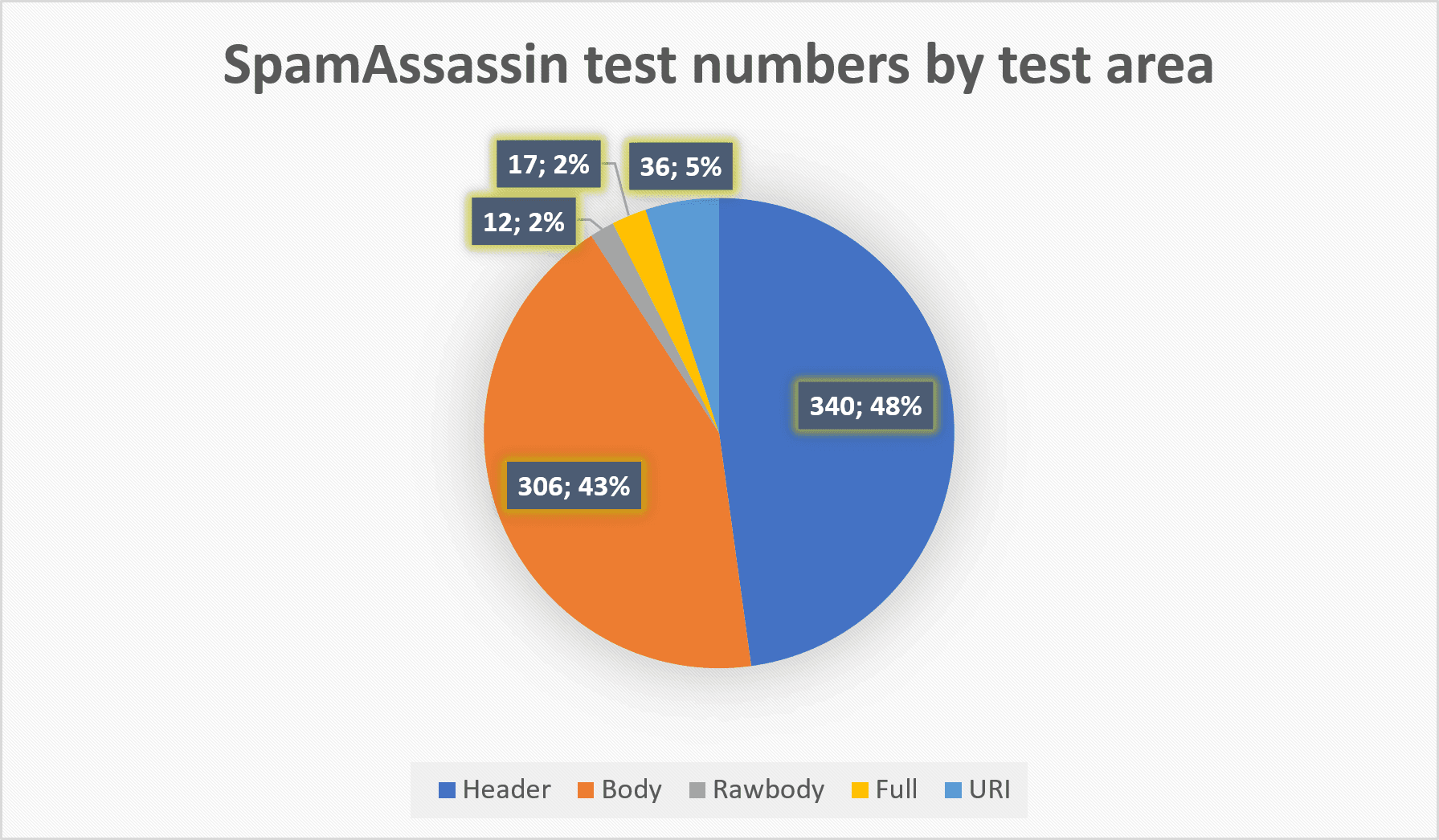
An email spam score is calculated by adding points for each warning sign a filter finds in a message, then totalling them. SpamAssassin and similar filters score dozens of individual rules, and your spam level is the sum, not any single rule. Five points of tripped rules produce a score of 5.0 and an X-Spam-Level header of five asterisks.
The most common point-adding factors are:
- Authentication failures: missing or failing SPF, DKIM, or DMARC records, which make your mail look forged. On Microsoft 365, spam filtering itself does not usually stamp SCL 7, but other features can, and Microsoft lists DMARC failures as one of them.
- Trigger words and phrases: salesy or shady wording, the kind covered in any spam trigger words list, raises the score fast.
- Excessive images or a bad text-to-image ratio: image-heavy messages with little text read as spammy.
- Risky code: fancy HTML and especially scripts are almost always auto-flagged.
- Missing compliance basics: no clear unsubscribe option and no physical business address (the latter is required by the CAN-SPAM Act) both push the score up.
What is a good spam score
A good email spam score is under 5.0, and the clean target is 0 penalty points, or 10 out of 10 on tools that invert the scale. For email, lower is better, the opposite of a school grade. On Microsoft 365 the equivalent clean result is an SCL of 0 or 1.
| Score | Reading | Likely outcome |
|---|---|---|
| 0 points (10/10 on inverted tools) | Clean | Best odds of the inbox, though no score guarantees placement |
| Under 5.0 | Pass | Inbox on most filters |
| 5.0 and above | Flagged | Spam folder or quarantine |
| SCL 0 or 1 (Microsoft 365) | Not spam | Inbox |
| SCL 5 to 9 (Microsoft 365) | Spam to high-confidence spam | Junk folder or quarantine |
The exact threshold depends on the receiving system and how sensitively it is tuned, so aim as close to a perfect score as you can rather than scraping under the line. No score guarantees inbox placement, since mailbox providers decide on many signals at once.
How to check your spam score
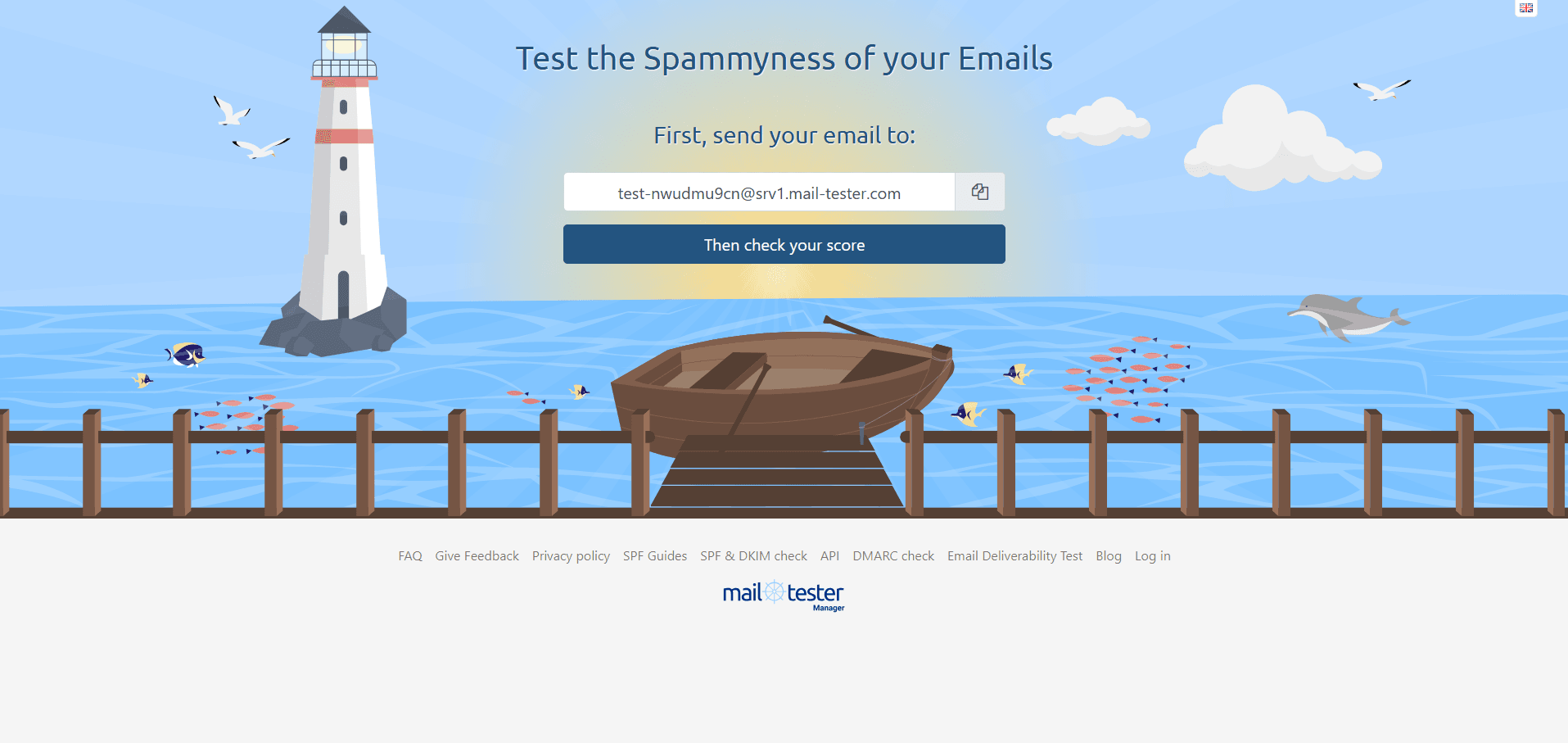
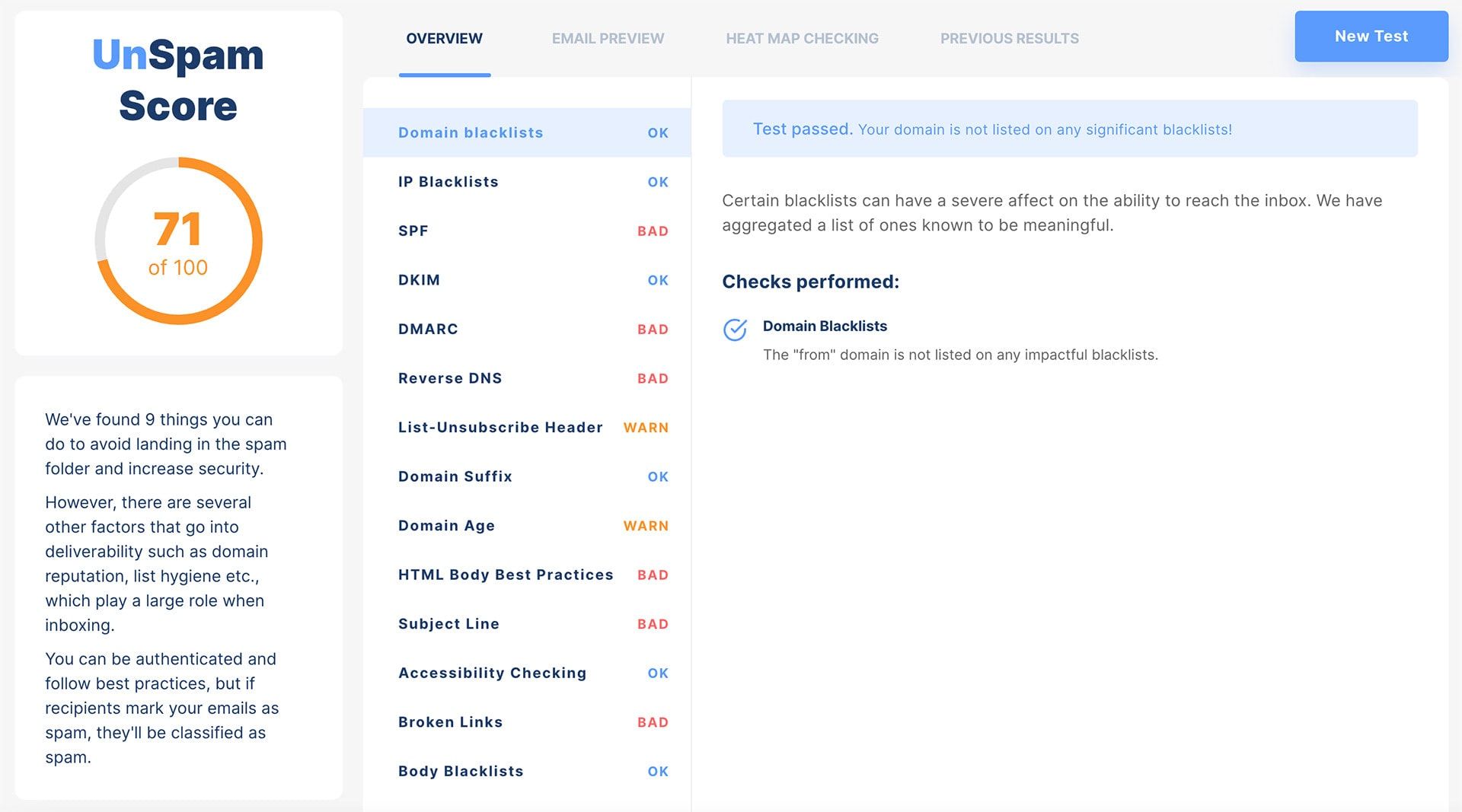
To check your email spam score, send a test message to a spam-checking tool such as mail tester and read the score it returns. A spam checker receives the email, runs it through SpamAssassin-style rules, and returns a score out of 10 plus a list of exactly which rules you tripped, from authentication gaps to trigger words. That rule-by-rule breakdown is what tells you which fixes to make.
A message that has already been delivered shows the same information in its headers: the X-Spam-Level asterisks and, on Microsoft 365, the SCL value. If the breakdown points at authentication, check SPF, DKIM and DMARC records for your sending domain to see exactly what is missing or misconfigured. Pair the spam-score test with an email blacklist check, since a poor score and a fresh listing often share the same root cause.
How to lower your spam score
Lower your email spam score by removing the specific rules a test flags: authenticate the sending domain, cut trigger words, add the compliance basics, simplify the HTML, and clean the list. Every point removed improves the odds of inbox placement. The highest-impact fixes are:
- Authenticate your mail with SPF, DKIM, and DMARC so filters trust the sender.
- Cut salesy trigger words from the subject line and body.
- Add a clear unsubscribe link and a physical business address in the footer.
- Drop scripts and trim heavy image-only layouts in favor of a healthy text-to-image balance.
- Keep your list clean with an email verifier such as BounceCheck, since mailing dead addresses and spam traps drags down your reputation, which is the foundation of every email deliverability best practice.
These habits also keep you off blocklists, since the reputation signals that push a spam score up are the same ones that get a sending domain listed.
Spam score in SEO vs email
The email spam score and the SEO Spam Score share a name and measure nothing in common. The email version grades one message's likelihood of being filtered to spam. The SEO version, popularized by Moz, grades a page or domain on how closely it resembles sites search engines have penalized.
| Email spam score | SEO Spam Score (Moz) | |
|---|---|---|
| What it grades | A single message | A page or domain |
| Scale | 0 to 10 points, or SCL -1 to 9 | A percentage |
| Built from | Subject, body, links, code, authentication | 27 machine-learned site signals |
| Risk bands | Under 5.0 passes, 5.0 and above is flagged | Above 30 percent moderate risk, above 60 percent high risk |
| What it decides | Inbox versus junk folder | Whether to investigate your backlinks |
Moz's 27 signals include spammy top-level domains, missing trust markers, and unusual link patterns, and a high figure is a prompt to investigate your backlinks, not proof of spam. When the goal is reaching the inbox, the email spam score is the one that matters.
Make spam-score testing routine
A spam score is only useful if you check it before it costs you a campaign. Run a test whenever you change your sending setup, build a new template, or notice open rates slipping, and fix whatever the report flags before the next send. Treated as a routine pre-send step, the score becomes an early warning system rather than a diagnosis you reach for after deliverability has already dropped. Run your list through BounceCheck before your next send so dead addresses and spam traps are not part of what filters score.
FAQs
What is a good email spam score?
A good email spam score is under 5.0. Scores usually run from 0 to 10 or higher, and most filters and testing tools treat anything under 5.0 as safe to send. On Microsoft 365 the equivalent clean result is an SCL of 0 or 1. Aim as close to a zero-penalty score as you can rather than just clearing the threshold, since different receiving systems set the line in different places.
How is an email spam score calculated?
Filters like SpamAssassin add points for each warning sign in a message, then total them. Common factors include authentication failures (SPF, DKIM, DMARC), spam trigger words, excessive images, risky code or scripts, and missing compliance basics like an unsubscribe link or physical address. The higher the total, the more likely the message is flagged. Five points of tripped rules show up as five asterisks in the X-Spam-Level header.
How do I check my email spam score?
Send a test message to a spam-checking tool. The tool runs your email through SpamAssassin-style rules and returns a score out of 10 plus the list of rules you tripped. For mail already delivered, read the X-Spam-Level asterisks in the headers, or the SCL value on Microsoft 365.
What does spam confidence level 9 mean?
SCL 9 sits in Microsoft 365's high-confidence-spam band, alongside 7 and 8. Messages scored there land in the recipient's Junk Email folder under the default anti-spam policy, and are quarantined under the Standard and Strict preset security policies.
Why is my spam score so high?
A high score usually comes from a stack of small problems: failing authentication, salesy trigger words, an image-heavy layout with little text, scripts in the HTML, or a missing unsubscribe link and business address. A spam-testing tool lists exactly which rules you tripped so you can fix them one by one.
Is the email spam score the same as the Moz spam score?
No. The email spam score grades a message's likelihood of being filtered to spam, on a 0 to 10 point scale or an SCL of -1 to 9. The Moz Spam Score is an SEO metric, a percentage estimating how likely a website is to be penalized by search engines based on its backlinks and features. They share a name but measure completely different things.
§ Before your next send
Find the addresses that will bounce
Verify a single address free, or upload a CSV — the free plan includes 50 checks a month, no card needed.

BounceCheck Team
The team behind BounceCheck - helping businesses verify emails and improve deliverability.