Email Spam Trigger Words: The 2026 List and How to Avoid the Spam Folder
 BounceCheck Team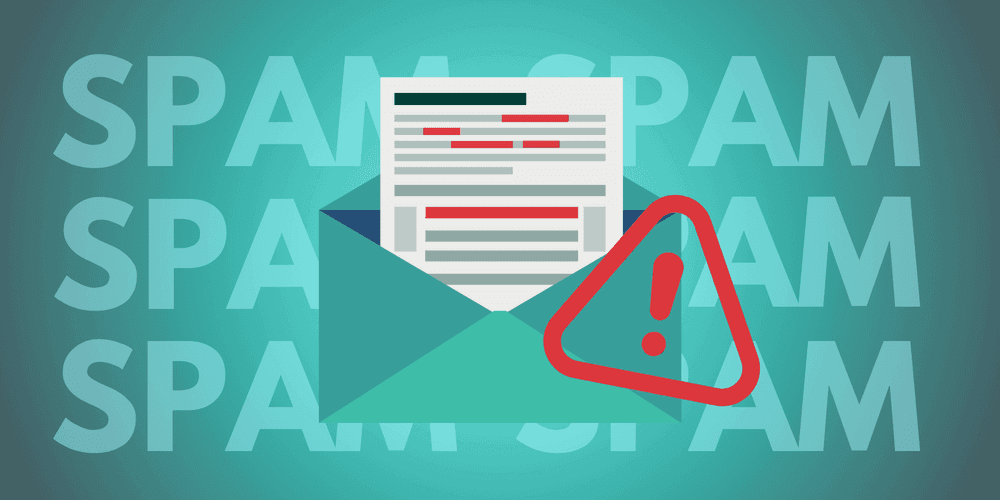
Before your next send Find the addresses that will bounce.
Verify an email freeSpam trigger words are words and phrases such as "act now," "free money," or "100% guaranteed" that email filters associate with scams and pushy marketing, so leaning on them raises your odds of landing in the junk folder. No single word sends you to spam on its own; they tip the scale only when your sender reputation or engagement is already weak. The list below groups the most common offenders by category, with cleaner replacements and the signals that matter more than vocabulary.
You wrote the email, hit send, and it vanished into a spam folder nobody opens. Often the culprit is a single word. Spam filters scan every message for the language scammers and pushy marketers lean on, and if your copy sounds like theirs, you get treated like them. Nearly one in five emails already gets caught by a filter, so the words you choose matter. This is the 2026 list of email spam trigger words by category, plus the things that matter even more than the words: how filters actually decide, and what keeps you landing in the inbox.
What are spam trigger words?
Spam trigger words are words or phrases that email providers like Gmail, Outlook, and Yahoo treat as red flags. You see them constantly in scams, gimmicks, and too-good-to-be-true offers, so filters have learned to be suspicious of them.
Here is the part most lists skip: one trigger word almost never sends you to spam on its own. Context matters. Modern filters treat these words as risk multipliers, not automatic bans. Say "limited time" once in a relevant message and you are fine. Stuff a subject line with "FREE!!! ACT NOW 100% GUARANTEED" while sitting on a low delivery rate, and you are in trouble. The words tip the scale only when other signals are already shaky.
How spam filters actually work in 2026
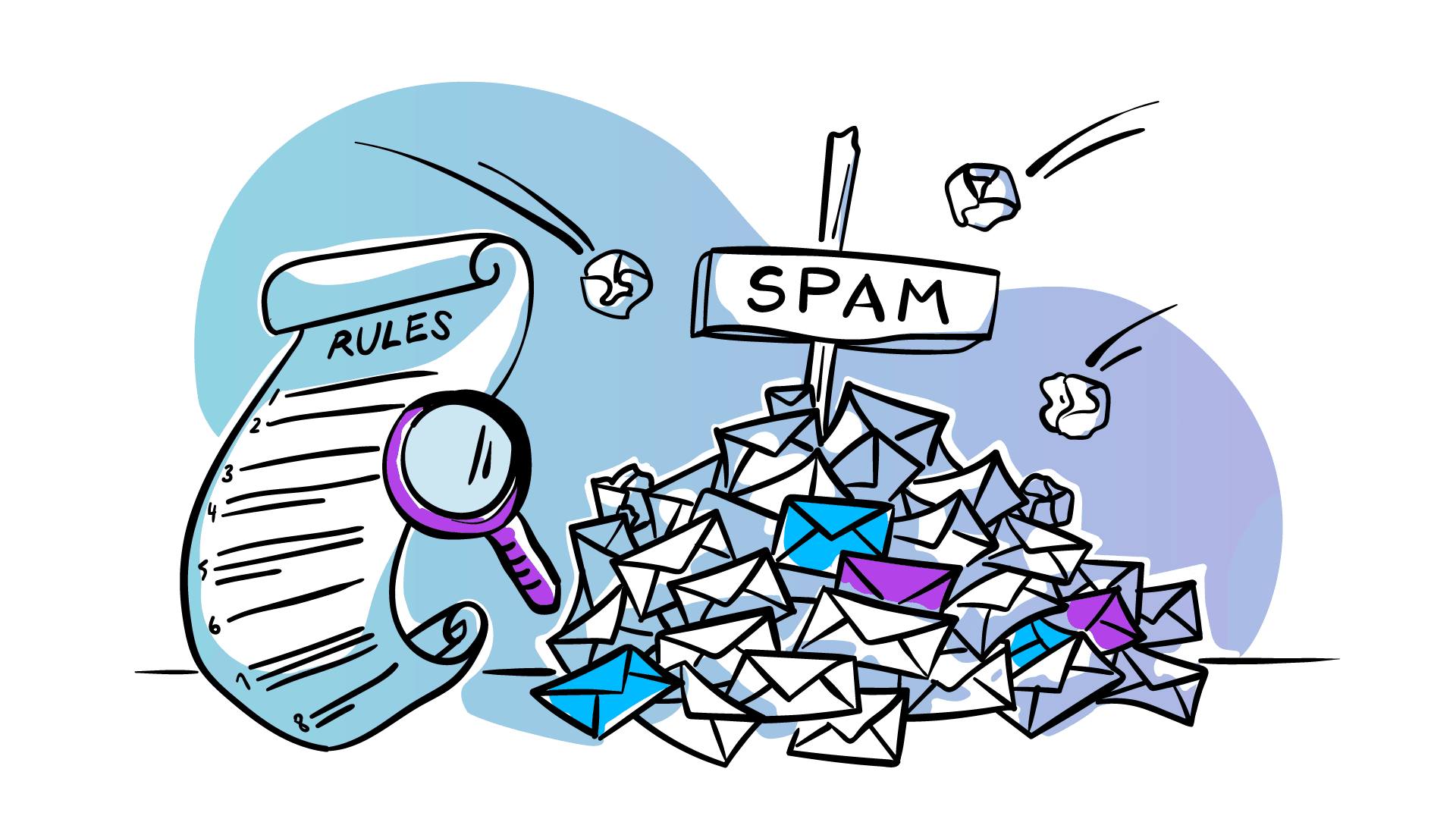
Spam filters are not just word scanners. They read your whole message through several layers before deciding where it lands:
- Content scans the words and formatting, such as ALL CAPS, runs of exclamation marks, and spammy phrases
- Reputation checks how your sending domain and IP have behaved over time
- Engagement watches whether people open, click, ignore, or hit "report spam"
- Blacklists match your sender against known spam databases
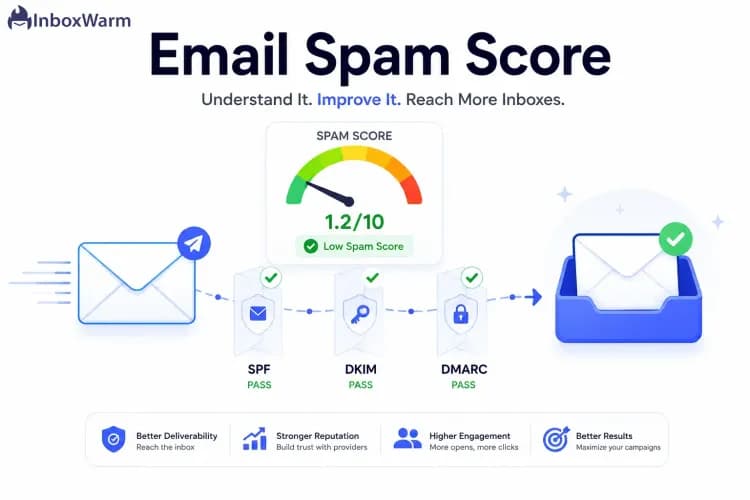
- Authentication confirms you are really you, using SPF, DKIM, and DMARC
A decade ago, filters mostly ran on a fixed list of banned words. Today they use machine learning that weighs context, behavior, and your sender reputation over time. The practical takeaway: words are now a secondary signal. They count against you mainly when your reputation or engagement is already weak.
Spam trigger words by category (and what to use instead)
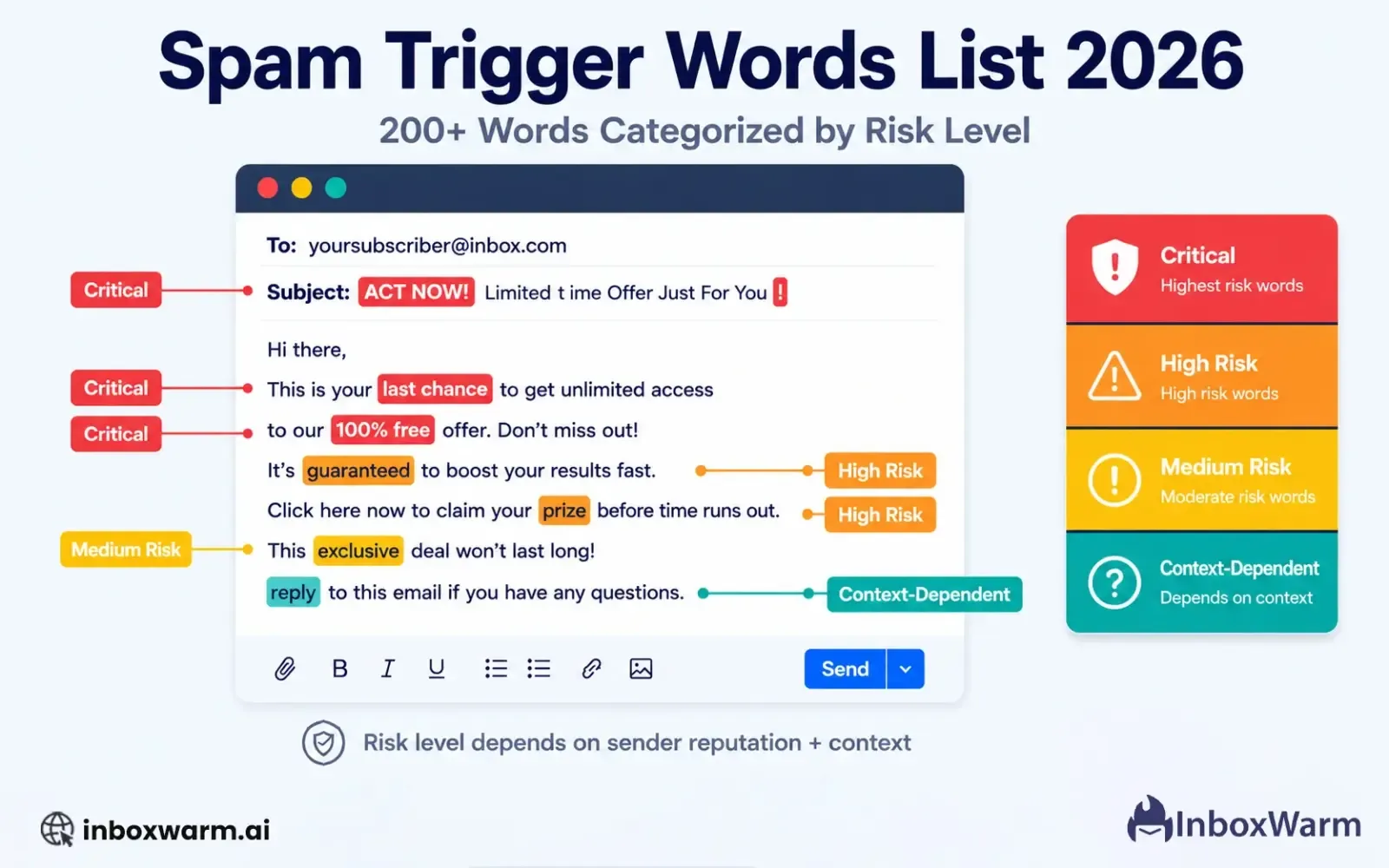
Most trigger words cluster into a handful of themes. Here are the most common offenders and cleaner replacements you can swap in:
| Category | Avoid | Use instead |
|---|---|---|
| Money and finance | Free money, Cash bonus, Make money fast, $$$ | Grow your revenue, Special credit, Additional income |
| Urgency and pressure | Act now, Limited time, Urgent, Expires today | Get started today, Available for a short period, Important update |
| "Free" overuse | FREE!!!, Absolutely free, Free gift | No cost, Included at no charge, Complimentary |
| Action commands | Click here, Buy now, Order now, Call now | View details, See pricing, Get started, Talk to our team |
| Too good to be true | 100% guaranteed, Risk-free, No catch, Winner | Money-back option, Selected customer, Special offer |
| Health and pharma | Miracle cure, Lose weight fast, No prescription | Best left out of marketing email entirely |
| Tech and security | Verify identity, Account update, Action required | Use only in genuine transactional mail |
This is not the full dictionary. Filters also watch gambling and adult terms, which are flagged as high-risk almost anywhere. The pattern across every category is the same: language that overpromises, pressures, or imitates a scam is what raises your score.
It is not just words: caps, links, and formatting
Filters read formatting and structure too, and these non-word triggers sink plenty of clean copy:
- ALL CAPS and strings of exclamation marks (!!!) read as shouting
- Too many links look like phishing, so keep it to two or three per email
- Link shorteners like bit.ly hide the real destination, so use full, reputable URLs
- Image-only emails dodge text filters, so keep a healthy balance of roughly 60% text to 40% images, and always add alt text
- Broken HTML and a missing unsubscribe link are classic spam tells
- A subject line stuffed with emojis (🚀🔥💰) looks like clickbait, so one is plenty
Your subject line gets read first and judged hardest. Keep it under about 50 characters, be honest about what is inside, and skip the manufactured panic.
Why words alone will not save you
You can scrub every trigger word and still land in spam if the fundamentals are off. Three things carry more weight than vocabulary.
Authentication comes first. Mailbox providers want proof you are who you say you are, and SPF, DKIM, and DMARC are now effectively required by Gmail, Yahoo, Microsoft, and Apple. Passing them is the baseline, not a bonus. Skip them and your best-written email starts at a deficit.
Reputation is your track record. Think of it as a credit score for your domain and IP. Validity's Sender Score runs from 0 to 100, where above 80 is solid and below 70 is worth investigating, and Google's free Postmaster Tools shows how Gmail sees you. The fastest ways to wreck it are high hard-bounce rates, spam complaints above Gmail's 0.1% threshold, sudden volume spikes, and mailing purchased lists.
Engagement closes the loop. If people open, click, and reply, providers keep delivering you. If they ignore or report you, future sends slip toward spam no matter how clean the copy.
How to keep your emails out of spam
Avoiding trigger words is one habit among several. Put these together and inbox placement takes care of itself:
- Write naturally, because copy that sounds human and useful rarely trips filters
- Clean your list and verify new addresses at the point of capture, so fake, mistyped, and disposable emails never get in and never bounce
- Watch for spam traps, the dead addresses that quietly destroy sender reputation when you mail them
- Authenticate your domain with SPF, DKIM, and DMARC
- Use double opt-in so subscribers confirm a real address before they ever receive a campaign
- Stay compliant with the CAN-SPAM Act: honest subject lines, your physical address, and a working unsubscribe link, or risk penalties of up to $16,000 per email
- Test before you send with a tool like Mail-Tester to catch problems before your recipients do
Write for people, not filters
The honest shortcut to the inbox is to stop sounding like spam. Filters are built to predict what recipients do not want, so the closer your email feels to a useful message from a real person, the less any single word matters. Clean your data, authenticate your domain, keep your list engaged, and the trigger-word list becomes a sanity check rather than a survival guide. If you want the full playbook, our guide to improving email deliverability goes deeper on the habits that keep you inboxed.
Quick answers on spam trigger words
What are some common spam trigger words?
The most flagged ones cluster around money ("free money," "make money fast"), urgency ("act now," "limited time"), exaggerated claims ("100% guaranteed," "risk-free"), and pushy commands ("click here," "buy now"). Health and gambling terms are scrutinized almost everywhere.
How many trigger words is too many?
There is no fixed number. One or two used naturally are fine. Problems start when you stack several into a short subject line or body, especially alongside ALL CAPS, exclamation marks, or a weak sender reputation.
Does the word "free" always send emails to spam?
No, context decides. "Get free shipping on your next order" reads as normal and lands fine, while "100% FREE guaranteed winner!" combines overpromise and shouting and gets flagged.
Do emojis in subject lines trigger spam filters?
Excessive emojis can. Filters read piles of emojis (🚀🔥💰) as attention-grabbing scam tactics. One emoji to support the text is usually safe, and placing it at the end rather than the front helps.
§ Before your next send
Find the addresses that will bounce
Verify a single address free, or upload a CSV — the free plan includes 50 checks a month, no card needed.

BounceCheck Team
The team behind BounceCheck - helping businesses verify emails and improve deliverability.