Can You Have a Dash in an Email Address?
 BounceCheck Team
Before your next send Find the addresses that will bounce.
Verify an email freePicking an email address feels easy until you reach for the hyphen key and stop to wonder whether it is even allowed. A dash in an email address is one of those tiny formatting details nobody thinks about, right up until it lands in your lap. The short answer is yes, you can use one, but only in certain spots. Here is where a dash works, where it breaks an address, and whether you actually want one in the first place.
Can you use a dash in an email address?
Yes, dashes are allowed in email addresses. The dash here is the hyphen, the short line you get from the key next to the zero, and it is easy to mix up with the underscore (_) or the dot (.). It is not the same character, and the difference matters when you read an address out loud.
Every email address has two main parts: the local part before the @ symbol and the domain after it. A dash can appear in both. Its job is simple, it separates words so a long address stays readable, since spaces are not allowed in an email address. That is why you see addresses like [email protected] instead of a single run of letters.
Where a dash is allowed: the local part and the domain

You can place a dash in two spots, as long as it sits in the middle:
- In the local part: use a dash to separate words in the username, for example [email protected]. If you need three words, two dashes are fine too, such as [email protected].
- In the domain: a hyphenated domain like [email protected] works, but you have to own that exact domain first. Domain hyphens are technically valid yet uncommon, and most people steer clear of them.
This is also why dashes show up in department addresses such as [email protected] or [email protected], where a clear separator makes the role obvious at a glance.
Where a dash breaks an email address
Placement is everything. A dash is invalid when it sits at the very start or end of either part, or right next to the dot in the domain. Two dashes back to back in the local part should also be avoided. Here is how the rules play out:
| Email address | Valid? | Why |
|---|---|---|
| [email protected] | Valid | Dash in the middle of the local part |
| [email protected] | Valid | Dash in the middle of the domain |
| [email protected] | Invalid | Dash at the start of the local part |
| [email protected] | Invalid | Dash at the end of the local part |
| [email protected] | Invalid | Dash at the start of the domain |
| [email protected] | Invalid | Dash sits directly before the dot |
| [email protected] | Avoid | Two dashes next to each other |
Keep the dash tucked in the middle and you stay on the safe side of the rules.
Dash, underscore, or dot: choosing a separator
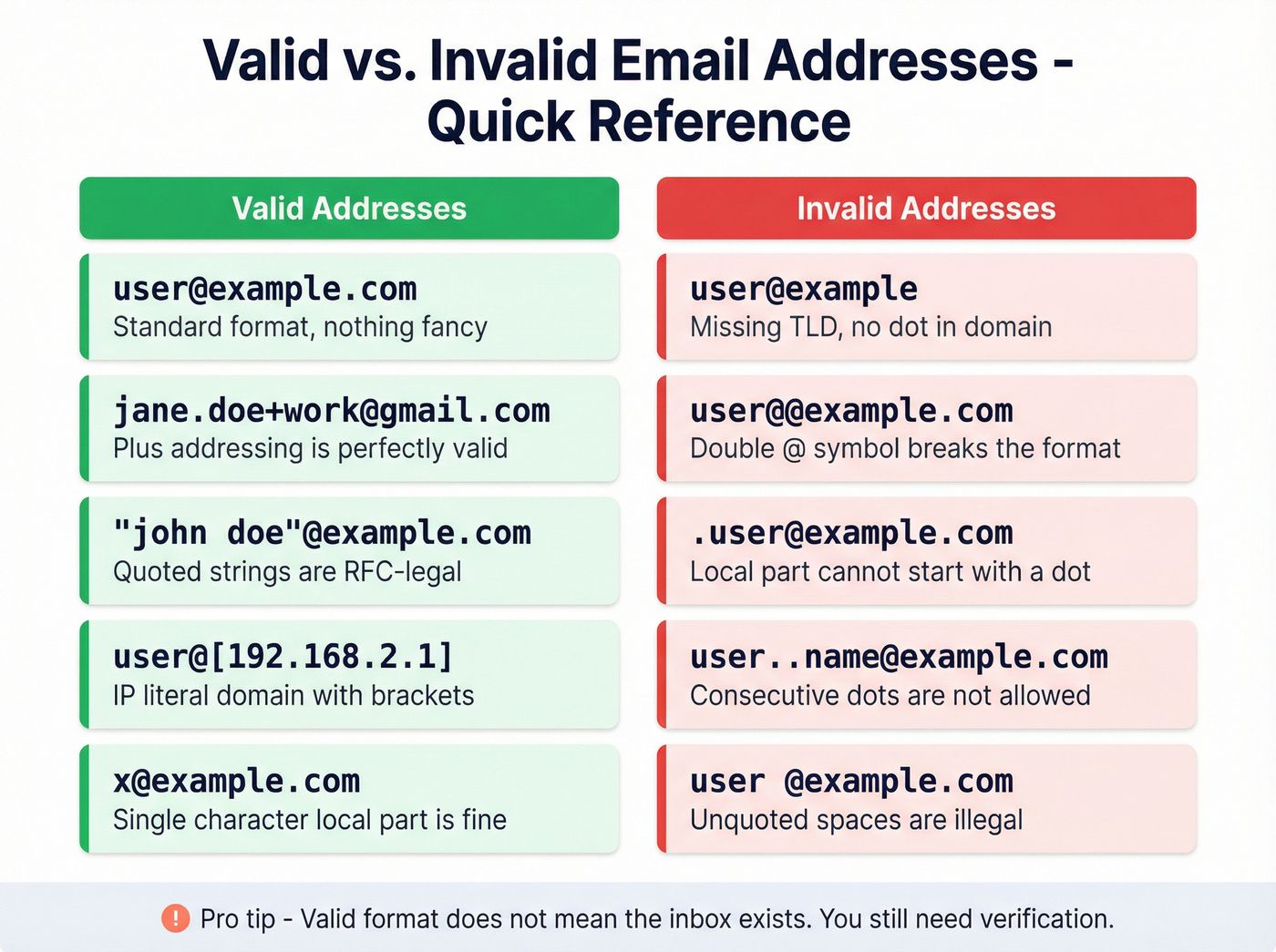
A dash is not your only option for splitting words, and the three common separators behave differently. The dot is the safest choice, since nearly every provider accepts it and it rarely gets misread. The dash is fine in most cases but trips up a few providers. The underscore is the riskiest of the three, mostly because people mistake it for a dash or drop it entirely when typing, which leads to plenty of misdirected mail.
Provider rules add another wrinkle. Gmail and Yahoo do not let you put a hyphen in a new username, while many other services allow it. Because of quirks like this, a lot of companies reach for the dot instead. Someone named Ross Sussman, for example, might use [email protected] so the address does not collapse into the run-together [email protected]. Whichever separator you pick, stay consistent and do not switch between a dash, an underscore, and a dot for the same address.
Should you put a dash in your email address?
A dash has real upsides. It improves readability, separates words cleanly, and gives business or department addresses a tidy, professional look. For a brand, [email protected] reads far better than a single block of letters.
There are trade-offs worth weighing before you commit:
- Provider limits: some email services, Gmail and Yahoo among them, will not accept a hyphen in the username, so check before you settle on one.
- Spam filters: a few aggressive filters give addresses with unusual characters a closer look, since random-looking strings can resemble spam.
- Email deliverability: if you send in bulk, a dashed From address can affect how your mail performs, so test your email deliverability before rolling it out.
- Human error: people forget or misplace the dash all the time. You end up clarifying "a dash, not a dot" over the phone more often than you would like.
ZeroBounce's own email expert recommends playing it safe and avoiding special characters like hyphens, simply because the restrictions and typo risk often outweigh the benefit.
Best practices for an email address with a dash

If you decide a dash earns its place, these habits keep it from causing trouble:
- Keep it simple: stick to letters, numbers, and a single dash where it genuinely helps readability.
- Spell it out: say "dash" clearly when you share the address by phone or on paper, so it lands correctly.
- Stay consistent: do not alternate between a dash, an underscore, and a dot for the same address.
- Offer a backup: give people a second way to reach you, like a phone number or a contact form, in case they mistype.
- Test it: send yourself a message or run the address through an email checker before you rely on it. Many signup forms also confirm an address with a verification code so you know it works.
The bottom line on dashes in email addresses
A dash in an email address is a small detail that can add clarity or quietly cause headaches, depending on how you use it. Placed in the middle and never doubled up, it is perfectly valid in both the local part and the domain. If you are ever unsure, keep the address simple and easy to type. And before you send anything to an unfamiliar address with a hyphen in it, double-check that it actually works.
§ Before your next send
Find the addresses that will bounce
Verify a single address free, or upload a CSV — the free plan includes 50 checks a month, no card needed.

BounceCheck Team
The team behind BounceCheck - helping businesses verify emails and improve deliverability.

