Email Sequence Software: How It Works and What to Look For
 BounceCheck Team
Before your next send Find the addresses that will bounce.
Verify an email freeEmail sequence software is a tool that automatically sends a series of connected emails to a contact based on triggers like time delays or recipient actions, so you can run consistent follow-up without tracking every send by hand. It powers the drip campaigns and follow-up cadences that marketing, sales, and support teams rely on to stay in front of people over days or weeks. The software schedules each step, watches for replies or clicks, and moves contacts along the path you designed.
Choosing a platform is partly about features and partly about what happens before the first email leaves. A sequence sent to a stale or unverified list bounces, hurts your sender reputation, and pushes later messages into spam. Two decisions carry the most weight: matching the tool to how your team sends (marketing lifecycle email, a sales cadence, or high-volume cold outreach), and verifying your list before the first send so the sequence starts on a deliverable foundation.
What is email sequence software?
Email sequence software schedules and sends a predefined set of emails to a contact list, one message at a time, on a cadence you set. Instead of writing and sending each follow-up manually, you build the sequence once and the software runs it for every contact who enters it. Common uses include onboarding new users, nurturing leads, re-engaging inactive subscribers, and following up on sales outreach.
The category overlaps with terms like drip campaign software, follow-up automation, and cadence tools. The core idea is the same across all of them: automated email sequences replace manual, one-off sending with a repeatable flow that fires the right message at the right moment. Some tools focus on marketing newsletters and lifecycle emails, while others are built for sales cadences that mix email with calls and social touches.
How email sequences and drip campaigns work
Email sequences work by enrolling a contact through a trigger, sending a timed series of emails, and applying logic that decides who gets which message until an exit condition removes them. A trigger starts the flow, a configurable delay spaces each step, branching routes contacts by behavior, and exit rules end it. Sequences run on time-based rules, behavior-based rules, or a mix of both.
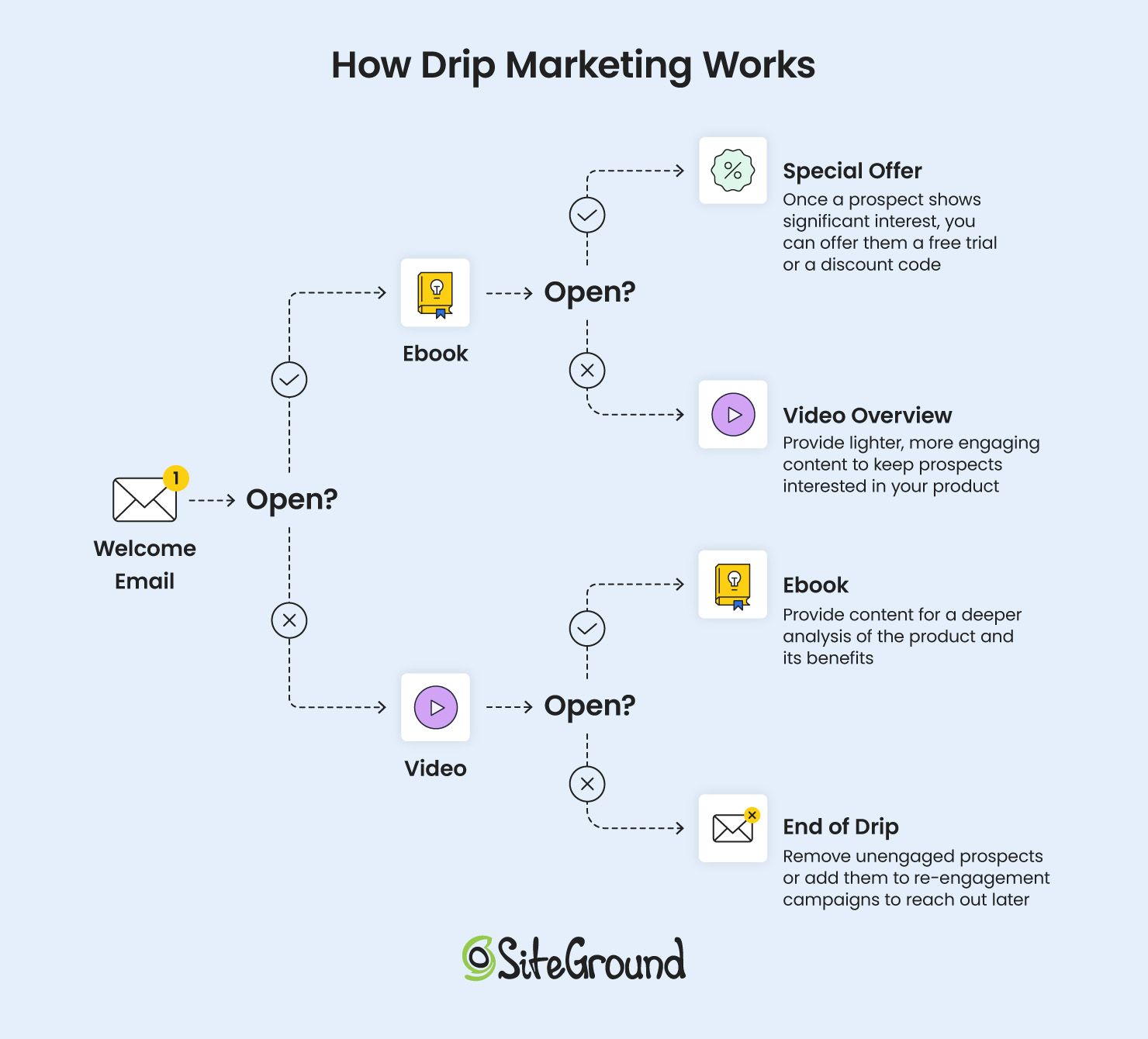
Sequences generally run on one of two models, and most platforms combine both:
- Time-based sequences send emails at fixed intervals after a contact enters, regardless of what they do. A multi-step cadence spread over several days or weeks is a common pattern for sales follow-up.
- Behavior-based sequences react to what the recipient does, such as opening a message, clicking a link, submitting a form, or reaching a new stage in your CRM. A win-back flow, for example, targets contacts who have gone quiet.
A drip campaign breaks down into a few building blocks:
- Trigger: the event that enrolls a contact, such as a new signup, a downloaded resource, or an abandoned cart.
- Timed sequence: the ordered emails, each separated by a delay you configure.
- Conditions and branching: logic gates that route contacts down different paths based on engagement.
- Exit conditions: the rules that remove a contact, such as completing the sequence, converting, or unsubscribing.
Branching is what lets one sequence serve different contacts. A contact who clicks a pricing link can drop into a sales-ready path, while one who ignores three emails moves to a lighter nurture track. That routing runs automatically once you set the rules.
Who uses email sequences
Email sequences are used by sales, marketing, agency, support, and small-business teams that need consistent follow-up at scale without sending each message by hand. The shared goal is to reach more people with timely, relevant messages while removing the manual work of tracking every contact. The most common users include:
- Sales and outbound teams running prospecting cadences and deal follow-ups.
- Marketing and lifecycle teams sending onboarding, nurture, and re-engagement drips.
- Agencies managing high-volume campaigns across multiple clients.
- Support and success teams sending education and check-in sequences.
- Small businesses and solo operators who cannot follow up manually with every lead.
Key features to look for in email sequence software
The key features to look for in email sequence software are personalization, automation and branching rules, multichannel steps, CRM integration, deliverability infrastructure, and step-level analytics. Match these against how your team actually sends, since a lightweight marketing tool and a full sales engagement platform differ sharply in scope and price.
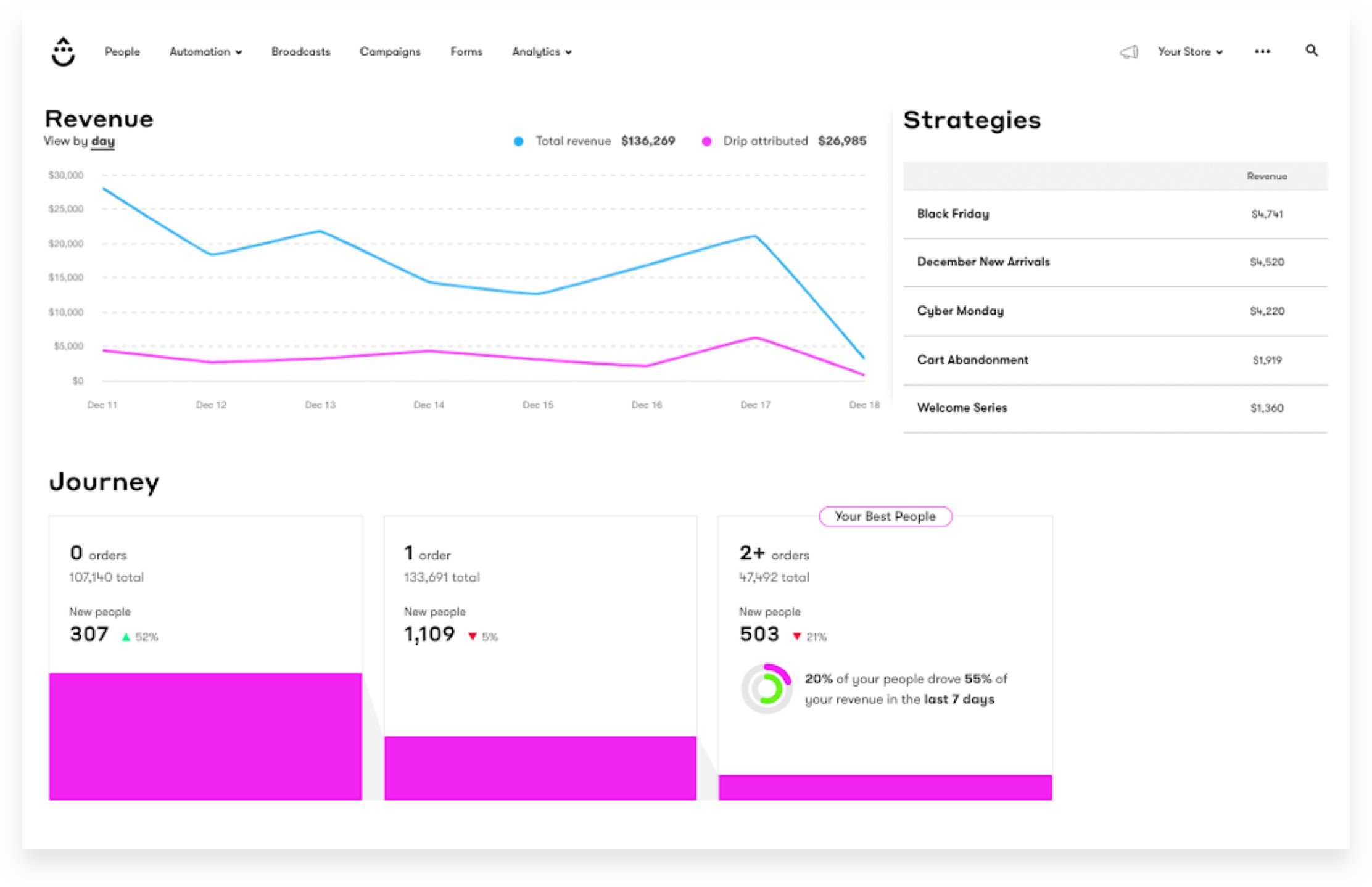
- Personalization: from basic merge tags to conditional content and account-level AI that adjusts messaging per recipient.
- Automation rules: triggers, delays, and branching that route contacts based on behavior rather than a fixed timeline.
- Multichannel support: the option to add LinkedIn, SMS, or call steps alongside email for sales cadences.
- CRM integration: native syncing so enrollment, stage changes, and replies stay connected to your records.
- Deliverability infrastructure: built-in bounce protection, sending controls, and reputation monitoring.
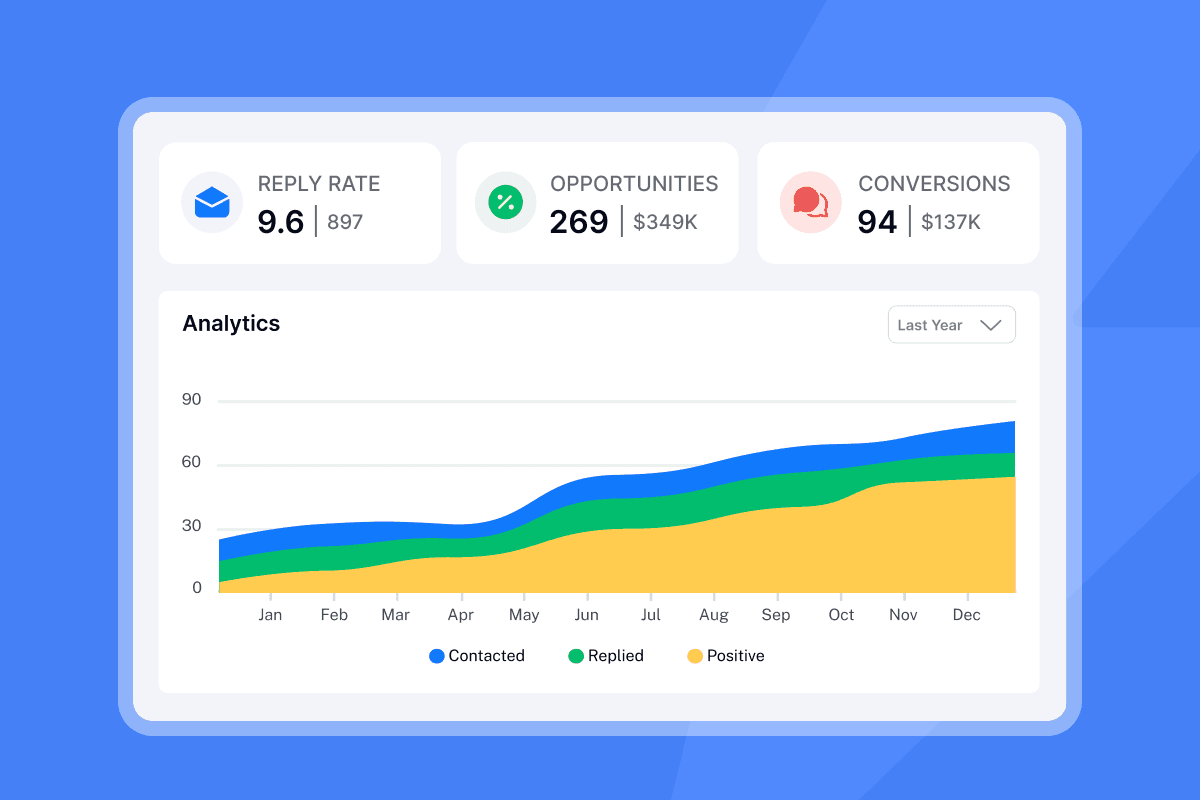
- Analytics: open, click, reply, and bounce reporting at the step level so you can see where a sequence stalls.
Email sequence tools tend to fall into three types. Match the type to how you actually send:
| Tool type | Best for | Defining trait |
|---|---|---|
| CRM-based sales engagement platform | Teams that want sequences tied to a full pipeline | Bundles sequences with a complete sales system |
| Gmail / inbox plugin tool | Lighter, inbox-based outreach | Lives inside your existing inbox |
| Cold-email platform | High-volume prospecting | Adds inbox rotation and warmup for scale |
Deliverability: the foundation before you sequence
A sequence only reaches the inbox if your deliverability groundwork is in place before the first send: a verified list, a warmed-up sending domain, and SPF, DKIM, and DMARC authentication. Mailbox providers decide placement based on your sending reputation, and a clean, authenticated setup protects it. No tool can guarantee inbox placement, but the practices below give a sequence its best chance.
List hygiene and email verification
List hygiene means keeping your contact list free of invalid, mistyped, and risky addresses before you send. Verifying a list checks each address for valid syntax, a real domain, and a live mailbox, then removes the ones that would hard bounce. Sending to addresses that were never confirmed is one of the fastest ways to raise bounce rates and trip spam filters. Understanding how email verification works helps you decide when to clean a list, and a dedicated bulk email verifier handles large lists before a campaign. Google's sender guidelines advise confirming each recipient's address and keeping spam complaint rates below 0.3%, which starts with a list you trust. You can read Google's requirements in its email sender guidelines.
Email warmup and throttling
Email warmup gradually increases the volume from a new domain or mailbox so providers see a natural sending pattern instead of a sudden spike. Warmup tools build reputation over days or weeks before you run real sequences at volume. Throttling controls the pace of a live send, spacing messages to mimic human sending rather than blasting a full list at once. Both matter most for cold outreach and new sending domains, where a slow ramp protects the reputation your sequences depend on.
Authentication and monitoring
Authentication proves that your mail is really from you. Setting up SPF, DKIM, and DMARC is a baseline requirement, and bulk senders that send thousands of messages a day must publish a DMARC policy. You can find the technical specification at dmarc.org. Beyond authentication, monitor your reputation and spam-trap exposure over time. Spam traps are addresses that were never meant to receive mail, and hitting them signals poor list hygiene to providers. Verifying and cleaning your list reduces that risk, and pairing verification with broader steps to improve email deliverability keeps a sequence landing where it should.
FAQs
What is email sequence software?
Email sequence software is a tool that automatically sends a predefined series of connected emails to a contact based on triggers like time delays or recipient actions. You build the sequence once, and the software enrolls each contact, spaces out the steps, and moves people along the path until an exit condition removes them, replacing manual one-off follow-up.
What is email warmup and why do I need it?
Email warmup gradually increases sending volume from a new domain or mailbox so mailbox providers see a natural, trustworthy pattern. Without it, a sudden spike from a fresh domain can look like spam and land your sequences in the junk folder before your content ever gets a fair read.
What is list hygiene in email marketing?
List hygiene is the practice of keeping your contact list free of invalid, mistyped, duplicate, and unengaged addresses. It usually combines email verification to remove addresses that would bounce with periodic removal of contacts who never open or click, which protects your bounce rate and sender reputation.
What is the difference between time-based and behavior-triggered sequences?
Time-based sequences send emails on a fixed schedule after a contact enters, regardless of what they do. Behavior-triggered sequences react to recipient actions such as opens, clicks, form submissions, or CRM stage changes, so the next email depends on how the contact engaged. Most platforms let you combine both.
How does email verification reduce bounce rates?
Email verification checks each address for valid syntax, a real domain, and a live mailbox, then flags the ones that would fail on delivery. Removing those addresses before you send means fewer hard bounces, which keeps your bounce rate low and signals good list quality to mailbox providers.
What are the best email sequence tools for sales?
The best fit depends on how your team sells rather than a single winner. CRM-based sales engagement platforms suit teams that want sequences tied to a full pipeline, Gmail plugin tools suit lighter inbox-based outreach, and cold-email platforms with built-in warmup and inbox rotation suit high-volume prospecting. Compare them on personalization, CRM integration, and deliverability controls before deciding.
Before you enroll a single contact, run your list through BounceCheck to remove invalid addresses, so your sequence starts on a clean, deliverable foundation.
§ Before your next send
Find the addresses that will bounce
Verify a single address free, or upload a CSV — the free plan includes 50 checks a month, no card needed.

BounceCheck Team
The team behind BounceCheck - helping businesses verify emails and improve deliverability.