How to Find PR Emails for Outreach That Actually Land
 BounceCheck Team
A great story only earns coverage if it reaches the right person. Whether you are pitching journalists, bloggers, or the marketing team behind a brand, PR outreach lives or dies on finding the right contact and getting a working email for them. The catch is that the public lists of PR emails floating around Google and TikTok are usually stale, reused by thousands of people, and bounce on arrival.
This guide walks through how to find PR emails for outreach the reliable way: figure out who you are pitching, mine the places contacts are actually published, and verify each address before it goes anywhere near a send button. If you want the broader playbook for any kind of contact, our guide on how to find email addresses covers the general methods, while this one stays focused on media and brand outreach.
Know Who You Are Actually Looking For
Before you hunt for an address, get clear on who should receive the pitch. PR outreach success hinges on targeting the right contact, not blasting a generic inbox. Depending on your goal, that person could be a journalist who covers your beat, a PR or communications manager at a brand, or someone in influencer relations handling collaborations.
Narrowing this down first saves hours later, because it tells you where to look and how to pitch. A reporter wants a timely story angled to their usual coverage, while a brand's partnerships lead wants a clear value proposition. Knowing the role also helps you recognize the right name when a search returns several people at the same company.
Start With What Brands Publish
Many brands and outlets publish contact details on purpose, so check those sources before reaching for a tool. The information is there because they want relevant pitches.
- Contact and About pages often list a dedicated press, media, or collaboration email.
- FAQ or press sections sometimes route media and partnership inquiries to a specific address.
- Instagram bios can include an email button or a contact address for business inquiries.
- Facebook About sections and Twitter or X profiles occasionally show a public email or a link to one.
The limitation is that many companies do not display direct emails for their PR or marketing teams, and contacts are scattered across the website, social platforms, and LinkedIn. When the published address is a generic inbox, you can still use it to ask who handles media or partnerships.
Use LinkedIn to Find the Right Person
LinkedIn is one of the best places to identify the correct contact even when no email is visible. It confirms the person's name, title, and company, which is exactly what you need to find the address elsewhere.
- Visit the company page and look for staff in marketing, PR, communications, or influencer relations.
- Use advanced search filters to find people by title, such as Marketing Manager or PR Specialist.
- Send a polite direct message to a decision maker and ask for the best email for partnership or press proposals.
A short, specific message tends to work better than a generic connection request, because it shows you have done your homework on who actually owns the decision.
Email Finder Tools That Pull PR Contacts
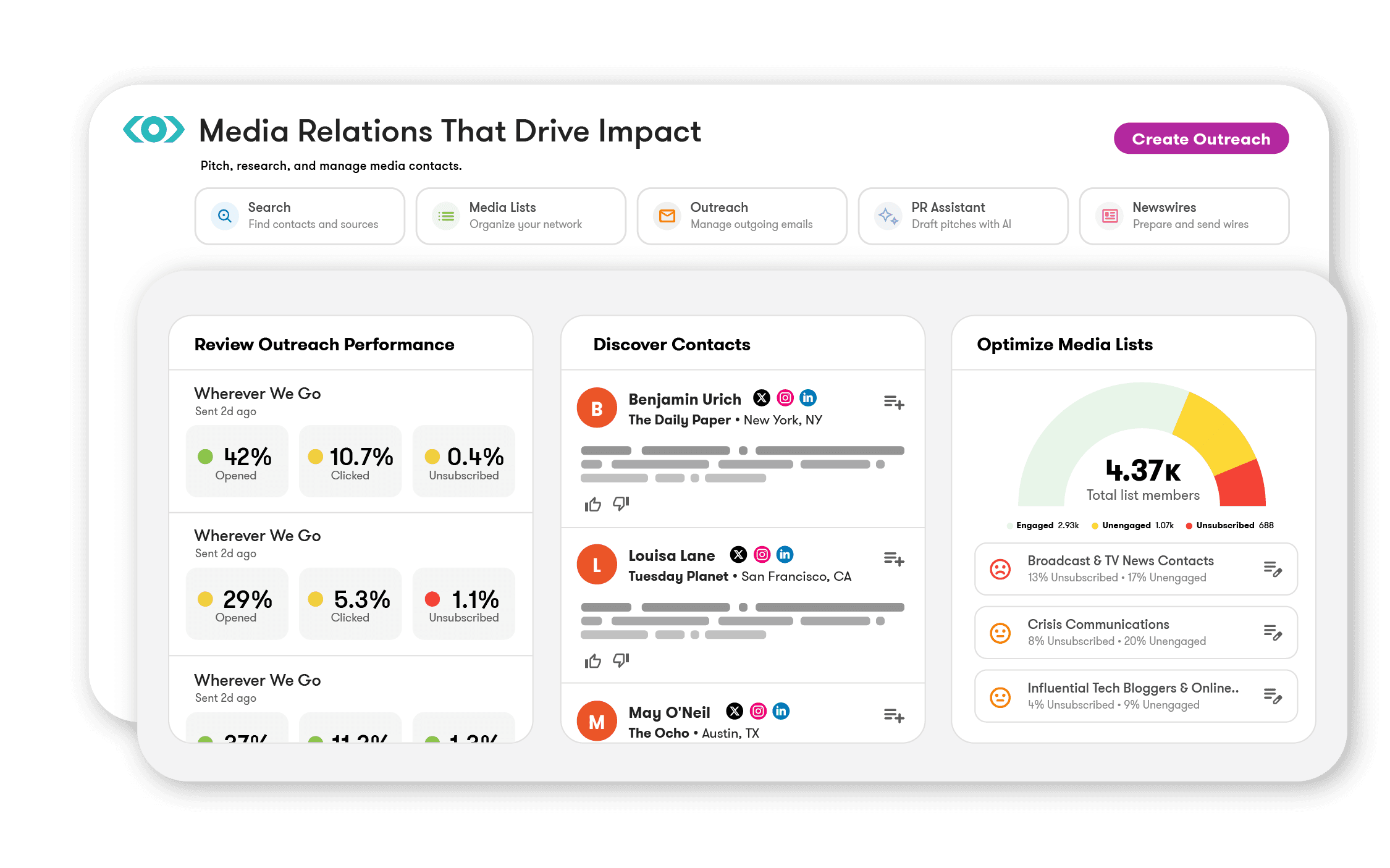
When the address is not published anywhere, finder tools and media databases do the digging for you. Several work well for media and brand contacts, and most have a free tier you can test first.
- Hunter.io in its free version takes a brand's domain and returns available addresses along with confidence scores.
- Voila Norbert finds an address from a person's name and company domain.
- Clearbit Connect is a browser extension that surfaces emails directly inside your Gmail.
- Premium databases like Hunter.io Pro, Prospeo, and LeadLeaper add bulk domain searches and higher limits when you are working at scale.
Media-specific databases go a step further by mapping journalists to the outlets and beats they cover, so you find the contact and the context in one place. Treat any result as a strong lead rather than a confirmed address, since even good tools return guesses on harder domains.
Verify Before You Build a List
This is the step most people skip, and it is why so much PR outreach bounces. Public PR email lists go stale fast because contacts change roles, and a scraped address may belong to someone who left months ago. Sending to dead addresses inflates your bounce rate and quietly erodes your sender reputation, which then drags down even your valid emails.
Run every collected address through verification before it enters your outreach list. A verifier checks whether the mailbox is real and able to receive mail without sending anything, so you catch dead contacts before they cost you. For larger media lists, our breakdown of real-time versus bulk verification explains when to check addresses one at a time and when to clean the whole list in a batch.
Turn the Contact Into Coverage
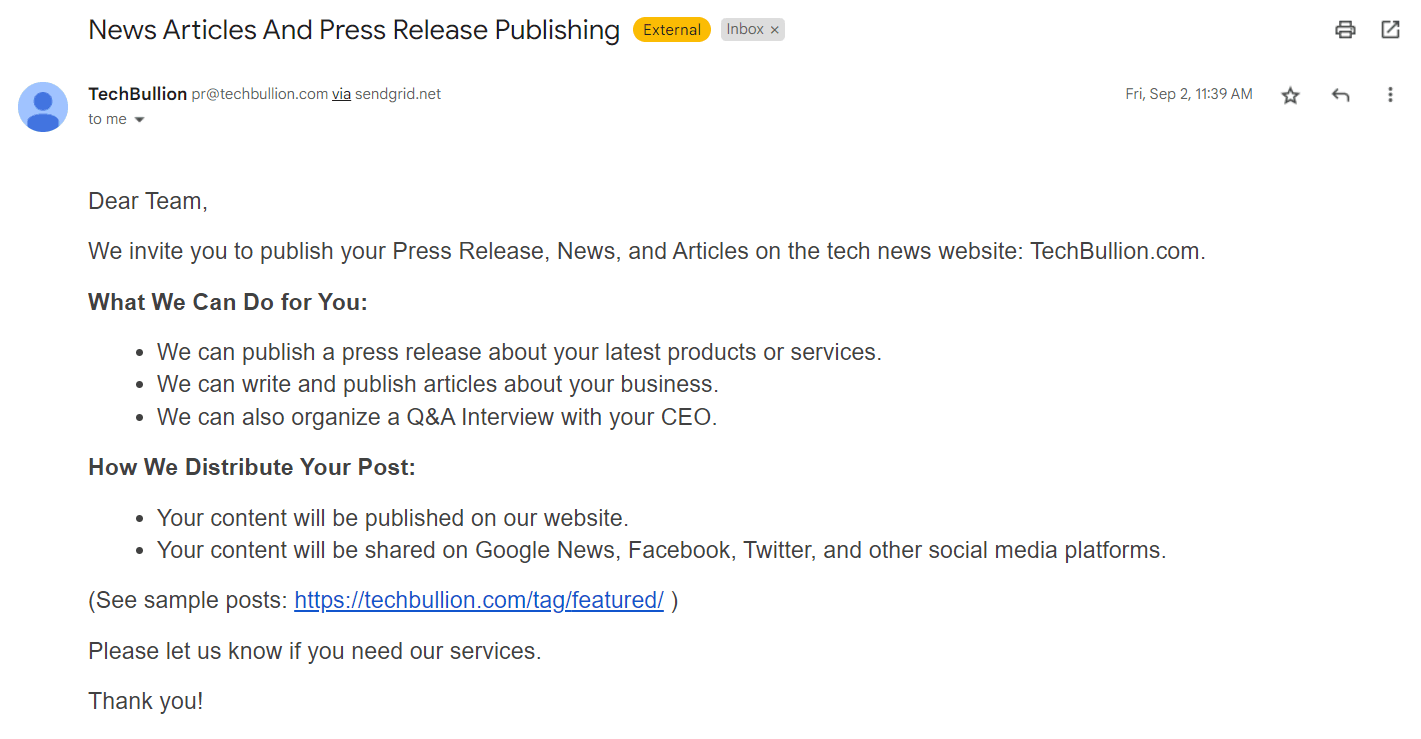
Finding the email is only the start. A verified address gets you a seat at the table, but the pitch decides whether you get coverage. The rule that matters most is to never mass-send the same generic email, because personalization drives the biggest lift in response rates.
- Open with their name and a specific reference, such as a recent article they wrote or something they posted.
- Lead with the story or value, not your ask, and angle it to the beat or audience they usually cover.
- Keep it short with a clear subject line, two or three concrete ideas, and one obvious next step.
- Follow up once after a couple of days for journalists, or five to seven business days for brands, then move on after a second try.
If you want ready-made structures, our blogger outreach email template gives you pitches to adapt, and the same finding-and-verifying workflow powers any link outreach campaign.
Build a Repeatable PR List
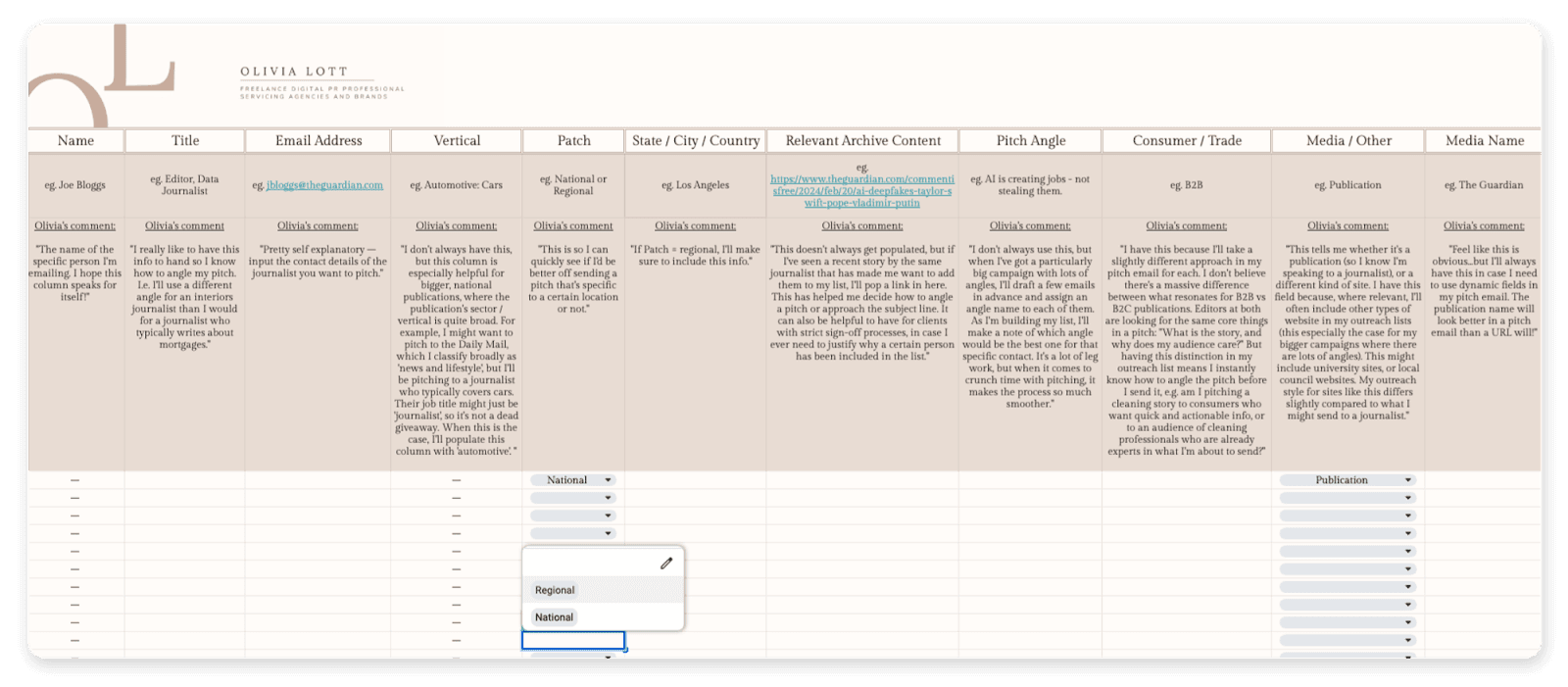
The people who win at PR are not lucky, they are organized. Keep a simple spreadsheet or CRM that tracks each contact's name, title, outlet or brand, verified email, and the date you last reached out. That record stops you from pitching the same person twice and shows you which sources and tools actually produce replies.
Treat the list as a living asset. Re-verify it on a schedule, prune the contacts who have moved on, and add new finds as you go. A clean, current list is what makes the next campaign faster than the last one.
Finding PR Contacts: Common Questions
How do I find brand emails for PR?
Start on the brand's own channels. Search LinkedIn for titles like PR or influencer marketing manager, check the website footer and contact page for a press or collaboration email, and look for an email button on the brand's Instagram profile. If none are public, a finder tool like Hunter.io can return addresses from the brand's domain.
Are public PR email lists worth using?
Usually not. Lists shared on Google, TikTok, or Lemon8 are reused by thousands of creators, so brands ignore them, and many addresses are outdated because the contact has left. You will get far better results finding and verifying current contacts yourself.
How do I know a PR email is still valid?
Run it through an email verifier before you send. Verification confirms the mailbox exists and can receive mail without triggering a real send, which keeps your bounce rate low and protects your sender reputation. Premium finder tools often build this check in, but a standalone verifier works for lists you collected by hand.
How many times should I follow up?
Once or twice. Give a journalist at least 48 hours before a follow-up, or five to seven business days for a brand contact. If you do not hear back after a second polite nudge, move on to the next contact rather than risk being marked as spam.

BounceCheck Team
The team behind BounceCheck - helping businesses verify emails and improve deliverability.