List-Unsubscribe Header: What It Is and How to Set It Up
 BounceCheck Team
Before your next send Find the addresses that will bounce.
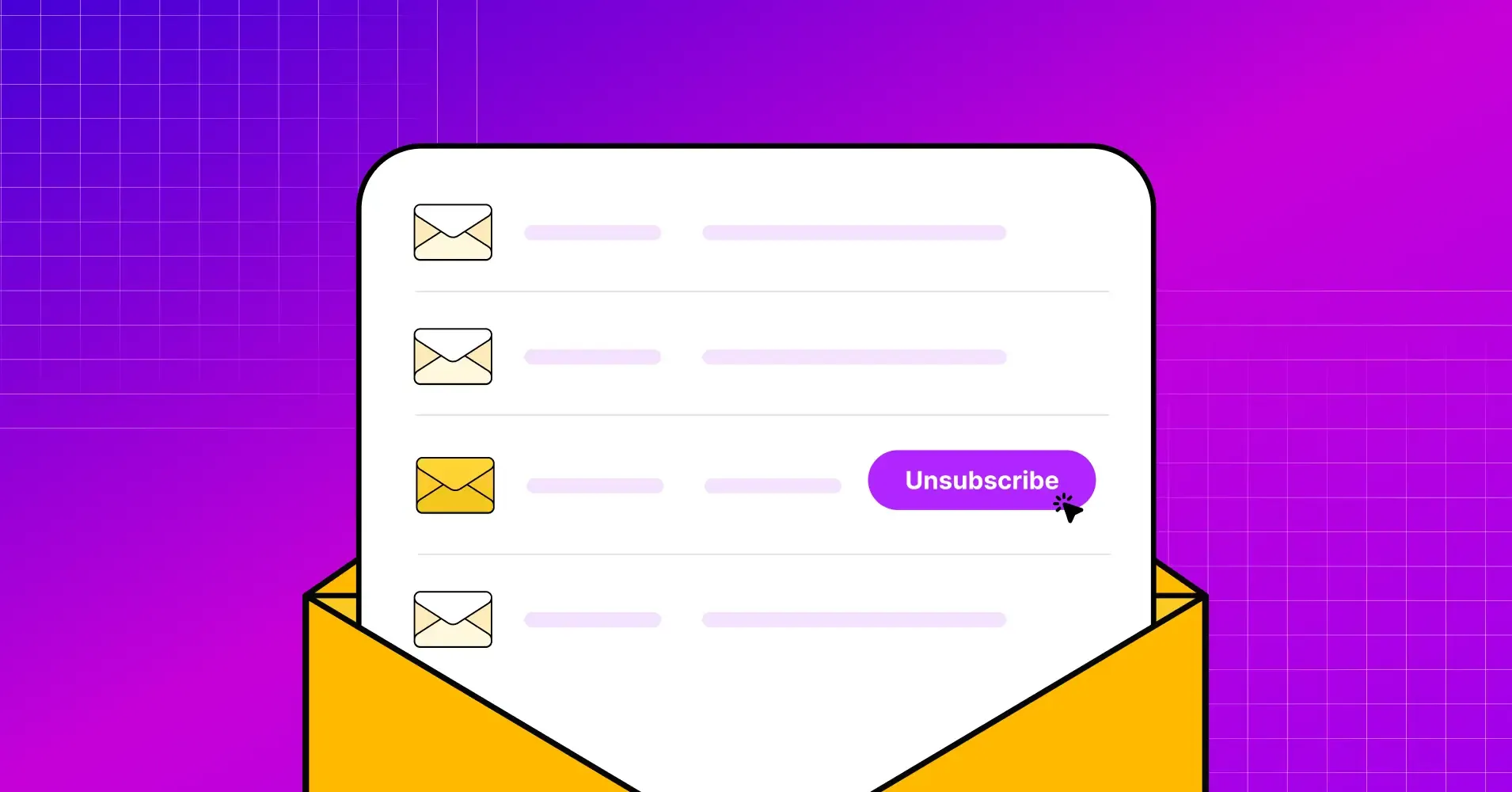
Verify an email freeA list-unsubscribe header is a small piece of email code that tells inbox providers like Gmail, Yahoo, and Apple Mail to show a native Unsubscribe button at the top of your message. Recipients can opt out from the inbox itself, without hunting for a link buried in the footer or reaching for the spam button. Since June 2024, Gmail and Yahoo require it from bulk senders, so it has moved from a nice-to-have to a deliverability essential. Here is what the header does, the difference between the two methods, and how to set it up.
What is a list-unsubscribe header?
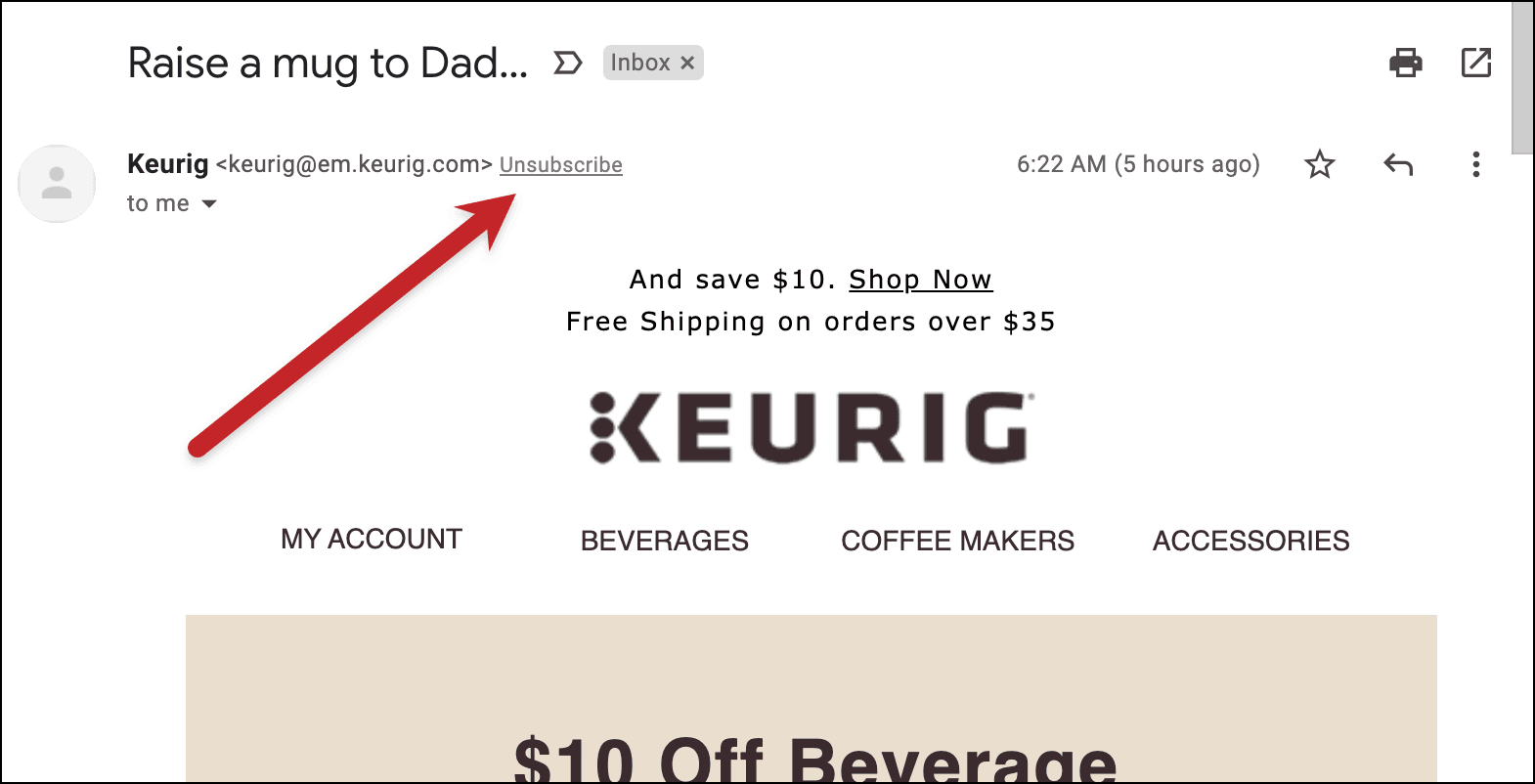
A list-unsubscribe header is a hidden email header that carries instructions about your unsubscribe process. Inbox providers read those instructions and use them to power a native unsubscribe control, so a recipient never has to scroll to the footer to leave your list. In Gmail the option shows up as an Unsubscribe link next to the sender name, and it can even appear as a hover button in the inbox list. Apple Mail places it at the top of the open message, above the sender details.
The header is not automatic. An email client can only show a native unsubscribe option if it finds the instructions in the message header, so the header has to be present on every commercial send. Two fields do the work: the List-Unsubscribe header, which tells providers how to process an opt-out, and the List-Unsubscribe-Post header, which signals that the process supports a single click.
Why the list-unsubscribe header matters for deliverability
Making the exit obvious feels counterintuitive, but an easy opt-out is one of the cleanest ways to protect your inbox placement. The benefits stack up:
- Cleaner list: When uninterested people leave, the subscribers who stay are more engaged, which lifts your open and click rates.
- Fewer spam complaints: According to Litmus, 50% of consumers have marked an email as spam because they could not figure out how to unsubscribe. A visible header gives them a better exit than the spam button.
- Provider compliance: Gmail and Yahoo now treat a working header as a requirement, not a courtesy, and mail that ignores the rule can be filtered or blocked.
- Stronger reputation: Fewer complaints and a more engaged list both feed a healthier sender reputation, which is what decides whether future campaigns reach the inbox at all.
The two methods: mailto and URL
The List-Unsubscribe header supports two ways of processing an opt-out. Many senders include both.
mailto (email-based)
The mailto method points to an email address. When a recipient triggers the unsubscribe, their client sends a pre-addressed removal email to that address, which your system then processes. A header using this method looks like this:
List-Unsubscribe: <mailto:[email protected]?subject=unsubscribe>
URL (web-based)
The URL method points to a web address that handles the opt-out. Depending on the client, it either unsubscribes the recipient immediately or sends them to a landing page to confirm:
List-Unsubscribe: <https://example.com/unsubscribe?id=opaque-identifier>
List-Unsubscribe-Post
A bare URL has a catch. Anti-spam software often fetches every link in a header automatically with a GET request, which can unsubscribe a recipient by accident. The fix is to only act on a POST request, and that is exactly what the List-Unsubscribe-Post header announces:
List-Unsubscribe-Post: List-Unsubscribe=One-Click
With that field present, providers know your URL supports a genuine one-click opt-out and that automated scanners will not trigger it.
One-click unsubscribe and the Gmail and Yahoo requirement
One-click unsubscribe is defined by RFC 8058, the IETF standard that pairs the List-Unsubscribe URL with the List-Unsubscribe-Post field. The standard has strict rules: the List-Unsubscribe header must contain one HTTPS URL, the Post header must contain exactly List-Unsubscribe=One-Click, and the message must carry a valid DKIM signature that covers both of those headers. The unsubscribe link should also include an opaque identifier so it cannot be forged.
Since June 2024, Gmail and Yahoo's bulk sender requirements make a valid one-click header mandatory for anyone sending large volumes, and senders must honor an unsubscribe within two days. Google spells this out in its sender guidelines. In practice, most email service providers add the required headers automatically, but the responsibility for acting on the opt-out quickly still sits with you.
Which email clients support list-unsubscribe
Support varies by client, and not every inbox handles both methods. The table below, based on Litmus data, covers the most common clients:
| Email client | mailto | URL | One-click (RFC 8058) |
|---|---|---|---|
| Gmail | Yes | Yes | Yes |
| Yahoo Mail | Yes | No | Yes |
| Apple Mail (iOS) | Yes | No | Yes |
| Outlook.com | Yes | No | No |
The pattern explains a few common questions. In Outlook, the header works through the mailto method only, and Microsoft also asks that senders have a good reputation before it enables the feature, in line with Outlook's own sender rules. In Apple Mail the header appears as a prominent button at the top of the message and likewise relies on the mailto method. Because Gmail is the one client that supports the URL and one-click methods fully, the safest setup is to include both a mailto and a URL so every inbox has something it can use.
How to add a list-unsubscribe header
You rarely hand-code these headers yourself. Adding a list-unsubscribe header happens through your email service provider, and the exact steps depend on the platform. Most modern ESPs, including Twilio SendGrid and Postmark, insert the required headers automatically on marketing or broadcast sends. Others switch it on per campaign or expect you to enable it in your sending settings.
One thing to watch: some platforms leave the header out of test emails, so a message you send to yourself may look like it is missing the header even when live sends include it. To confirm your setup, send a real email and open the raw source (in Gmail, use Show original) to check for the List-Unsubscribe and List-Unsubscribe-Post lines. If both are present and the URL uses HTTPS, your one-click header is working.
Making the exit easy protects your inbox placement
A list-unsubscribe header turns leaving your list into a single, painless click, and that quiet convenience is what keeps spam complaints down and your reputation intact. It is not a replacement for the unsubscribe link in your footer, which anti-spam law still requires, and it is not a substitute for good habits like using double opt-in so you only mail people who genuinely asked to hear from you. Treat the header as one more signal that you respect the inbox, and providers are far more likely to keep letting you into it.
Quick Answers on List-Unsubscribe
Is there a way to mass unsubscribe from email lists?
Yes. On the recipient side, Gmail offers a Manage subscriptions view that lists senders by volume with an unsubscribe control for each, which relies on the same list-unsubscribe headers senders provide. As a sender, you cannot mass-unsubscribe people for them, but a valid header makes each individual opt-out a single click.
Does list-unsubscribe replace the footer unsubscribe link?
No. The header powers the native button in the inbox, but anti-spam laws like CAN-SPAM still require a clear opt-out inside the email body. Keep both.
Do I need both a mailto and a URL method?
Including both is the safest approach. Gmail supports the URL and one-click methods, while Outlook, Yahoo Mail, and Apple Mail lean on mailto, so offering both means every major client has a method it can act on.
§ Before your next send
Find the addresses that will bounce
Verify a single address free, or upload a CSV — the free plan includes 50 checks a month, no card needed.

BounceCheck Team
The team behind BounceCheck - helping businesses verify emails and improve deliverability.