Noreply Email Address: What It Is and Why to Avoid It
 BounceCheck Team
A noreply email address is a From address, usually written [email protected], that is configured so recipients cannot reply to it. You should avoid using one: blocking replies costs you customer responses, weakens the engagement signals mailbox providers use to place mail in the inbox, breaks reply-based unsubscribes, and pushes recipients toward the spam button. Send instead from a recognizable, monitored address such as hello@ or support@, or a branded From name backed by a working Reply-To.
What is a noreply email address?
A noreply email address is a sender (From) address configured to discourage or block responses, also written no-reply or do-not-reply. When a recipient hits reply, the message either bounces back with a delivery failure notice or lands in a mailbox that nobody monitors. The address exists to push notifications outward, not to hold a conversation.
You have almost certainly received mail from one. Common formats include:
- [email protected]
- [email protected]
- [email protected]
- [email protected] used the same way
These addresses most often carry transactional and system messages: account sign-up confirmations, receipts, delivery updates, and security alerts. The intent is to signal that the message is automated and that the sender is not expecting a reply.
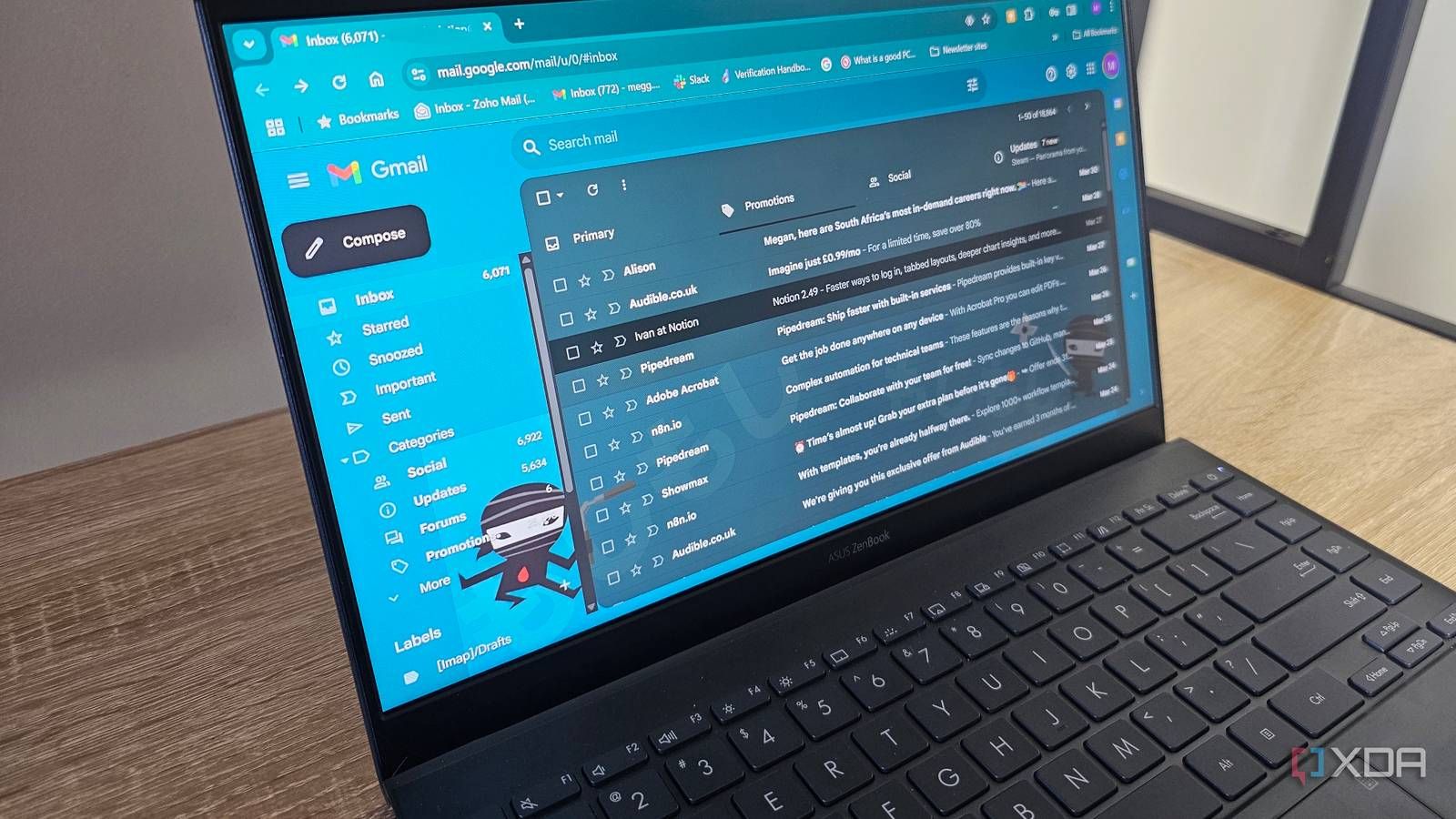
Why do senders use a no-reply address?
Senders use a no-reply address because it keeps automated mail from generating inbound replies that no one has time to read. It is an operational shortcut for transactional and bulk messages, and busy teams reach for it first. The usual reasons:
- It stops a shared inbox from filling with out-of-office replies, one-word acknowledgements, and auto-responses to bulk sends.
- It keeps transactional notifications one-directional, so a receipt or alert does not invite a support thread the sending system cannot handle.
- It signals clearly that the message came from an automated system rather than a person.
Those are real conveniences. The problem is that every one of them offloads a cost onto the recipient and, over time, onto your sender reputation.
Why you should not use a noreply address
You should not use a noreply address because it costs you replies, weakens deliverability, invites spam complaints, breaks unsubscribe requests, and damages brand trust. Most of these downsides stay invisible until your inbox placement starts slipping. Here is what a do-not-reply address actually costs you.
You lose replies that matter, because customers who want to fix an order, ask a question, or flag a problem hit a wall and often give up instead of hunting for your support page. A frustrated reply that bounces is a conversation, and a sale, that never happens.
It weakens the engagement signals that drive inbox placement, since replies, and recipients adding you to their contacts, are among the positive signals mailbox providers use to decide where your mail lands. A noreply address earns few of them and can drag down your email deliverability across every campaign you send.
It pushes people toward the spam button, because when someone cannot reply or easily opt out, marking the message as spam becomes the fastest way to make it stop. Spam complaints are one of the most damaging signals to your sender reputation: Google's sender guidelines tell bulk senders to keep the user-reported spam rate below 0.3%, and ideally under 0.1%, and a no-reply setup that blocks easy opt-out pushes recipients toward the complaint button and toward that line.
It undermines your unsubscribe path, as many recipients still try to opt out by replying with "unsubscribe," and a noreply address swallows that request. Google and Yahoo now require bulk senders to offer one-click unsubscribe that works reliably, a standard formalized in RFC 8058, and a no-reply address that also breaks manual opt-outs leaves you on the wrong side of those expectations. If you send in volume, review the Gmail and Yahoo bulk sender requirements before your next campaign.
It damages how customers see your brand, since a do-not-reply address tells the reader you would rather not hear from them. That impression is hard to undo, and it sits at the top of every message you send.
What happens when you reply to a no-reply email?
When you reply to a no-reply email, one of two things happens. If the mailbox does not exist, your reply bounces and you get an automated non-delivery message saying the address is unmonitored or not accepting mail. If the mailbox does exist but is unattended, your message lands in an inbox that no person reads, so it is effectively lost. Either way the recipient gets no answer, which is exactly the frustration that drives them to your competitors or to the spam button.
Better alternatives to a noreply email address
The best alternative to a noreply email address is any sending address your team actually watches, because a monitored address collects the engagement signals that help deliverability and gives customers a way to reach you. You can keep automated mail manageable without cutting off the reply path. Replace the no-reply address with one of these:
- A real, monitored From address such as hello@ or support@, so replies reach a person or a queue that actually handles them.
- A friendly From name paired with a working Reply-To, which lets the visible sender stay recognizable while responses route to a monitored inbox.
- A shared or aliased team inbox connected to your helpdesk, so replies to bulk and transactional mail land somewhere with clear ownership.
- Filters, rules, and autoresponders that triage the incoming volume, send an immediate acknowledgement, and flag the messages that need a human.
| Option | Can recipients get a reply? | Engagement signal | Best for |
|---|---|---|---|
| No-reply address | No | Weak (few replies or contact adds) | Nothing; avoid it |
| Monitored From (hello@, support@) | Yes, to a person or queue | Strong | Marketing and most transactional mail |
| Branded From name + working Reply-To | Yes, via the Reply-To inbox | Strong | Keeping a recognizable sender while routing replies |
| Shared team inbox + helpdesk | Yes, with clear ownership | Strong | High-volume senders and support teams |
How to move away from noreply
To move away from a noreply address, switch the From and Reply-To to monitored inboxes and route the incoming replies somewhere with clear ownership. It is mostly configuration and a little inbox planning. A practical sequence:
- Choose a recognizable sending address and a From name your subscribers will trust at a glance.
- Set a Reply-To that points to a monitored inbox, even if the visible From address stays branded.
- Route replies to a shared inbox or helpdesk so ownership is clear and nothing is dropped.
- Add autoresponders and filters to acknowledge routine replies and surface the ones that need attention.
- Include a working one-click unsubscribe in every bulk message, so opting out never depends on a reply.
- Keep the list clean so replies and bounces come from real people, not dead addresses that distort your metrics.
That last point matters more than it looks. Sending to invalid addresses inflates your bounce rate and muddies the engagement data mailbox providers watch, and it is a common cause of a bounced email that had nothing to do with your content.
FAQs
Is a noreply email address spam?
No, a no-reply address is not spam by definition, and plenty of legitimate companies use one. The catch is that it raises your spam-folder risk: low replies, few contact adds, and recipients hitting the spam button instead of opting out all push mailbox providers to treat your mail as unwanted.
What happens if you reply to a no-reply email?
Your reply either bounces back with an automated failure notice saying the mailbox is unmonitored, or it lands in an inbox that nobody reads. In both cases you get no response, so a real question or issue goes unanswered.
Should you use a do-not-reply email?
In most cases, no. The convenience of blocking inbound mail is outweighed by lost replies, weaker engagement signals, and unsubscribe friction. If you must limit conversations on high-volume system alerts, use a monitored Reply-To rather than a true do-not-reply address.
What is the best email address to use instead of noreply?
A recognizable, monitored address such as hello@ or support@, or a branded From name backed by a Reply-To that reaches a real inbox. The key is that a person or a queue actually watches it.
Before your next send, run your list through BounceCheck, an email verification tool that removes invalid and undeliverable addresses, so replies and engagement come from real recipients instead of dead addresses dragging down your reputation.

BounceCheck Team
The team behind BounceCheck - helping businesses verify emails and improve deliverability.