B2B Sales Email Verification: Techniques and Best Practices
 BounceCheck Team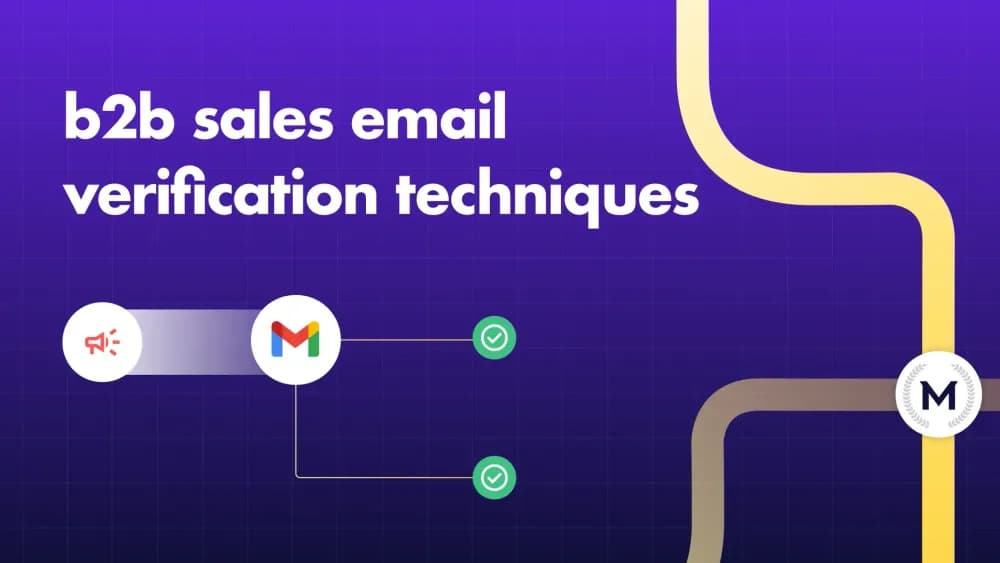
B2B sales email verification is the process of checking that a business email address is correctly formatted, tied to a real domain that can receive mail, and safe to use before you send outreach to it. It matters because B2B contact data decays fast: roughly 25 to 30% of it goes invalid every year as people change jobs, domains expire, and companies rebrand. Send to those dead addresses and you rack up hard bounces, which tell Gmail and Outlook your domain is careless, and your deliverability drops for every contact, not just the bad ones. Verification removes those addresses before the first send.
This guide covers what verification actually checks, what the result statuses mean, how it differs from authentication, how often to run it, and how to build it into a B2B sales workflow.
Why B2B sales email verification matters
A single unverified send can undo weeks of good sending. Every hard bounce is a negative signal to mailbox providers, and the damage compounds:
- Hard bounces above a 2% rate push most providers to throttle or suspend your sending.
- Some invalid-looking addresses are spam traps that flag your domain the moment you hit them.
- Bounces and low engagement lower your sender reputation, sending even valid emails to spam.
- Every bounce wastes a send against your daily quota and clutters your CRM with dead records.
Verification is the cheapest insurance against all of that. It costs a fraction of a cent per address and protects the sending infrastructure every campaign depends on.
What B2B sales email verification actually checks
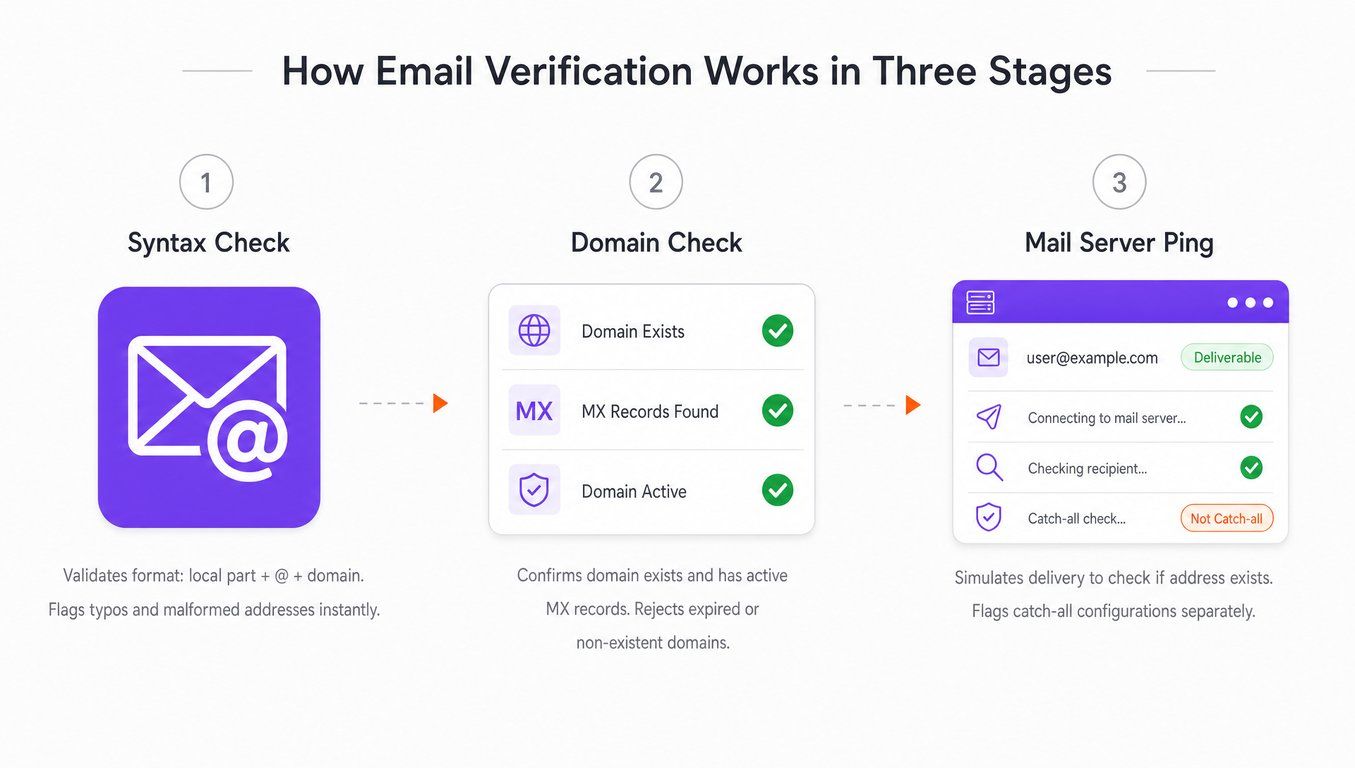
A verification tool runs an address through a series of checks before returning a status, all without sending a real email.
| Check | What it confirms | Why it matters |
|---|---|---|
| Syntax | The address is formatted correctly | Catches typos before they enter your CRM |
| Domain | The company domain exists | Avoids dead or parked domains |
| MX record | The domain can receive mail | Confirms a mail server is configured |
| SMTP handshake | The mailbox appears reachable | Reduces hard bounces |
| Catch-all detection | The domain accepts any address | Flags uncertainty for extra caution |
| Role-account filter | It is info@, sales@, support@ | Avoids shared inboxes and weak targets |
| Disposable filter | It is a temporary throwaway address | Removes addresses that expire quickly |
| Duplicate and suppression | The contact repeats or has bounced before | Protects reputation and CRM hygiene |
The SMTP handshake is the step that gets complicated: some servers accept any address (a catch-all), so verification cannot always confirm a specific mailbox. That is why a good tool returns a nuanced status rather than a simple yes or no.
Verification result statuses explained
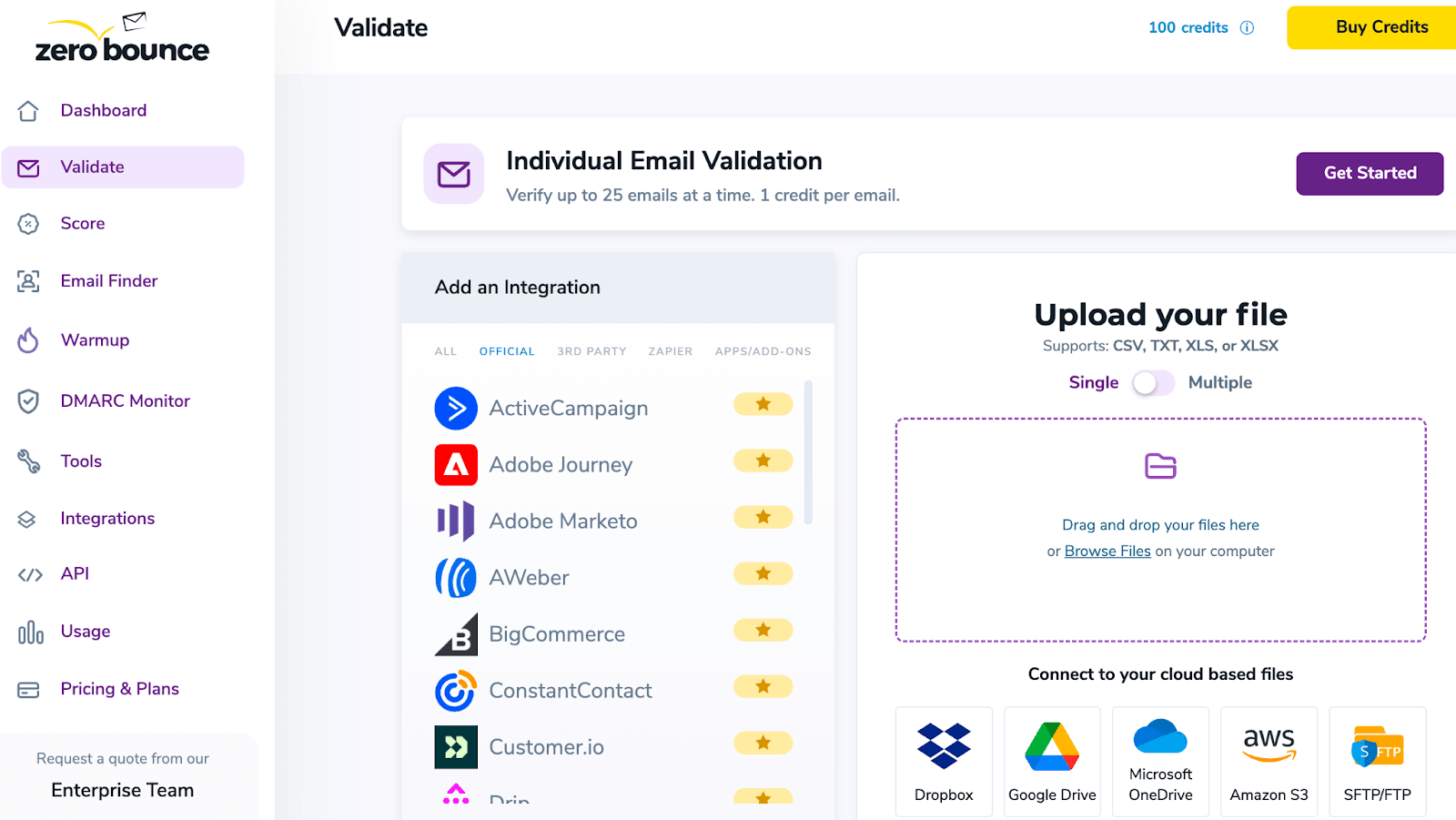
Email verification tools return a status for each address rather than a plain yes or no, because the SMTP handshake cannot always confirm a specific mailbox. Most tools sort every address into five buckets: valid, invalid, catch-all, risky, and unknown. For cold outbound, only valid addresses are safe to send; the other four carry escalating bounce risk.
Most tools sort each address into one of five buckets:
- Valid: the mailbox exists and confirmed it can receive mail. Safe to send.
- Invalid: the address does not exist or the domain is inactive. Remove it.
- Catch-all: the domain accepts any address, so deliverability cannot be confirmed. Handle with caution.
- Risky: technically valid but with warning signs, such as a role address or a brand-new domain.
- Unknown: the mail server did not respond clearly. Treat it like a catch-all.
For cold outbound, send only to valid addresses. Catch-all and risky are judgment calls based on how much bounce risk you can tolerate. Our guide to verification statuses breaks down what each result should tell you to do.
Verification vs authentication: you need both
These sound alike but solve opposite problems. Verification checks whether the address you are sending to is real. Authentication proves that your domain is allowed to send. You need both, because a clean list sent from an unauthenticated domain still lands in spam.
Authentication runs on three records: SPF, DKIM, and DMARC. Per Google's sender guidelines, every sender must use SPF or DKIM, and bulk senders (5,000+ messages a day to Gmail) must use all three, keep spam complaint rates under 0.30%, and support one-click unsubscribe. Verification cleans your list; authentication proves your domain is trustworthy. One without the other leaves deliverability on the table.
When and how often to verify in 2026
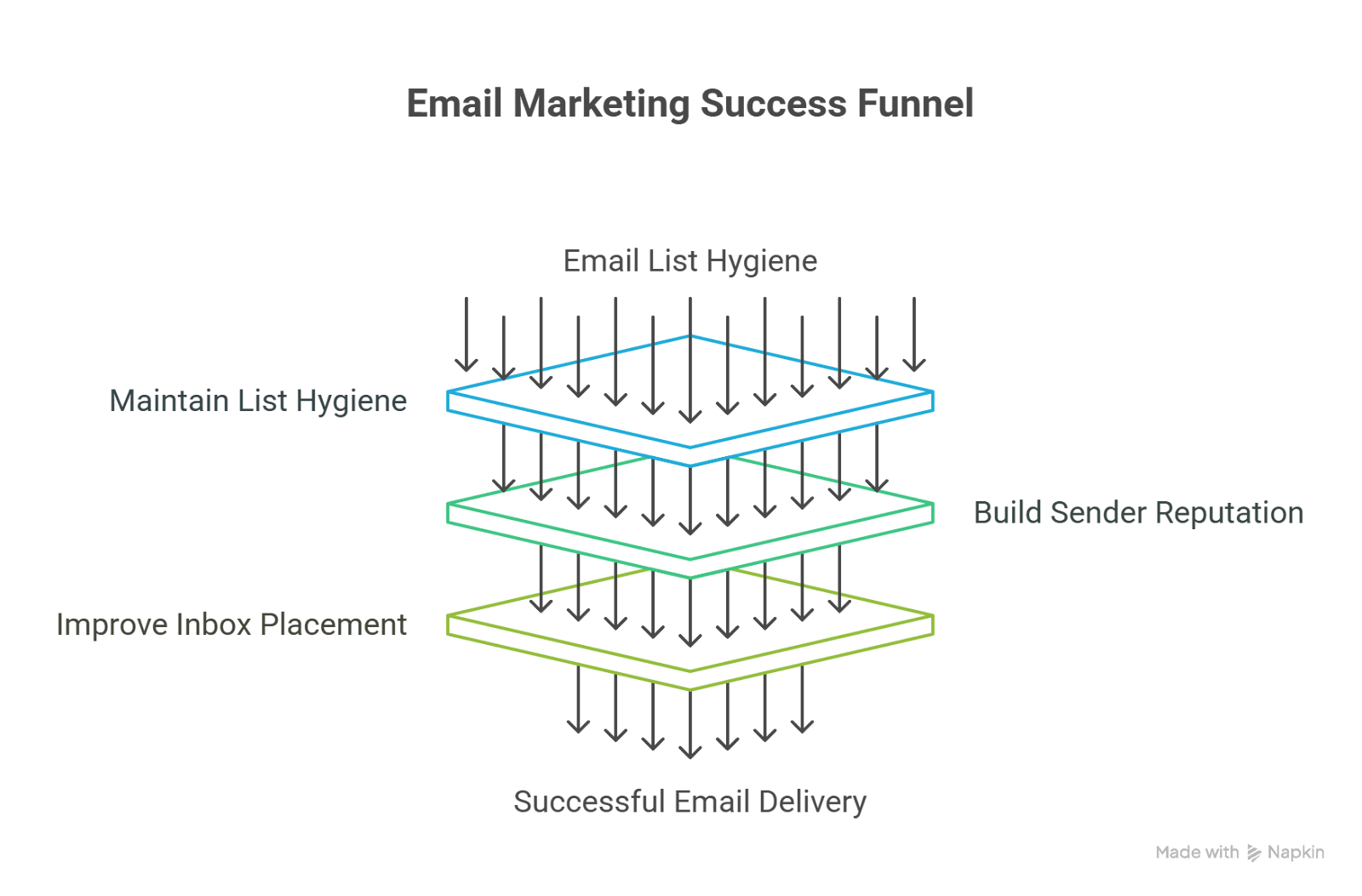
The single most important habit is to verify before every campaign, not just when you first build a list. Under the sender rules Gmail and Yahoo enforce as of 2026, a list that was 98% deliverable when built can drop below 90% within a few months. A practical cadence:
- Verify every new list at the point of export or acquisition, before it enters your CRM.
- Re-verify any list that has sat unused for more than 60 to 90 days.
- Run a fresh pass before any large campaign, even on a recently verified list.
- Re-verify a segment immediately if bounce rates climb after a send.
Watch your hard bounce rate as the signal: below 2% is the safe zone, and above 5% you risk real reputation damage. Verifying at the point of entry, on your capture forms and imports, keeps bad data out of the CRM in the first place.
Catch-all, role addresses, and best practices
Catch-all and role addresses cause most of the gray-area decisions in B2B outreach. A catch-all domain accepts any address, so a specific mailbox cannot be confirmed, and role addresses such as info@ or sales@ are shared inboxes that spam filters treat harshly. The safe practice is to segment both away from your primary domain and verify every list before it is sent. Handle them deliberately:
- Segment catch-all addresses separately and send them from a secondary mailbox so any bounce risk does not touch your primary domain.
- Drop role addresses (info@, sales@, support@) from cold lists; they are shared inboxes, not decision-makers, and are filtered aggressively.
- Never send to a purchased list without verifying it first. Even reputable vendors have 5 to 10% invalid addresses by the time you receive the file.
- Remove hard bounces immediately and add them to a suppression list. Never retry them.
- Monitor open, bounce, and complaint rates after every send so a list-quality problem is caught before it compounds.
One nuance worth remembering: a verified email is not the same as a qualified lead. Verification confirms the address works, not that the person fits your ideal customer profile. Pair a clean list with good B2B list building so you are verifying the right people in the first place.
How to verify your B2B list with BounceCheck
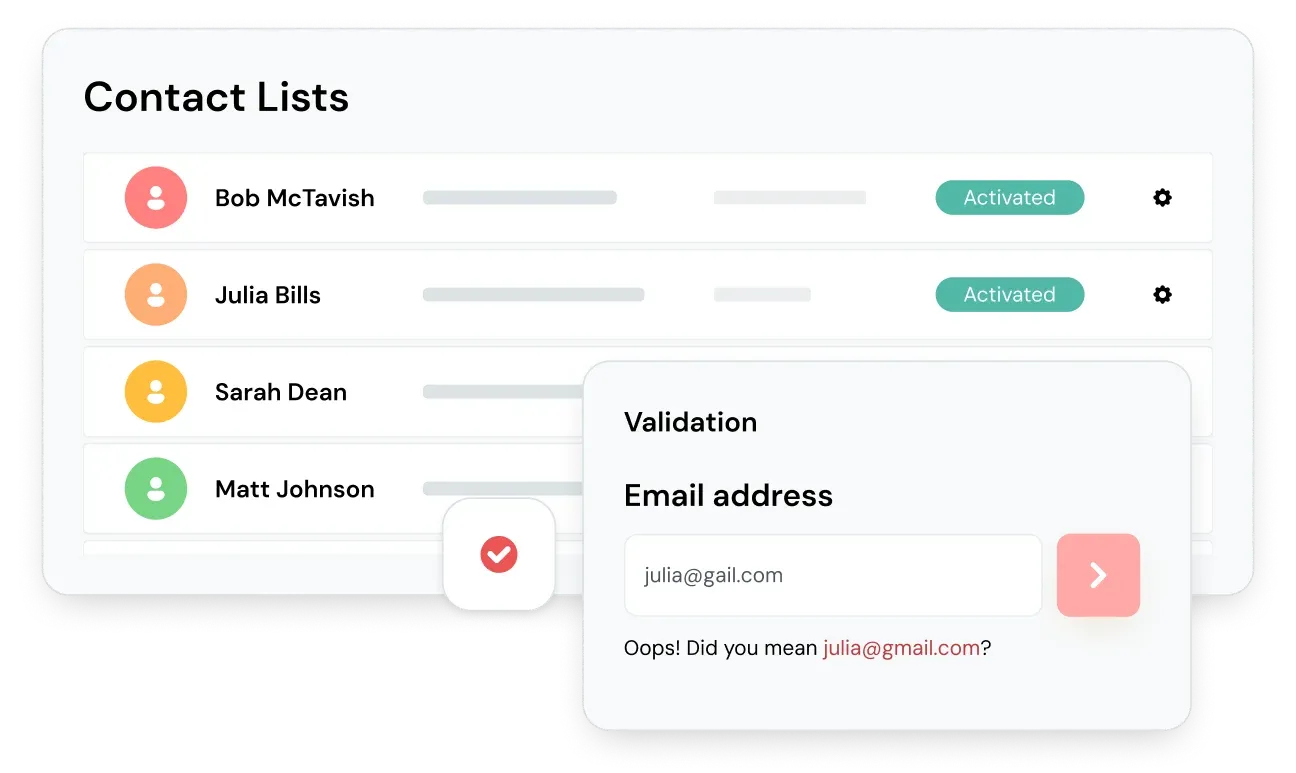
BounceCheck is an email verification service built for exactly this job. It runs each address through syntax, domain, and mailbox checks, flags catch-all, role-based, and disposable addresses, and returns a clear status so your team knows which contacts are safe to send. You can verify a full list in bulk before a campaign or check addresses in real time as they enter a form, and the free tier covers 50 verifications a month to start.
The point is not the tool for its own sake. It is that verification only works when it is easy enough to run every time, on every list, before every send. Build it into the workflow, keep your bounce rate under 2%, and pair it with proper authentication, and your B2B outreach reaches the inboxes you are paying to reach.
Common questions about B2B sales email verification
How do you verify a B2B sales email address?
Run it through a verifier that checks syntax, then the domain and MX records, then an SMTP handshake to see if the mailbox is reachable. The tool also flags catch-all, role-based, and disposable addresses, removes duplicates, and returns a status. Send only to addresses marked valid, and tag the rest for review or suppression.
How do I verify contact data before a sales outreach campaign?
Run every list through a verifier before it enters your CRM or touches a campaign, not just when the list is first built. Check syntax, domain, and MX records, then flag catch-all, role-based, and disposable addresses, and remove hard bounces left over from previous sends. Do this at the point of list acquisition, again if the list has sat unused for 60 to 90 days, and once more right before a large send.
What bounce rate is acceptable for B2B cold email?
Keep your hard bounce rate below 2%. Above that, most email providers start restricting your sending, and above 5% you risk lasting reputation damage. For high-volume campaigns, aim below 1%. Google and Yahoo also expect spam complaint rates under 0.30%.
How often should I verify my B2B email list?
Verify every new list before it enters your CRM, re-verify any list unused for more than 60 to 90 days, and run a fresh pass before large campaigns. B2B data decays around 25 to 30% per year, so a list is never verified once and done.
What is the difference between email verification and email authentication?
Verification checks whether the recipient address is real and reachable. Authentication (SPF, DKIM, DMARC) proves your own domain is allowed to send. Verification protects you from bounces; authentication protects you from being treated as a spoofer. You need both.
Should I send to catch-all addresses?
Only with caution. A catch-all domain accepts any address, so verification cannot confirm a specific mailbox exists. Segment catch-all contacts separately, send them from a secondary mailbox, and watch their bounce rate closely. For large campaigns, excluding them is the safest choice.

BounceCheck Team
The team behind BounceCheck - helping businesses verify emails and improve deliverability.