Email Verification API: What a Real Response Returns

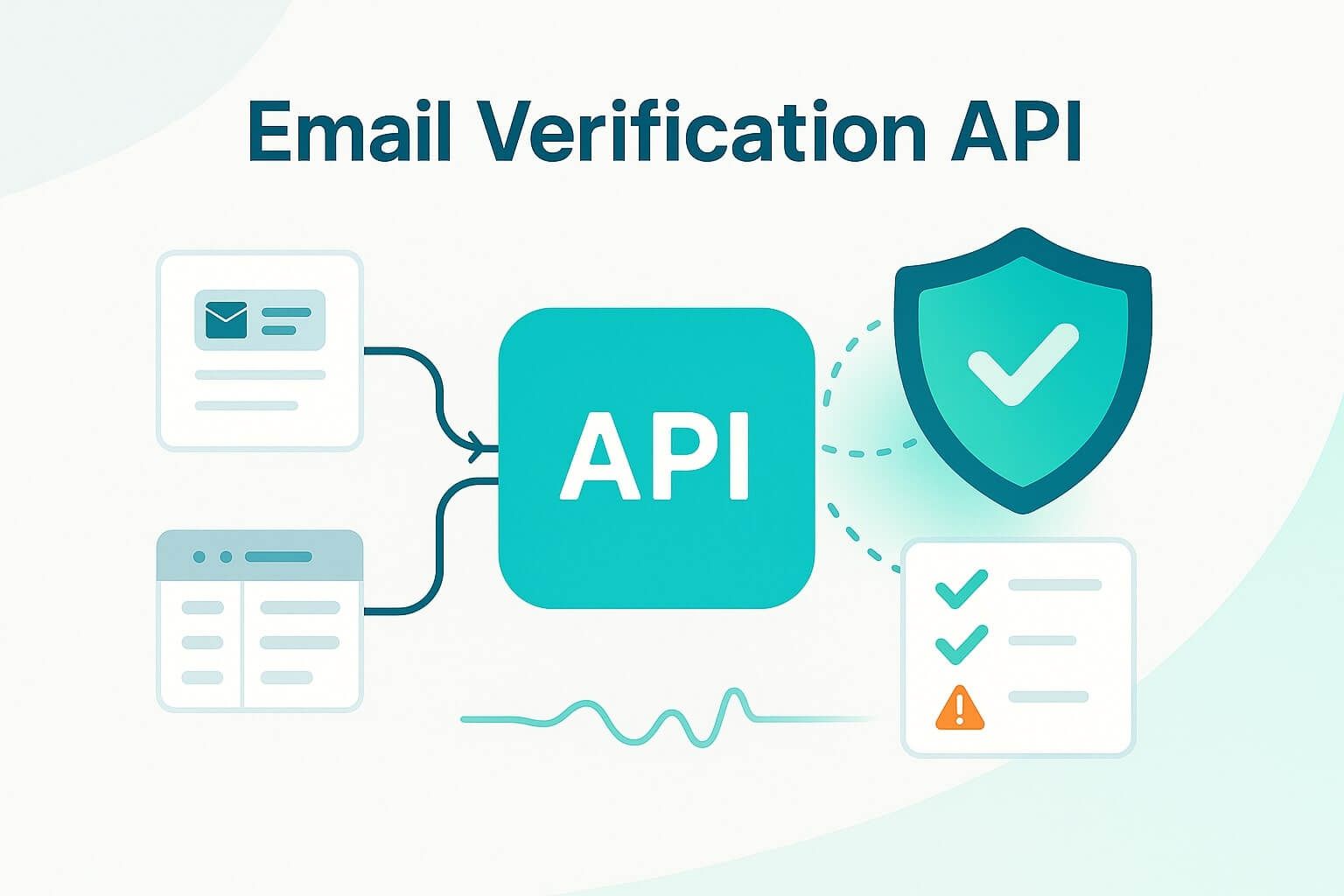
An email verification API checks a submitted address in three steps: syntax against RFC 5322, an MX record lookup against DNS, and an SMTP handshake with the receiving mailbox provider. What it hands back is not a single valid or invalid flag, it is a result taxonomy, valid, risky, invalid, catch-all, disposable, or role, plus a latency figure that tells you whether you can run the check before the form submits. The integration decision follows from that taxonomy: block on invalid and disposable, accept-and-flag on risky and catch-all, and fail open if the check runs long. Treat the result as a decision input, not a gate.
What an email verification API actually does (syntax, MX, and SMTP checks)
A verification API runs three checks in sequence: it confirms the address matches RFC 5322 syntax, confirms the domain has an MX record through a DNS lookup, and opens an SMTP handshake with the receiving server to ask whether the mailbox exists, without sending an actual message.
The first check catches malformed strings. You can run this one client-side before the form even submits, and it will stop a typo like jane@examplecom cold, but verification and validation aren't the same check, and a passing syntax check tells you nothing about whether the mailbox is real.
The second check is a DNS lookup for an MX record: if the domain has no mail server configured, nothing downstream matters, the address cannot receive mail. The third check is where the taxonomy comes from. The API opens an SMTP connection to the mailbox provider and issues a RCPT TO command for the specific address, then reads the response code. A mailbox provider that answers clearly gives you valid or invalid. Large mailbox providers often throttle or reject the probe itself before it reaches that point, which is why the result comes back as a taxonomy instead of a boolean, and why a "99% accurate" claim is a statement about a vendor's test set, not a guarantee about your particular signup.
A sample request and response payload
A verification call is a single POST with the address in the body. The response returns the result plus supporting fields, syntax_valid, mx_found, smtp_check, disposable, role, and accept_all, the same field set that QuickEmailVerification and Emailable document in their own API references.
Request:
POST /v1/verify
Content-Type: application/json

{"email": "[email protected]"}
Response:
{
  "email": "[email protected]",
  "result": "valid",
  "sub_status": null,
  "score": 0.94,
  "syntax_valid": true,
  "mx_found": true,
  "smtp_check": true,
  "disposable": false,
  "role": false,
  "accept_all": false,
  "free_provider": false,
  "did_you_mean": null,
  "response_time_ms": 340
}
The disposable, role, accept_all, and did_you_mean fields mirror what QuickEmailVerification documents across its 15-field response schema. The score field matches the numeric confidence Emailable exposes alongside its own mx_record and smtp_provider fields. response_time_ms is the number that decides whether you can run this check synchronously on a signup form or need to move it off the request path, covered next.
The result taxonomy: valid, risky, invalid, catch-all, disposable, role
The six results collapse into three actions. Valid and role can be trusted or handled with a rule, risky and catch-all need a flag instead of a block, and invalid and disposable should be rejected before they reach a database, because none of them behaves like a single pass or fail signal.
- Valid: the mailbox exists, confirmed by RFC 5322 syntax, an MX record lookup, and an SMTP handshake that returned a positive RCPT TO response.
- Risky: the mailbox provider gave an ambiguous SMTP response (throttled, greylisted, or rate-limited), so the address might be real but the check could not confirm it either way.
- Invalid: the syntax fails RFC 5322, the domain has no MX record, or the SMTP server explicitly rejected the mailbox.
- Catch-all: the domain's mailbox provider accepts every address at that domain regardless of whether the specific mailbox exists, a state QuickEmailVerification and Emailable both expose as an accept_all field.
- Disposable: the address comes from a temporary-inbox provider built to receive one confirmation email and disappear. QuickEmailVerification found that 33% of freemium signups use one.
- Role: the address is a role-based address, a shared inbox like info@ or sales@ rather than a person, a distinction QuickEmailVerification and Emailable both surface as a role flag.
Latency and rate limits at signup-form scale
At signup-form scale, the number that matters is response time, not monthly volume. QuickEmailVerification reports an average API response under 1.2 seconds, positioned for exactly this use case. Providers built primarily for bulk list cleaning still route single-address checks through the same endpoint, so the practical latency budget is per-request, not per-batch.
| Provider | Verified throughput | Notes |
|---|---|---|
| QuickEmailVerification | under 1.2s average response | built for real-time signup checks |
| Emailable | 30,000 verifications/minute | results not cached past 5 minutes |
| Bouncer | 180,000/hour | under 2% unknown, 100% uptime |
| BriteVerify | roughly 4,000/minute | also verifies phone and address |
| Mails.so | not disclosed | 99.99% uptime SLA on paid plans |
Figures per Resend's evaluation and each vendor's own documentation. A sub-second average is a mean, not a ceiling: a slow SMTP handshake against a throttling mailbox provider can push a single check to several times QuickEmailVerification's 1.2-second average, long enough for a user to notice the delay before the form responds. That risk is the reason a fail-open policy matters more than a raw throughput number once you're past a proof of concept.
Where developers plug it in: signup, checkout, and lead forms
Verification calls run at three points in a funnel: at signup to block obvious junk before it reaches your ESP, at checkout to catch a typo before a receipt bounces, and on lead-gen forms to keep a sales rep from calling a dead inbox. QuickEmailVerification lists signup forms, fraud prevention, checkout, lead scoring, newsletter signups, and CRM hygiene as the six places its customers wire the check into a workflow.
None of the reference material treats the result as a decision, it treats it as a status. In practice you have three options for every result that comes back:
- Block at submit: reject invalid and disposable outright before the form accepts the address. Both statuses are unambiguous, so blocking here costs you nothing real.
- Accept-and-flag: let risky and catch-all through, then route them to a confirmation step, a double opt-in email, or a lower lead score. Blocking on these also blocks real mailboxes a busy mail server just couldn't confirm in time. Resend publishes a double opt-in example that walks through this exact pattern end to end.
- Fail open: if the API call times out or errors, let the submission through rather than blocking a real signup on an infrastructure hiccup. Log the failure and re-check the address asynchronously instead of holding the form.
What makes a good email verification API (accuracy, reliability, dev experience, pricing)
Four criteria separate a usable API from a risky dependency: accuracy against your own list rather than a vendor's guarantee, reliability under load, developer experience, and pricing that scales without expiring credits you already paid for. By 2026, the field set a vendor returns matters more than the accuracy percentage on its marketing page, since every vendor's guarantee is measured against a different test set.
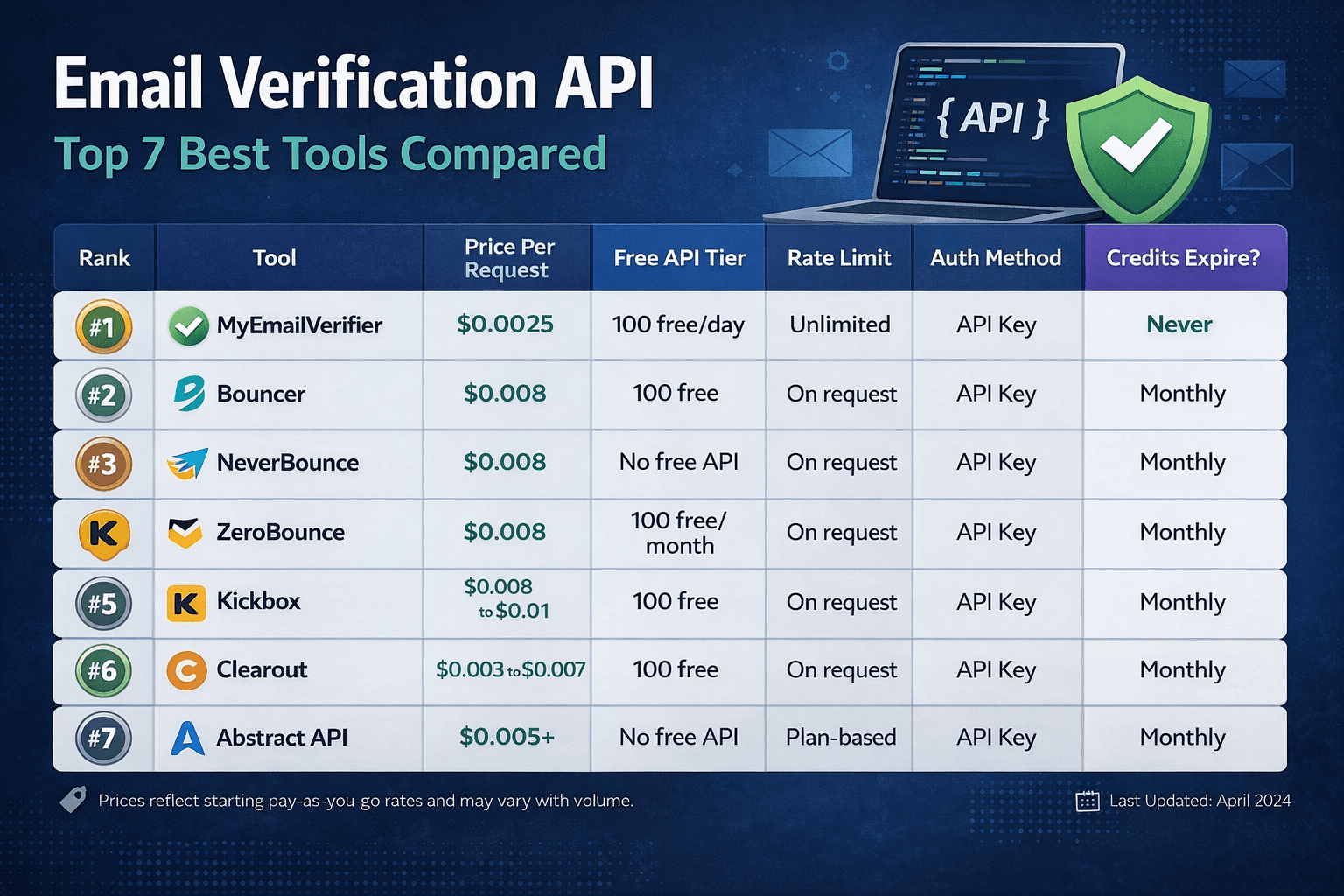
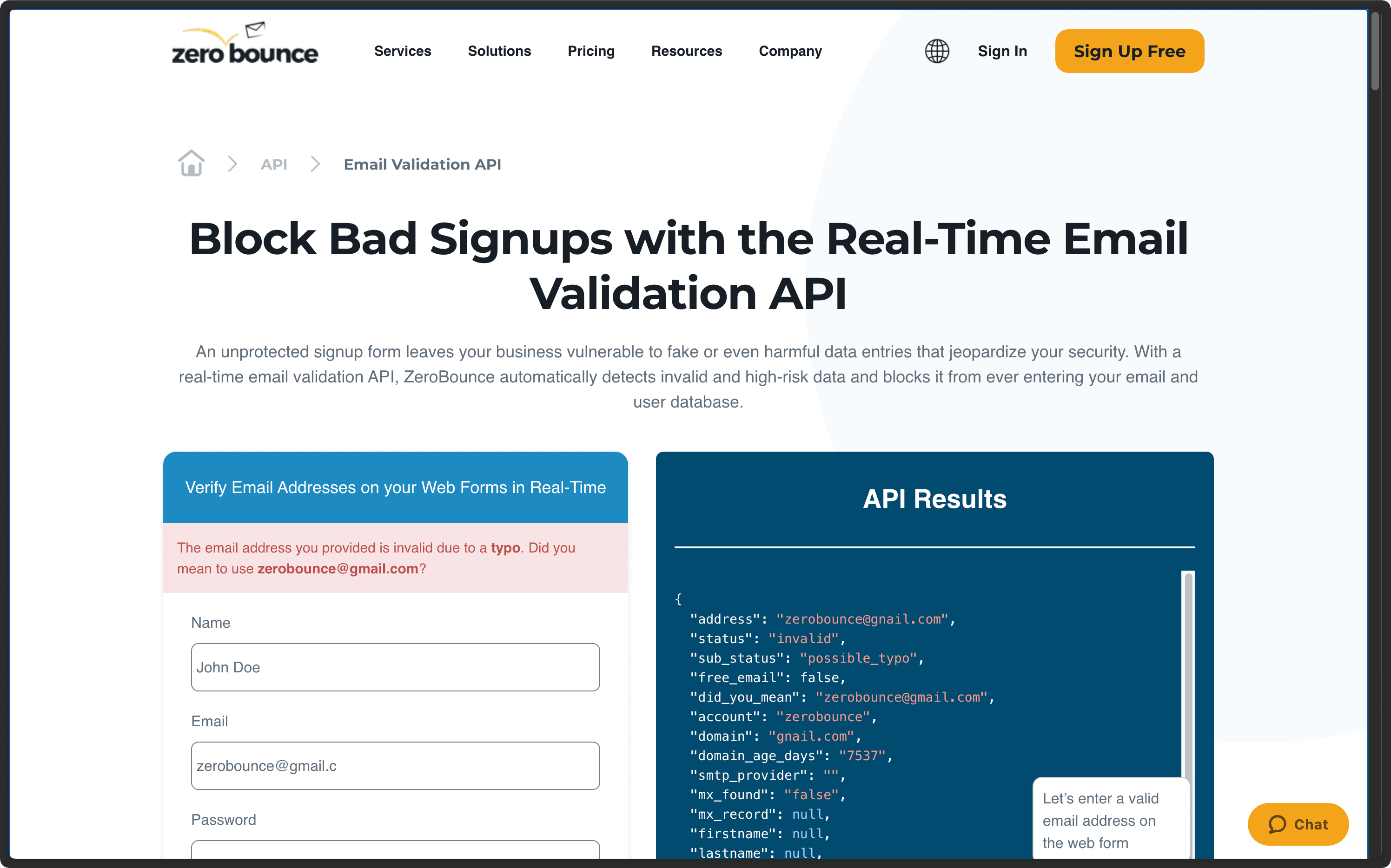
On accuracy, guarantees vary by vendor and by definition. ZeroBounce advertises a 99% accuracy guarantee and cites customers including Netflix, Amazon, and Airbnb; Kickbox guarantees 95% accuracy and doesn't charge for results it returns as unknown; EmailVerify.io claims up to 99% by combining DNS checks, SMTP-level mailbox testing, disposable detection, and spam-trap analysis. On reliability, Bouncer reports 100% uptime with under 2% unknown results, and Mails.so backs its paid plans with a 99.99% uptime SLA, the kind of number that matters once verification sits on your signup path rather than a batch job you can rerun overnight.
On developer experience, look for SDKs, a sandbox mode that doesn't spend a credit, and clear error codes rather than a single generic failure. EmailVerify.io publishes official SDKs across six languages, including a Python package on PyPI, which is the kind of surface area that shortens an integration from days to hours.
BounceCheck, a real-time and bulk email verification platform, runs the same three-step check on a stealth SMTP engine, returns the same disposable, role, and catch-all fields, and prices its entry tier at $9.99 with credits that never expire, worth checking against any plan where unused credits quietly disappear at the end of a billing cycle.
Is it free? Free tiers vs paid volume pricing
Every major provider offers some free allotment before you pay. QuickEmailVerification gives 100 credits a day with no card required, Mails.so starts at 50 free credits, and Abstract API tiers its response from a free Starter plan (deliverability only) up through a paid Professional plan that adds a quality score and risk ratings. Paid tiers then charge per verification, and volume pricing varies more than a flat per-check rate suggests.
| Provider | Free tier | Paid entry point |
|---|---|---|
| QuickEmailVerification | 100 credits/day, no card required | pay-as-you-go, credits never expire |
| Mails.so | 50 credits | up to $1,899/month for the Enterprise plan |
| EmailVerify.io | free API key | $20/month for 30,000 verifications |
| NeverBounce | per EmailVerify.io's own comparison | $150/month for 30,000 verifications |
| ZeroBounce | per EmailVerify.io's own comparison | $210/month for 30,000 verifications |
Kickbox and QuickEmailVerification both skip charging for a result they can't confirm, so a risky or unknown result doesn't cost you a credit even though it still needs a decision on your side. That policy is worth checking for any vendor you're evaluating: a provider that charges full price for "unknown" is charging you for a result that gave you nothing to act on.
FAQs
Is an email verification API the same as the Gmail API?
No. The Gmail API is Google's OAuth-scoped API for reading, sending, and managing mail inside a specific Gmail account you've been granted access to. An email verification API checks whether any address, at Gmail or any other mailbox provider, is likely to accept mail, without needing account access to that inbox at all.
Does an email verification API guarantee 100% accuracy?
No. Vendors publish accuracy guarantees (ZeroBounce at 99%, Kickbox at 95%) against their own test sets, but a mailbox provider that throttles the SMTP probe, or a catch-all domain that accepts every address, produces a risky or catch-all result no check can resolve further. That's the reason the taxonomy exists instead of a single yes or no.
Will verification slow down my signup form?
It can, if you run it synchronously on every request. QuickEmailVerification reports an average response under 1.2 seconds, which is usually fine, but a throttled SMTP handshake can run longer. Build a fail-open timeout so a slow check never blocks a real signup, and re-verify the address asynchronously if the synchronous call times out.
What's the difference between a syntax check and a full verification?
A syntax check only confirms the address matches RFC 5322 formatting rules, something you can run client-side in milliseconds. A full verification adds an MX record lookup and an SMTP handshake, which is the only part of the process that can tell you a mailbox actually exists rather than just looks correctly formatted.
Do verification APIs store or share the email addresses I check?
It depends on the vendor. Emailable states it deletes verification data after 30 days and encrypts it with AES-256. Twilio states its validation API never stores the email addresses or personal data it checks. Check a vendor's retention policy directly if you're verifying addresses under GDPR or a similar regime, since practices differ even among providers that both claim compliance.