Gmail Sending Limits: Daily Caps for Free and Workspace Accounts
 BounceCheck Team
Before your next send Find the addresses that will bounce.
Verify an email freeGmail limits how much mail you can send in a rolling 24 hour window. A free Gmail account can send about 500 emails per day. A paid Google Workspace account can send up to 2,000 emails per day to external recipients. Go over the cap and Gmail temporarily blocks new sends, usually for 1 to 24 hours, then lets you send again once the window resets.
Those numbers come straight from Google's own documentation, and they are the caps that actually stop a message from going out. They are not the same thing as the volume that keeps you out of the spam folder. This page covers the hard system limits: the daily caps, the per-message recipient caps, how SMTP differs from the Gmail interface, and exactly what a temporary sending lockout looks like.
Gmail sending limits at a glance
Free Gmail sends up to 500 emails per day; Google Workspace sends up to 2,000 per day to external recipients. Both count recipients, not clicks of the send button, and both temporarily block you for up to 24 hours once you exceed the cap. Here are the headline figures Google publishes for each.
| Limit | Free Gmail | Google Workspace (paid) |
|---|---|---|
| Emails per day | 500 | 2,000 |
| Recipients per message | 500 | 2,000 total / 500 external |
| Trial account daily cap | N/A | 500 |
| Lockout after exceeding | 1 to 24 hours | up to 24 hours |
The rest of this page explains where each figure applies and the edge cases that trip people up, starting with the free account.
Free Gmail sending limits (personal accounts)
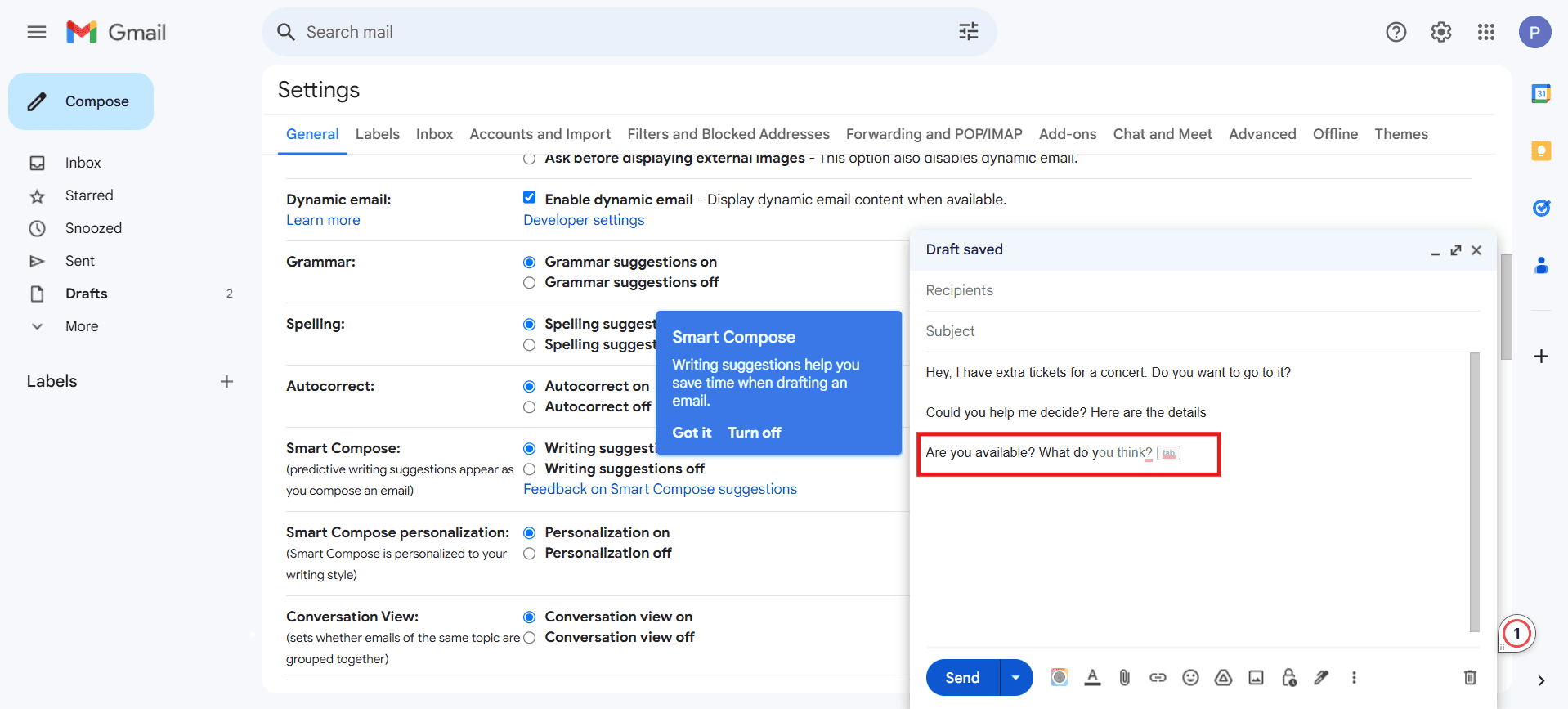
A standard @gmail.com account can send roughly 500 emails in any 24 hour period, according to Google's own support documentation. That figure covers messages sent through the Gmail web interface, the mobile apps, and any client connected over SMTP with your Gmail credentials.
Two caps apply to a personal account:
- Up to 500 emails per rolling 24 hour window.
- Up to 500 recipients in a single message, counting every address in the To, Cc, and Bcc fields.
These caps are fixed. Google does not offer a way to raise them on a free account, and sending the same message to a large list is exactly the pattern most likely to generate bounced email and reputation damage. If you routinely need more headroom, the account type has to change.
Google Workspace sending limits
A paid Google Workspace account raises the daily ceiling to 2,000 messages per day to external recipients, per Google's Workspace sending limits reference. Accounts still inside a Workspace trial are capped at 500 per day, the same as free Gmail, until the trial converts to a paid plan.
Workspace also applies recipient totals on top of the message count:
- 2,000 total recipients per message, but no more than 500 of those can be external addresses.
- Up to 10,000 total recipients per day.
- Up to 3,000 unique external recipients per day.
These limits are why Workspace suits transactional and internal mail far better than large marketing blasts. If your goal is bulk campaigns to Gmail and Yahoo inboxes, the volume rules and authentication expectations in the Gmail and Yahoo bulk sender requirements matter just as much as the raw cap.
How Gmail counts recipients, not just emails
The daily figure is not a count of how many times you press send. Gmail counts recipients. A single message addressed to 100 people uses 100 of your daily allotment, not one.
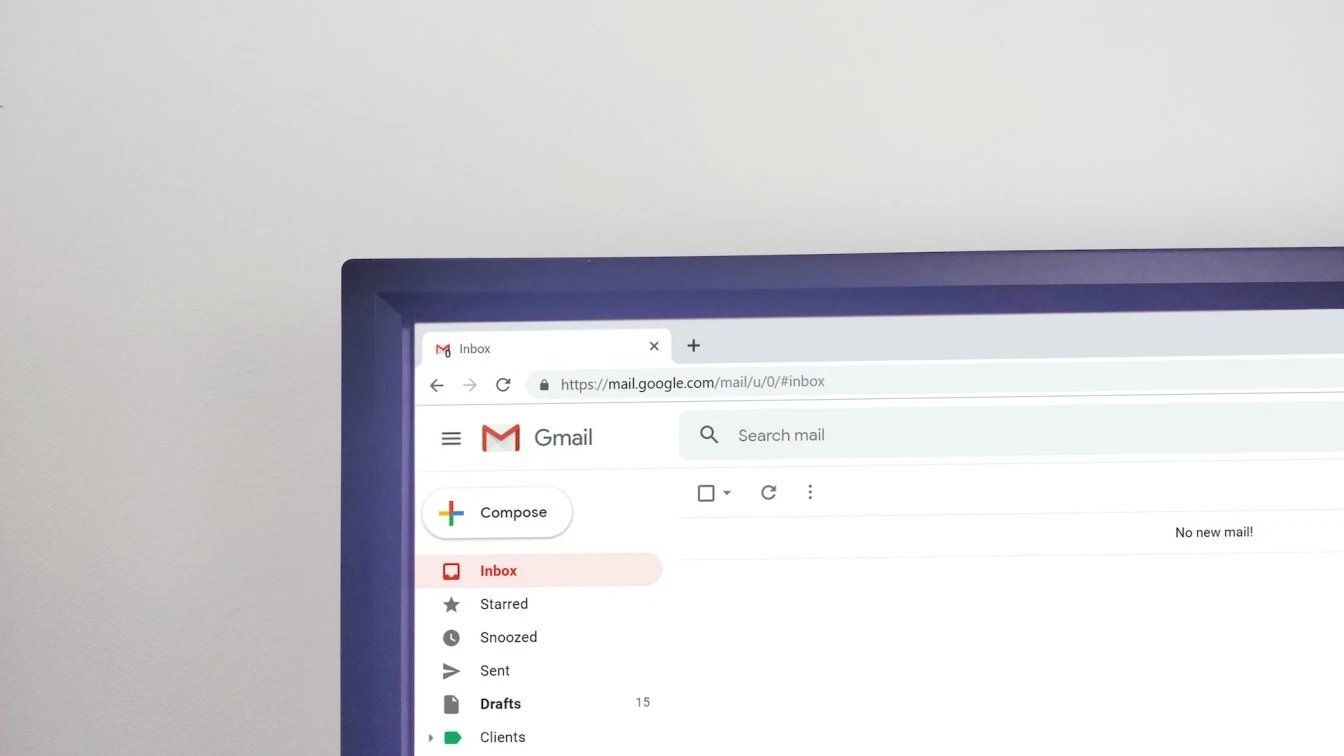
This is the detail that catches senders who assume 500 emails means 500 clicks of the send button. On a free account, a message to 200 recipients plus a second message to 300 recipients hits the 500 ceiling in two sends. On Workspace, the daily recipient totals of 10,000 and 3,000 unique external addresses are the numbers that bite first for anyone doing mail merge or list sends.
Gmail interface vs SMTP and SMTP relay
The daily cap follows the account, not the connection method. Sending over SMTP with your Gmail or Workspace credentials draws from the same 500 or 2,000 limit as the web interface. The one exception is the Google Workspace SMTP relay service, which has its own separate, higher ceiling.
Messages sent through the Gmail web interface, the mobile apps, or a client authenticating over SMTP with your own Gmail or Workspace address all draw from the same daily limit. Switching from the browser to Outlook or Apple Mail over smtp.gmail.com does not give you a fresh 500 or 2,000, and neither do the mail merge add-ons people use for sending mass email from Gmail, since they send through the same account.
Google Workspace does offer a separate SMTP relay service, documented alongside the standard limits, for higher-volume application and transactional mail sent through your domain. It carries its own, higher daily ceiling and is configured by a Workspace administrator, so it is the sanctioned path for app-generated mail rather than a loophole on the personal cap.
What happens when you exceed the limit
When you pass the cap, Gmail returns the error "You have reached a limit for sending mail" and stops accepting new messages. The account is not banned. Sending is temporarily suspended while the 24 hour window rolls forward.
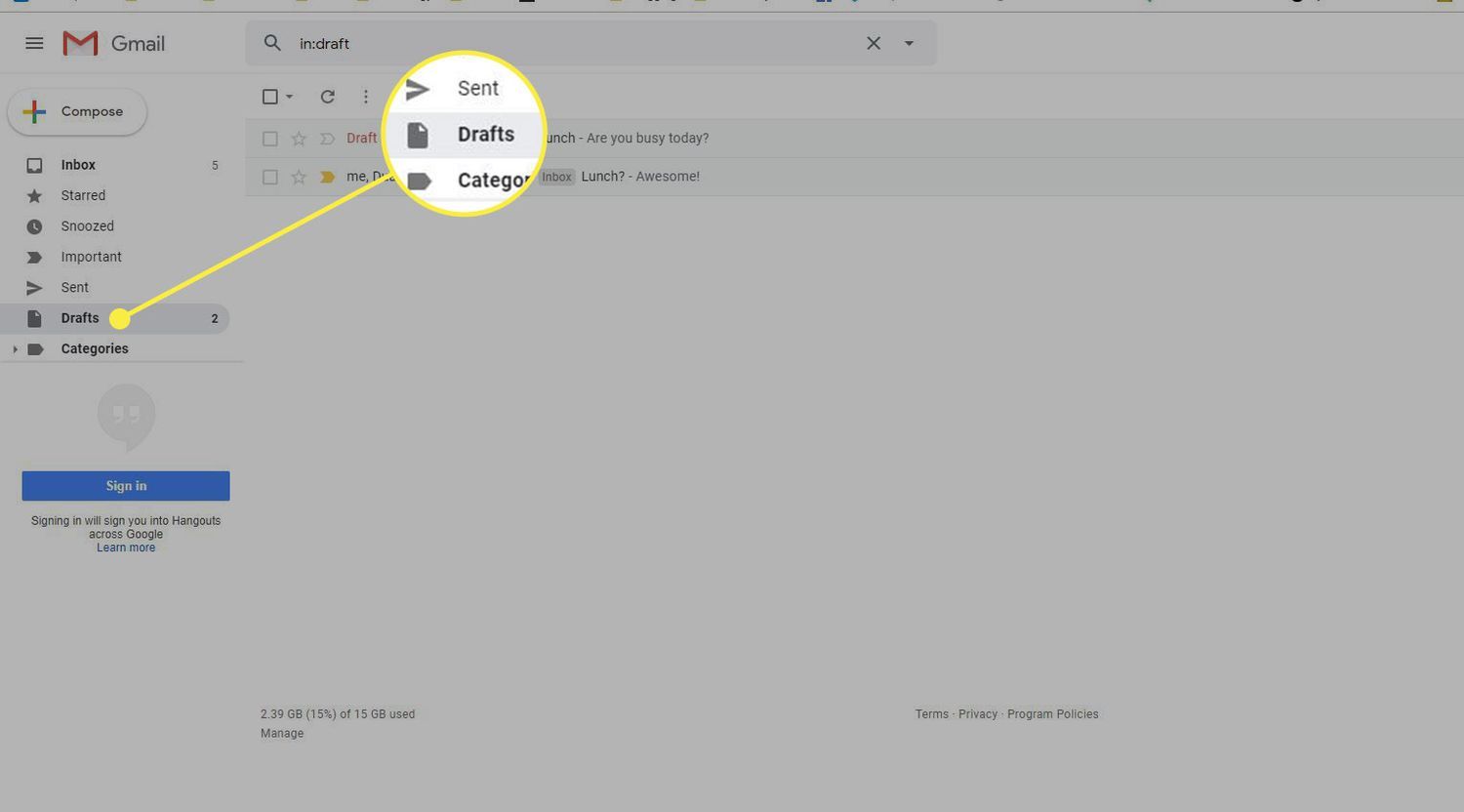
Google states the block clears on its own, typically within 1 to 24 hours for a personal account and up to 24 hours for Workspace. Mail already delivered is unaffected. You simply cannot send more until the counter drops back below the limit. Repeatedly hammering the cap, or sending in patterns that look automated, can extend a suspension, so the fix is to wait rather than retry in a loop.
How to send more email without getting blocked
You cannot manually raise Gmail's hard cap. The ceiling is set by account type, so more volume means a different setup:
- Move from free Gmail to Google Workspace to lift the daily cap from 500 to 2,000.
- Use the Workspace SMTP relay service for high-volume transactional or application mail.
- Spread sends across the day and keep single messages well under the recipient caps.
- For genuine bulk marketing, send through a dedicated email service provider rather than Gmail, which was never built for campaign volume.
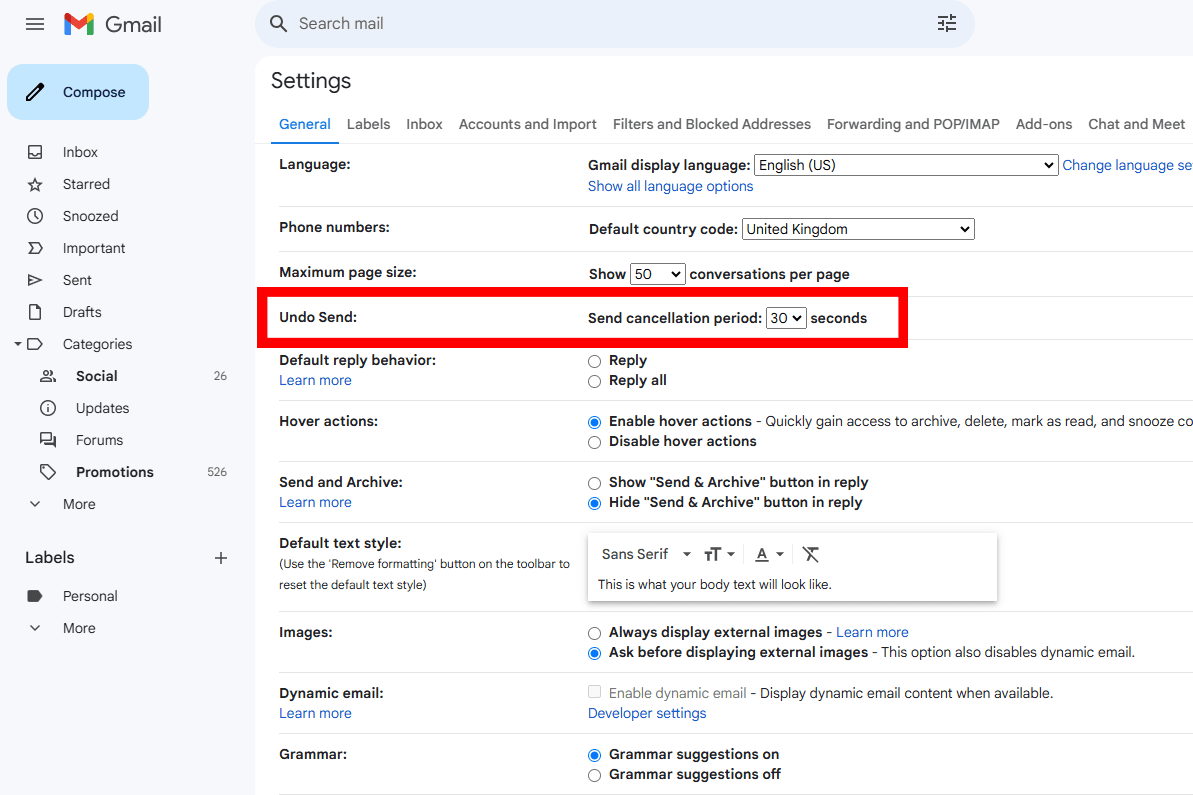
Staying under the system cap is only half the job. Sending near the ceiling to a cold or unverified list is the fastest way to rack up bounces and complaints, which is a separate problem from hitting the limit. The safe daily volume for cold outreach is far lower than Gmail's technical maximum, and on a fresh domain how many emails per day a new domain can safely send is the threshold that protects your reputation, not the 500 cap. Cleaning the list first and taking steps to improve your email deliverability protects the reputation that decides whether messages land at all.
FAQs
What is the Gmail daily sending limit?
A free Gmail account can send about 500 emails per day. A paid Google Workspace account can send up to 2,000 emails per day to external recipients, while Workspace trial accounts are held to 500 per day.
How many emails can I send at once in Gmail?
A single message can go to up to 500 recipients on a free account. Google Workspace allows up to 2,000 total recipients per message, but no more than 500 of them can be external addresses.
How long does a Gmail sending limit last?
A temporary sending block clears on its own, usually within 1 to 24 hours for a personal account and up to 24 hours for Google Workspace, once the rolling 24 hour window resets.
What happens if you exceed Gmail's sending limit?
Gmail shows the error "You have reached a limit for sending mail" and temporarily suspends sending. The account is not banned and delivered mail is unaffected. You can send again after the window resets.
How do I increase my Gmail sending limit?
You cannot raise the hard cap manually. Upgrade from free Gmail to Google Workspace to move from 500 to 2,000 per day, use the Workspace SMTP relay for high-volume mail, or send bulk campaigns through a dedicated email service provider instead of Gmail.
Before your next send, run your list through BounceCheck to remove invalid addresses so more of your daily allotment reaches real inboxes.
§ Before your next send
Find the addresses that will bounce
Verify a single address free, or upload a CSV — the free plan includes 50 checks a month, no card needed.

BounceCheck Team
The team behind BounceCheck - helping businesses verify emails and improve deliverability.