550 Permanent Failure in Google Workspace: What It Means
A "550 permanent failure" from Google Workspace is not one error. It's an umbrella phrase covering several distinct SMTP enhanced status codes, most commonly 5.1.1, 5.7.1, and 5.7.26, plus a handful of Workspace-admin states that produce the identical header text for a completely different reason. The sub-code decides your next move. A 5.1.1 rejection means the mailbox is gone, so you suppress the address now. A 5.7.1 or 5.7.26 rejection often means the address is fine and the block sits on your side. Fix the underlying problem and it belongs back in your send list.
What "550 permanent failure" means
The 550 code and the no-retry behavior behind it come straight from the SMTP standard, not from anything Google-specific.
RFC 5321 defines SMTP reply code 550 as "requested action not taken: mailbox unavailable." That's the baseline meaning behind every "550 permanent failure" bounce, whether it comes from Gmail, Google Workspace, or any other mail server built on the same protocol.
The word "permanent" is doing the real work here. A 4xx code tells the sending server to try again later: a full queue, a rate limit, a receiving server that's briefly down. A 550 code tells the sending server to stop. The receiving mail server has made a final decision about that message and that address, and resending it unchanged produces the identical rejection every time.
In practice, the 550 sits behind the SMTP handshake between your outbound mail transfer agent and the receiving mailbox. The three-digit code is only the headline. What comes after it, the enhanced status code in the 5.x.y format, carries the actual diagnosis. Gmail and Google Workspace both attach that fuller code and a plain-text explanation to every 550 bounce. That combination, not the phrase "permanent failure" on its own, tells you what actually happened.
The sub-codes hiding inside the umbrella phrase: 5.1.1, 5.7.1, and 5.7.26
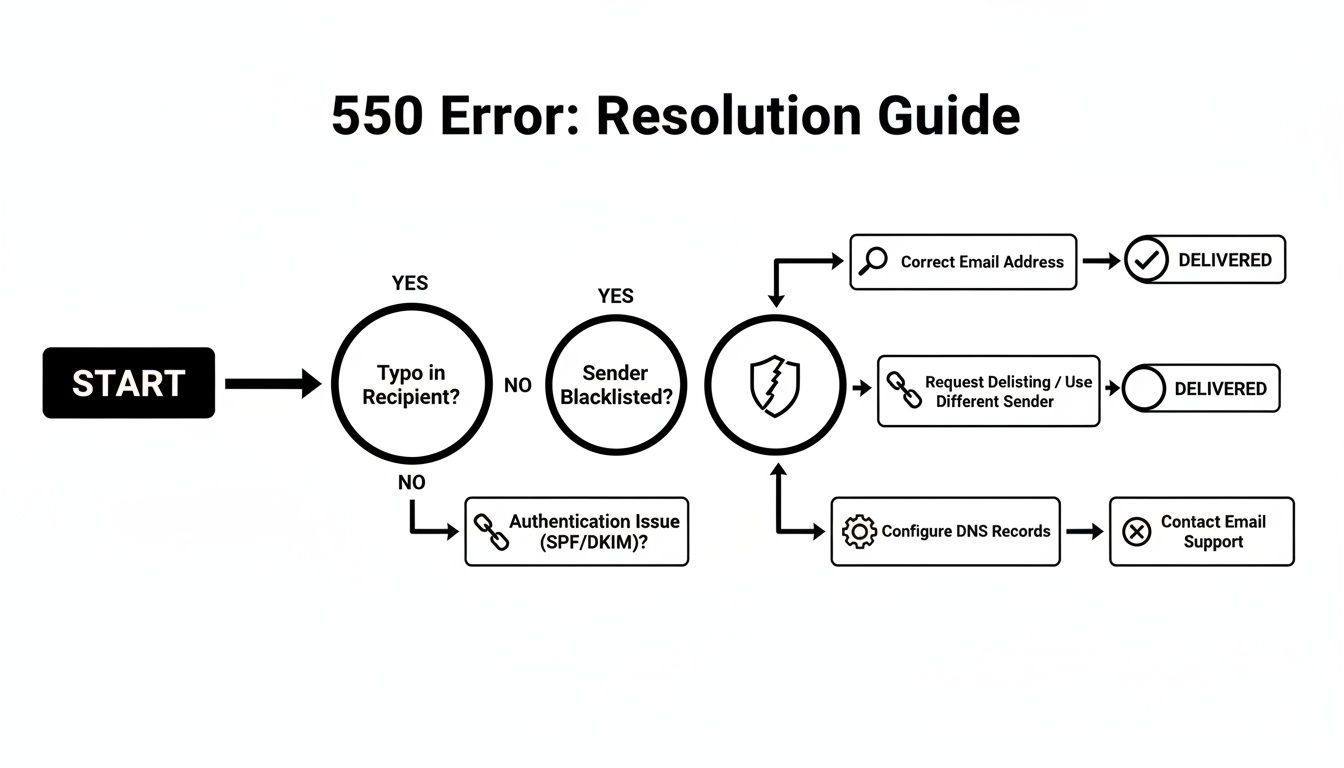
Three enhanced status codes account for most Google Workspace 550 bounces, and each one describes a different failure, not a variation of the same one.
- 5.1.1, bad destination mailbox: the address doesn't exist on the receiving server, or it existed and was removed. The bounce text names the recipient address directly and says it could not be found, which is the clearest possible signal that the mailbox is permanently gone.
- 5.7.1, policy or reputation rejection: the receiving server recognized the address but refused the message anyway. The bounce text points at the sender, not the recipient: language about the message being blocked, refused, or rejected due to policy, content, or the sending domain's reputation.
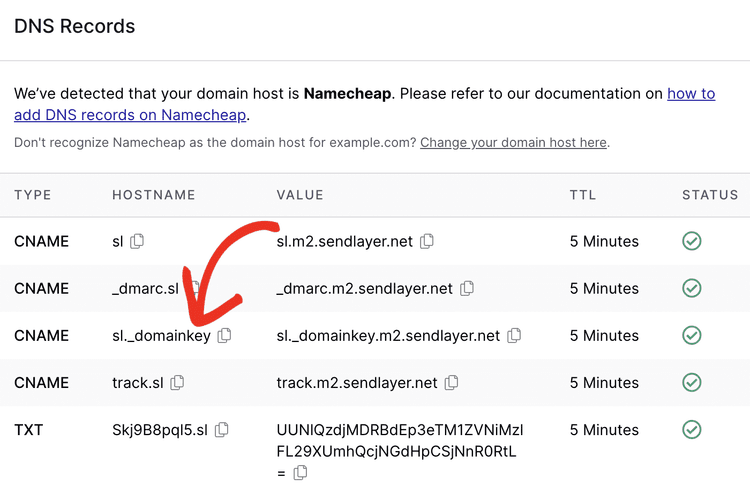
- 5.7.26, missing or failed authentication: the message arrived without valid SPF, DKIM, or DMARC alignment. The bounce text calls out authentication specifically, often naming SPF or DKIM by name. It's the code Google and Yahoo lean on hardest since their 2024 bulk-sender requirements took effect. If you're closer to that volume threshold than an authentication problem, Gmail and Yahoo Sender Requirements in 2026 covers that case in more depth.
Treating all three as one "550 permanent failure" is the mistake. A 5.1.1 tells you about the recipient. A 5.7.1 or 5.7.26 tells you about your own sending setup. Fixing the wrong side of that gets you nowhere.
Google Workspace-specific causes other guides skip
Not every 550 traces back to a public SMTP code. Some come from an action an admin took inside the Google Admin Console. They produce bounce text that looks identical to a standard rejection while meaning something entirely different.
- A suspended or de-provisioned user: an admin offboarded or suspended the account, and the mailbox stopped accepting mail the moment that happened. To a sender, this reads exactly like a 5.1.1: the recipient is gone. The difference is that the address was real and active until recently, so there's no syntax or list-hygiene fix on your end. Why Do Verified Emails Still Bounce? walks through this exact gap between "valid when checked" and "valid now."
- A renamed account with no forwarding alias: someone's primary address changed inside Workspace, whether from a name change or a rebrand, and the admin didn't leave a forwarding alias on the old address. The domain and MX records are fine. The specific mailbox simply stopped existing under that name.
- A mailbox that was never provisioned: you guessed an address pattern, first.last@domain or similar, and it happens to match the company's format but was never actually created for that person. Every domain-level check passes: MX records resolve, the domain accepts mail, SPF and DKIM are configured correctly. The mailbox itself was never real.
All three produce a 550 with recipient-side wording. All three point to the same conclusion: the address is gone for a reason that has nothing to do with typos or list hygiene.
None of these three shows up as a syntax error or a known-bad pattern before you send. The address looks perfectly formed, the domain resolves, and nothing about the local part hints at a problem. That's exactly why they're the causes most bounce-cause guides skip: they live inside Google Workspace's admin state, not in anything a sender can inspect from the outside.
Permanent vs. temporary failure: what to do with the address in each case
The header tells you the SMTP class. What you do with the address depends on which side of the failure actually caused it.
| Failure type | What it signals | What to do with the address |
|---|---|---|
| Permanent, recipient-side (5.1.1, or a Workspace user that's suspended, renamed, or never provisioned) | The mailbox is confirmed gone | Suppress it immediately; resending changes nothing |
| Permanent, sender-side (5.7.1 reputation, 5.7.26 authentication) | Your domain, IP, or DNS records caused the block | Fix SPF, DKIM, or DMARC (or resolve the reputation issue), then the address goes back in your list |
| Temporary (4.x.y) | A full mailbox, a rate limit, or a brief outage | Leave it in the list; retry per your ESP's normal backoff |
The nuance most guides skip: not every 550 means suppress-and-forget. A 5.1.1 does, because the recipient side has made a final call about that exact address. A 5.7.1 or 5.7.26 usually doesn't, because the address itself was never the problem: your SPF record, your DKIM key, or your sending reputation was. Suppress the address permanently for a 5.1.1. Fix your own authentication and reputation for a 5.7.1 or 5.7.26, then resend to the same address without penalty.
Running an address through a real-time check before you send it, the kind of stealth SMTP verification BounceCheck runs, tells you a 5.1.1 is coming. You avoid burning a send attempt confirming what verification would have caught. Verification won't fix a 5.7.26 authentication problem for you. It will keep you from wasting sends on mailboxes that were never going to accept the message, regardless of your SPF record. How to Reduce Email Bounce Rate walks through where verification fits in a broader hygiene sequence. Email Verification vs. Validation covers what verification catches that a syntax check alone never will.
Troubleshooting the error: organization-wide vs. individual message
The first question isn't which sub-code you got. It's whether the failure is hitting everyone or just one message, because that decides where you look first.
Start with Check MX for organization-wide failures
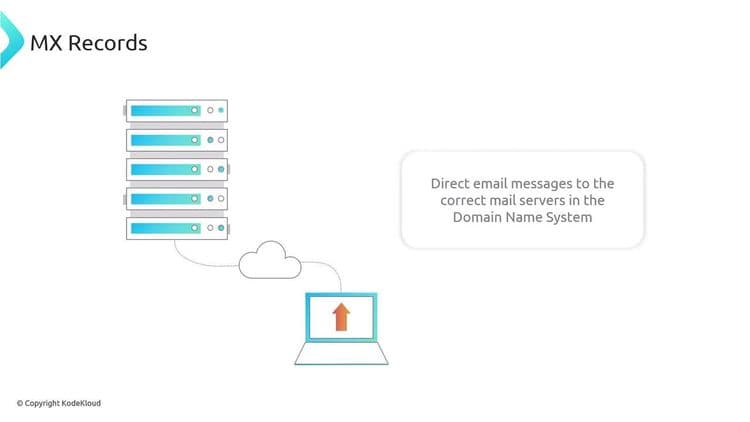
If 550s are showing up across multiple recipients, or across mail leaving your entire domain, treat it as a domain-level problem before you look at any single message. Google Admin Toolbox's Check MX tool, run from the Google Admin Console, is the recommended first diagnostic step for this scope. It checks your domain's MX records, and it flags SPF, DKIM, and DMARC configuration problems that would explain a wave of 5.7.26 rejections rather than one. According to official Google Workspace documentation, Google publishes an official list of causes that do and do not trigger a 550 error, which is useful context once Check MX has narrowed the problem to your domain.
SMTP relay and individual-message checks
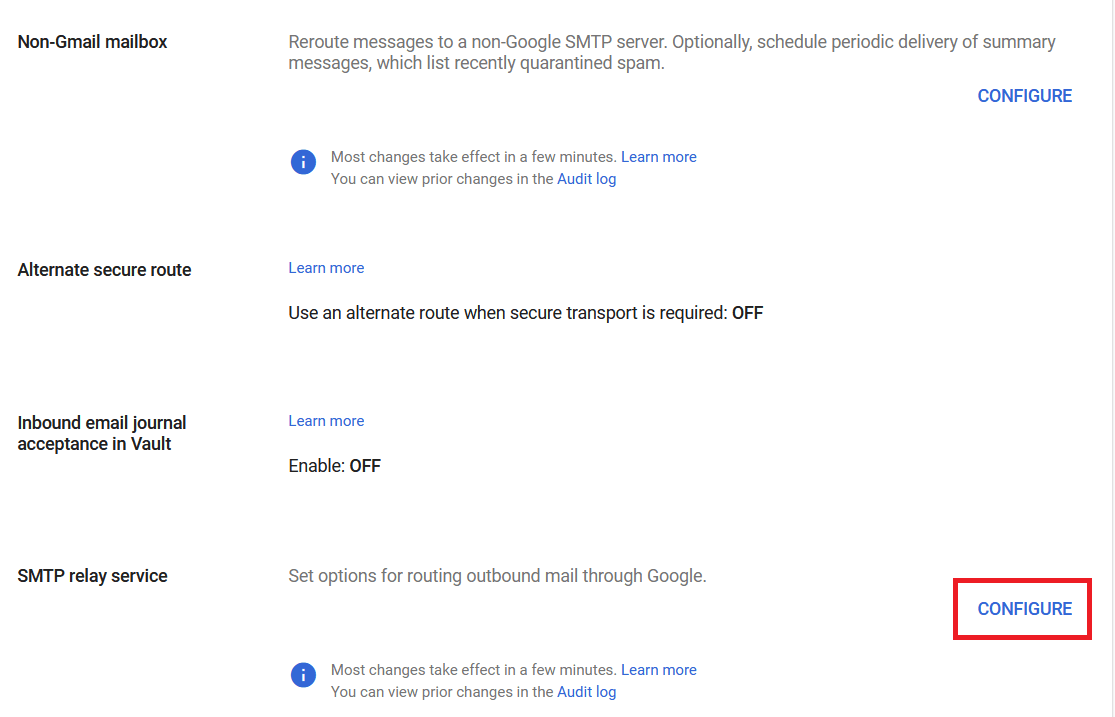
If the 550s are tied to mail routed through Google Workspace's SMTP relay service rather than mail sent directly from Gmail, treat it as a relay problem. The fix usually sits under Admin Console > Apps > Google Workspace > Gmail > Routing > SMTP relay service. The most common cause here is a mismatch between the sender IPs you've allowed and the authentication or TLS settings configured for that relay. A device or app sending through the relay with the wrong IP or the wrong auth mode will 550 consistently, even though the recipient address is fine.
For a single message rather than a pattern, isolate it. Confirm the recipient address is spelled correctly, and send the identical message to a different, known-good address. Then check whether the content itself, attachments, embedded links, or formatting, is what's tripping a policy filter. If the same message reaches a second recipient cleanly, the problem was never domain-wide. You're looking at either a bad address or a Workspace-admin state on that one account. A related, narrower error worth ruling out separately is 550 5.7.515 Access Denied, which produces its own distinct bounce text and fix.

FAQs
What does "550 permanent failure" mean in Gmail or Google Workspace?
It means the receiving mail server made a final decision to reject the message and won't retry it, per RFC 5321's definition of SMTP code 550. In Google Workspace, the enhanced status code that follows, 5.1.1, 5.7.1, or 5.7.26 most often, tells you the actual cause. It's either a missing mailbox, a policy or reputation block, or a failed SPF, DKIM, or DMARC check.
What's the difference between a permanent and a temporary email failure?
A permanent failure (550, or 5.x.y) means the receiving server has made a final call and resending the same message produces the same rejection. A temporary failure (450, or 4.x.y) means the server deferred the message, usually due to a full mailbox, a rate limit, or a brief outage. It expects the sender to retry later without changes.
What does a 5.7.26 error mean in Google Workspace?
It means the message arrived without valid SPF, DKIM, or DMARC authentication, or with an authentication result that failed alignment. This is the enhanced status code Google and Yahoo enforce most strictly under their bulk-sender requirements. It's a sender-side fix: correct your domain's DNS records rather than treating the recipient address as bad.
Can a 550 error be fixed, or should the address be removed?
It depends on which side caused it. A 5.1.1, or a Workspace account that's suspended, renamed, or never provisioned, means the address should be suppressed permanently. A 5.7.1 or 5.7.26 usually means your own authentication or reputation caused the block. Fixing SPF, DKIM, or DMARC and resending to the same address is the correct move.
Why does a Google Workspace user get a 550 error even though their account looks active to me?
Because the account status you remember may not match its current state. An admin may have suspended the user or renamed the account without leaving a forwarding alias. Or the address you're using may never have actually been provisioned in that Workspace org, even though it matches the company's normal naming pattern.