Best Email Verifier for Mailchimp: Clean Your List Before You Send
 BounceCheck Team
Before your next send Find the addresses that will bounce.
Verify an email freeMailchimp will happily send your campaign to every address in your audience, including the dead ones. It does a few checks of its own, but it will not tell you which contacts are fake, expired, or sitting on a spam trap. If you are hunting for the best email verifier for Mailchimp, the real question is what Mailchimp already does, what it leaves to you, and which tool fills the gap. Here is the breakdown.
Does Mailchimp already verify your emails?
Up to a point. Mailchimp runs a few basic checks, but only at two moments: when someone joins your audience and when you import contacts.
At those moments Mailchimp can spot obvious syntax errors like a missing @ or a broken domain, flag some role-based addresses such as info@ or sales@, and block addresses that have already hard-bounced inside Mailchimp before. It also authenticates your sending domain, which protects your sender identity.
What it does not do is check whether a mailbox actually exists, detect spam traps reliably, spot disposable or temporary addresses, or clean an existing audience in bulk. There is no button inside Mailchimp to validate a list you already have. So Mailchimp does some validation, but it is not list verification.
Reactive checks vs proactive verification

The difference comes down to timing. Mailchimp's checks are reactive: it waits for a problem to happen, a bounce or a complaint, and then reacts by suppressing that address. By then the damage to your sender reputation is already done.
A dedicated verifier is proactive. It tests every address before you send, so the bad ones never get a campaign in the first place. For deliverability, that gap in timing is the whole game. Mailchimp even points to it: its own integrations directory lists third-party verifiers as the way to clean a list, because the platform handles sending, not list hygiene.
What a dirty Mailchimp list actually costs you
Sending to unverified contacts is not a neutral choice. It costs you in three ways:
- Sender reputation: every bounce and spam complaint tells mailbox providers you are careless with your list, and inbox placement drops for everyone on it.
- Wasted spend: Mailchimp bills by the size of your audience, so dead and invalid addresses are contacts you pay to store and never reach.
- A false sense of safety: authenticating your domain protects your identity, but it does nothing for the addresses on your list. You need a verified domain and a verified list.
How to verify a Mailchimp list in 5 steps
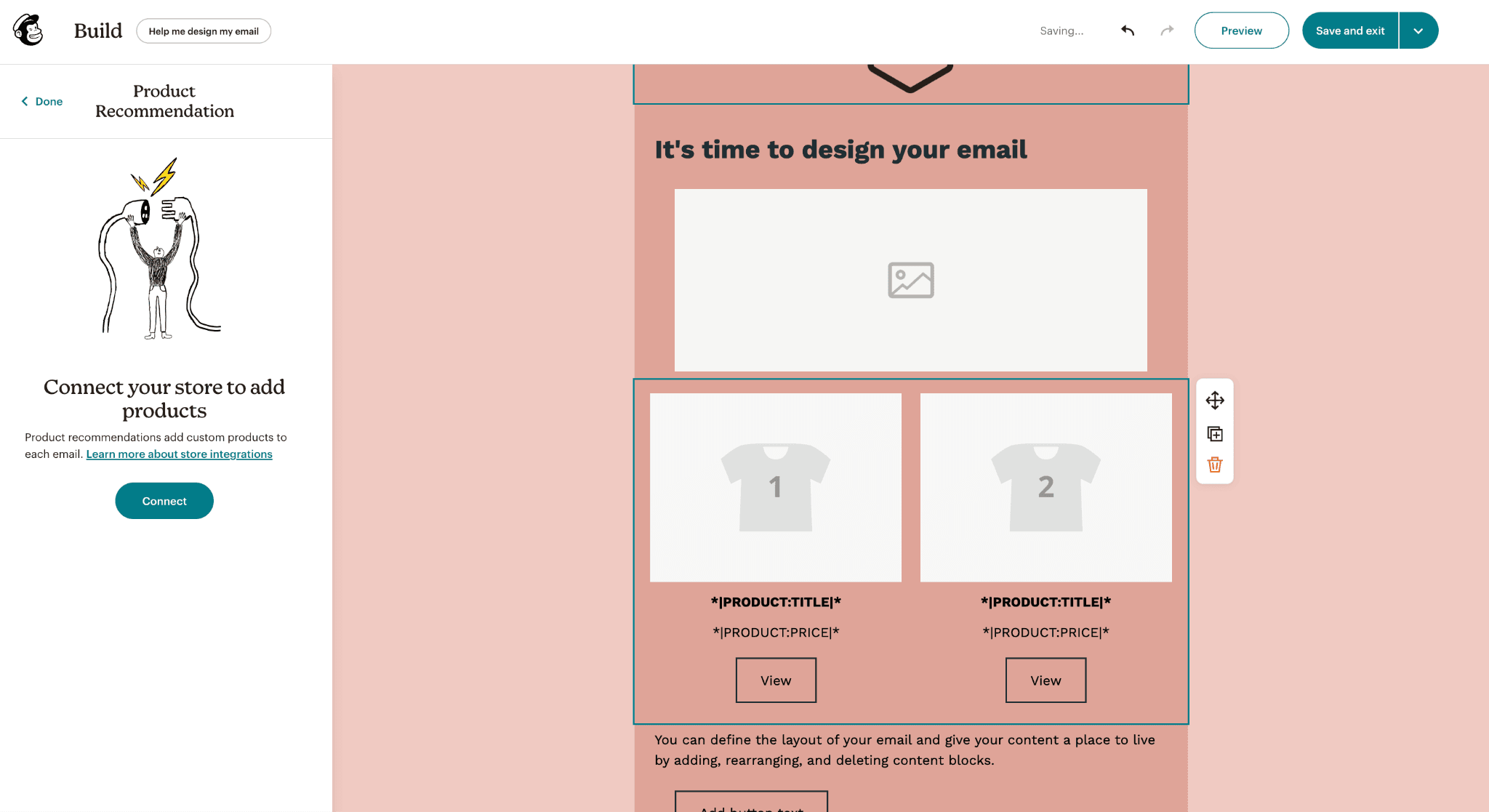
You do not export a CSV and wrestle with spreadsheets. A verifier connects straight to Mailchimp and hands the clean list back. The flow looks the same across most tools.
1. Connect the verifier to Mailchimp
Log into the verifier and choose Mailchimp from its integrations. The connection takes seconds and pulls in your audiences securely.
2. Import the audience you want to check
Pick a full audience or a single segment. The verifier scans it for invalid addresses, undeliverable domains, disposable emails, and risky addresses that cause bounces.
3. Review the results
You get a clear status for every address: safe to send, invalid, or risky. Nothing goes back to Mailchimp until you have seen it.
4. Push the clean list back to Mailchimp
Export the results back with one click. The verifier writes tags and statuses into your audience, so you can build segments and exclude bad addresses from future sends without any copy-paste.
5. Send with a clean list
Now your campaign goes to real inboxes. Bounces drop, deliverability improves, and your sender reputation stays intact.
Connecting a verifier to Mailchimp
There are two common ways to make the connection, plus an automation option:
- Mailchimp login: authorize the verifier through your Mailchimp account in a couple of clicks, with no technical setup.
- API key: generate a key in Mailchimp under Account, then Extras, then API keys, and paste it into the verifier for tighter control.
- Zapier, Make, or n8n: for ongoing automation, route new Mailchimp contacts through a verifier with a no-code Zapier or Make flow, or a self-hosted n8n workflow, so the list stays clean over time.
Email verifiers that work with Mailchimp
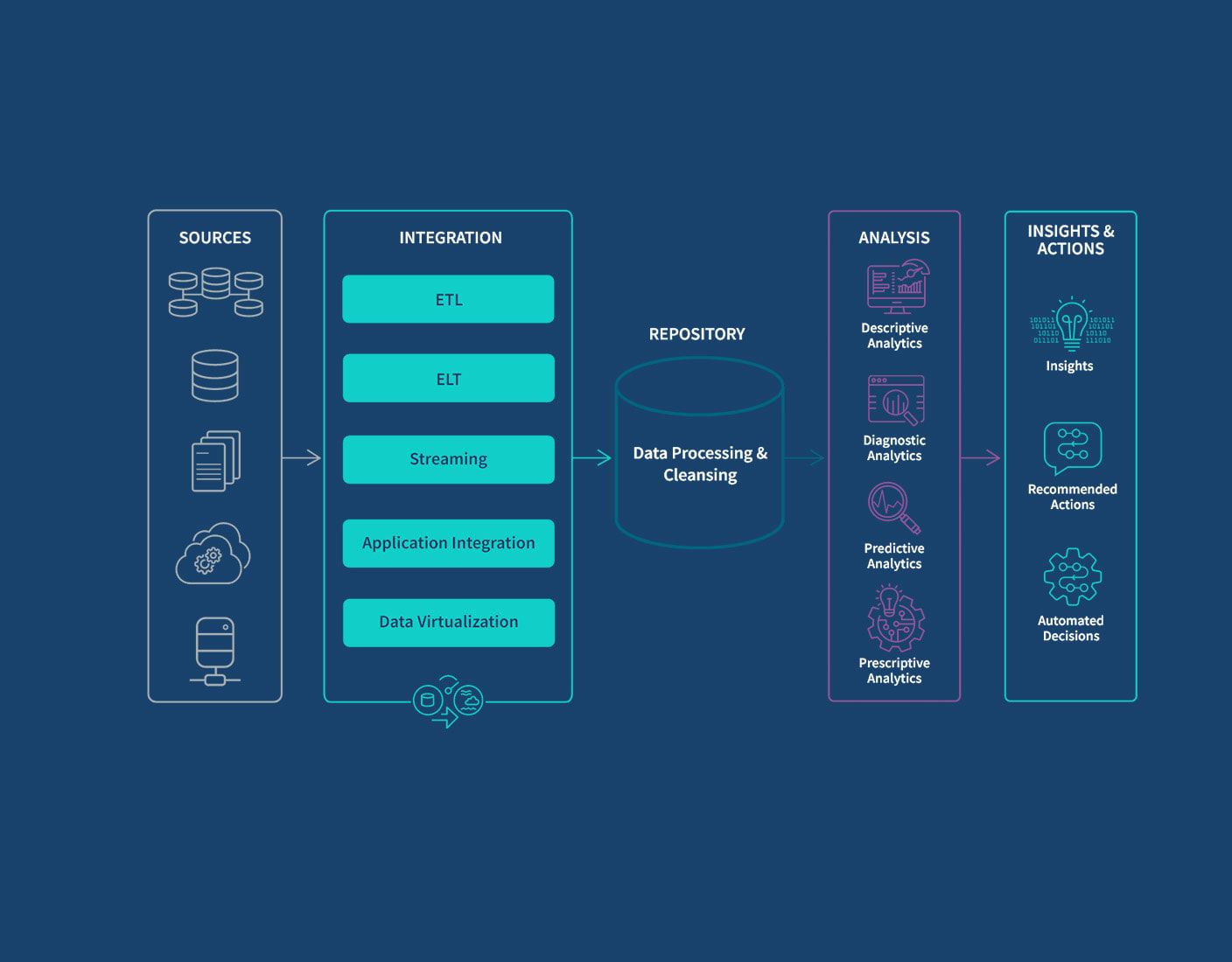
There is no single best email verifier for Mailchimp. The right one depends on whether you mostly clean lists in bulk, verify at signup, or want extra deliverability tooling. These tools all connect to Mailchimp:
| Verifier | How it connects | Best for |
|---|---|---|
| BounceCheck | Bulk upload, API, Zapier, Make and n8n | Simple, accurate bulk list cleaning before a send |
| Bouncer | Native Mailchimp integration | Fast bulk cleaning with deep catch-all checks |
| Kickbox | Native Mailchimp integration | Reducing Mailchimp bounce rates before you hit send |
| ZeroBounce | Native Mailchimp integration | Cleaning plus spam-trap and activity data |
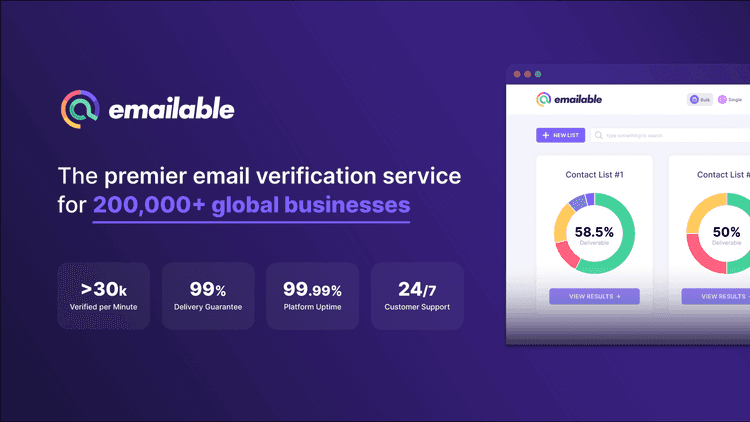
| Emailable | Native Mailchimp integration | Real-time validation and scheduled monitoring |
| MailerCheck | Native Mailchimp integration | List cleaning paired with content and inbox checks |
Pick the one whose workflow matches how messy your list gets, not the longest feature list.
Choosing the right verifier for your audience
If your audience grows mostly through signup forms, lean toward a tool with real-time validation so typos never land. If you import or inherit lists, a strong bulk verifier matters more, and you should run it before every big campaign rather than once a year.
The point is not the tool's badge count, it is a clean audience that protects the sender reputation you have spent time building. If you just want to scrub a Mailchimp list before a send without a complicated setup, that is what BounceCheck is built for: connect, clean, and send the good contacts back.
Before you hit send: common questions
Does Mailchimp verify email addresses on its own?
Only partly. Mailchimp runs basic checks at signup and import (syntax, some role-based flags, and addresses that already hard-bounced inside Mailchimp) and authenticates your sending domain. It cannot confirm a mailbox exists, catch spam traps, or clean an existing audience in bulk.
Why does Mailchimp point me to a third-party verifier?
Mailchimp's own integrations directory lists external verifiers as the way to clean a list. The platform is built for sending and automation, not list hygiene, so it leaves verification to dedicated tools that connect to your account.
Will verifying my list lower my Mailchimp bounce rate?
Yes. Removing undeliverable and risky addresses before you send cuts bounces and spam complaints, which protects your deliverability and sender reputation over time.
Do I have to export a CSV to verify a Mailchimp list?
No. A verifier connects through your Mailchimp login or an API key, pulls the audience directly, and writes tagged results back, so there is no CSV copy-paste.
§ Before your next send
Find the addresses that will bounce
Verify a single address free, or upload a CSV — the free plan includes 50 checks a month, no card needed.

BounceCheck Team
The team behind BounceCheck - helping businesses verify emails and improve deliverability.