Best Email Verifier for HubSpot: How to Keep Your CRM List Clean
 BounceCheck Team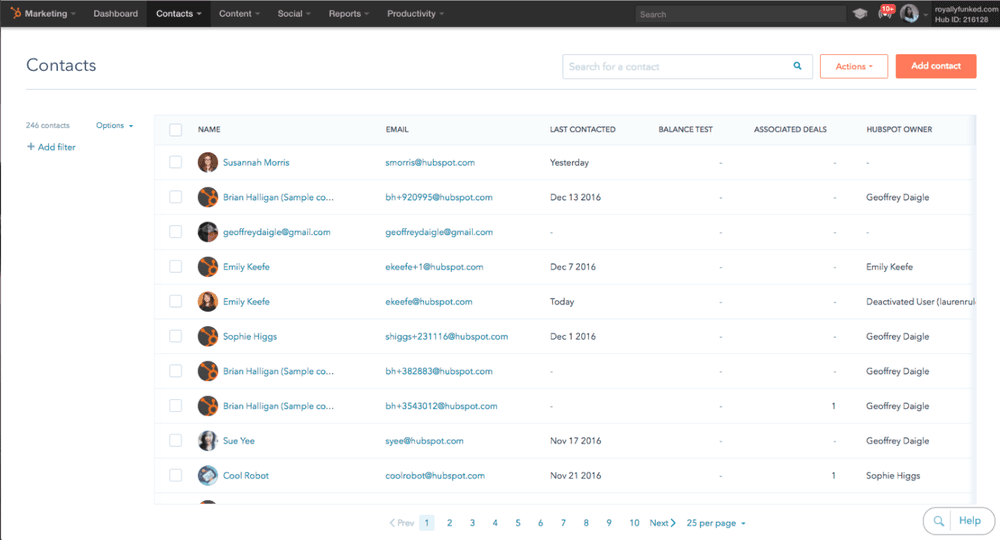
Before your next send Find the addresses that will bounce.
Verify an email freeYou connected HubSpot, imported your contacts, and started sending. Then the bounce notifications rolled in. If you are searching for the best email verifier for HubSpot, you have probably already noticed that a clean contact list is not something HubSpot fully handles on its own. This guide covers what HubSpot checks by default, where it stops, and how to plug the gap with a dedicated verifier.
So does HubSpot already validate emails?
Partly, and it helps to be precise about what those checks actually are.
When someone fills in a HubSpot form, the platform runs a basic format check and can block obviously fake or disposable submissions. HubSpot also asks you to verify the sending address and authenticate the domain you mail from, which protects your sender identity. Those features matter.
What HubSpot does not do is clean the contacts already sitting in your CRM. It will not ping a mailbox over SMTP, resolve a catch-all domain, flag a role-based address like info@ or sales@, or tell you which of your imported contacts have quietly gone dead. That is list verification, and it is a separate job from the format check at the form. The built-in handles the front door. A verifier handles the database behind it.
Where invalid emails get into your HubSpot CRM
Bad addresses rarely arrive all at once. They accumulate from a handful of predictable sources:
- Form fills with typos: a format check passes gmial.com because the syntax is valid, but the mailbox is not.
- List imports: bought, scraped, or inherited spreadsheets drag old and invalid contacts straight into your CRM.
- Sales-entered contacts: reps typing addresses off business cards or LinkedIn introduce errors HubSpot has no way to catch.
- Plain decay: people change jobs, inboxes close, and domains expire, so even a list that was clean last year rots over time.
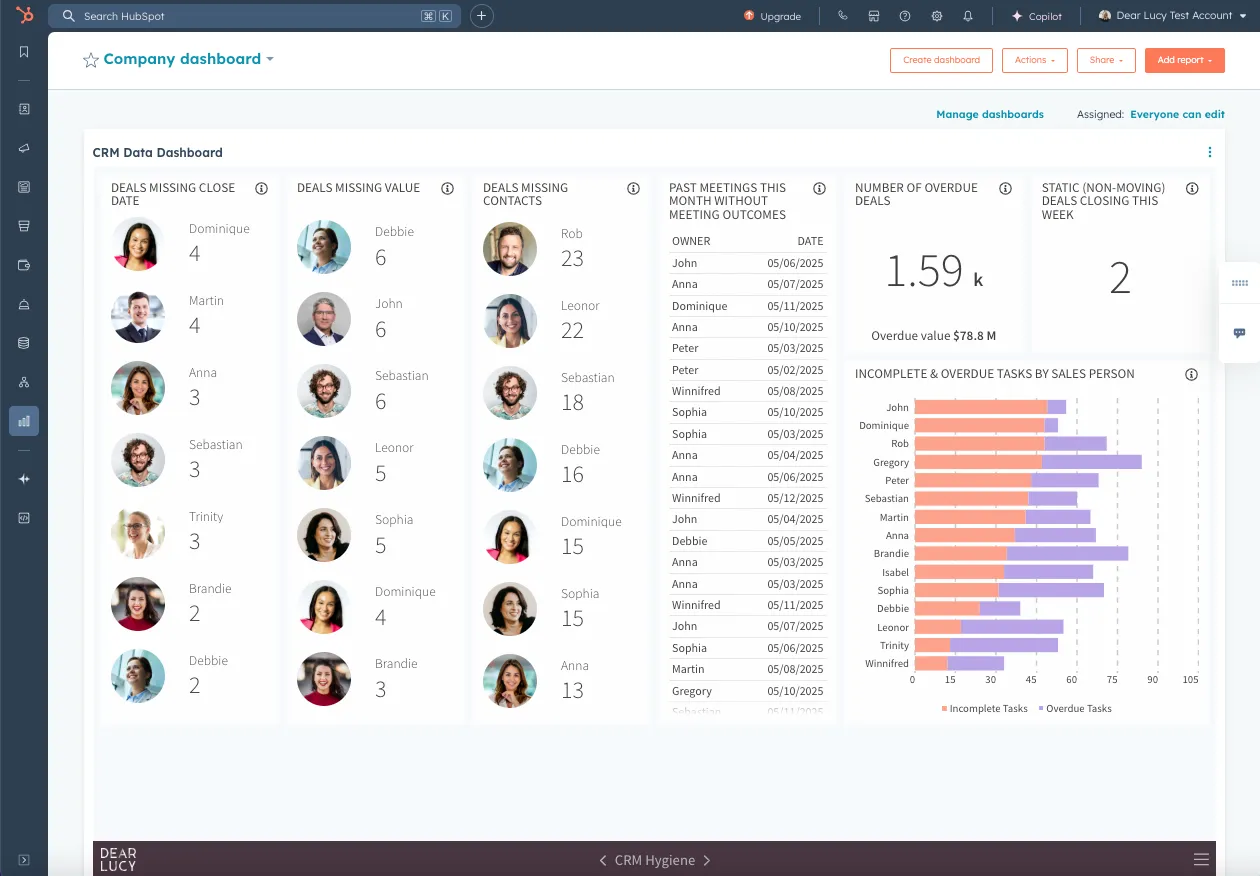
Every one of those addresses still sits in your CRM as a contact you store and try to mail, and because HubSpot prices around marketing contacts, a bloated list can mean paying to keep people who will never open anything.
What a dedicated email verifier checks
A verifier runs layers of checks that go well past a syntax test:
- Syntax and format: catches malformed addresses before anything else.
- Domain and MX records: confirms the domain can actually receive mail.
- SMTP response: pings the mailbox to see whether it really exists.
- Catch-all detection: flags domains that accept everything, so nothing bounces visibly.
- Disposable and role-based addresses: the temporary inboxes and shared aliases that drag down engagement.
- Spam traps: planted addresses that can land you on a blacklist.
Worth setting expectations here. Independent benchmarks show even the strongest verifiers land around 70 percent accuracy on mixed business data, and accuracy drops further on enterprise domains that block SMTP lookups behind security gateways. No tool is perfect, but removing the clearly invalid addresses is what protects your bounce rate.
Two ways to verify emails in HubSpot

There are two moments where verification fits into HubSpot, and most teams need both.
Real-time, at the point of capture
This validates an address the instant it enters HubSpot. Tools embed a JavaScript widget on your HubSpot forms or chatflows, so a typo gets caught before the contact is ever created. It keeps junk out of the CRM in the first place.
Bulk, before you send
This cleans the contacts you already have. You select a list, run it through the verifier, review the results, then suppress or remove the bad addresses before your next campaign. This is the routine hygiene pass, and it is the core split between real-time and bulk verification: one guards the door, the other cleans the room.
Connecting a verifier to your HubSpot workflow
How a verifier plugs in depends on the tool and how technical your team is:
- Native app: many verifiers ship a HubSpot marketplace app that tags each contact with a quality result and can run automatically on new contacts, usually set up in under ten minutes with no developer.
- Form widget: a snippet of JavaScript on your HubSpot forms validates each address at submission.
- Workflows and Operations Hub: trigger verification inside a HubSpot workflow, then branch on the result to route, suppress, or score the contact.
- API: for custom setups, call the verifier's API directly from your own stack.
- Zapier, Make, or n8n: when there is no native connector, a no-code automation, or a self-hosted n8n workflow, passes new contacts to the verifier and writes the result back.
If you already automate intake through tools like Zapier, adding a verification step is a small change with an outsized payoff.
Email verifiers that integrate with HubSpot
There is no single best email verifier for HubSpot. The right pick depends on whether you need real-time capture, bulk cleaning, or both. These are the tools most commonly integrated with HubSpot and what each is known for:
| Verifier | HubSpot integration | Known for |
|---|---|---|
| BounceCheck | Bulk upload, API, Zapier, Make and n8n | Simple, accurate bulk list cleaning before you send |
| Hunter | Native app, API, Sheets add-on | Highest accuracy in recent benchmarks, all-in-one outreach |
| Clearout | Native real-time on forms and chatflows | Point-of-capture validation, catch-all resolution |
| Kickbox | Native app, real-time and bulk | Setup in under ten minutes, deliverability consulting |
| ZeroBounce | Native app, 40 plus integrations | Spam-trap and activity data, enterprise compliance |
| NeverBounce | Native app, daily Sync | Automated list hygiene for frequent senders |
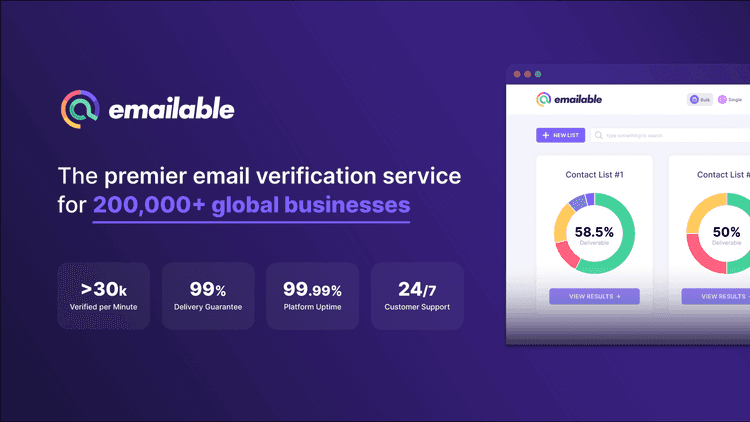
| Emailable | Native app, real-time widget | Scheduled monitoring, fast bulk runs |
Match the integration type to the problem you actually have, not to the longest feature list.
Matching the tool to how you use HubSpot
If most of your bad data comes in through forms, prioritize a verifier with strong real-time validation at the point of capture. If you inherited a large list or import contacts in batches, a solid bulk verifier matters more, and you should run it on a schedule rather than once. Teams that do both will want a tool that covers real-time and bulk without forcing a second subscription.
Whatever you choose, the goal is the same: keep the addresses HubSpot stores and mails as clean as the campaigns you write for them. A verifier is the cheapest insurance you can buy against a damaged sender reputation. If you mainly need to scrub a HubSpot list before a send without a heavy setup, that is the job BounceCheck is built for: upload the list, clean it, and push the good contacts back.
Quick answers before you choose
Can HubSpot verify the emails already in my CRM?
Not on its own. HubSpot runs a format check at forms and verifies your sending address, but it does not bulk-clean existing contacts. For that you need a dedicated verifier that runs SMTP and catch-all checks across your lists.
How often should I verify my HubSpot contact list?
Every one to three months, and before any major campaign. Lists decay continuously as people change jobs and close inboxes, so a single clean-up does not stay clean for long.
Will verifying emails lower my HubSpot bounce rate?
Yes. Removing invalid and risky addresses before you send cuts bounces and spam complaints, which protects your sender reputation and inbox placement over time.
Do I need a developer to set up email verification in HubSpot?
Usually not. Most verifiers offer a native HubSpot app you can connect in under ten minutes, with API access available if you want a custom workflow.
§ Before your next send
Find the addresses that will bounce
Verify a single address free, or upload a CSV — the free plan includes 50 checks a month, no card needed.

BounceCheck Team
The team behind BounceCheck - helping businesses verify emails and improve deliverability.