Multiple SPF Records: Why They Break Email and How to Fix Them
 BounceCheck Team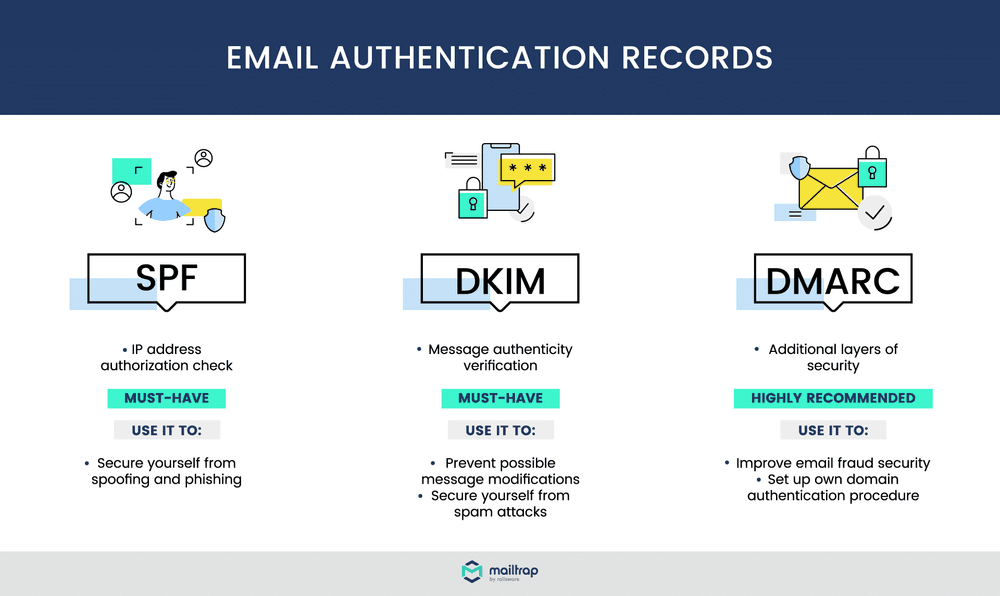
Before your next send Find the addresses that will bounce.
Verify an email freeA domain can have only one SPF record. If two or more TXT records on the same domain start with v=spf1, SPF fails with a PermError, and every server you authorized stops passing SPF, even the ones listed correctly. The result is that legitimate mail gets flagged as spam or rejected. The fix is not to delete a sender: it is to merge every record into one. This guide shows why multiple records break, how to find them, and how to combine them safely.
Can you have multiple SPF records on one domain?
No. The SPF specification, RFC 7208, is explicit that a domain must publish a single SPF record. When a receiving server checks SPF, it fetches every TXT record that starts exactly with v=spf1. If it finds none, the result is None; if it finds more than one, the result is PermError, and authentication cannot continue.
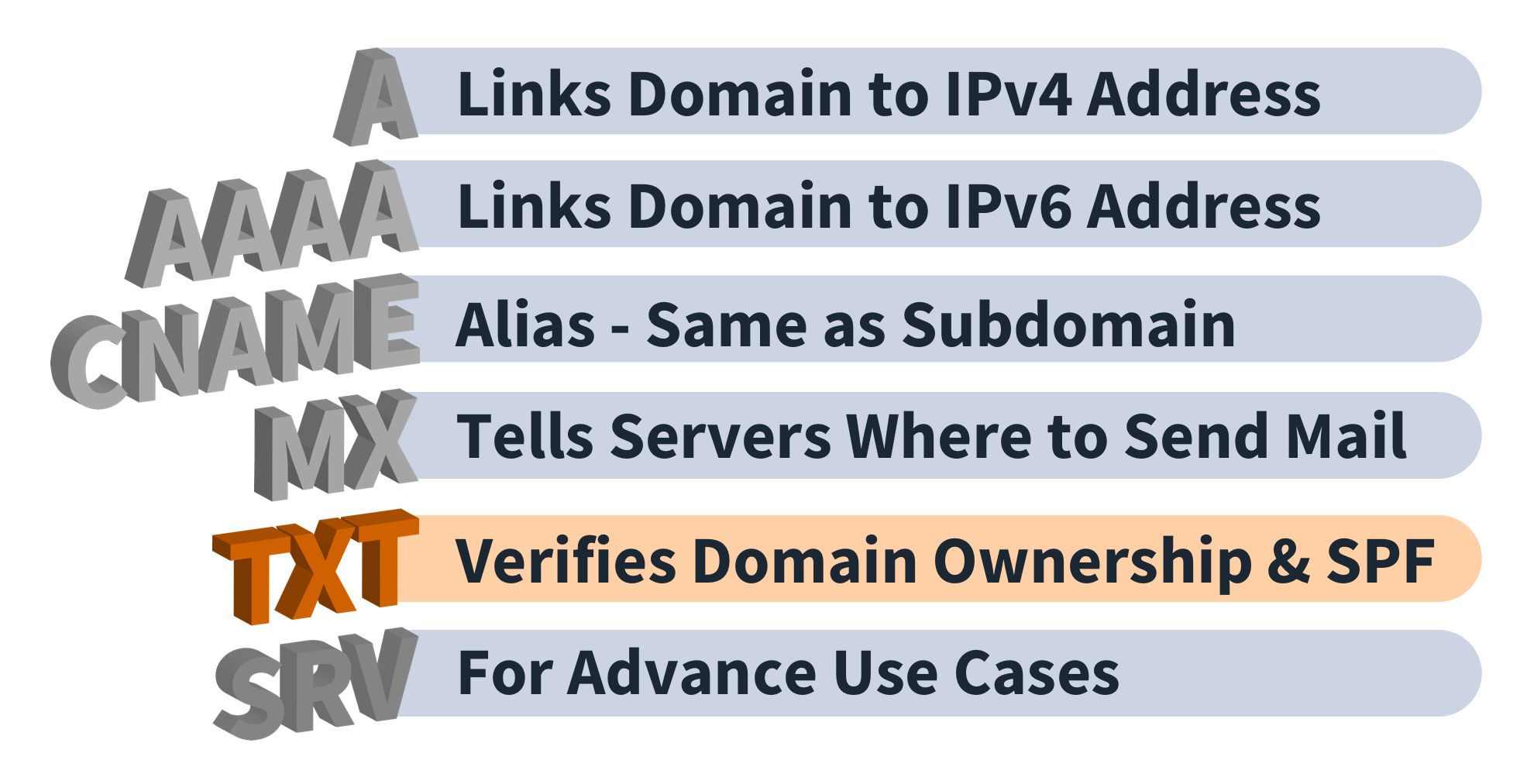
One point of confusion: a domain can hold many TXT records for other purposes (domain verification, DKIM, and so on). Only one of them may begin with v=spf1. So the problem is never "too many TXT records," it is two or more SPF records specifically. For the wider picture of how the record fits with the rest of authentication, see our guide to SPF, DKIM, and DMARC.
What happens when you have multiple SPF records
Two SPF records do not combine or "average out." Receiving servers see the ambiguity and return a permanent error, which cascades into real deliverability damage:
- Every authorized sender is invalidated at once, because the whole SPF check errors out rather than reading either record.
- Receiving servers may reject the message outright as a precaution, even when one of the records would have authorized it.
- Mail that is not rejected is more likely to land in the spam folder.
- Repeated SPF failures erode your sender reputation over time, so future sends face more scrutiny.
- Your team spends avoidable hours troubleshooting instead of shipping.
The most common way this happens is adding a new record per email service instead of editing the existing one. You set up Google Workspace, then later add SendGrid or Mailchimp, and each setup guide tells you to "add an SPF record," so you end up with two.
How to check if you have multiple SPF records
You may have two records and not know it, because mail still flows to some recipients while others silently reject it. Confirm your current state before changing anything:
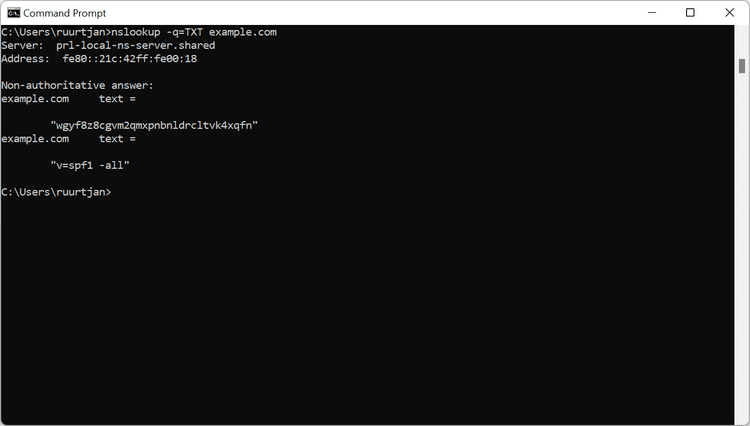
- Run a DNS lookup. On the command line use
dig txt yourdomain.comornslookup -type=TXT yourdomain.com, or use a web tool like MXToolbox or Google Admin Toolbox. - Count the v=spf1 entries. More than one line starting with v=spf1 for the same name is the problem, full stop.
- Check subdomains too. A subdomain can carry its own separate SPF record that fails independently of the root domain.
How to merge multiple SPF records into one
To merge multiple SPF records, combine every mechanism from your existing records into one v=spf1 line that ends in a single all qualifier, then delete the old records in DNS. Once you can see every record, work through it in order.
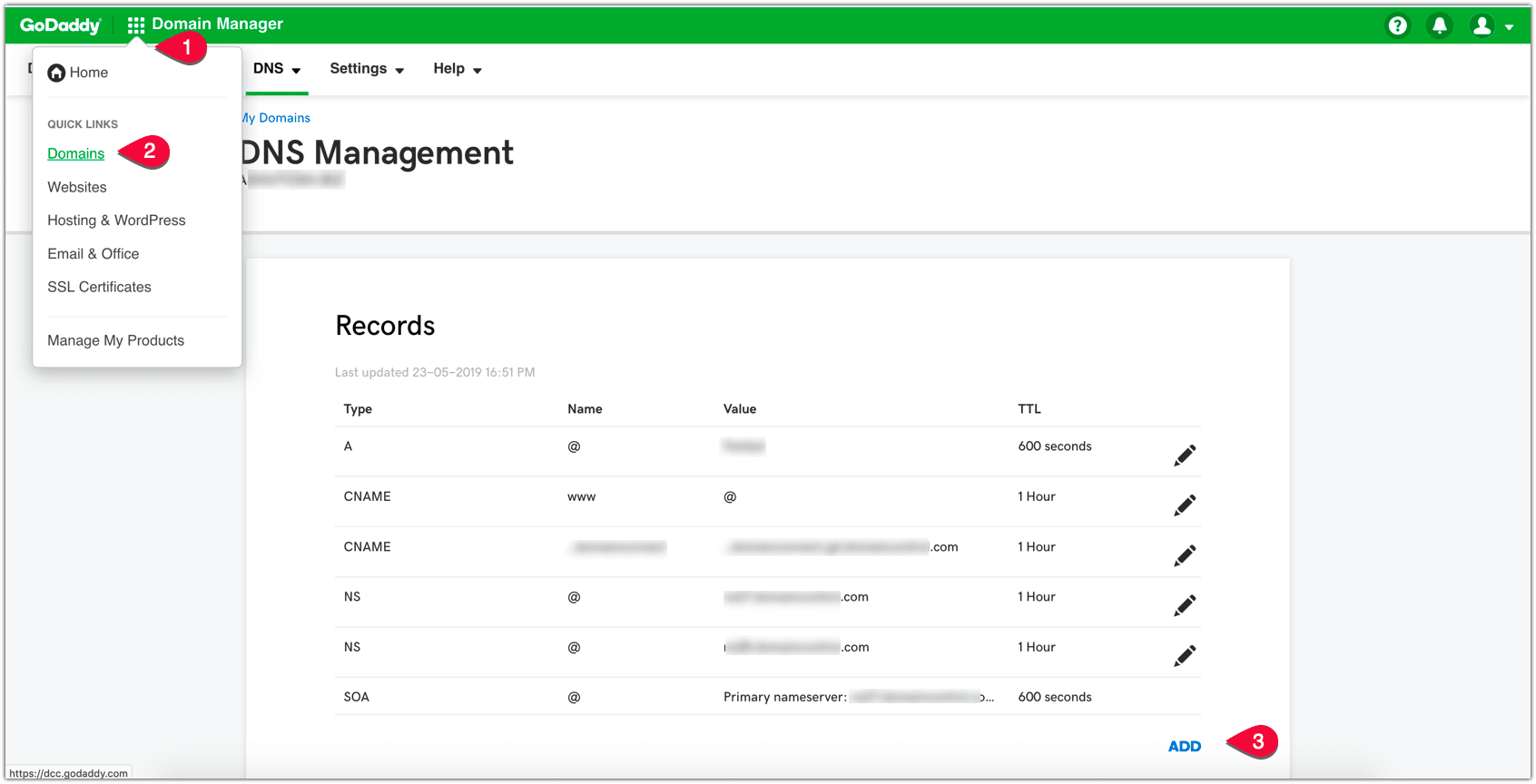
- Compile every existing SPF record on the domain and its subdomains, and list each SPF mechanism they use (include, ip4, ip6, mx).
- Prioritize the mechanisms that authorize real senders, and drop legacy or duplicate entries for services you no longer use.
- Build one record: start with v=spf1, list every needed mechanism once, and end with a single all qualifier. If you would rather not assemble the syntax by hand, paste your existing records into our SPF generator and merge them into one record. Two records like these:
v=spf1 include:_spf.google.com -all
v=spf1 include:servers.mcsv.net -all
become one:
v=spf1 include:_spf.google.com include:servers.mcsv.net -all
- Choose one closing qualifier, either ~all or -all, and keep only that one at the end. If you are unsure which to use, our breakdown of softfail vs hardfail explains the trade-off.
- Validate the merged record with an SPF checker before publishing, so a typo does not lock out a legitimate sender.
- Replace the old records in DNS with the single merged one, then confirm only one v=spf1 entry remains. Changes can take up to 24 to 48 hours to propagate.
Watch the 10-lookup limit when you merge
Merging fixes the duplicate-record error, but it can create a second one. An SPF record is capped at 10 DNS lookups, and mechanisms like include, a, mx, and exists each count toward that ceiling. Stack enough services into one record and you cross the limit, which triggers its own PermError.
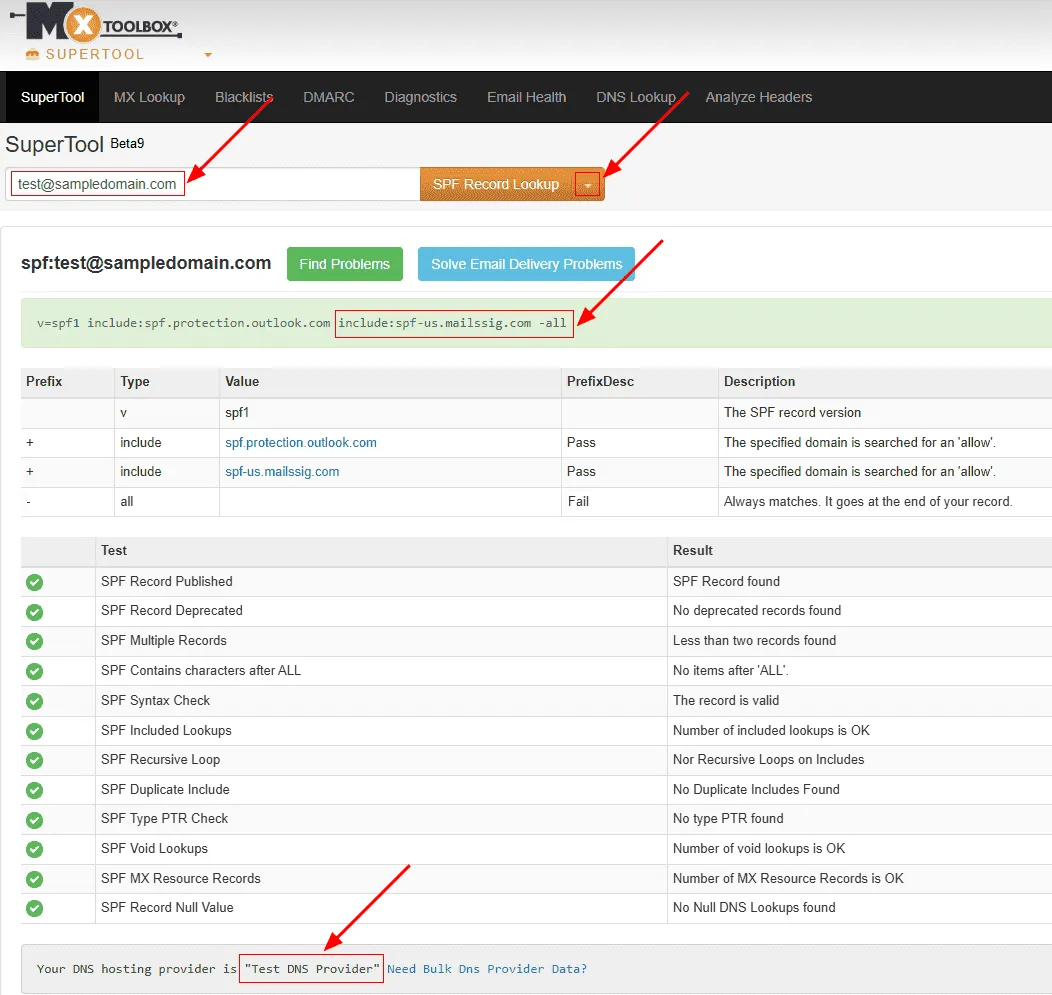
Keep the count under 10 by removing includes for services you no longer send from and auditing the record whenever you add a provider. Avoid SPF flattening (expanding includes into raw IP lists) as a quick fix, because provider IPs change and a flattened record silently goes stale. If your setup for Microsoft 365, Google Workspace, and a marketing platform genuinely needs more than 10 lookups, that is a signal to cut senders, not to stuff the record.
FAQs
Can a domain have two SPF records?
No. A domain must publish exactly one TXT record starting with v=spf1. Two or more cause an SPF PermError, which invalidates all of your authorized senders at once, not just the extra record.
How do I fix "multiple SPF records found"?
Merge them into a single record. Combine every mechanism from your existing records into one v=spf1 line, end it with a single ~all or -all, delete the duplicate records in DNS, and validate the result with an SPF checker.
Can I have multiple TXT records on my domain?
Yes. A domain can hold many TXT records for things like domain verification and DKIM. The rule applies only to SPF: just one of those TXT records may start with v=spf1.
Why do my emails fail SPF even though one record is correct?
Because SPF errors out before it reads either record. When a receiving server finds more than one v=spf1 record, it returns PermError and stops, so a correct record cannot rescue the check.
Will merging SPF records fix my deliverability instantly?
Not instantly. DNS changes can take 24 to 48 hours to propagate, and reputation recovers gradually after the errors stop. Merging removes the cause; inbox placement improves as receivers see clean SPF results again.
Before your next campaign, confirm your domain resolves to one clean SPF record, then run your list through BounceCheck so invalid addresses are not quietly dragging down the reputation your authentication works to protect.
§ Before your next send
Find the addresses that will bounce
Verify a single address free, or upload a CSV — the free plan includes 50 checks a month, no card needed.

BounceCheck Team
The team behind BounceCheck - helping businesses verify emails and improve deliverability.